Zum Inhalt springen
Agentic Workflowdocs
v0.8.2Kostenlos installieren

die app nutzen / admin

Newsletter

Write, test and send newsletter issues to subscribed members

Dieser Inhalt ist noch nicht in deiner Sprache verfügbar.

Admin

Newsletter (Admin panel › Newsletter) is where you send product news to members who subscribed. The header shows how many subscribers and issues there are. For how members subscribe, see Newsletter.
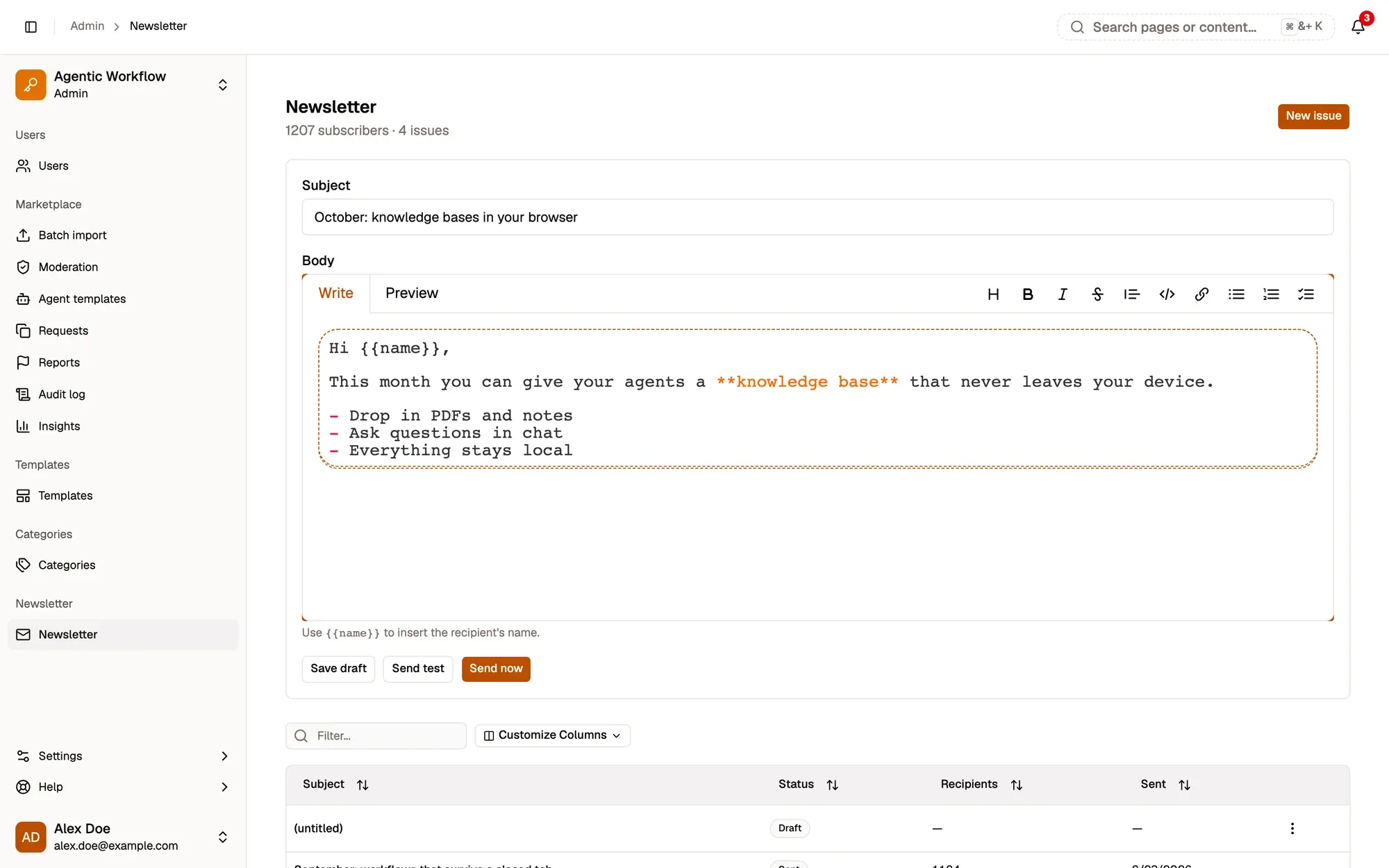
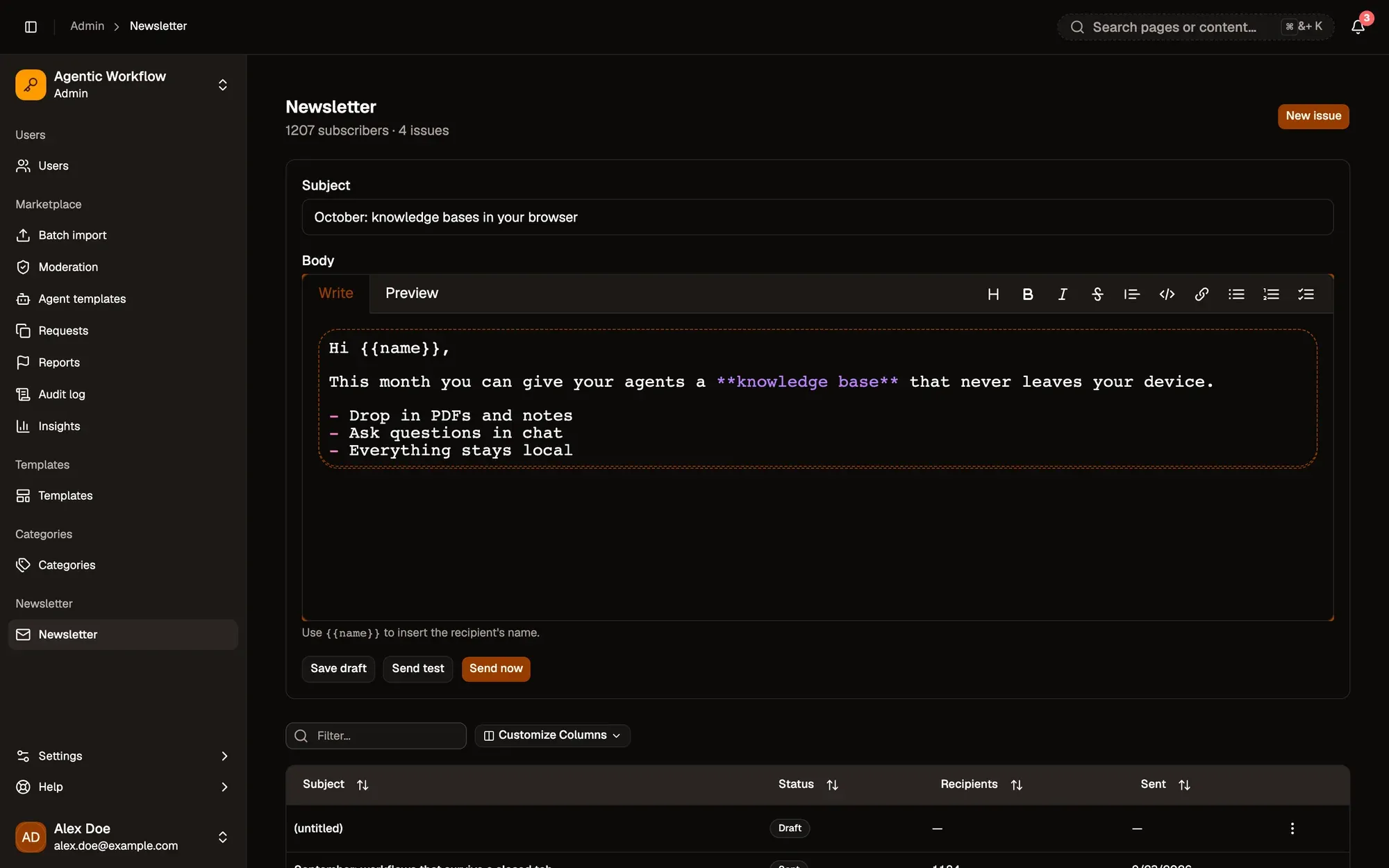
Admin panel, Newsletter, with a new draft open: the Subject field, the Markdown Body editor starting with Hi {{name}}, the hint to use {{name}} for the recipient's name, and the Save draft, Send test and Send now buttons. Admin panel, Newsletter, with a new draft open: the Subject field, the Markdown Body editor starting with Hi {{name}}, the hint to use {{name}} for the recipient's name, and the Save draft, Send test and Send now buttons.

Nummerierte Bereiche im Screenshot: 1. New issue; 2. Subject; 3. Body (Markdown); 4. Send test; 5. Send now.

Save draft keeps your work without sending. Send now stays disabled until both the subject and the body are filled in.

The table shows each issue’s Subject, Status (draft, sending or sent), Recipients and Sent date. It is your sending history.

Drafts have a ⋮ menu with Edit and Delete. Delete removes the draft immediately, without asking. Sent issues can’t be changed.

Aria fragen