Dieser Inhalt ist noch nicht in deiner Sprache verfügbar.
Sticky Notes are text blocks you can place on the canvas.
They help you (and other people) understand what your workflow does.
Add, edit and arrange a note
Section titled “Add, edit and arrange a note”Open the workflow in the editor. Everything happens on the canvas:
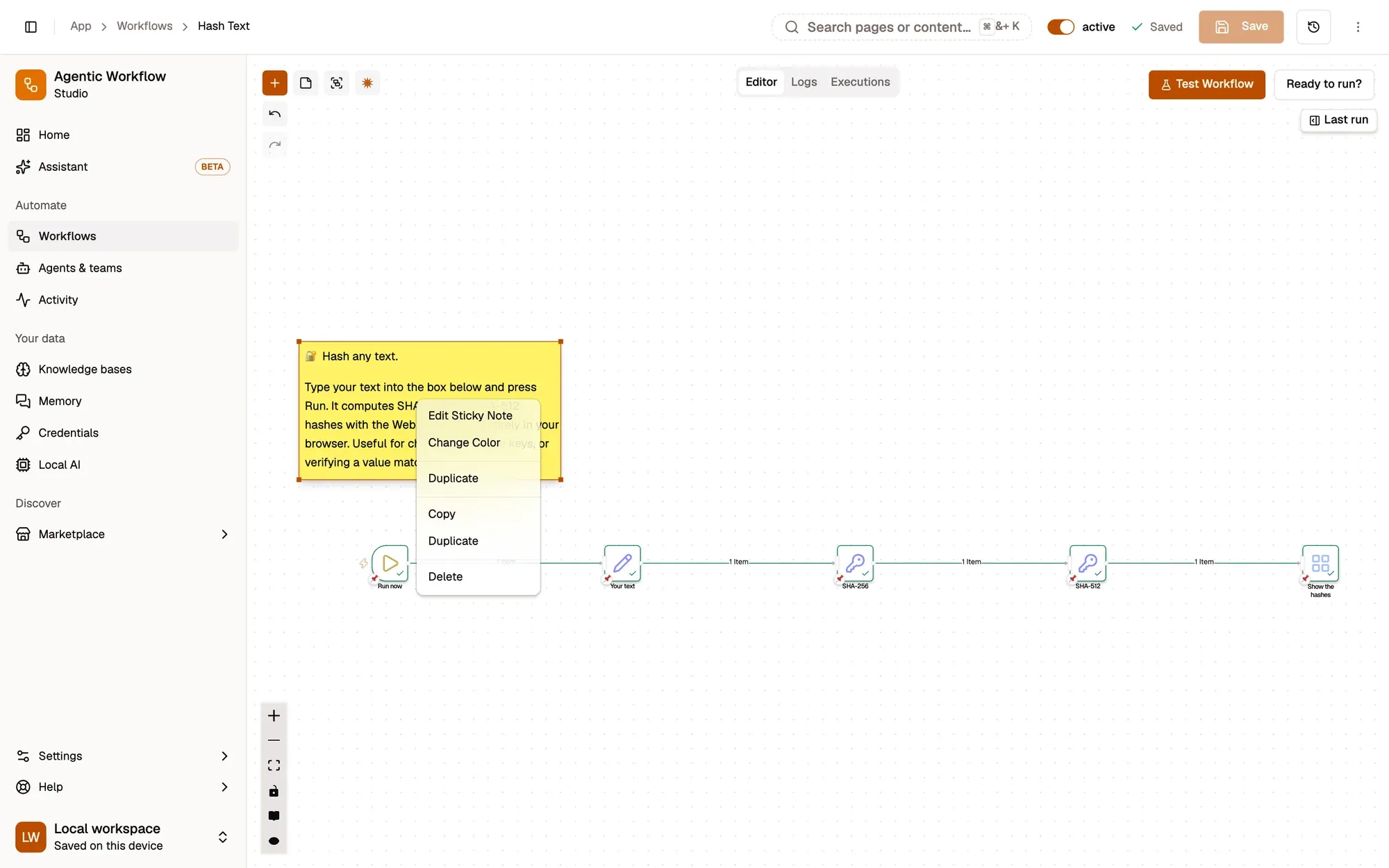
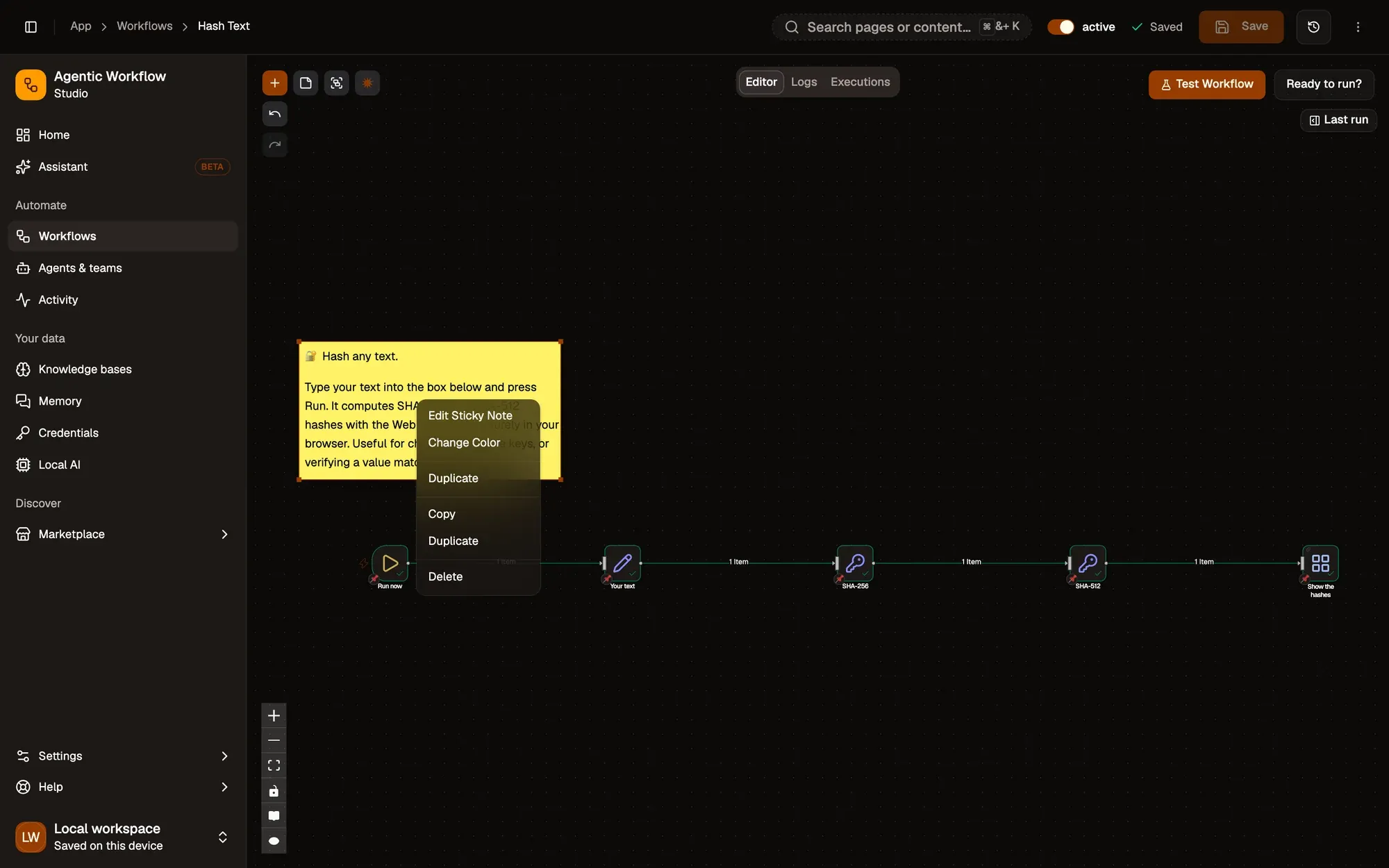
Nummerierte Bereiche im Screenshot: 1. Add sticky note; 2. A sticky note: drag to move, double-click to edit; 3. Drag a corner to resize; 4. Edit Sticky Note; 5. Change Color.
In the editor, use simple formatting (bold, headings, links, lists). Close it to save the text.
Sticky Notes support embedding YouTube videos with this syntax:
@[youtube](VIDEO_ID)For instance:
@[youtube](ZCuL2e4zC_4)This renders the embedded video directly in the note (if video embedding is allowed).
Images in notes can be displayed full width by appending #full-width after the URL, e.g.:
Tips for Effective Notes
Section titled “Tips for Effective Notes”- Use one note at the top to explain the goal of the workflow.
- Use notes to label sections (for example: “Extract”, “Clean data”, “AI summary”, “Save”).
- In shared workflows, good notes save other people time.
If you want more information on Markdown used in notes, see the guide on Markdown formatting with markdown-it, which AWFlow uses.