Dieser Inhalt ist noch nicht in deiner Sprache verfügbar.
In the app: Your data › Variables (#/app/variables)
A variable is a named value you reuse in many steps: the address of your API, the email inbox a workflow reads, the id of a spreadsheet. Write {{ $vars.NAME }} in any field; when the value changes, change it once on the Variables page.
Add a variable
Section titled “Add a variable”- Open Your data › Variables and press New variable.
- Give it a Name: letters, numbers and
_, starting with a letter or_, up to 50 characters. Names are usually written in capitals, likeBASE_URL. - Type the Value (up to 2,000 characters).
- Optional: a Description of what it is for. It is shown when someone imports a workflow that needs this variable.
- Press Save.
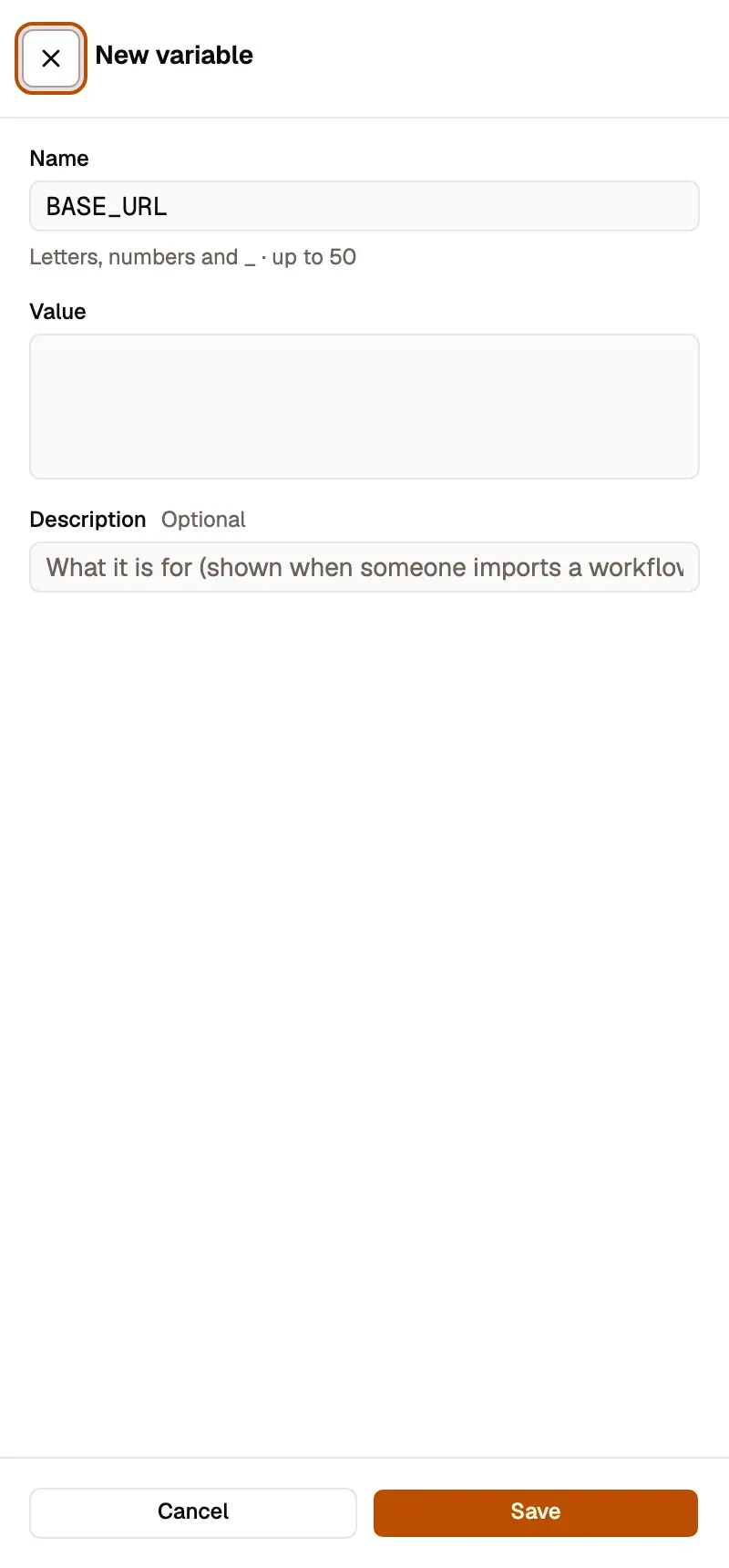
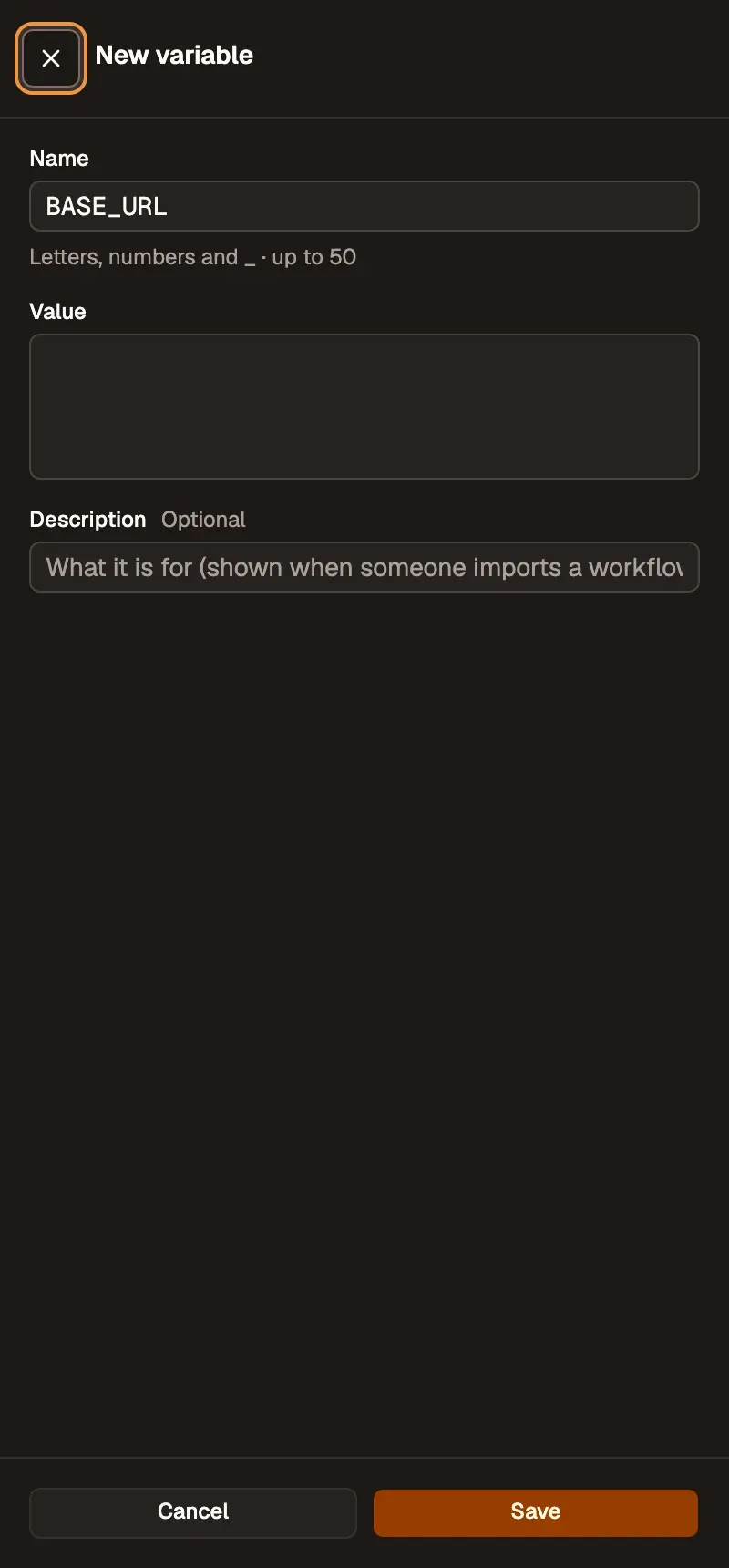
Nummerierte Bereiche im Screenshot: 1. Name; 2. Value; 3. Description (optional); 4. Save.
You can keep up to 200 variables. A value that looks like a known key format (an OpenAI or GitHub key, for example) is refused, with Store as a connection. A name like API_KEY, or a value that looks secret, shows a warning and needs Save anyway.
Use it in a step
Section titled “Use it in a step”- In an expression field, type
$vars.and pick the name from the suggestions. - Or open Use data on a field: the picker has a Variables section. Tap a variable (or drag it) to insert
{{ $vars.NAME }}. New variable… creates one without leaving the step.
{{ $vars.BASE_URL }}/orders?status=openVariables are read once, when the run starts. A run that pauses (an approval, a long wait) keeps the values it started with, even if you change them meanwhile.
A step that reads a variable nobody has set fails with a clear message and an Add NAME button; it never runs with an empty value.
The Variables page
Section titled “The Variables page”In the side panel each row shows the name, the value and how many workflows use it. On a wide screen the table shows Name, Value, Description, Used in, Location and Updated, with search and bulk delete.
- Edit opens the same sheet as New variable.
- Delete says which workflows use the variable and will break. A variable no workflow uses says “No workflow uses it”.
- A link such as
#/app/variables?new=BASE_URLopens the sheet with the name filled in.
On this device and in your account
Section titled “On this device and in your account”Variables live where the workflow lives:
- A workflow on this device reads the variables kept on this device.
- A workflow in your account (cloud) reads the variables of your account.
When you are signed in, a name missing in one place is read from the other. If the same name has two different values, the page flags it with differs.
Share and import
Section titled “Share and import”When you export or publish a workflow, the file lists the variables it needs (names and descriptions, never the values). After an import, Ready to run lists each one as Set NAME, with the author’s description, and lets you set it in place.
Related
Section titled “Related”- Data store: values that workflows write while they run (counters, last-seen ids). Variables are values you set.
- Expressions: where
$varsfits with$input,$('Step')and the other references.