Ce contenu n’est pas encore disponible dans votre langue.
In the app: open your workflow, agent or team in the Marketplace › Performance tab. To share stats as an installer: the Install dialog, or Settings › Privacy › Help marketplace authors.
When you share a workflow, an agent or a team on the marketplace, you can’t see how it does on other people’s devices: whether it runs, how often it fails, and why. With this feature, people who install it can choose to send anonymous daily stats about it. You then see the result on a private Performance tab of its Marketplace page, once enough installs share stats that no single person can be singled out.
For authors: the Performance tab
Section titled “For authors: the Performance tab”Open the Marketplace page of something you published: from Marketplace, or from My published workflows for a workflow. Above the page you see two tabs: Marketplace page (what everyone sees) and Performance. Only you see the Performance tab. Nobody else, installers included, sees these numbers.
You need to be signed in with the account that published it.
An agent or a team
Section titled “An agent or a team”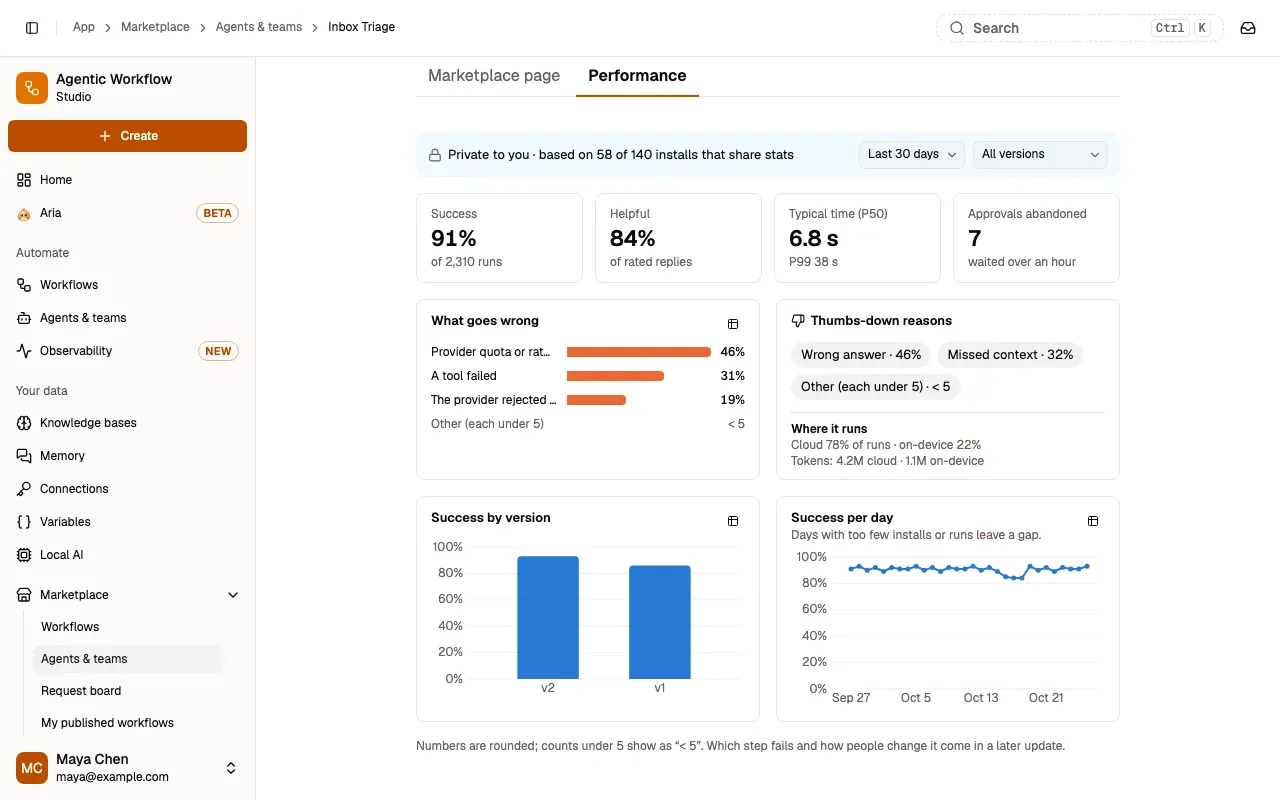
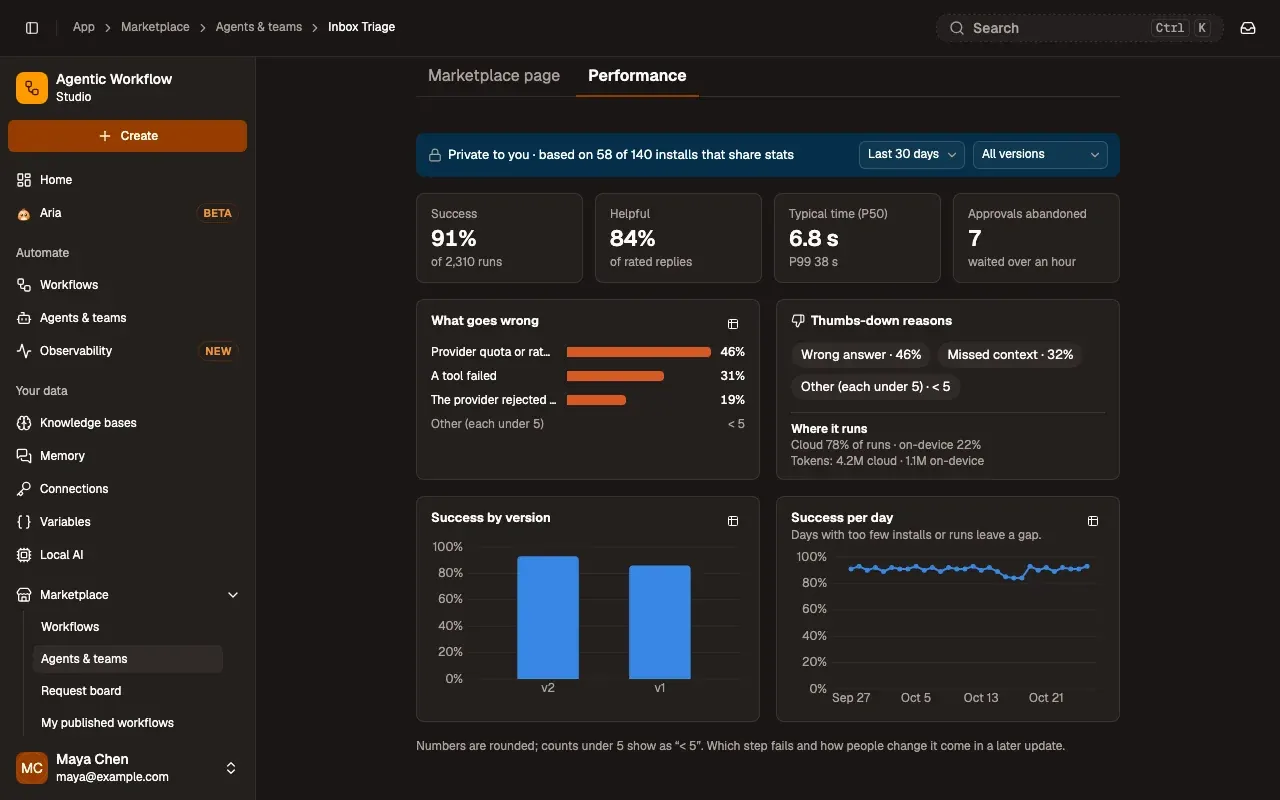
Zones numérotées de la capture d'écran : 1. Private to you · based on 58 of 140 installs; 2. Success, Helpful, Typical time, Approvals abandoned; 3. Success by version; 4. What goes wrong.
Below the cards, Success per day shows a line over the period. A day with too few installs or runs leaves a gap in the line.
A workflow
Section titled “A workflow”A workflow’s tab has the same banner, with a Which installs choice next to it.
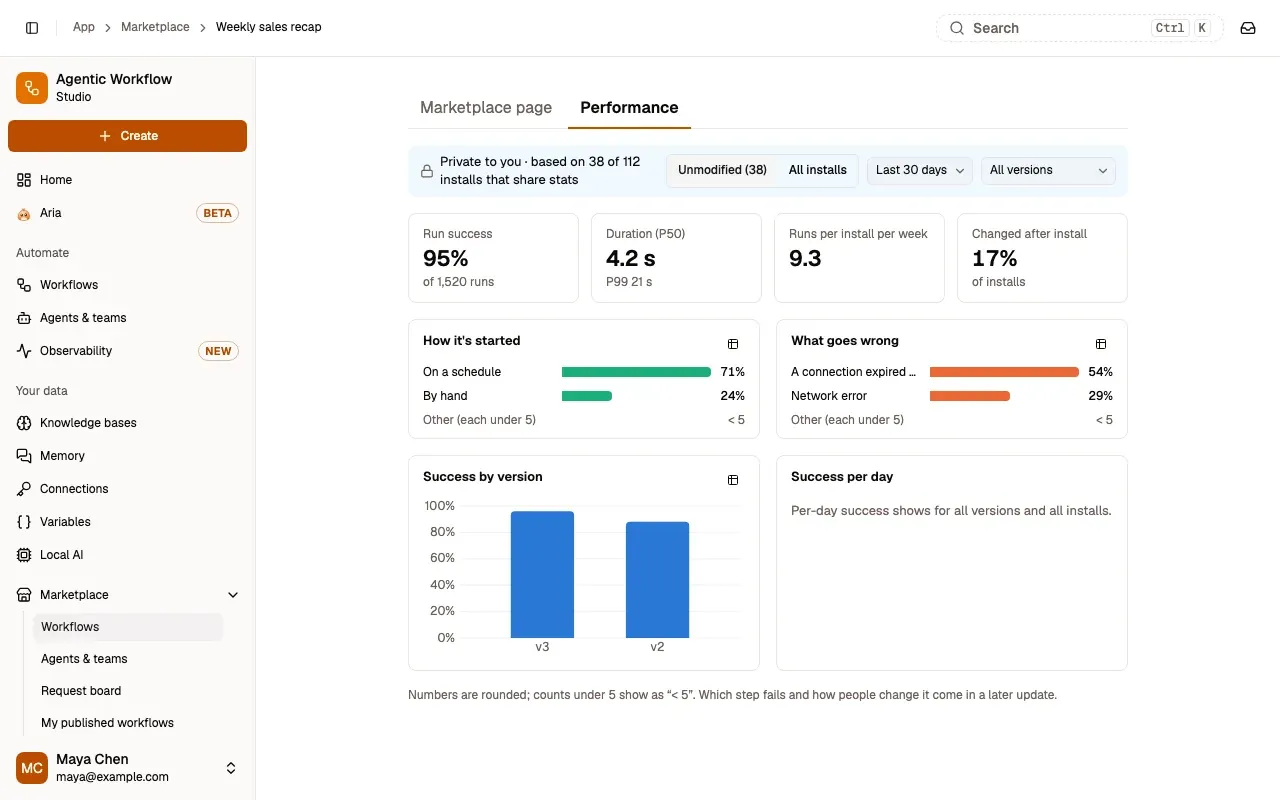
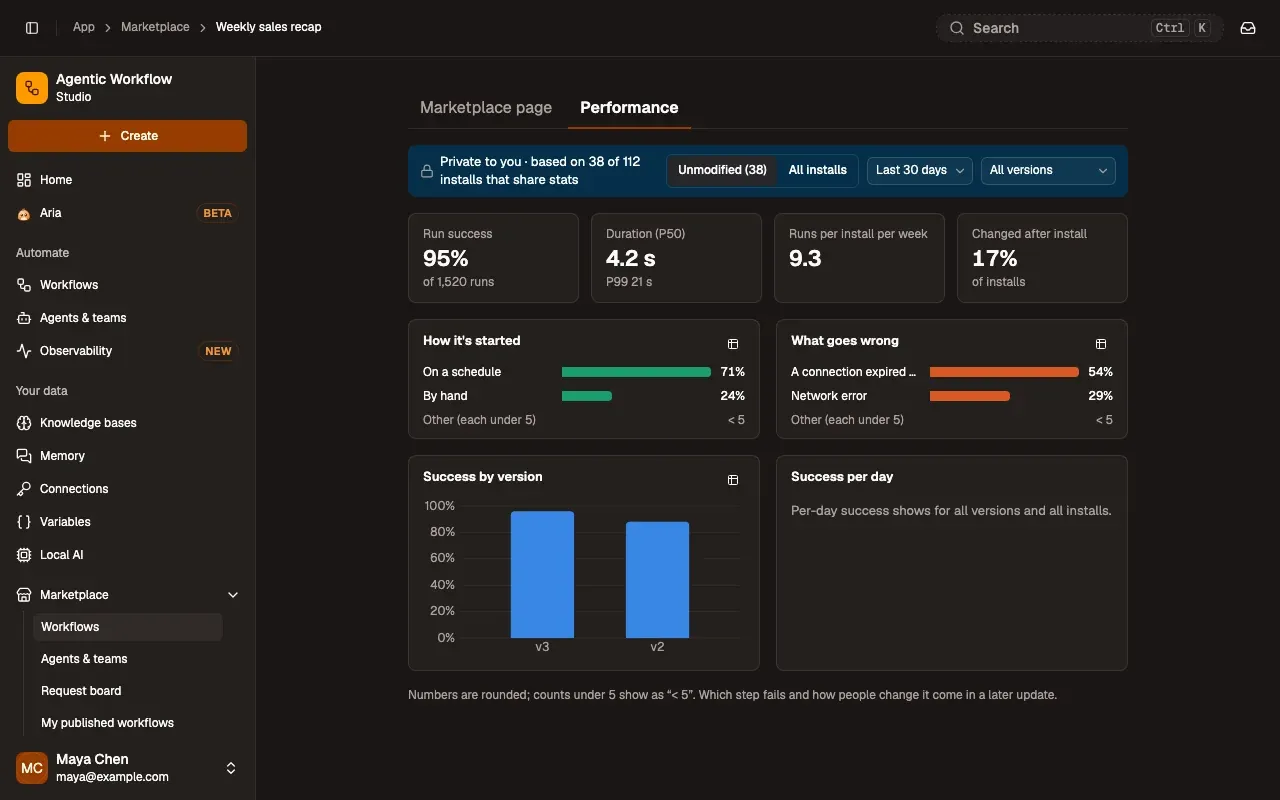
Zones numérotées de la capture d'écran : 1. Private to you · based on 38 of 112 installs; 2. Unmodified or All installs; 3. Run success, Duration, Runs per install per week, Changed after install; 4. How it’s started.
Success per day shows only for all versions and all installs. With Unmodified or a single version chosen, its card says Per-day success shows for all versions and all installs.
How the numbers are kept anonymous
Section titled “How the numbers are kept anonymous”These rules apply to every number on the tab:
- Nothing shows below 10 installs. Until 10 installs share stats in the chosen period, the tab shows Not enough installs yet, with how many have shared so far (for example 6 of 10), a progress bar and the total number of installs. A longer range often gets you there sooner.
- Small counts read “< 5”. A count from 1 to 4 shows as < 5 instead of the exact number. Error types or 👎 reasons with fewer than 5 runs each are grouped into one line, Other (each under 5).
- Percentages are rounded to whole numbers.
- Hidden for this filter. A view can have 10 installs or more and still be held back, when a smaller group inside it (a version, or the changed or unchanged copies) has fewer than 10. The tab then says Hidden for this filter and offers All versions or All installs.
- The automatic switch to all installs. When the Unmodified view of a workflow is held back this way, the tab switches to All installs on its own, with a note: Showing all installs: the unmodified view is hidden while some groups have fewer than 10 installs. Choose Unmodified again at any time; it shows Hidden for this filter until the groups are large enough.
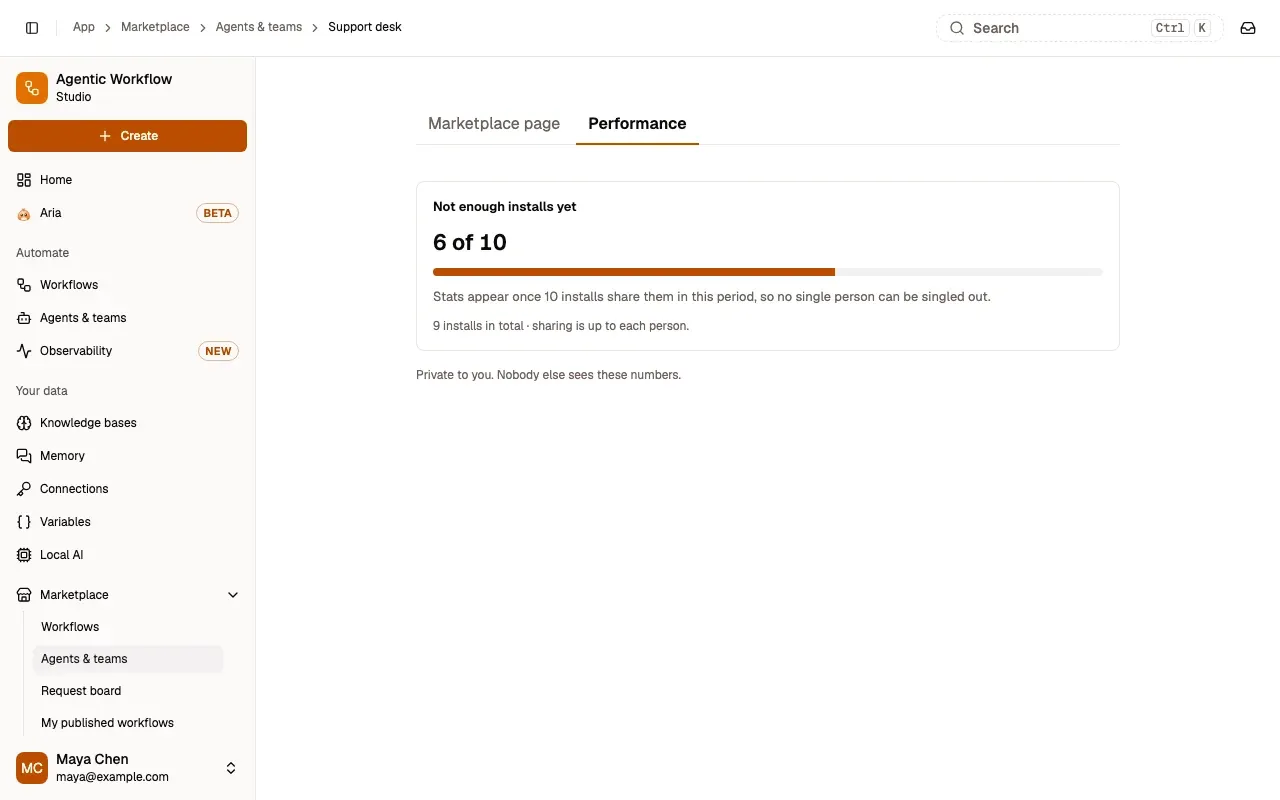
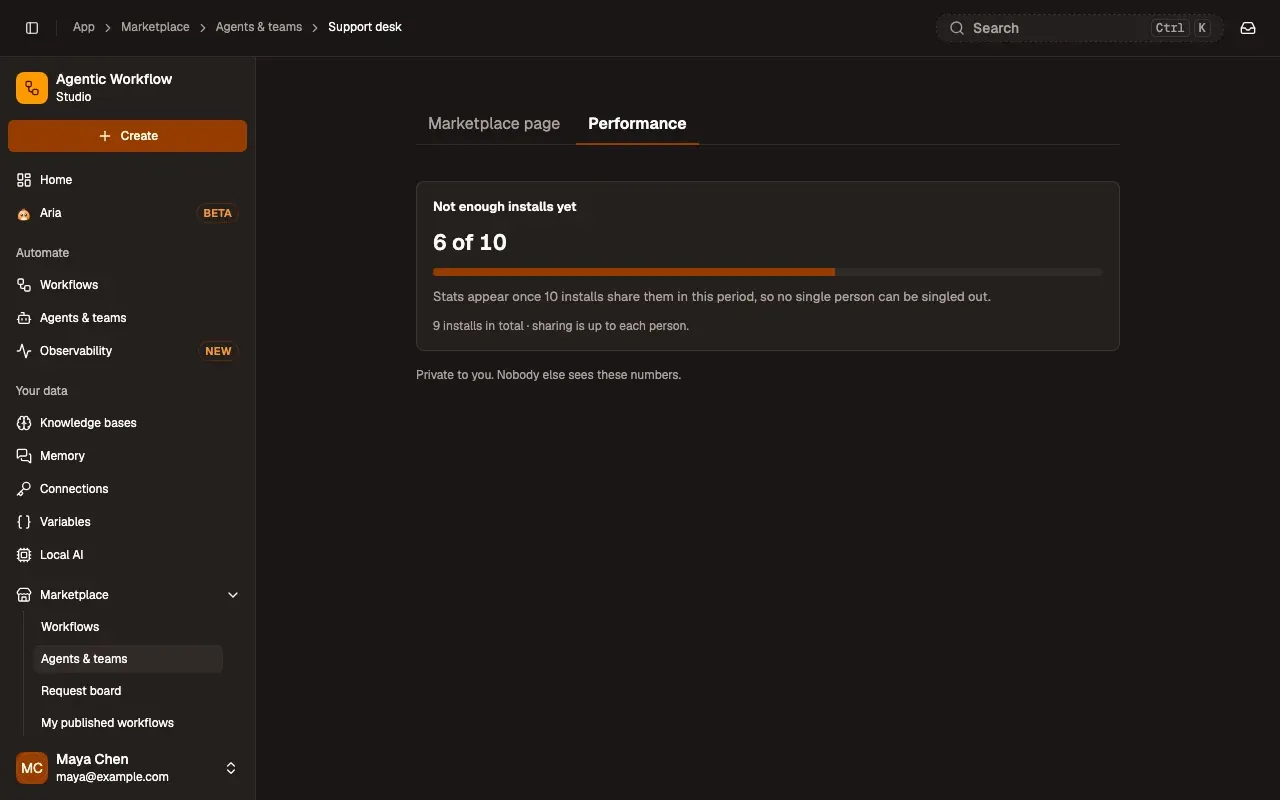
Zones numérotées de la capture d'écran : 1. Performance; 2. 6 of 10.
For installers: what you share
Section titled “For installers: what you share”Sharing stats is off unless you say yes, item by item. It is separate from AWFlow’s usage statistics, and it needs an account: nothing is sent in local mode.
When you install
Section titled “When you install”The Install dialog of a marketplace workflow has a checkbox Help {author} improve {item}, for example Help Maya Chen improve Daily news digest. It starts unticked. An agent or a team has the same checkbox in What it can do, above Install.
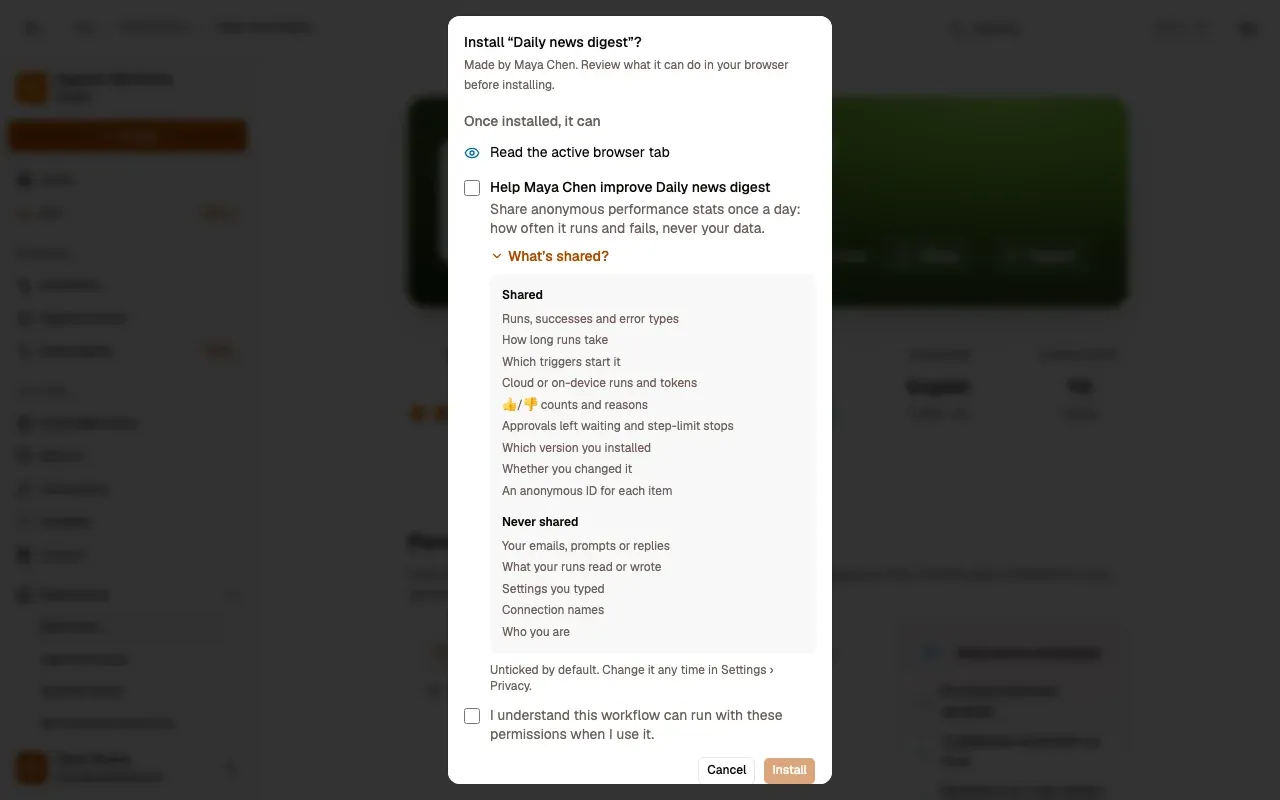
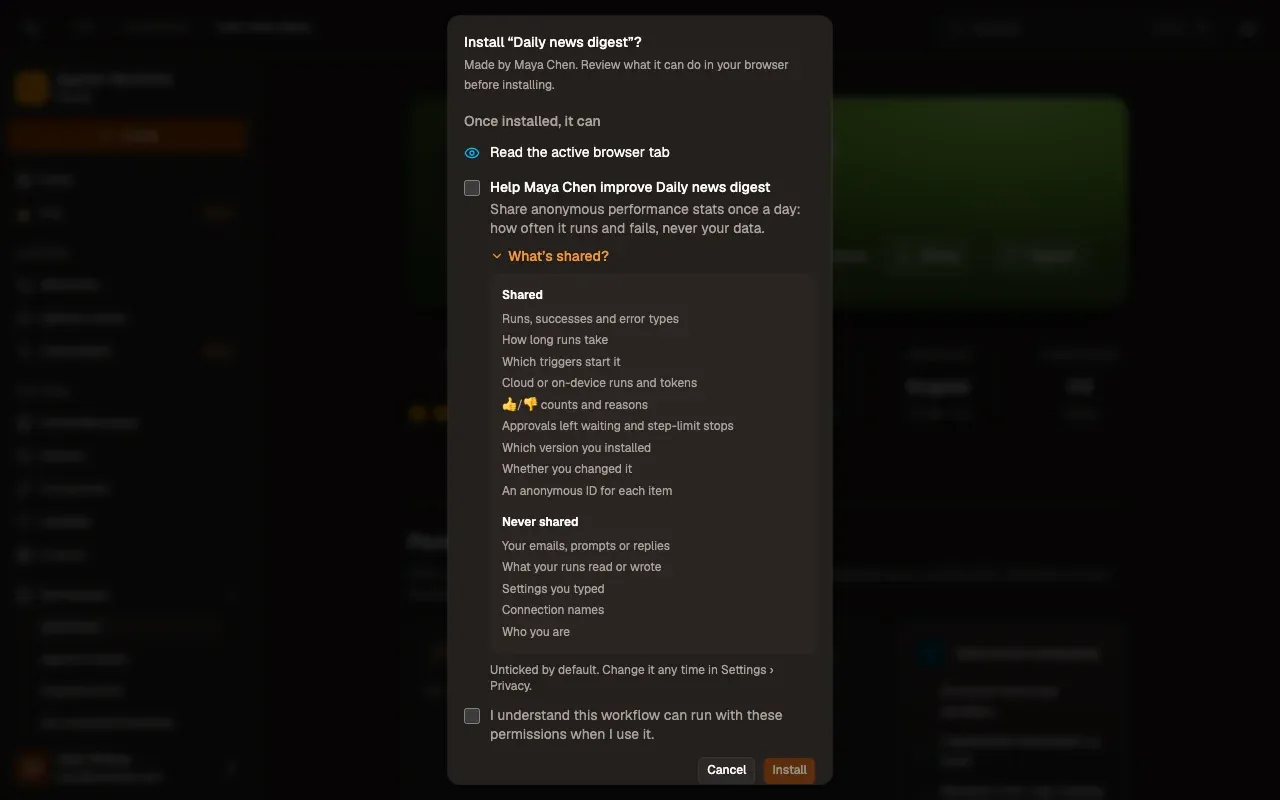
Zones numérotées de la capture d'écran : 1. Help Maya Chen improve Daily news digest; 2. What’s shared?.
| Shared, once a day | Never shared |
|---|---|
| Runs, successes and error types | Your emails, prompts or replies |
| How long runs take | What your runs read or wrote |
| Which triggers start it | Settings you typed |
| Cloud or on-device runs and tokens | Connection names |
| 👍/👎 counts and reasons | Who you are |
| Approvals left waiting and step-limit stops | |
| Which version you installed | |
| Whether you changed it | |
| An anonymous ID for each item |
Only counts and fixed categories are sent, never text. The anonymous ID is different for each item, so two items you share can’t be linked to each other or to you. It comes from a random secret kept on this device, separate from the usage statistics install ID: Reset install ID doesn’t change it.
Settings › Privacy: Help marketplace authors
Section titled “Settings › Privacy: Help marketplace authors”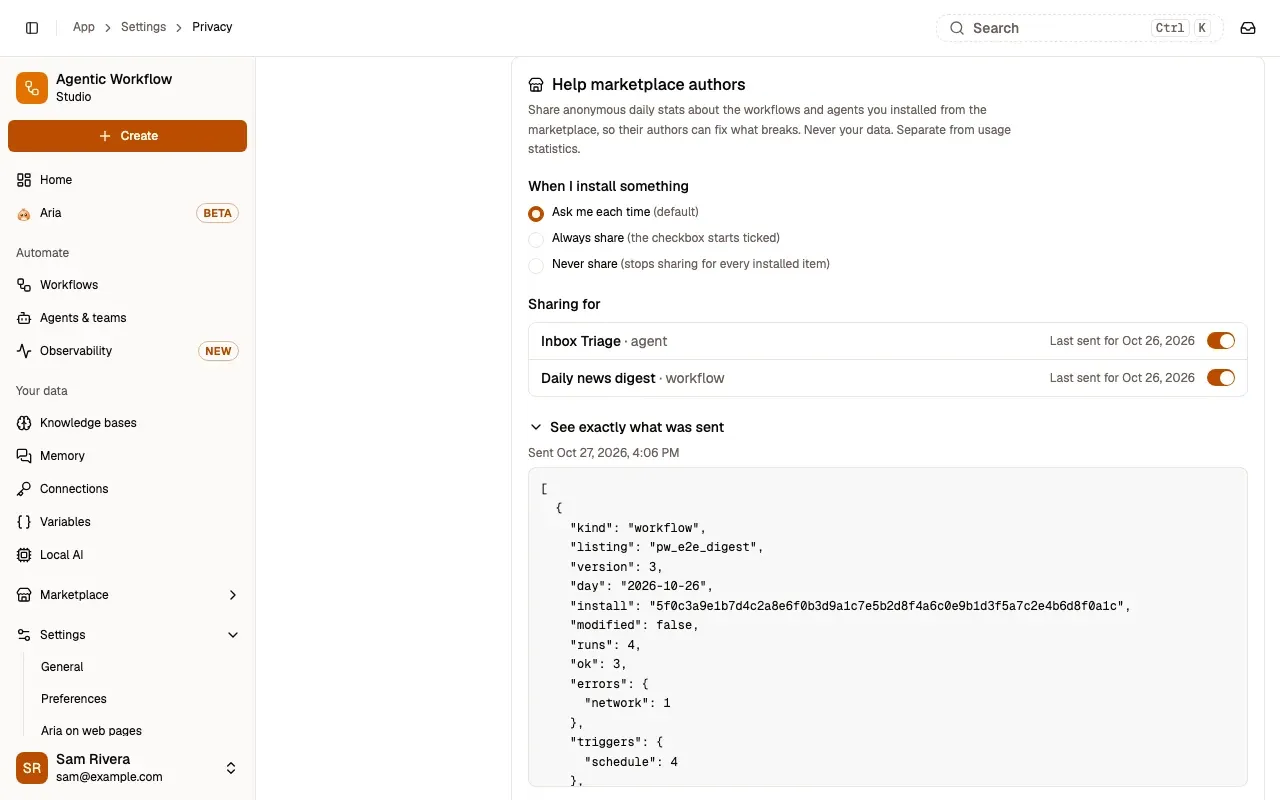
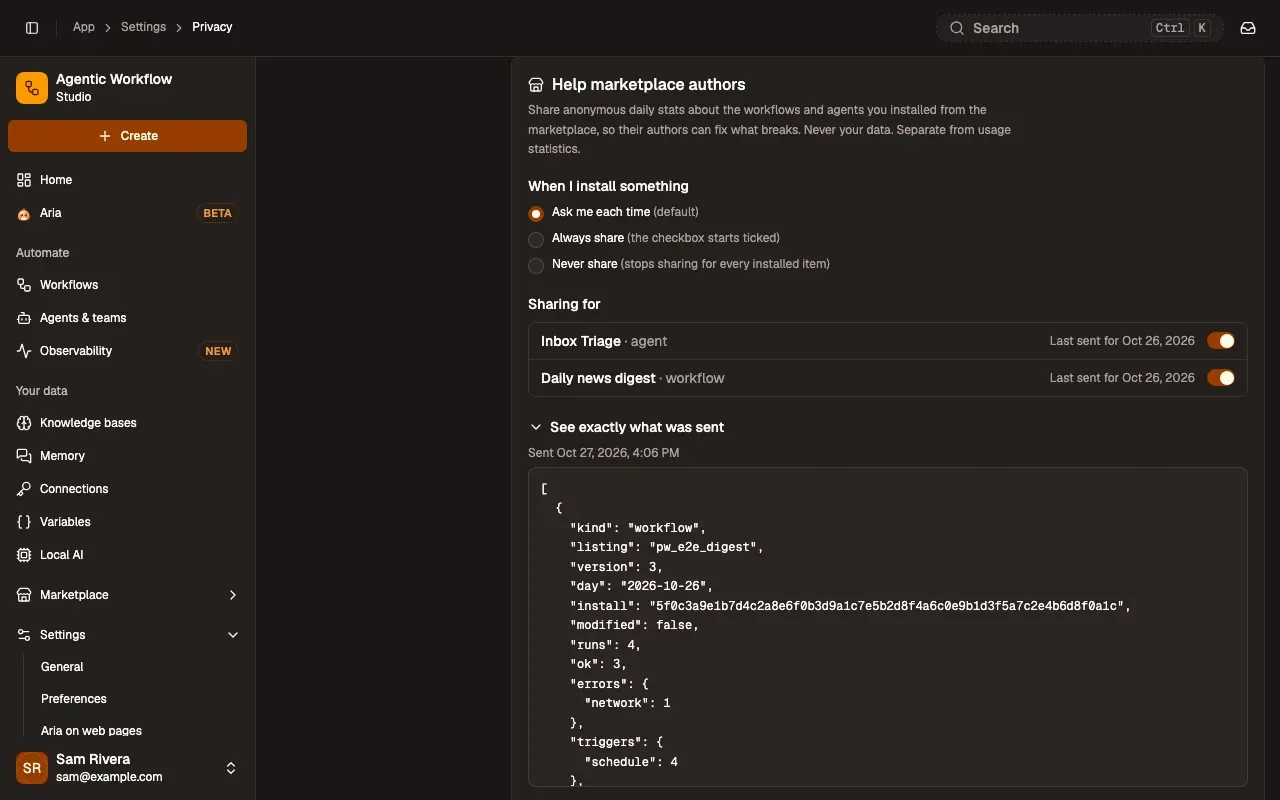
Zones numérotées de la capture d'écran : 1. When I install something; 2. Sharing for; 3. See exactly what was sent.
Never share keeps your switches as they are: choose Ask me each time again and the items that were on start sharing again. Stats resume from the next day: nothing from the days sharing was off, or from the day you turned it back on, is ever sent. The same goes for an item you switch back on.
You can also turn sharing off for one item where you use it:
- An agent: its Monitor tab has a Sharing stats with {author} switch.
- A workflow: in the workflow’s Settings.
Related
Section titled “Related”- Publishing workflows and Agent & team templates
- Privacy & your data
- Observability: traces, Monitor and evals for your own runs, on your device