Ce contenu n’est pas encore disponible dans votre langue.
Open Settings from the bottom of the sidebar. On a wide window the sections are listed on the left; on a narrow one (such as the side panel) you get a list first, and each row shows a one-line status, for example Safe mode · Off (Trusted) or 2 providers.
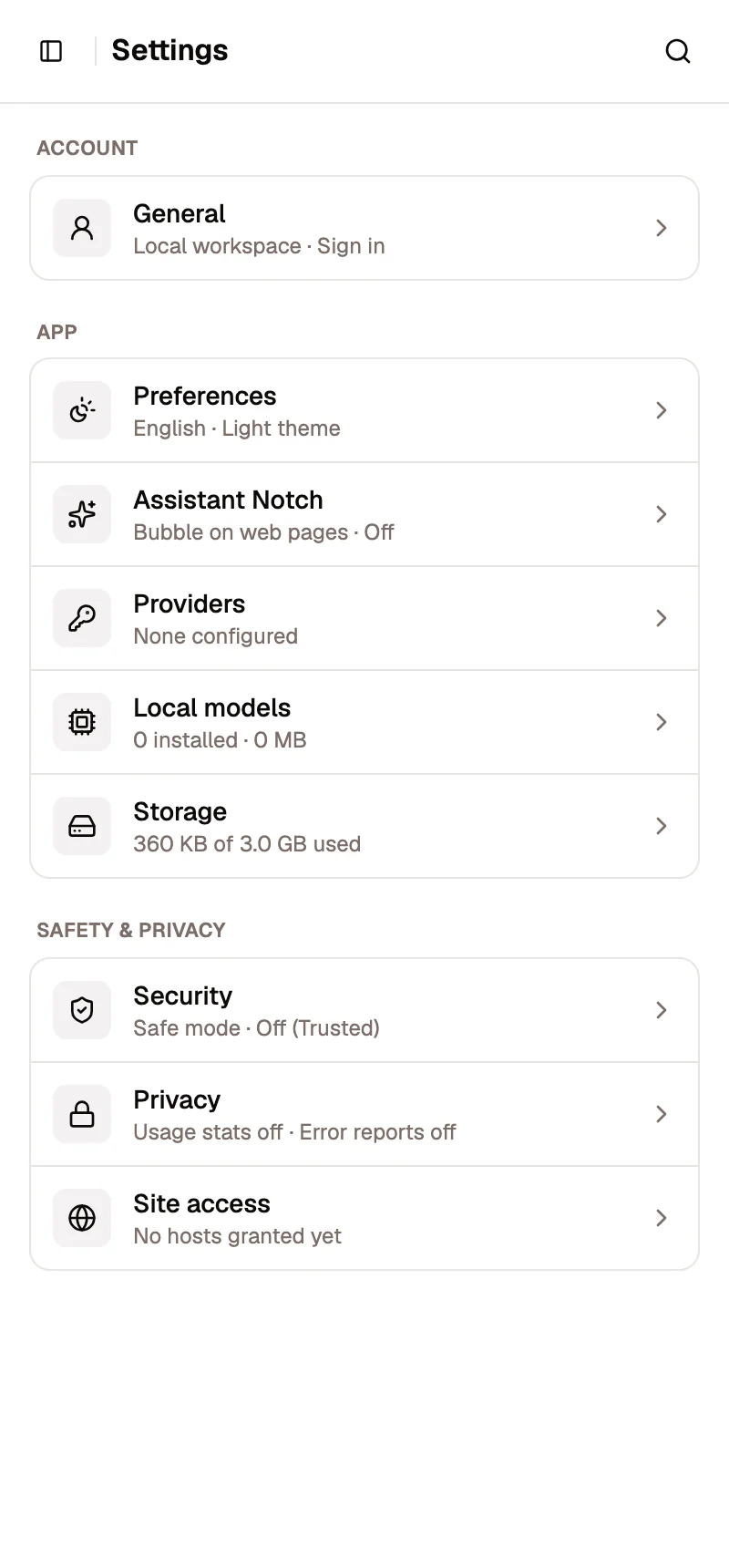
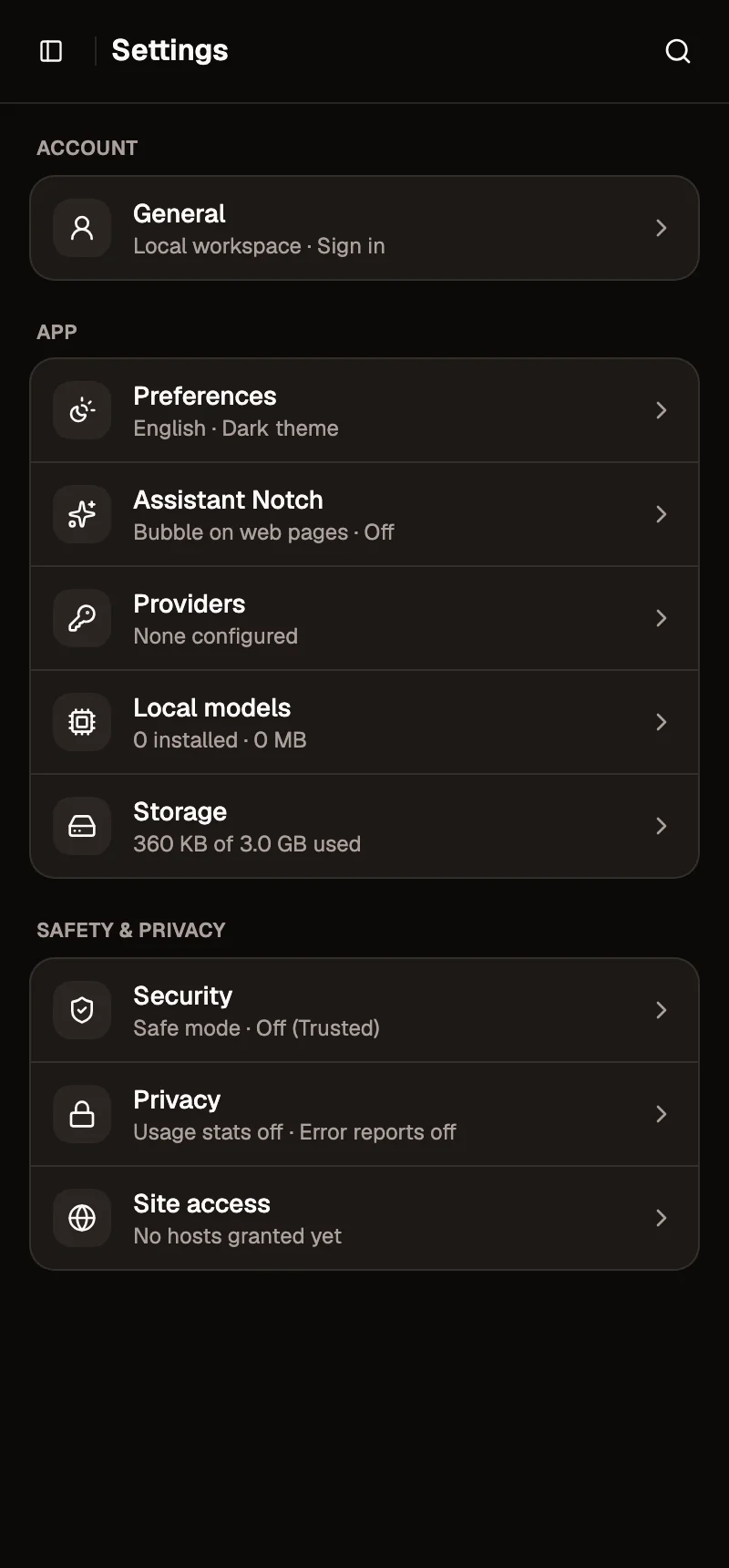
- Account
- App
- Safety & privacy
Account
Section titled “Account”GeneralAvatar, username, publisher tagline, password and newsletter.
PlanCompare plans and their limits.
PreferencesLanguage, theme, sounds, default storage, secret protection, data store.
Assistant NotchThe assistant bubble on web pages.
ProvidersAI providers and API keys for the assistant.
Local modelsModels that run on this device.
StorageWhat AWFlow keeps in this browser, and clean-up.
Safety & privacy
Section titled “Safety & privacy”SecuritySafe mode for the workflows you build.
PrivacyUsage statistics, error reports, agent memory and traces.
Site accessSites and apps each workflow may use.
For the bigger picture of what stays on your device and what goes online, read Privacy & data.