Ce contenu n’est pas encore disponible dans votre langue.
Requests (Admin panel › Marketplace › Requests) manages the community request board, where people ask for workflows and vote for them.
Update a request
Section titled “Update a request”Each row shows the request’s Title and Votes. Changes apply as soon as you make them:
- Status: open, building, fulfilled or declined.
- ETA: when the status is building, pick an expected date, or clear it.
- Fulfilled workflow: when the status is fulfilled, type the id of the published workflow that answers the request. Saving it marks the request fulfilled.
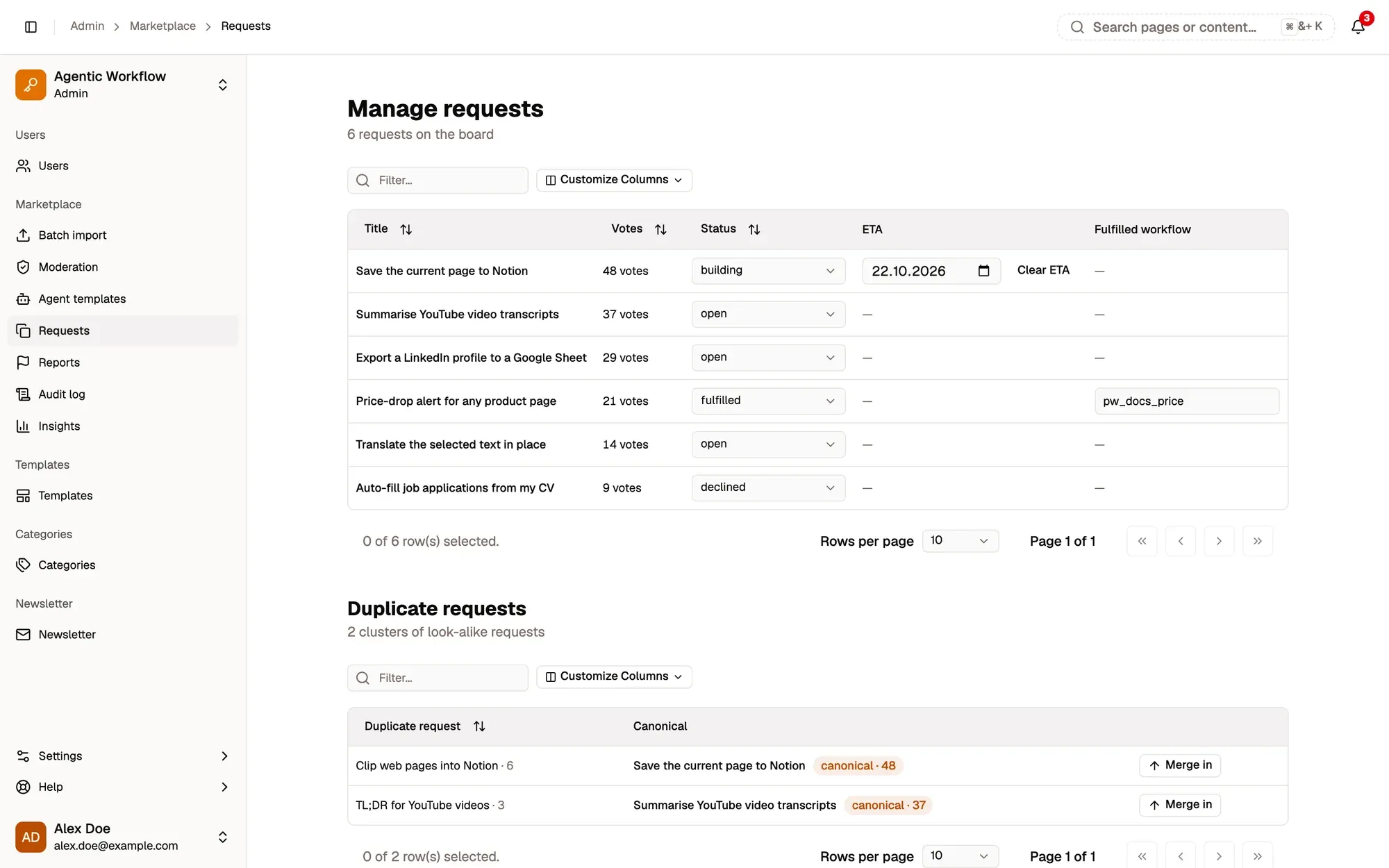
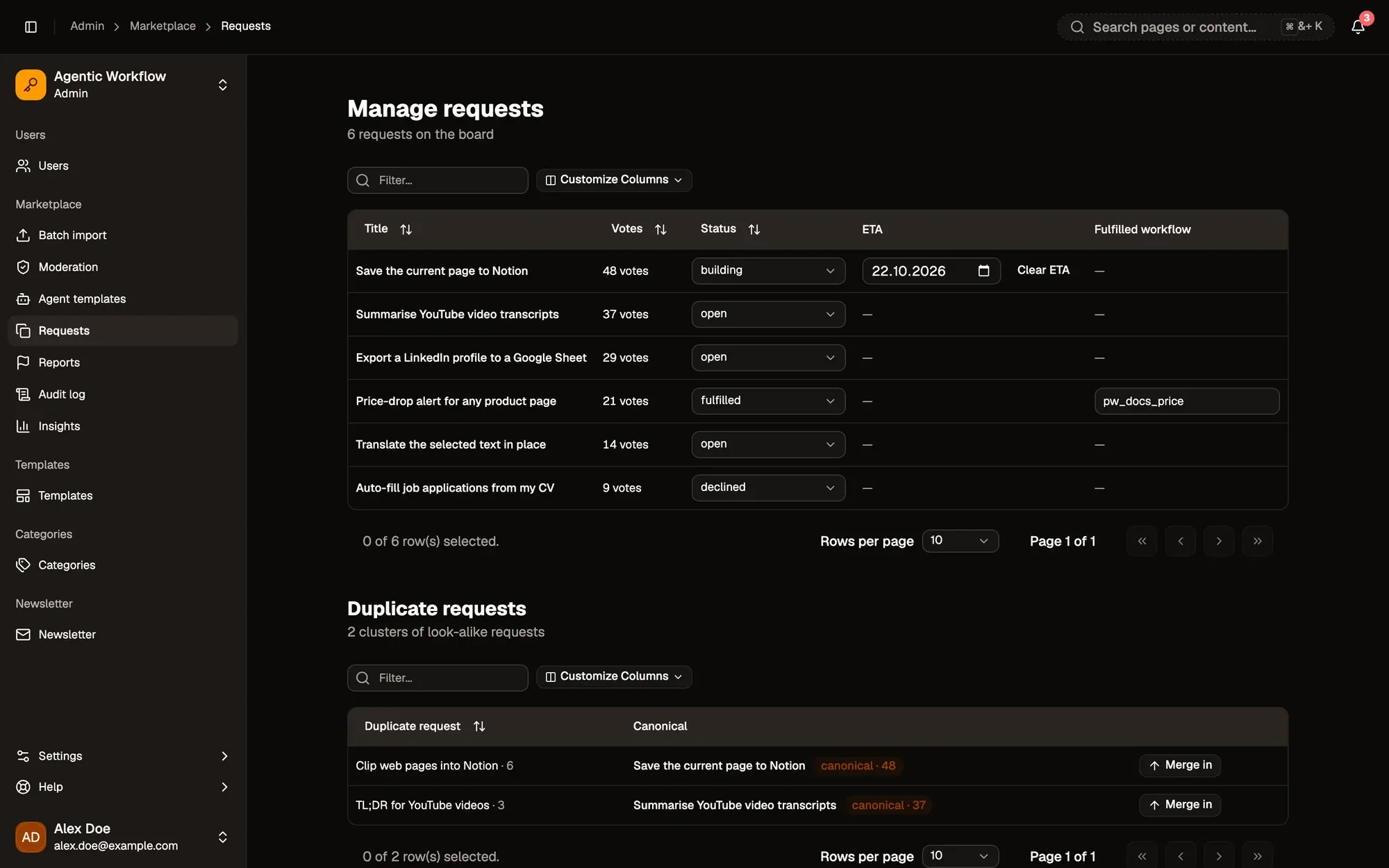
Zones numérotées de la capture d'écran : 1. Status; 2. ETA; 3. Fulfilled workflow; 4. Merge in.
Merge duplicates
Section titled “Merge duplicates”The Duplicate requests section groups requests that look alike. Each row shows the duplicate and the main (“canonical”) request it matches.
Click Merge in to fold the duplicate into the canonical request. This happens straight away, without asking. When nothing is left to merge, you see No duplicates to merge — the board is tidy.
Merges and status changes are recorded in the Audit log.