此内容尚不支持你的语言。
In the app: sidebar › Agents & teams › open an agent › Evals tab (under Observe).
An agent’s settings change over time: new instructions, another model, stricter rules. Versions keep each tested setup, so you can see which one scored best and go back to it. A change you haven’t tested yet is a draft; you test it against the last version with an experiment, then keep it or not.
flowchart LR
  V8["v8<br/>current"] -->|you edit the agent| D["Draft v9<br/>untested"]
  D -->|Test v9 vs baseline v8| T["Experiment<br/>v9 vs v8"]
  T -->|better: Apply| V9["v9<br/>current"]
  T -->|worse| D
  V9 -->|Roll back to v8| V10["v10<br/>copy of v8"]
  class D awf-warn
  class T awf-flow
  class V9 awf-ok
  class V10 awf-data
What a version holds
Section titled “What a version holds”A version is a snapshot of the settings that shape the agent’s answers: Instructions, Role, Model, Skills, Rules, Memory and Knowledge. Its name, icon and routines are not part of it.
- The first version is saved for you the first time the agent is tested or opened in its Evals tab (“first saved version”).
- Editing the agent never creates a version by itself. Your edits make a draft: the agent now differs from its latest version.
- Only two things create a version: Apply from an experiment, and Roll back.
- Aria has no versions. It is built in, so its Evals tab only lists the datasets that test it.
The agent’s Evals tab
Section titled “The agent’s Evals tab”At the top, the draft banner appears when you changed the agent since its latest version.
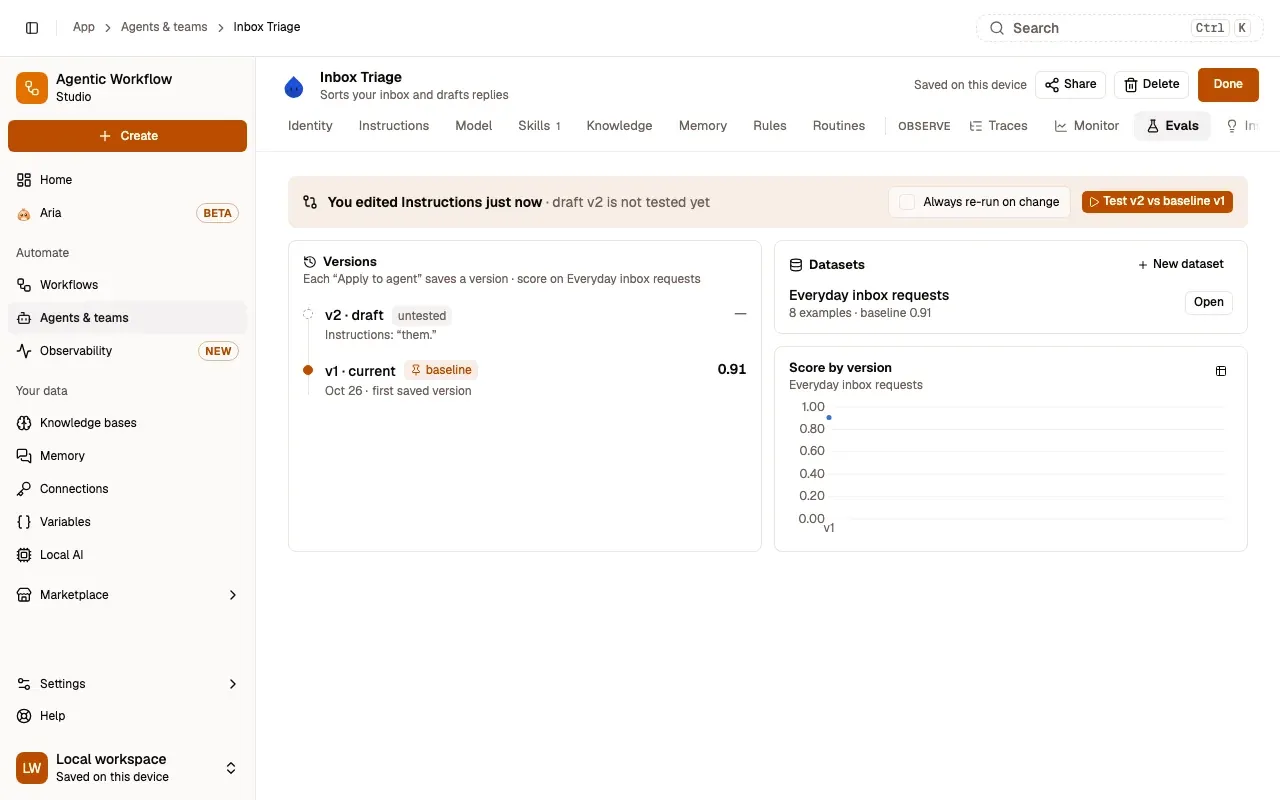
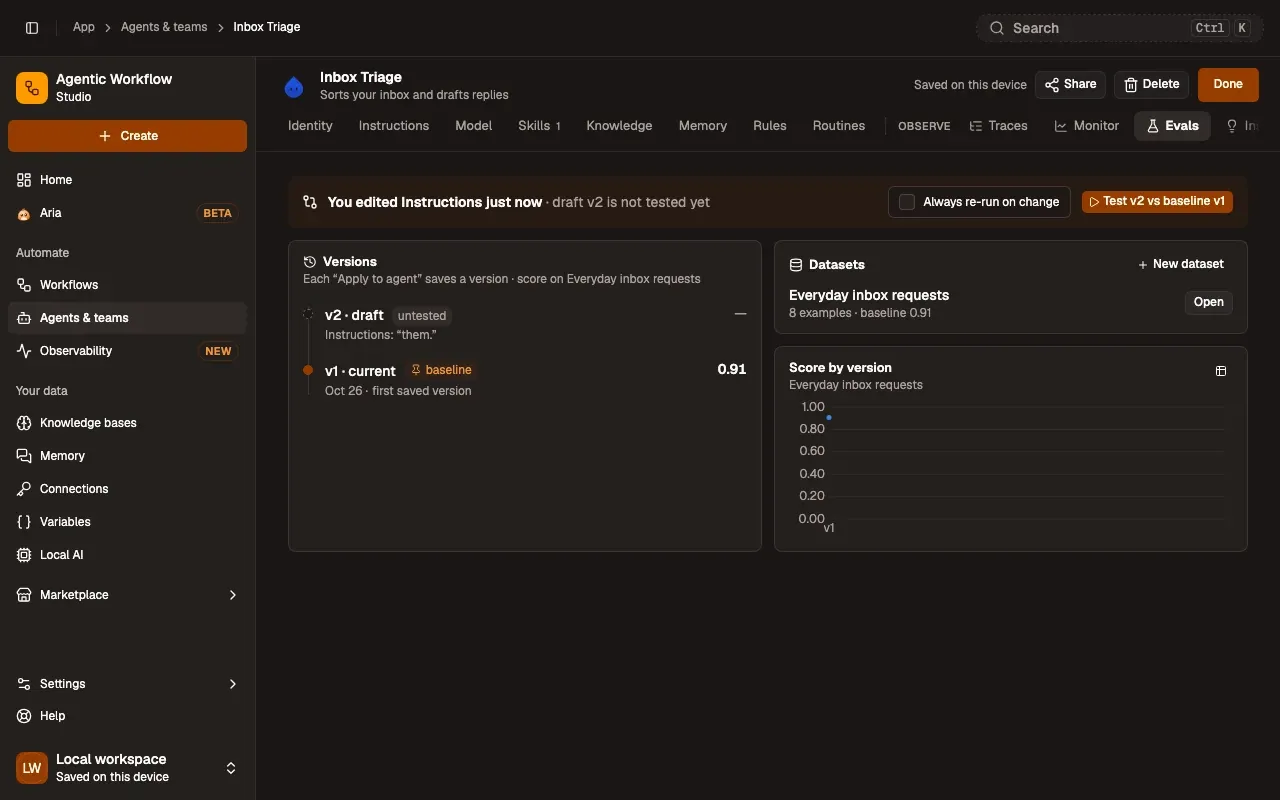
截图中的编号区域:1. An untested draft; 2. Test it against the last version。
Below the banner:
- Versions lists every version, newest first, with its date, where it came from (applied from an experiment, Copy of v7 after a rollback, edited) and its score on the main dataset. The dataset’s baseline has a baseline chip. An untested draft sits at the top as v9 · draft.
- Datasets lists the datasets that test this agent, with their size and baseline score. New dataset creates one for this agent.
- Score by version draws the score of each applied version on the main dataset. Like every chart, it has a table view.
The main dataset is the agent’s most recently updated dataset that has a baseline, or else its most recently updated dataset.
Test a draft
Section titled “Test a draft”When the banner says draft v9 is not tested yet:
- Press Test v9 vs baseline v8. AWFlow creates an experiment named v9 vs v8 on the main dataset: A is the latest version as it is, B is exactly your draft.
- The experiment opens and starts. Keep the tab open while it runs.
- Read the comparison. If B is better, apply it. If some examples got worse, keep editing and test again.
Once tested, the banner reads draft v9 · tested and Open results takes you back to the experiment. If the agent has no dataset yet, the banner offers Create a dataset instead.
The same check appears at the top of Observability › Evals: Inbox Triage changed 4 min ago with Run “core” vs baseline, for the most recently changed agent that has an untested draft. Later hides it for that draft.
Always re-run on change
Section titled “Always re-run on change”Tick Always re-run on change in the banner to have AWFlow test every draft for you:
- It waits until you’ve stopped editing the agent for 60 seconds, then creates and starts the draft-vs-baseline experiment on the main dataset.
- It runs once per draft. Edit again and the new draft is tested again after the next quiet minute.
- It needs AWFlow open in a tab, and it skips a main dataset that has no examples.
- The setting is per agent, and is deleted with the agent.
Apply a winner
Section titled “Apply a winner”Applying saves a variant from an experiment as the agent’s next version.
步骤 1:Press Apply on the experiment
On a finished experiment, Apply B to agent proposes the best-scoring variant. The arrow next to it lists the other variants.
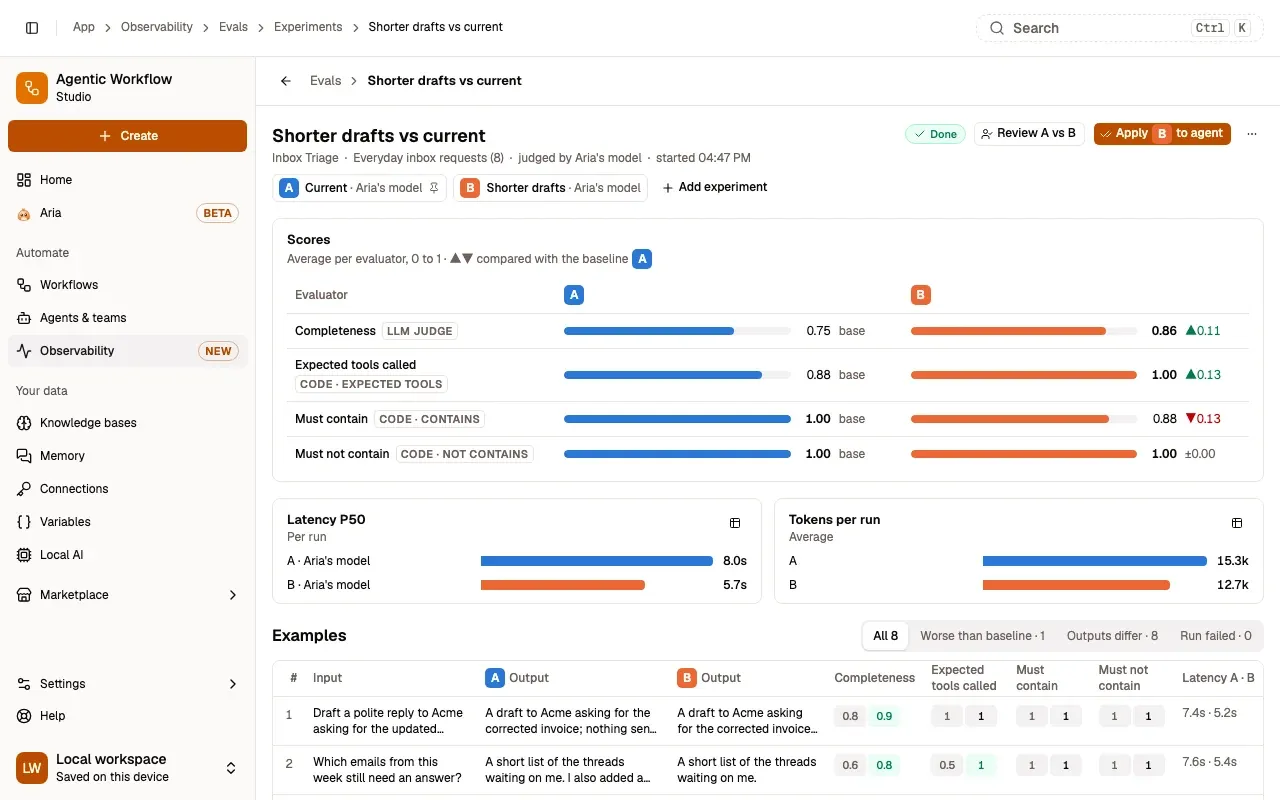
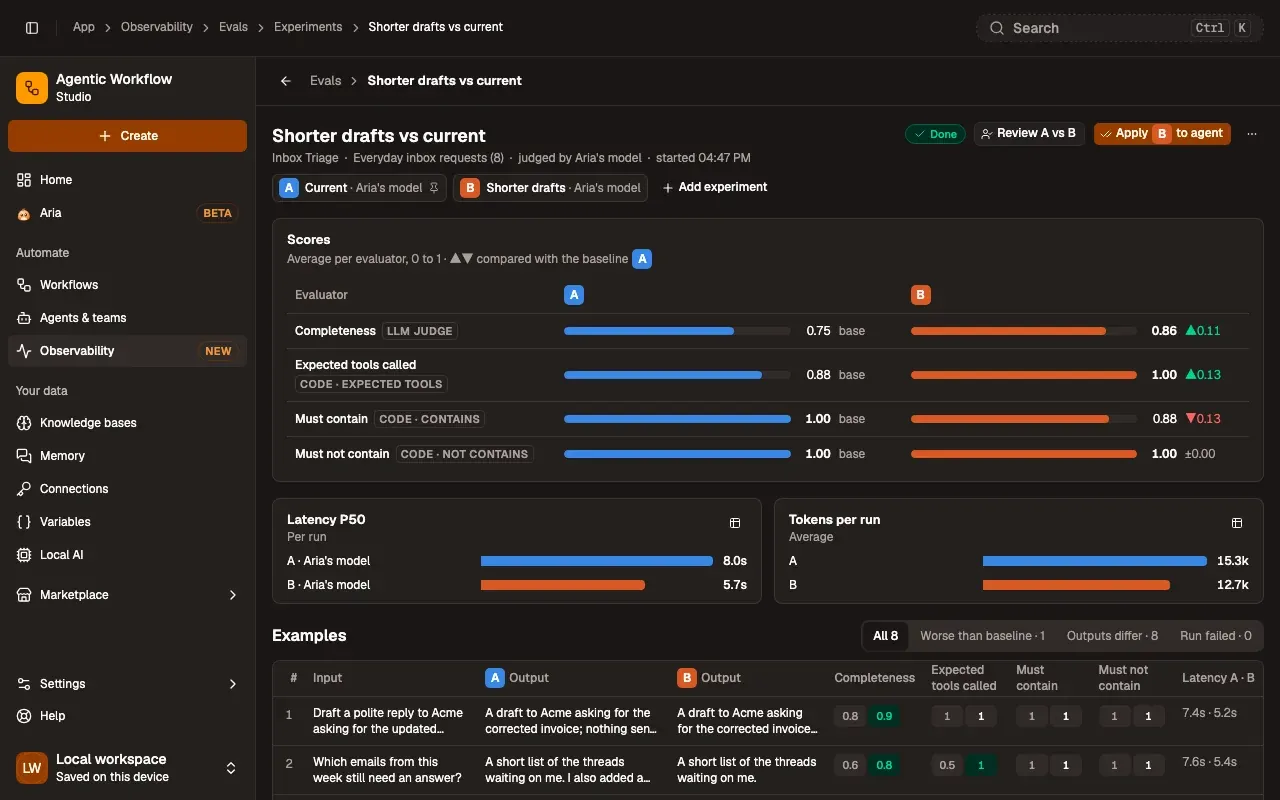
步骤 2:Check what changes
The dialog Apply B to Inbox Triage? lists What changes, with the instruction lines added and removed, and the score the version will record. Press Apply B.
检查: a message says the agent is now v9, with Open Evals.
Good to know before you apply:
- Apply is offered once the experiment is done or cancelled, and only for your own agents.
- Apply writes the variant over the version the experiment ran on, not over the agent as it is now. If you edited the agent since and those edits weren’t in the experiment, the dialog warns you; tick Replace my edits to go on.
- If the agent got a new version after the experiment started, Apply is blocked: The agent changed after this experiment started. Run it again first.
- Applying also makes that experiment and variant the dataset’s baseline, so the next test compares with it.
Roll back
Section titled “Roll back”Each older version in Versions has two buttons:
- Compare with v8 creates and runs an experiment v7 vs v8 on the main dataset, so you see how the old version does today.
- Roll back asks Roll back to v7? and then gives the agent the settings of v7 back, saved as a new version (for example v10, noted Copy of v7). Nothing is deleted: every version stays in the history. If you have untested edits, the dialog says they will be replaced.
See versions in Monitor
Section titled “See versions in Monitor”Every conversation records the agent version it ran on. In Monitor, group a chart by Agent version to see how a change affected errors, speed or tokens in real use.
Good to know
Section titled “Good to know”- Versions stay on this device, next to the agent. They are included when you export your data and deleted with the agent.
- A version’s score is frozen when it is applied. The baseline score shown for a dataset is live, so ratings you add later in review can move it.
- Two tabs, one history. Apply and Roll back run one at a time per agent, so a tab with an older copy of the agent can’t overwrite a newer version.
- Fix with Aria proposes changes as a draft; you test and apply it the same way.
Related
Section titled “Related”- Evals: datasets, evaluators, experiments and review.
- Fix with Aria: turn a weak spot into a draft to test.
- Monitor: group charts by agent version.
- Agents: edit the agent’s instructions, model, skills and rules.