此内容尚不支持你的语言。
≈ 2 min
扩展程序
Bearer Token
询问 Aria⌘IBefore you start
Section titled “Before you start”- A Raindrop.io account.
- The AWFlow browser extension. These steps run in the extension (the web app hands them to it).
Used by
Section titled “Used by”Set it up
Section titled “Set it up”This is the only method. The token gives full access to your Raindrop account.
-
Create an app. On raindrop.io, open Settings › Integrations and, under For Developers, click Create new app (any name).
-
Create the token. Open the app, click Create test token and copy it.
-
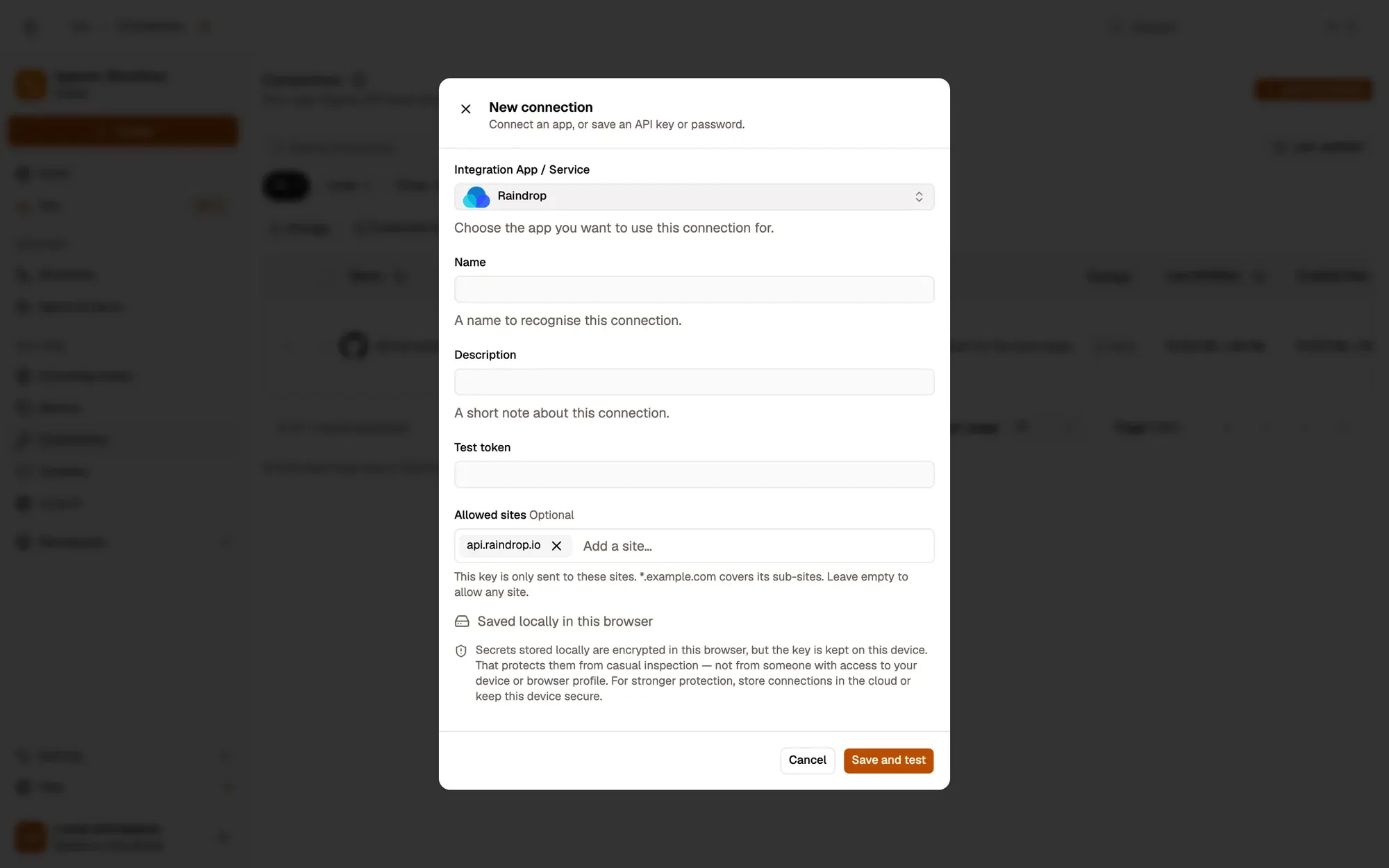
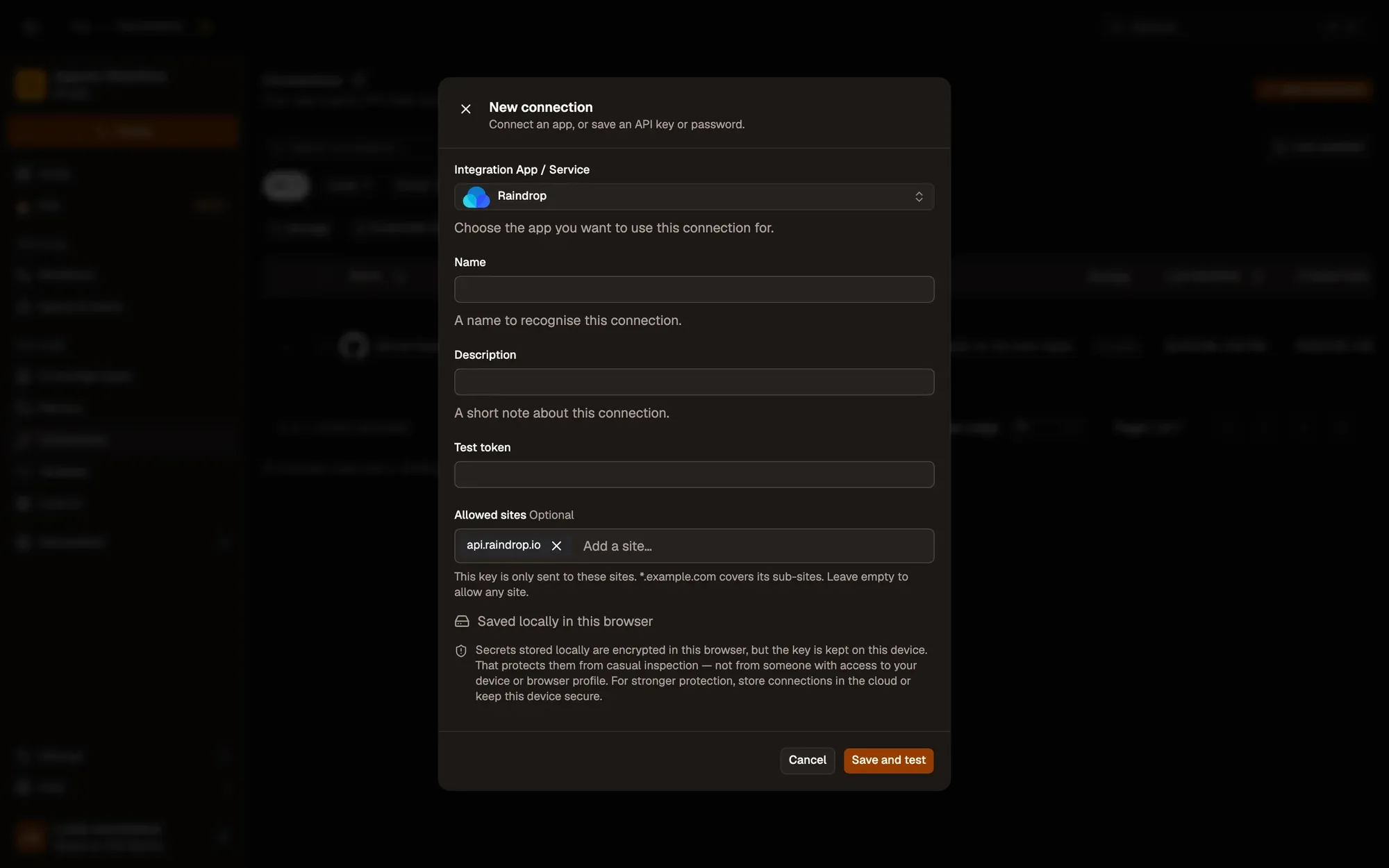
Save it in AWFlow. Open Connections and click Add connection (or Connect in a step’s Connection field), then fill the New connection form. In the browser side panel the form comes in two steps: tap Raindrop in the list, then fill the rest.
截图中的编号区域:1. Integration App / Service: Raindrop; 2. Name; 3. The token field (named after the app’s own word for it); 4. Where the secret is stored (here, locally in this browser); 5. Save the connection。
Where your token lives
Section titled “Where your token lives”Common issues
Section titled “Common issues”- “401 Unauthorized”. The token is wrong or was deleted. Create a new test token and update the credential.
- The run is blocked in the web app. Raindrop runs through the browser extension. Install the extension and allow Raindrop for this workflow when asked, or run the workflow from the extension. See Extension-only integrations in the web app.