跳转到内容
Agentic Workflowdocs
v0.8.2免费安装

使用应用 / settings

Assistant Notch settings

Turn the assistant bubble on web pages on or off and choose its shape, colour, size and blocks

此内容尚不支持你的语言。

Settings › Assistant Notch controls the floating bubble that the extension pins to the edge of web pages. It gives you quick actions (the same as the right-click menu) and the chat workflows available on the current page. Read Assistant Notch for how to use it.

Open Settings at the bottom of the sidebar and click Assistant Notch. Everything happens on that page: hover or tap a step to find it on the screen.
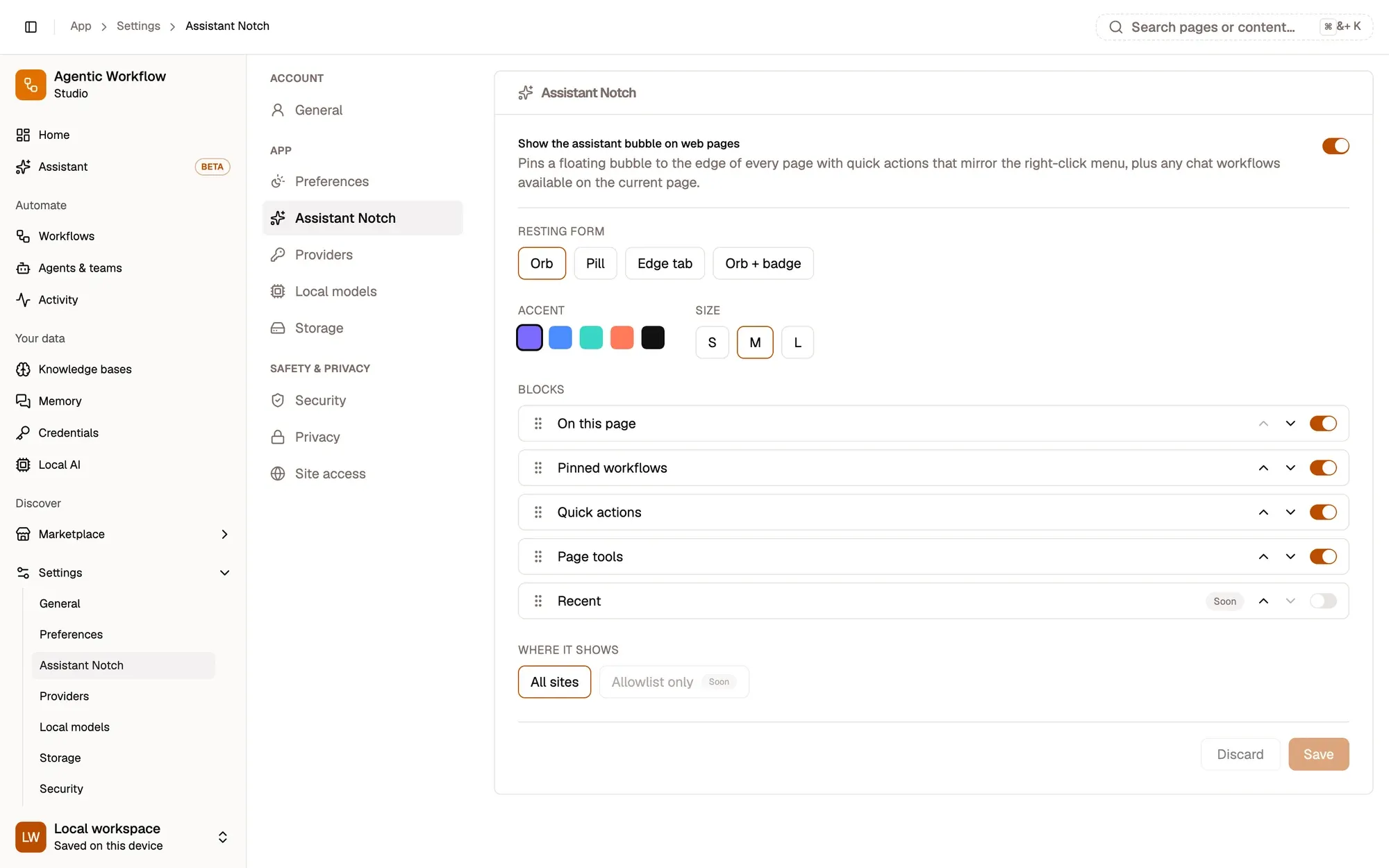
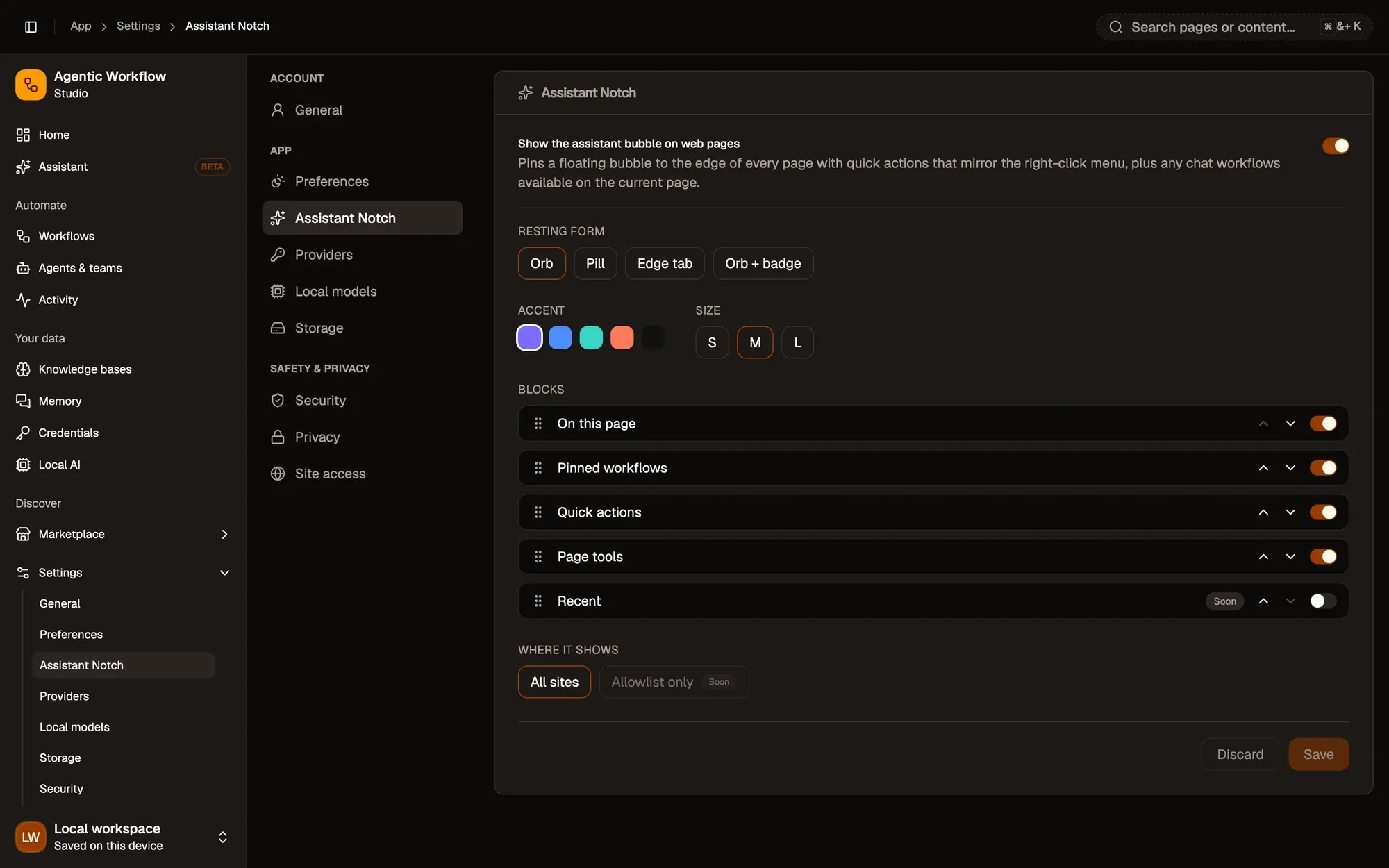
Settings, Assistant Notch, with Show the assistant bubble on web pages switched on: Resting form (Orb, Pill, Edge tab, Orb + badge), Accent colours, Size S, M or L, the Blocks list (On this page, Pinned workflows, Quick actions, Page tools, and Recent marked Soon) with move and on/off controls, Where it shows (All sites; Allowlist only marked Soon), and Discard and Save buttons. Settings, Assistant Notch, with Show the assistant bubble on web pages switched on: Resting form (Orb, Pill, Edge tab, Orb + badge), Accent colours, Size S, M or L, the Blocks list (On this page, Pinned workflows, Quick actions, Page tools, and Recent marked Soon) with move and on/off controls, Where it shows (All sites; Allowlist only marked Soon), and Discard and Save buttons.

截图中的编号区域:1. Show the bubble on web pages; 2. Resting form, accent and size; 3. Accent colours; 4. Size: S, M or L; 5. Move a block, or switch it on or off; 6. Where it shows: All sites; 7. Save or Discard。

询问 Aria