此内容尚不支持你的语言。
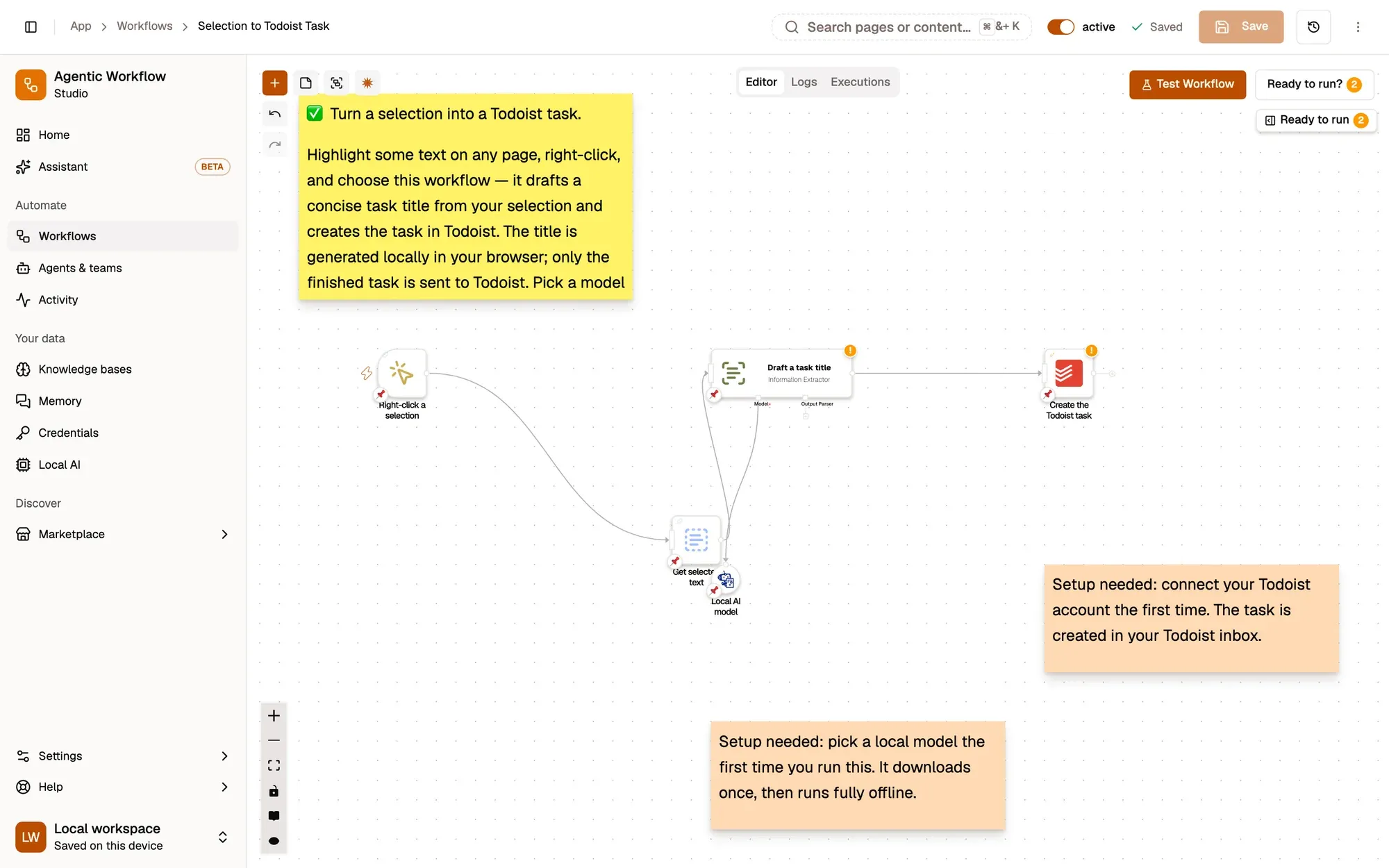
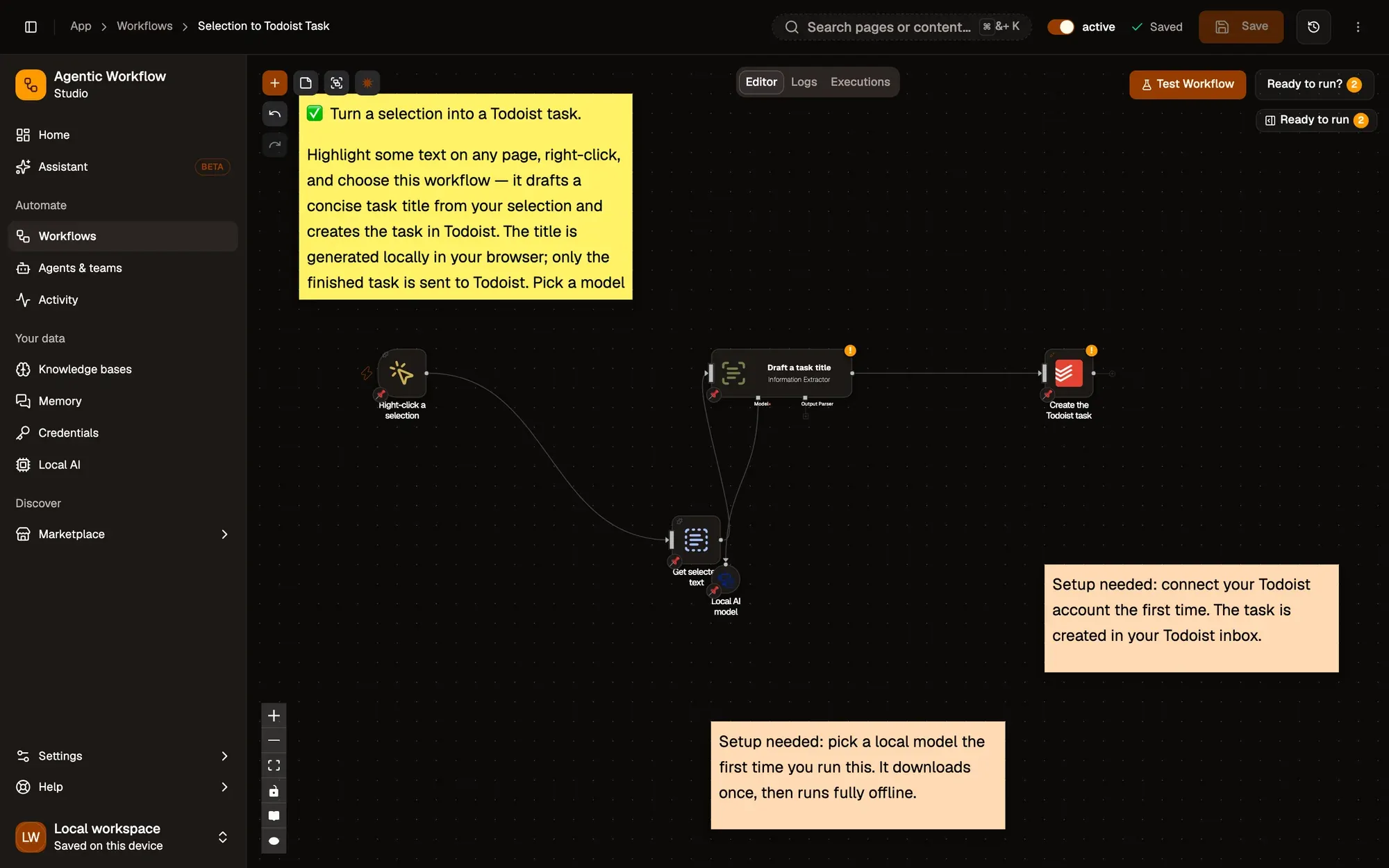
Selection to Todoist Task:包含 4 个步骤的工作流,从 Right-click a selection 开始,到 Create the Todoist task 结束。
How it works
Section titled “How it works”-
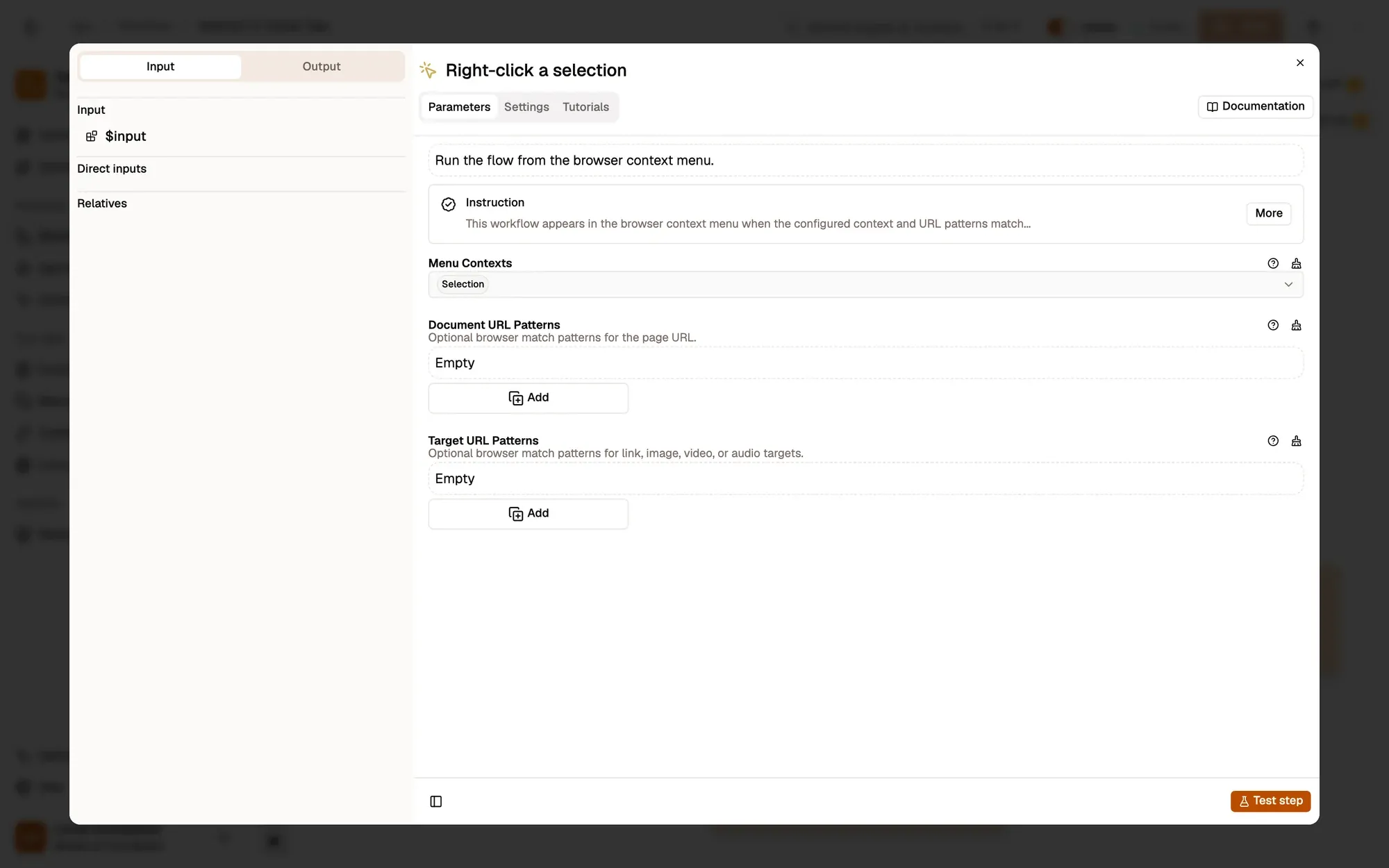
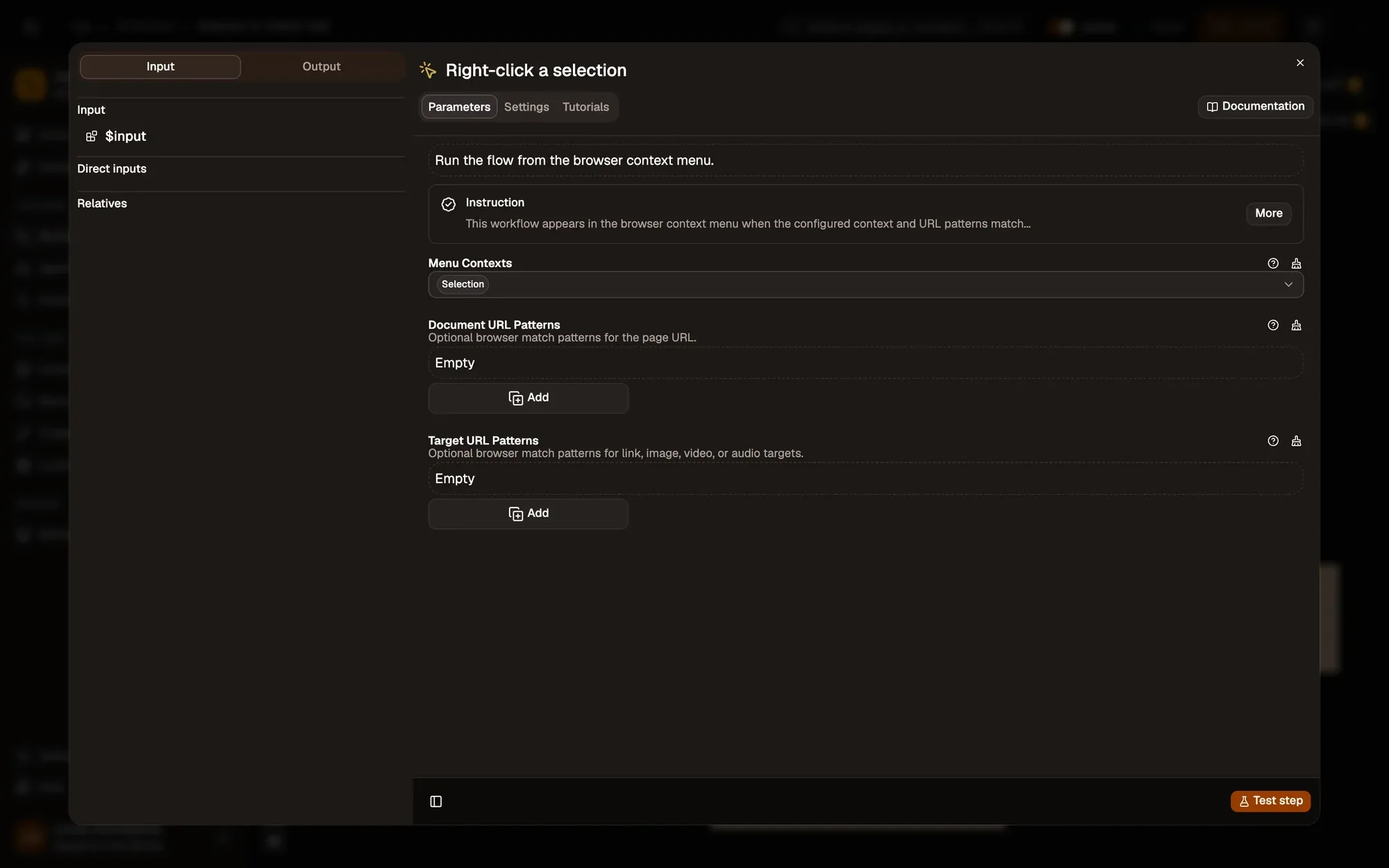
Right-click the selected text
With Menu Contexts set to Selection, the workflow appears when you right-click highlighted text.
按需调整 — add Document URL Patterns such as
https://mail.google.com/*to offer it only in your mail. -
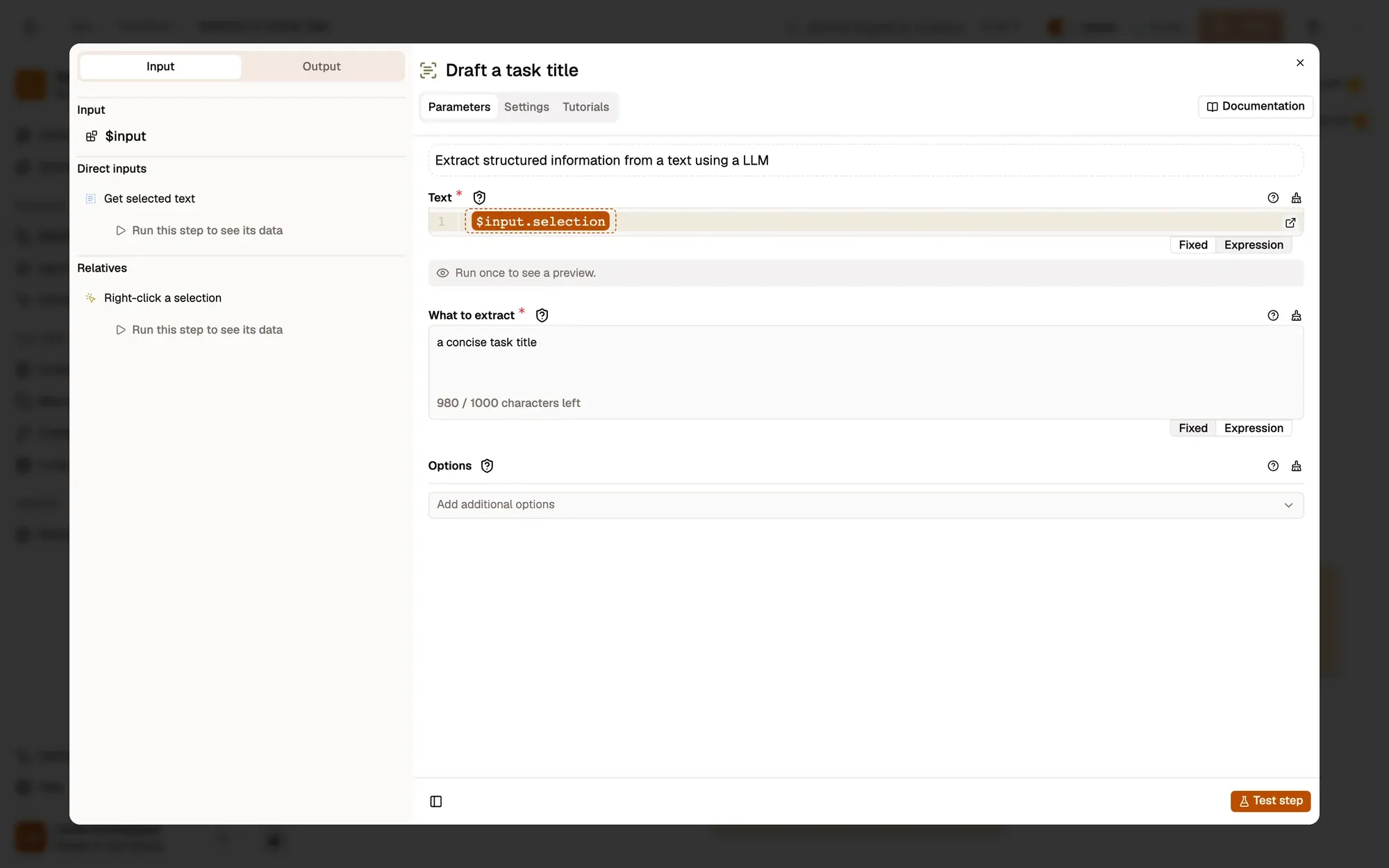
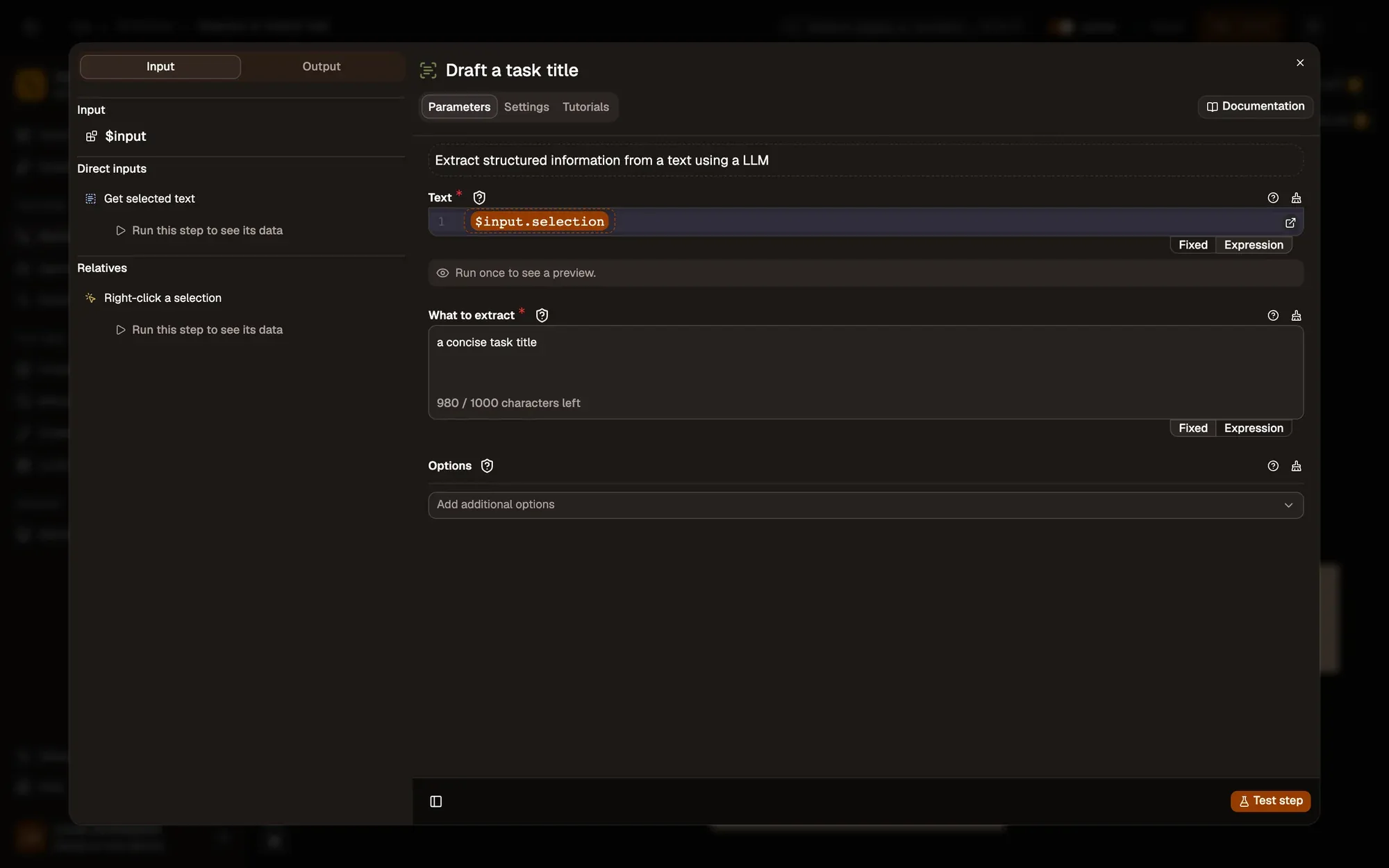
Draft a task title
Information Extractor 节点参考 Web LLM 节点参考
Information Extractor asks the Web LLM model for
a concise task titlefrom your selection, and returns it inextracted.按需调整 — change What to extract, for example
a task title that starts with a verb, under 8 words. -
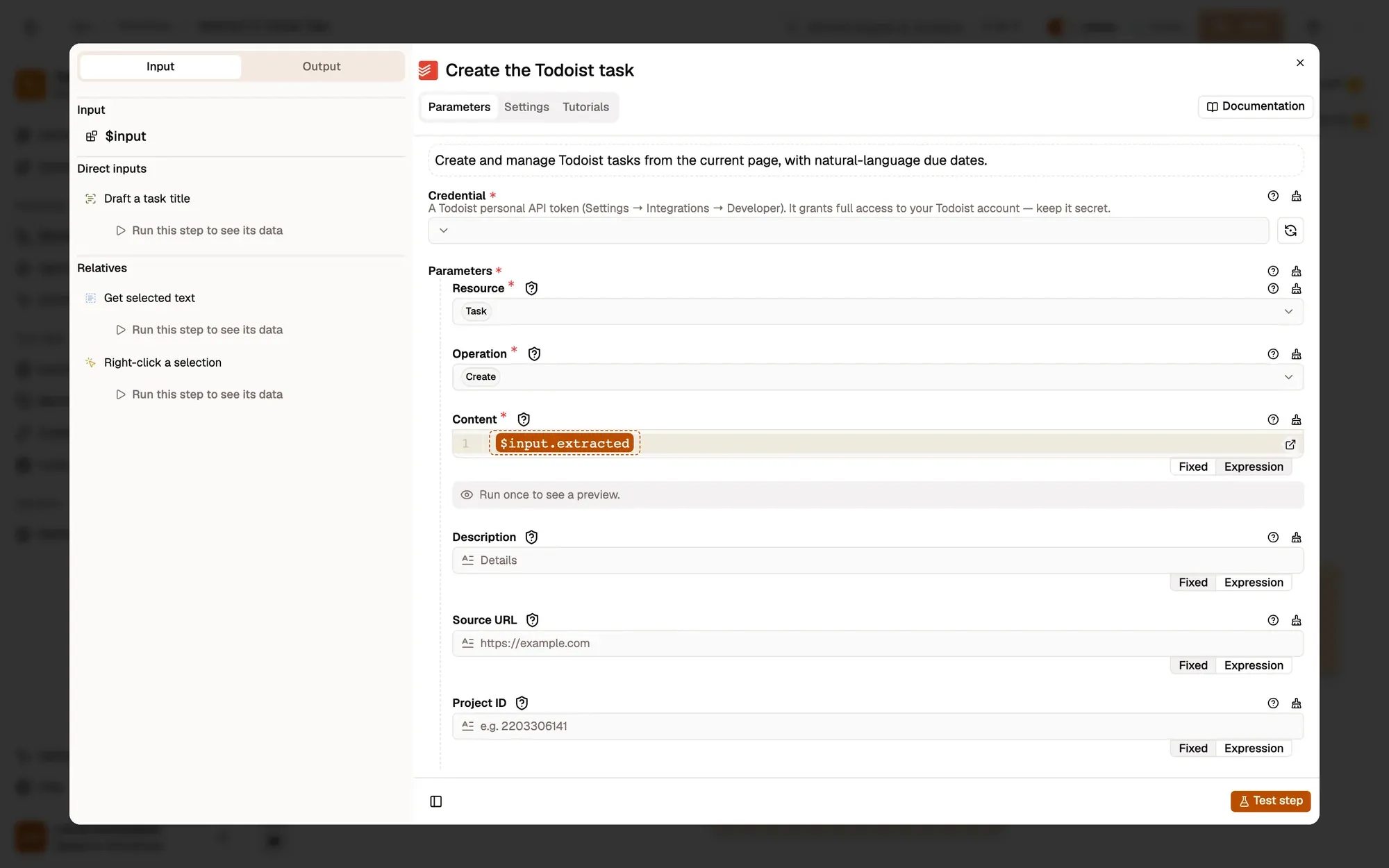
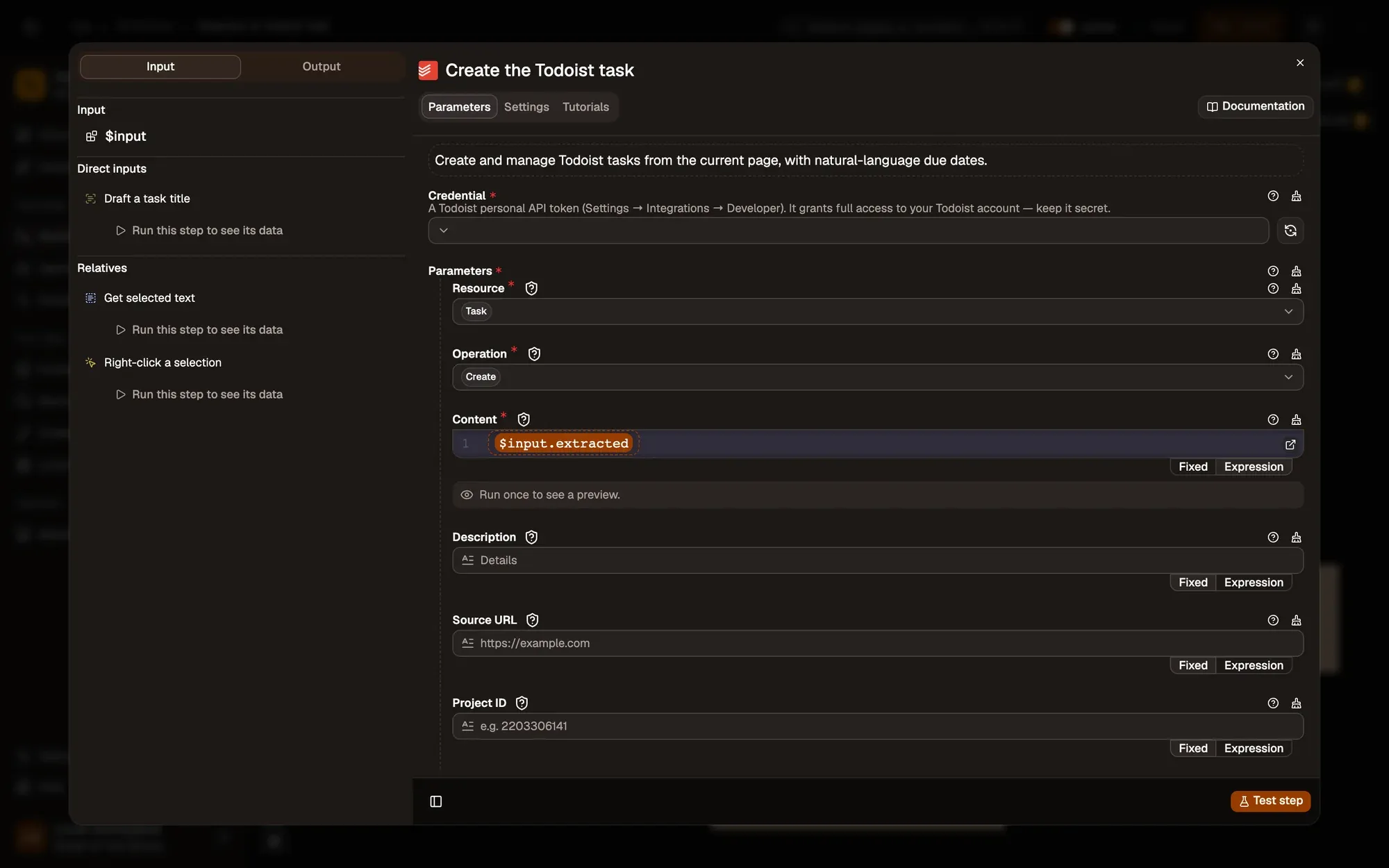
Create the task in Todoist
Todoist creates a task whose Content is the drafted title. With no project set, it lands in your Inbox.
按需调整 — set a project, a label or a due string such as
tomorrowin the Todoist step.
Test it
Section titled “Test it”-
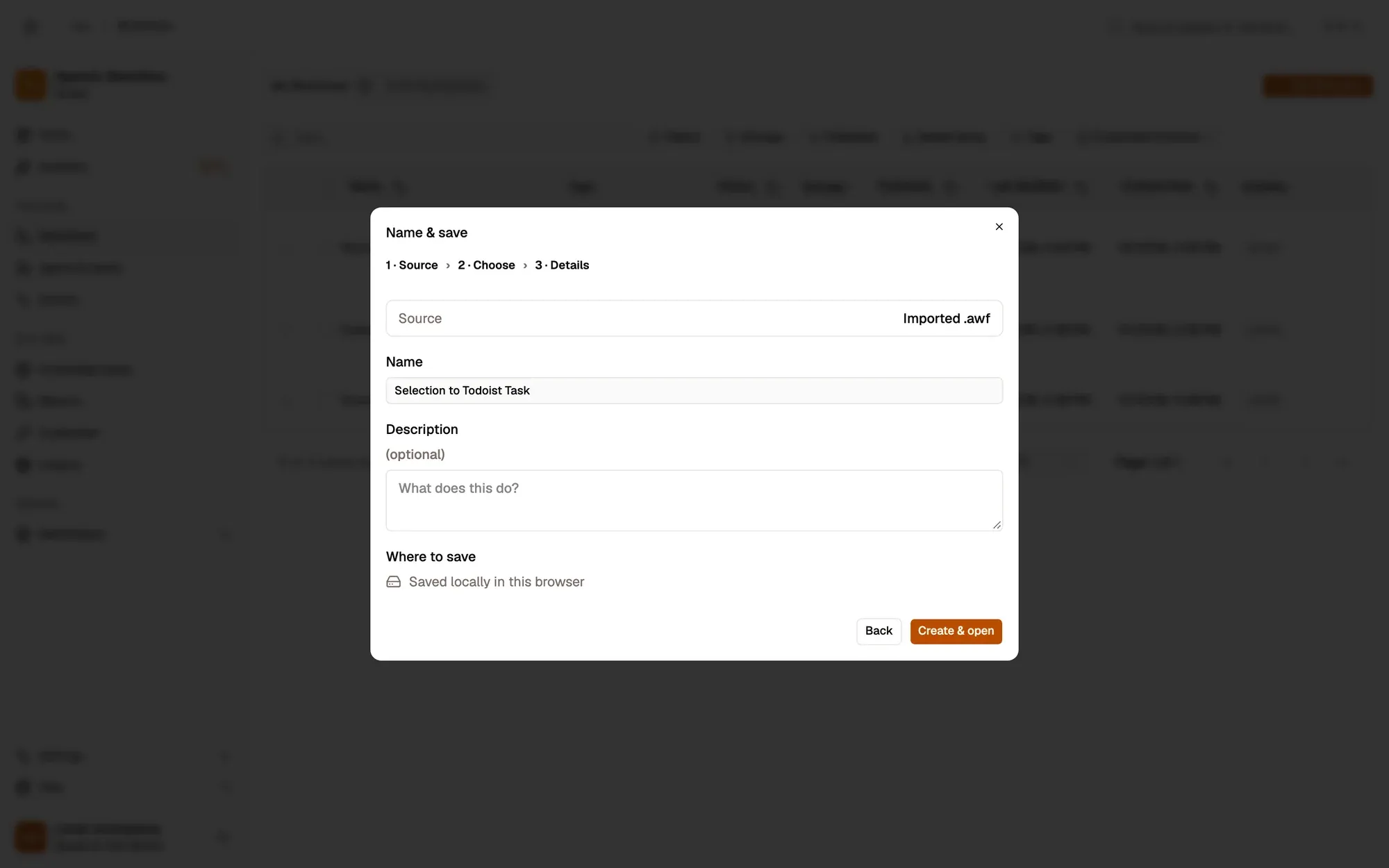
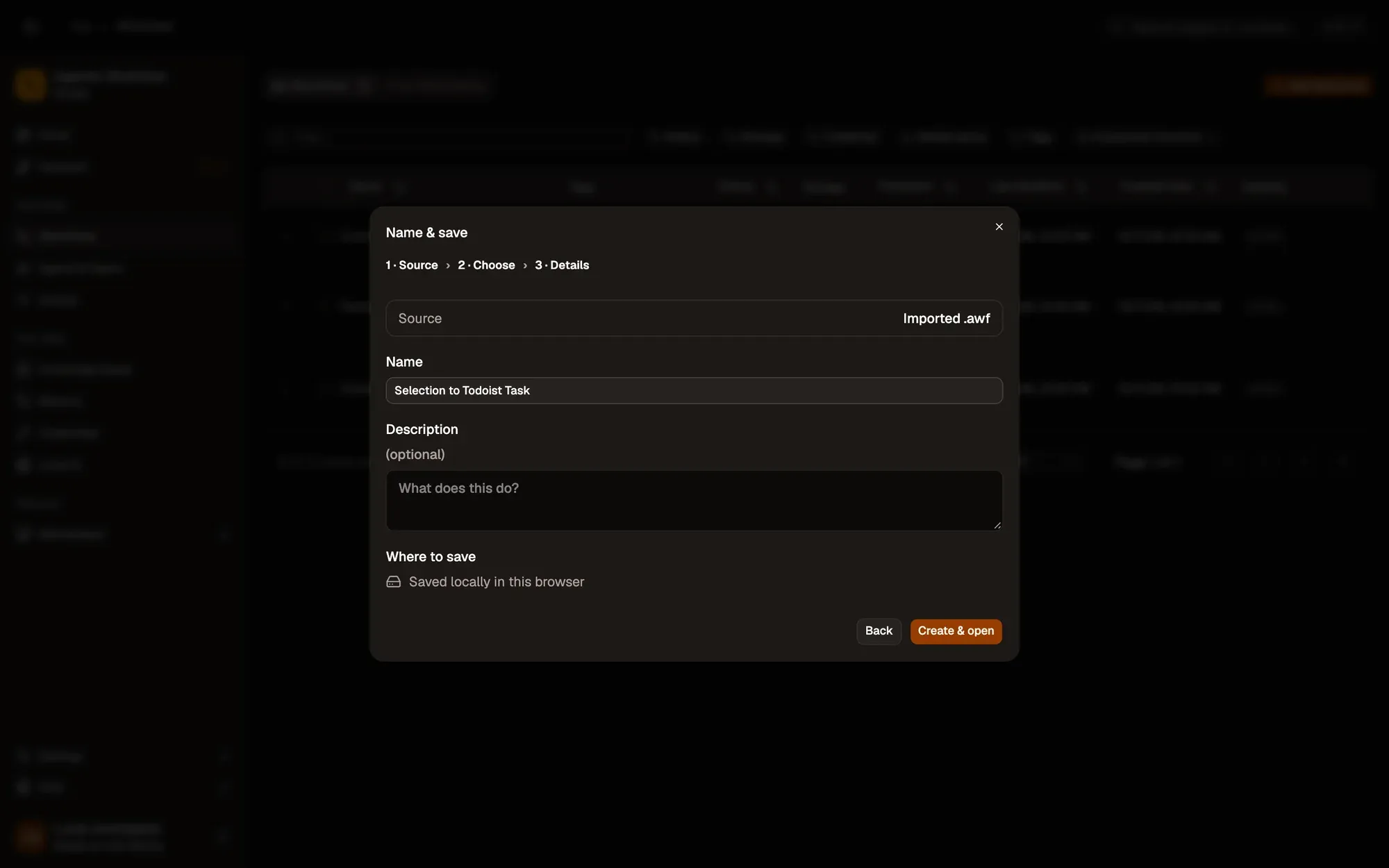
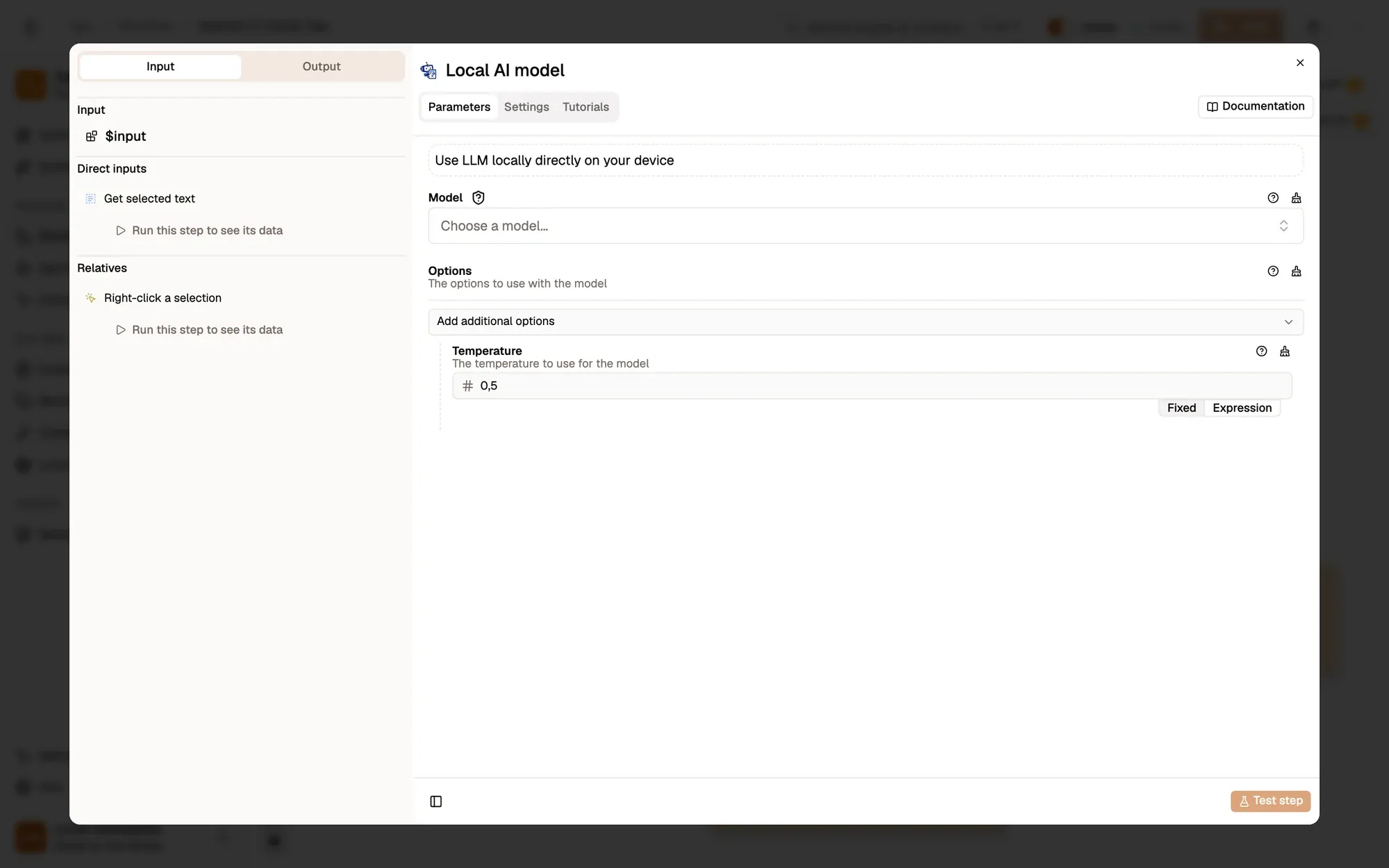
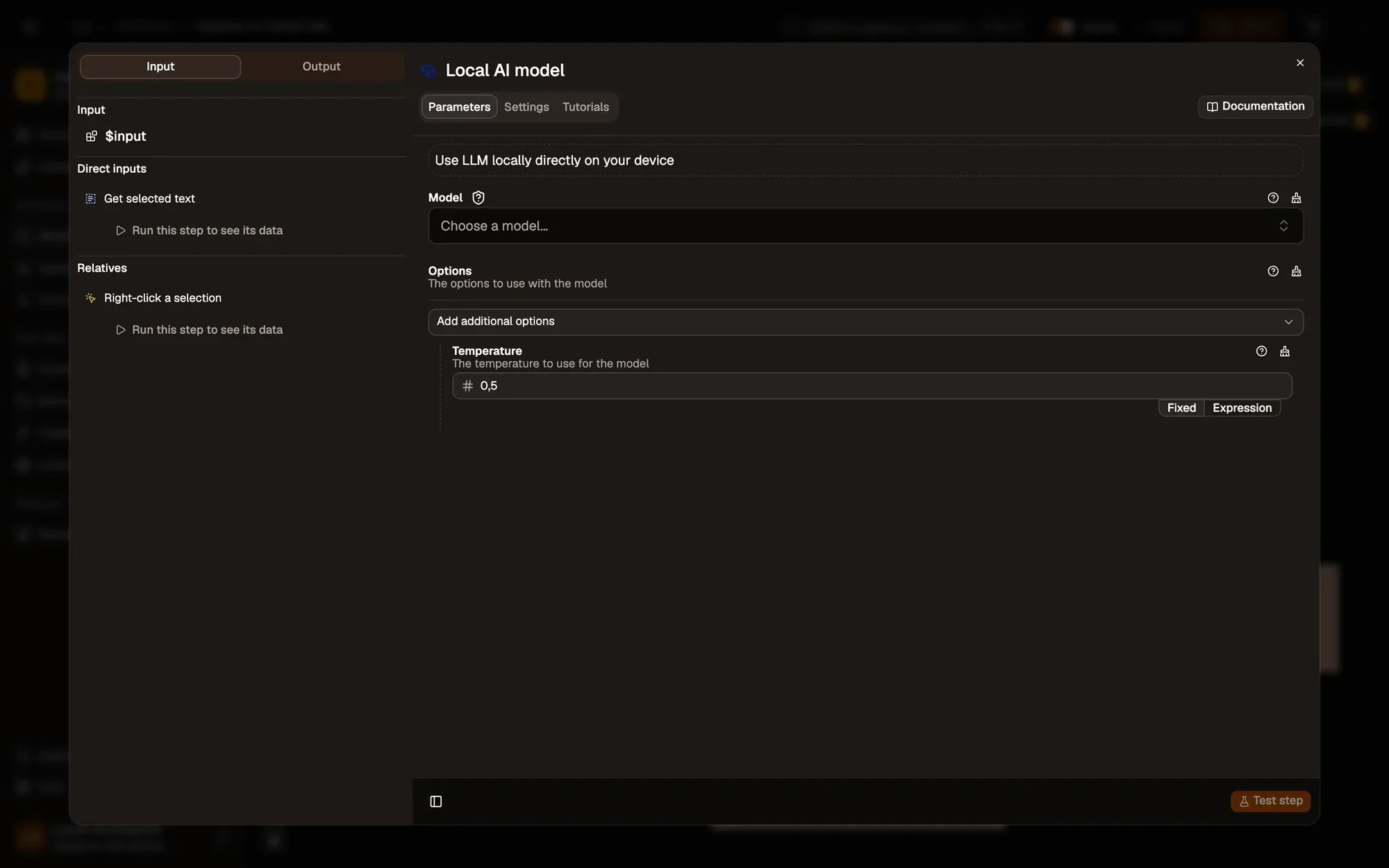
Install the recipe. Pick a model in Local AI model and choose or create a Todoist connection in Create the Todoist task. See Todoist. To import the file yourself, use Add Workflow › Import, choose the
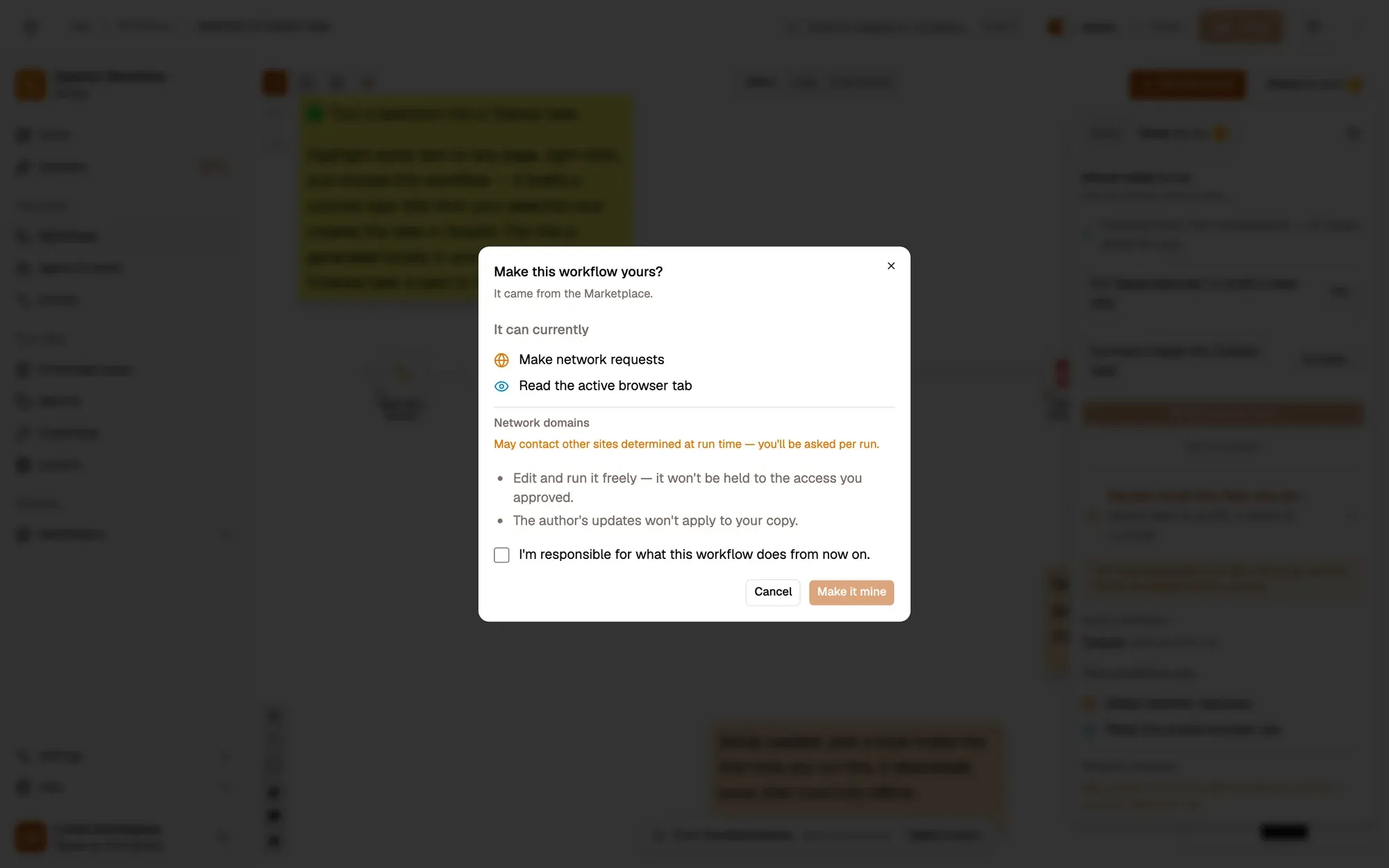
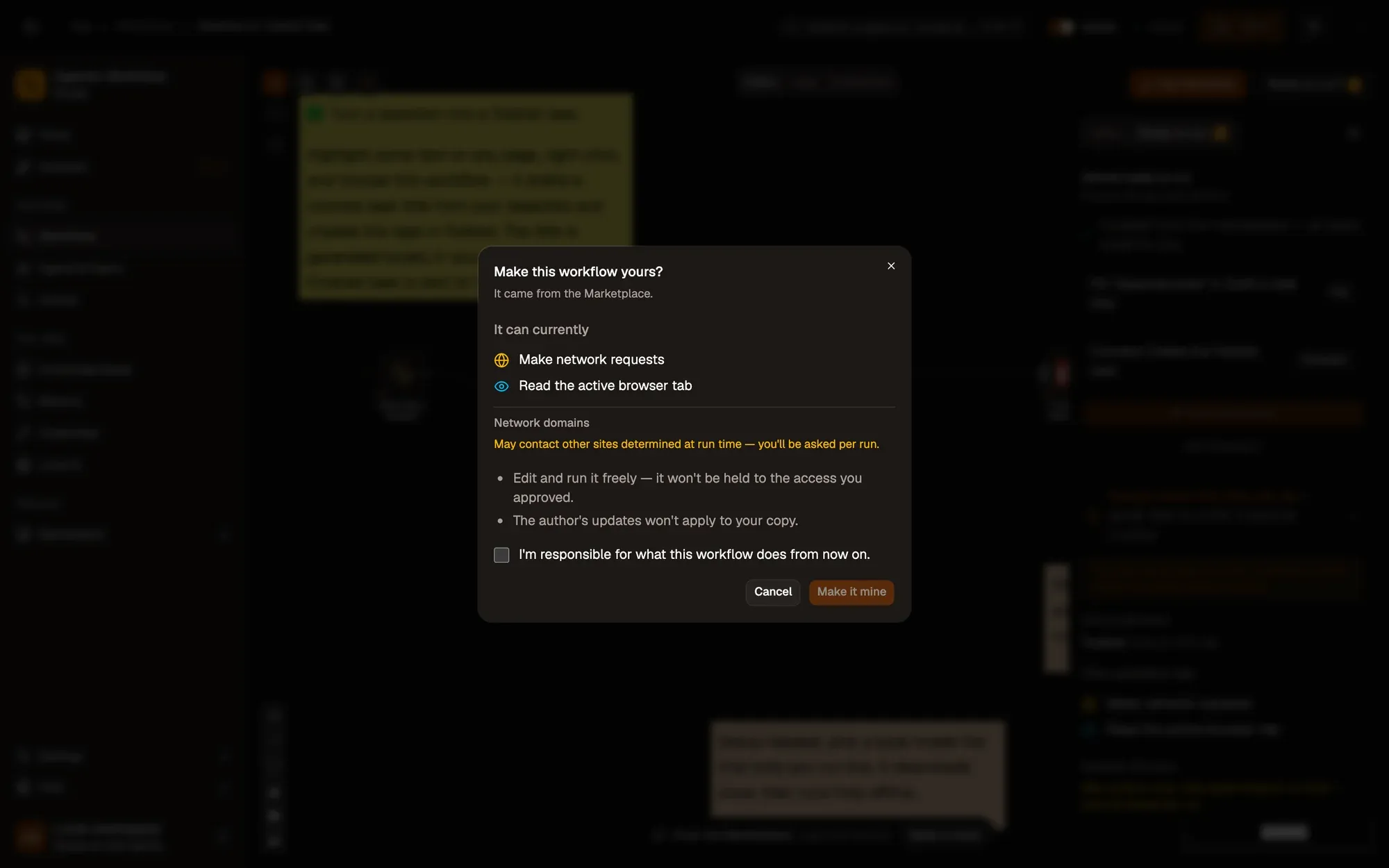
.awfand click Create & open. Then click Make it mine at the bottom of the canvas, tick the box and confirm, so you can edit it. To add the connection itself, see Create a connection. -
Save and activate the workflow.
-
Highlight a sentence such as “Can you send me the signed contract by Friday?”, right-click and choose Agentic Workflow › Personal Workflows › Selection to Todoist Task.
-
A task like “Send the signed contract” appears in your Todoist Inbox.
Variations
Section titled “Variations”| Variation | What to change | Level |
|---|---|---|
| Keep the exact text | Remove Information Extractor and map selection straight to the task content. No model needed. |
Beginner |
| Add the page link | Add Get Page Metadata and put its url in the task description. |
Intermediate |
| Several tasks at once | Use an Item List Output Parser to split meeting notes into one task per action. | Advanced |
Troubleshoot
Section titled “Troubleshoot”- The task title is empty. The model returned nothing usable. Select a longer passage, or pick a larger model.
- Todoist says the request is unauthorized. Reconnect Todoist in the node’s connection picker.
- The menu entry is missing. Activate the workflow, then right-click and choose Get / Refresh Workflows.