此内容尚不支持你的语言。
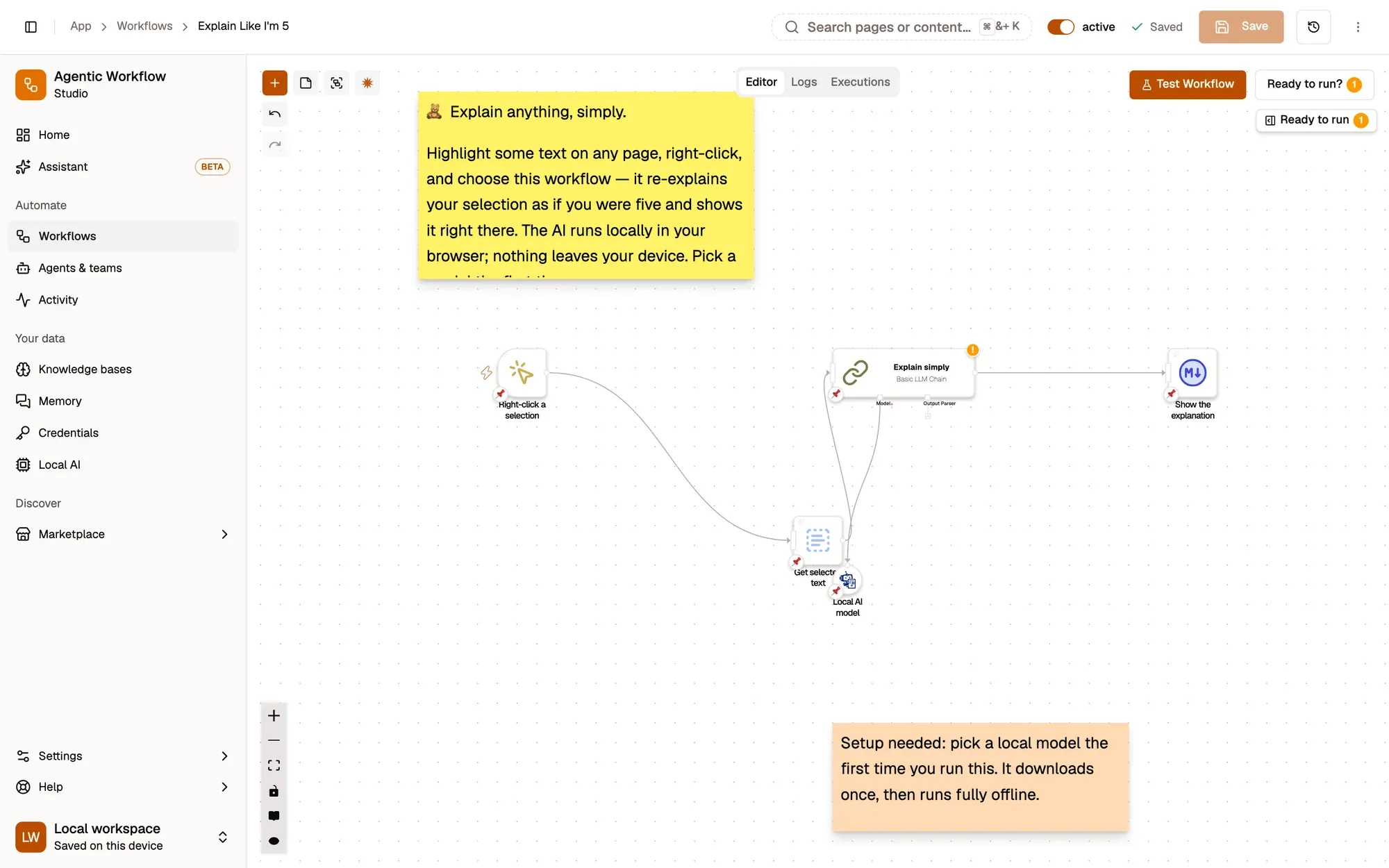
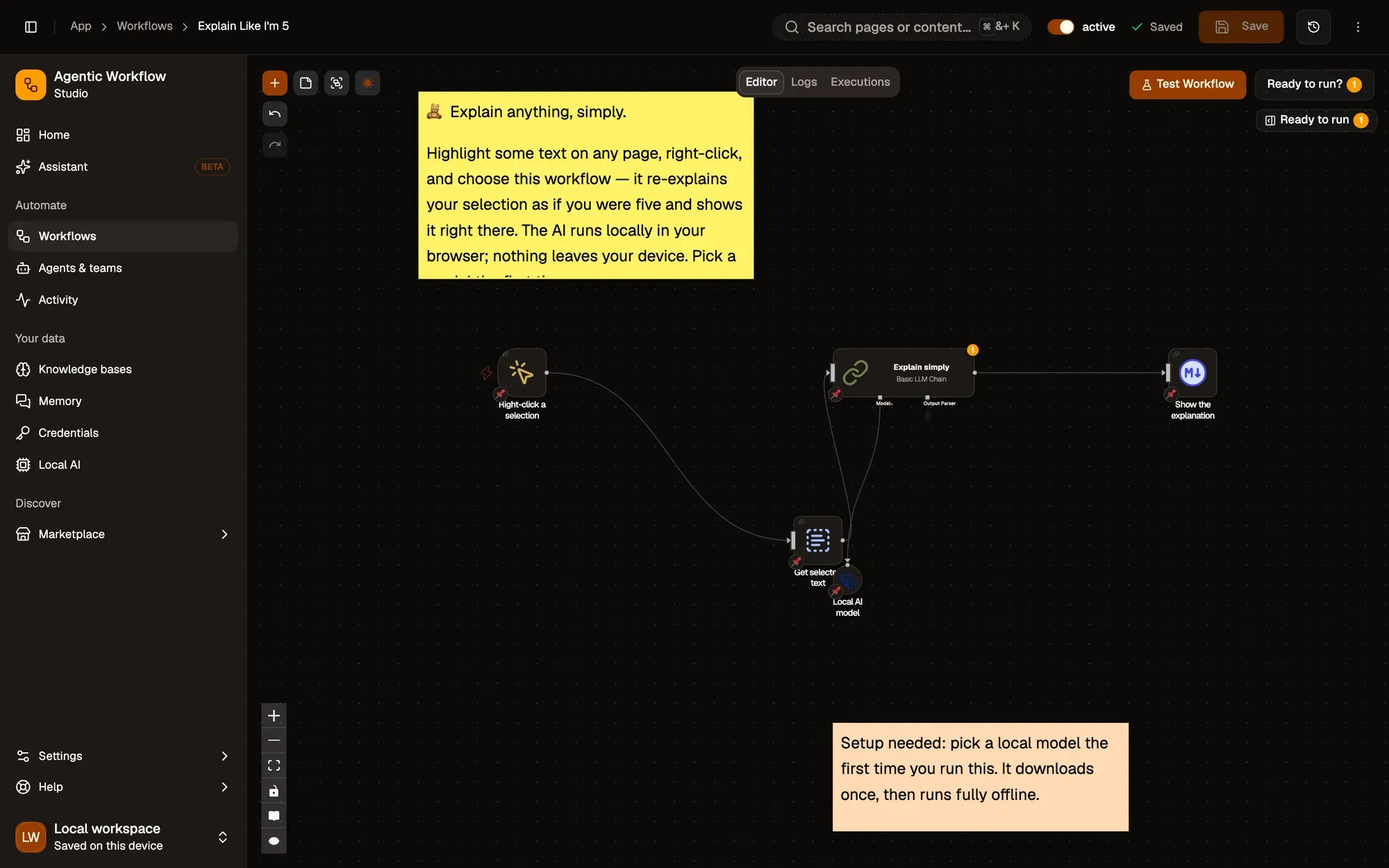
Explain Like I'm 5:包含 4 个步骤的工作流,从 Right-click a selection 开始,到 Show the explanation 结束。
How it works
Section titled “How it works”-
Start from the right-click menu
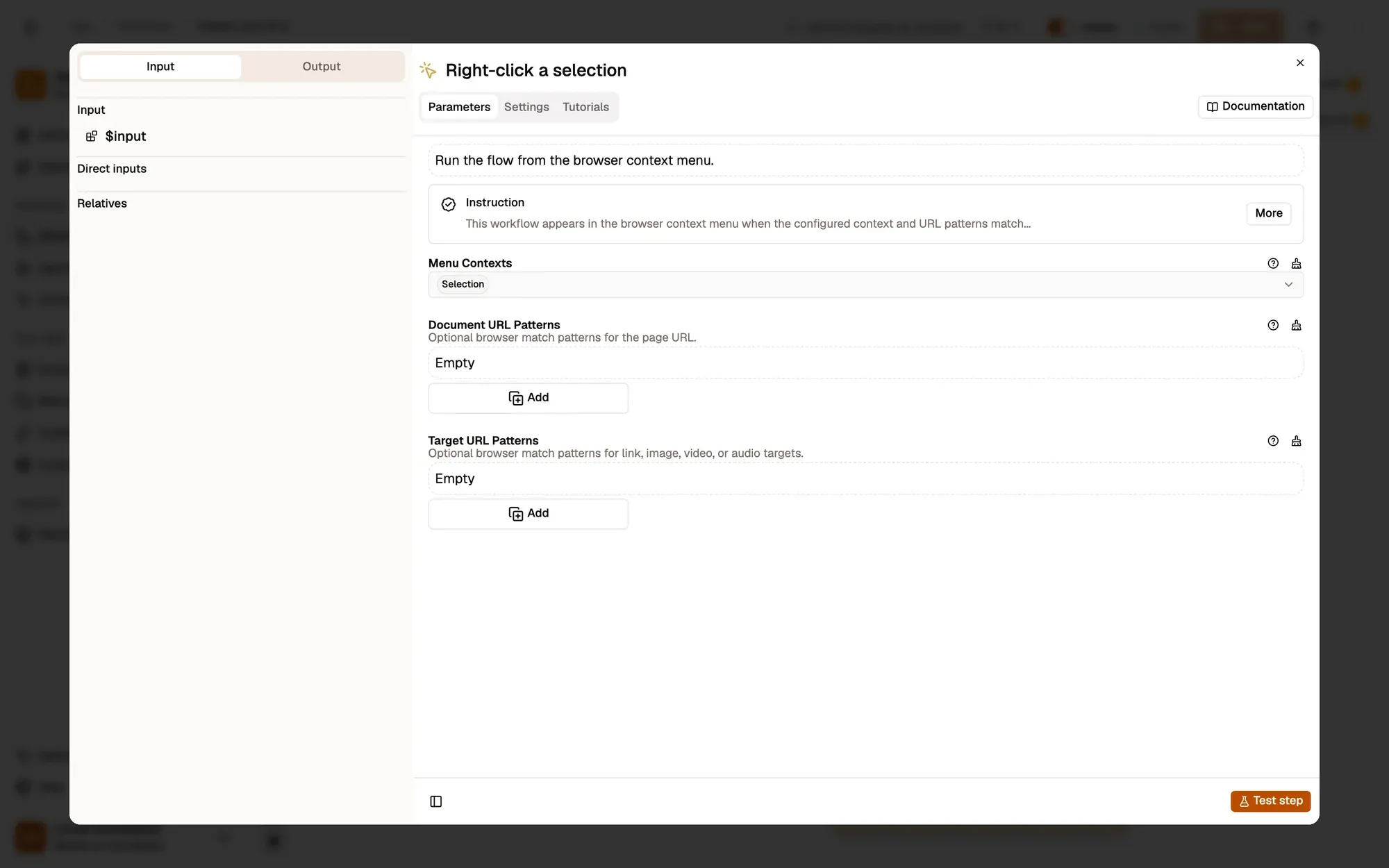
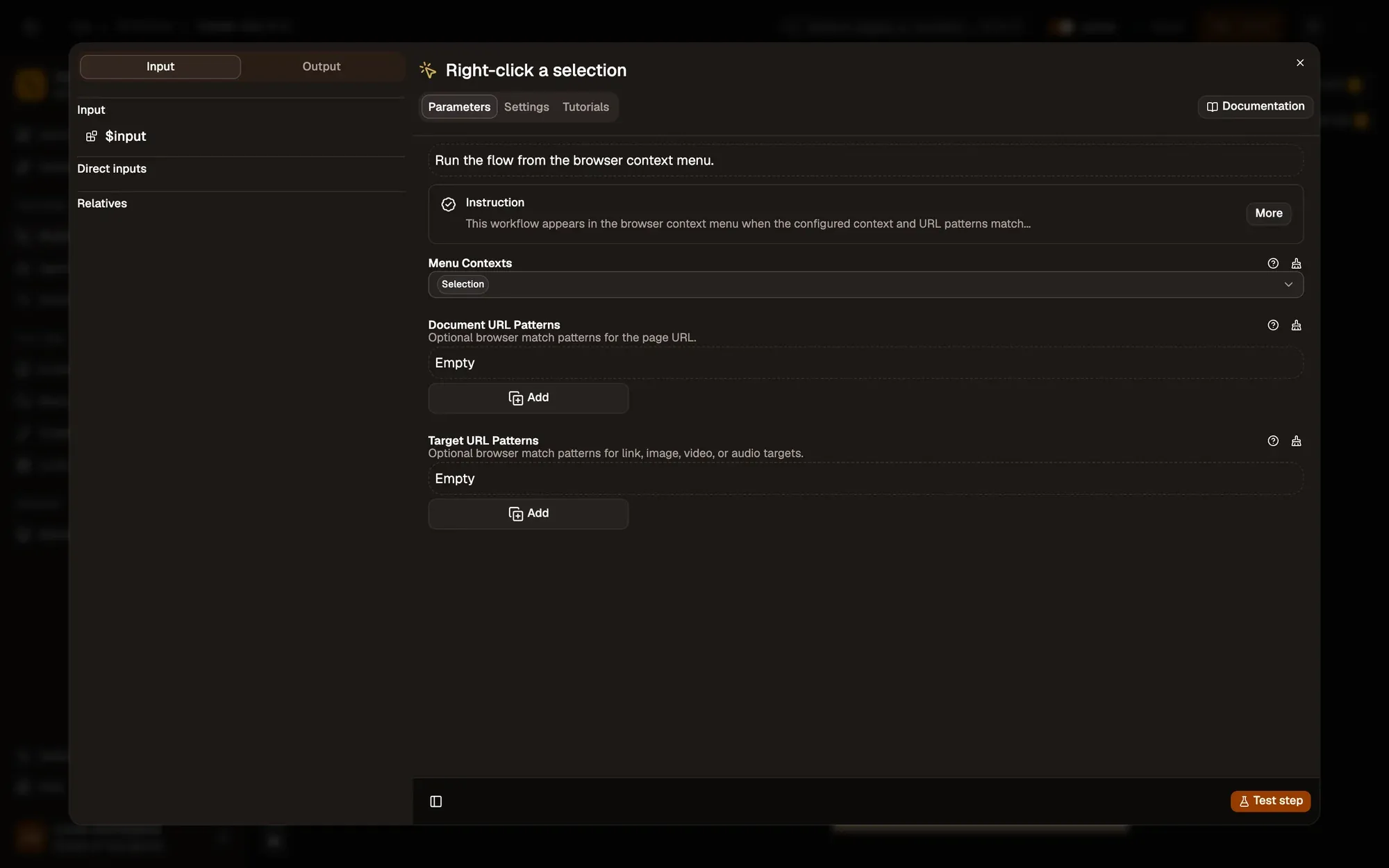
With Menu Contexts set to Selection, the workflow shows up when you right-click selected text, under Agentic Workflow.
按需调整 — add Document URL Patterns such as
https://*.wikipedia.org/*to offer it only on the sites you read. -
Read the selected text
Puts the highlighted text in the
selectionfield.按需调整 — nothing to change here; the Context Menu trigger also passes
selectionTextif you prefer to skip this step. -
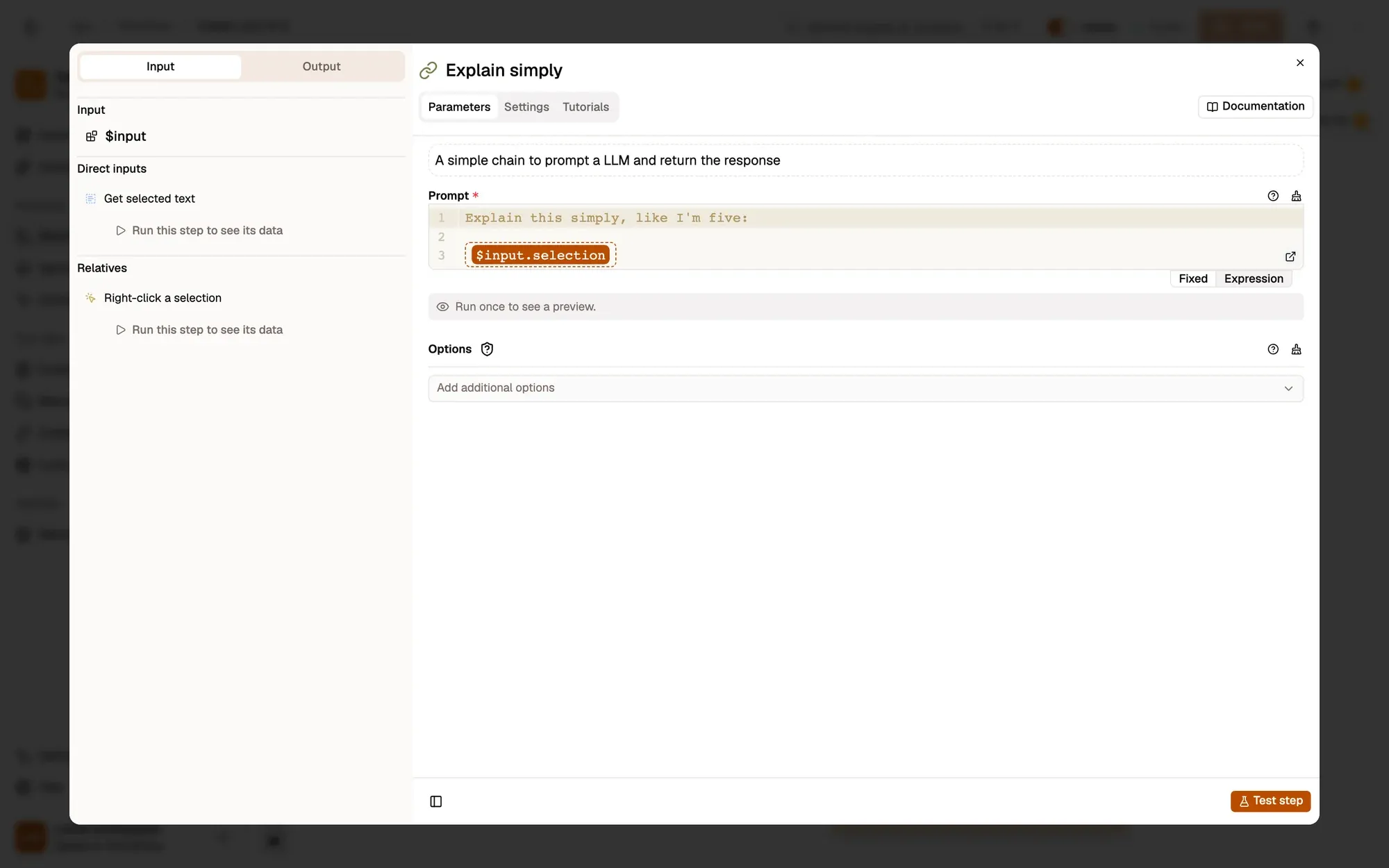
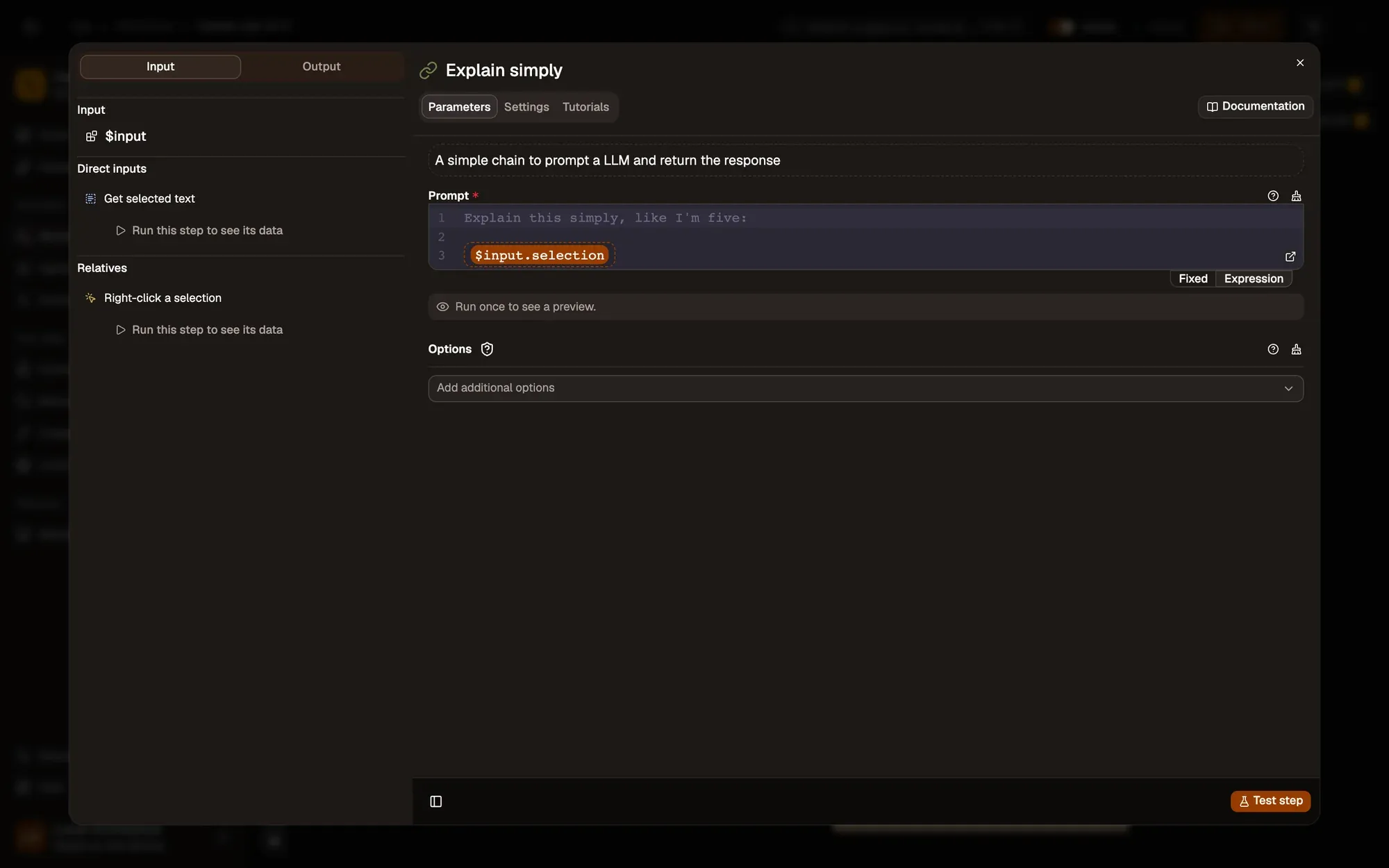
Explain it simply
Basic LLM Chain 节点参考 Web LLM 节点参考
Basic LLM Chain sends the prompt
Explain this simply, like I'm five:followed by your selection to the Web LLM model.按需调整 — rewrite Prompt, for example
Explain this for a new team member, with one example, or answer in another language. -
Show the explanation
Display Markdown opens an Explanation panel in the corner of the page.
按需调整 — use Browser Notification instead for a short answer.
Test it
Section titled “Test it”-
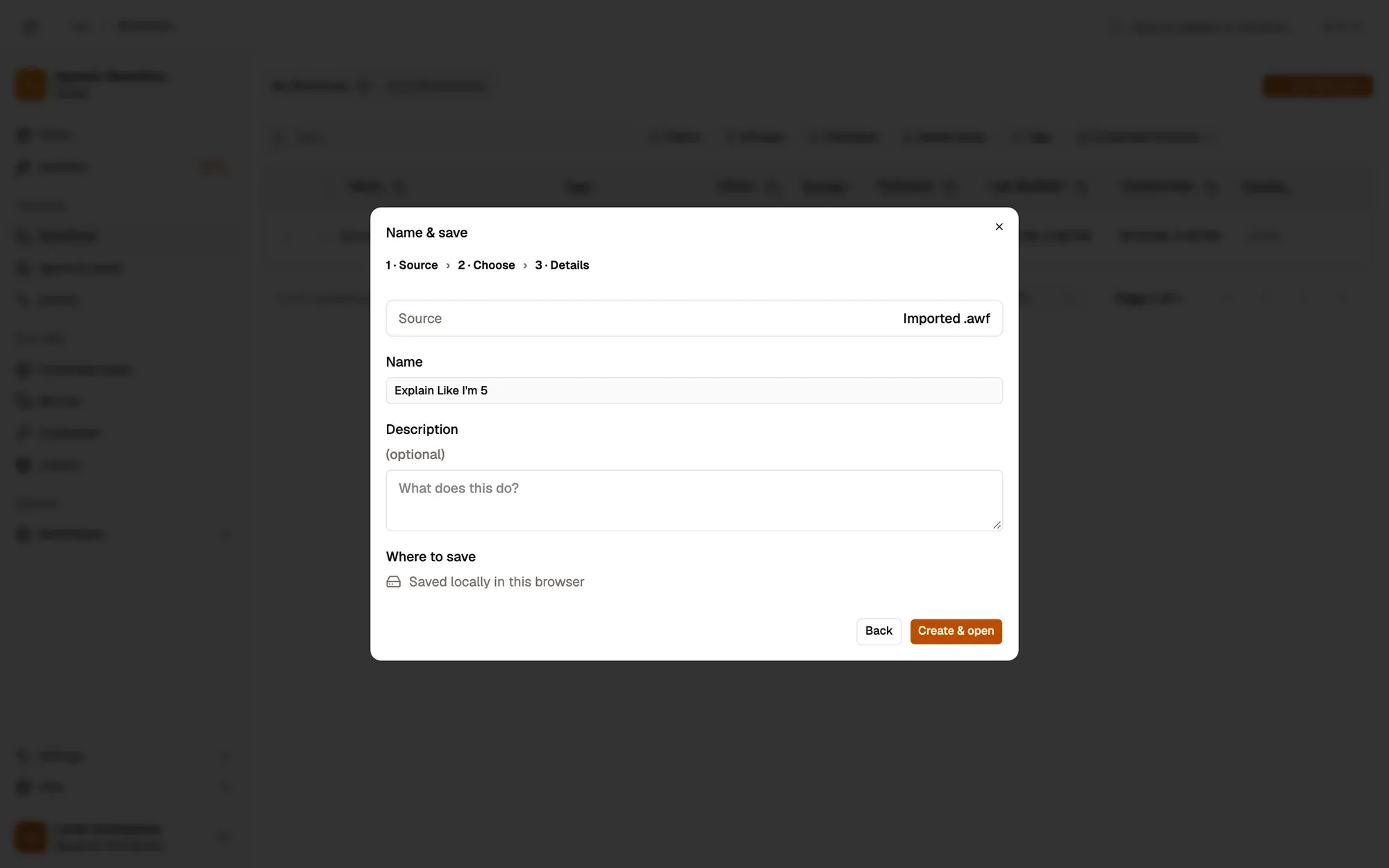
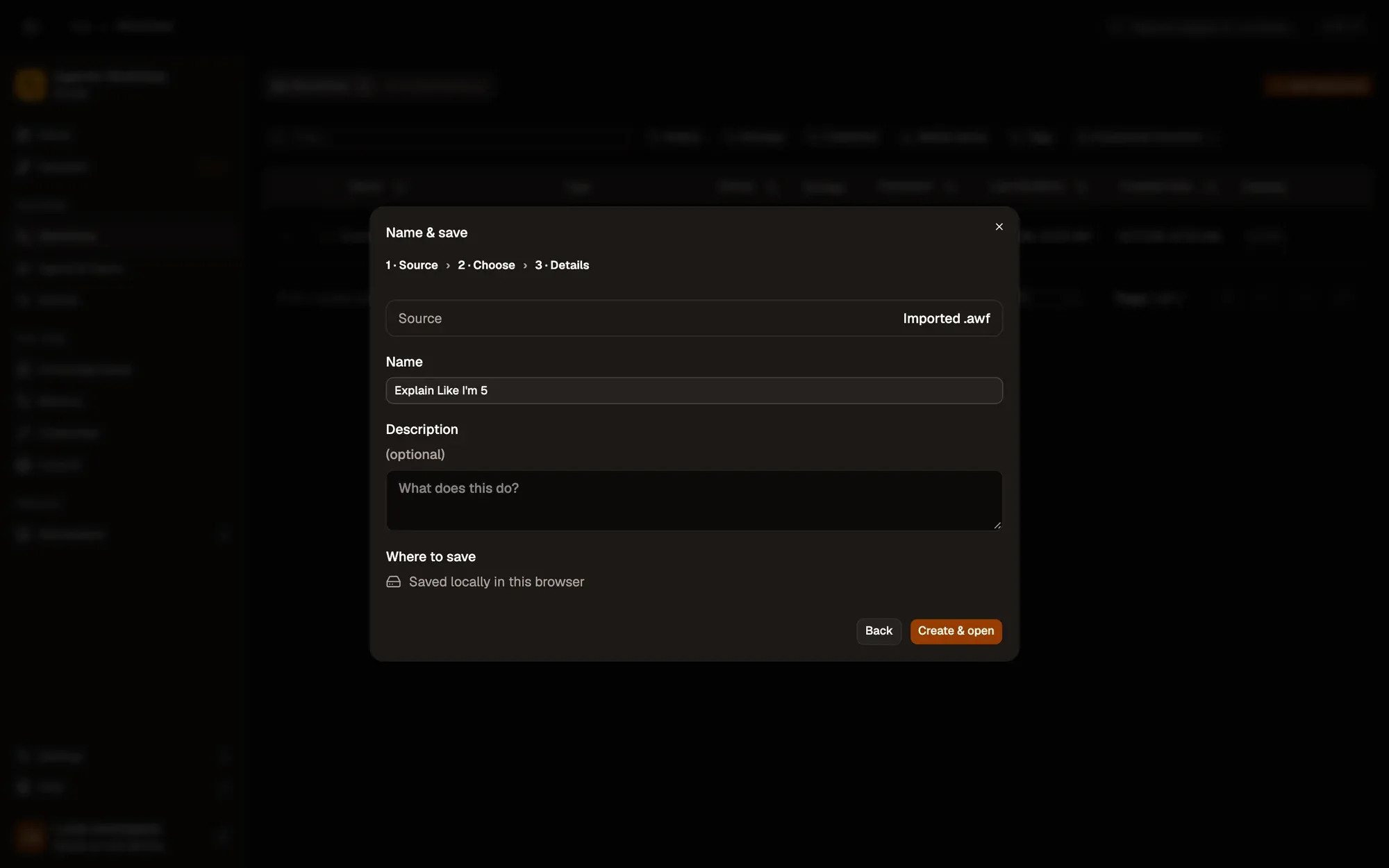
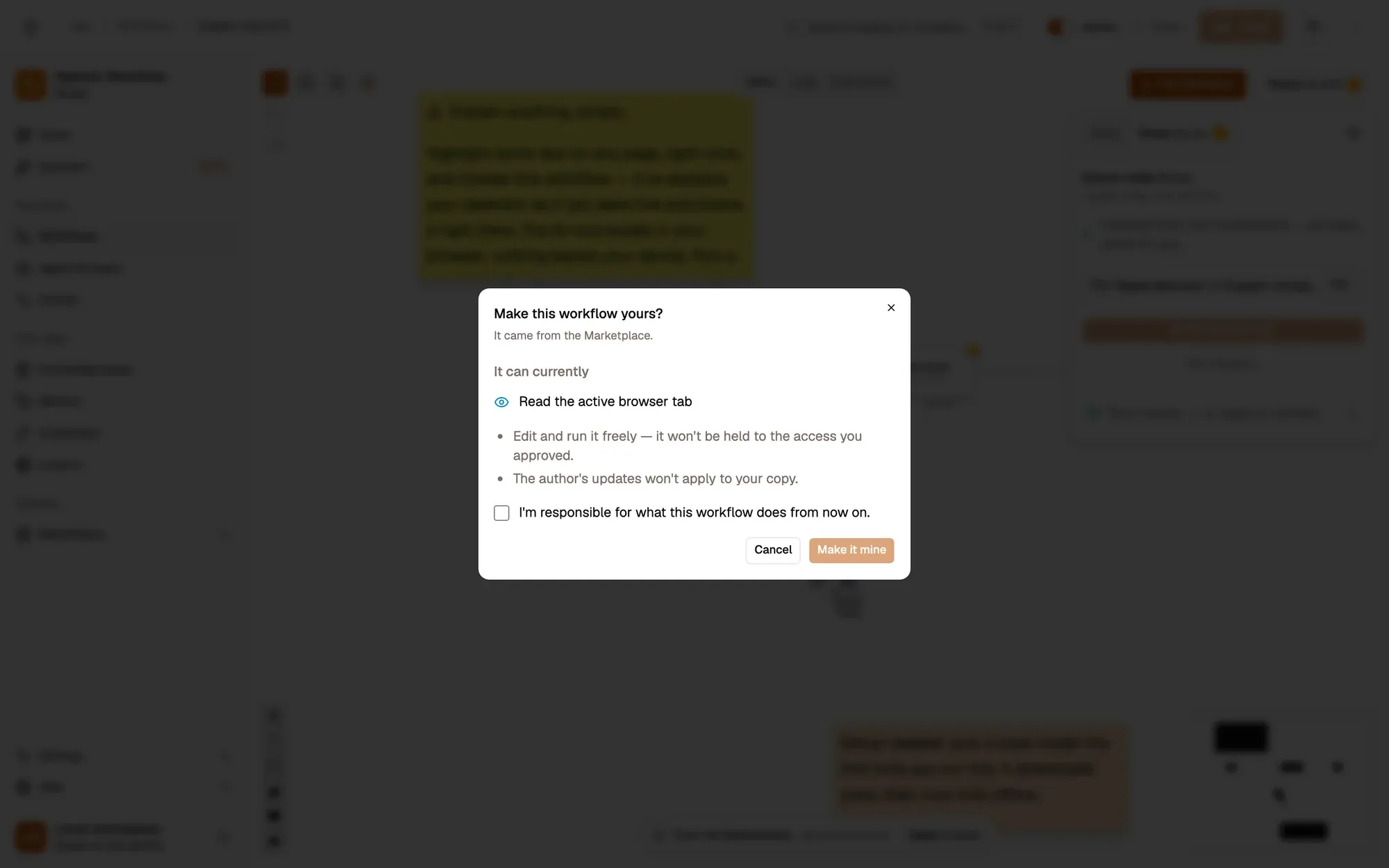
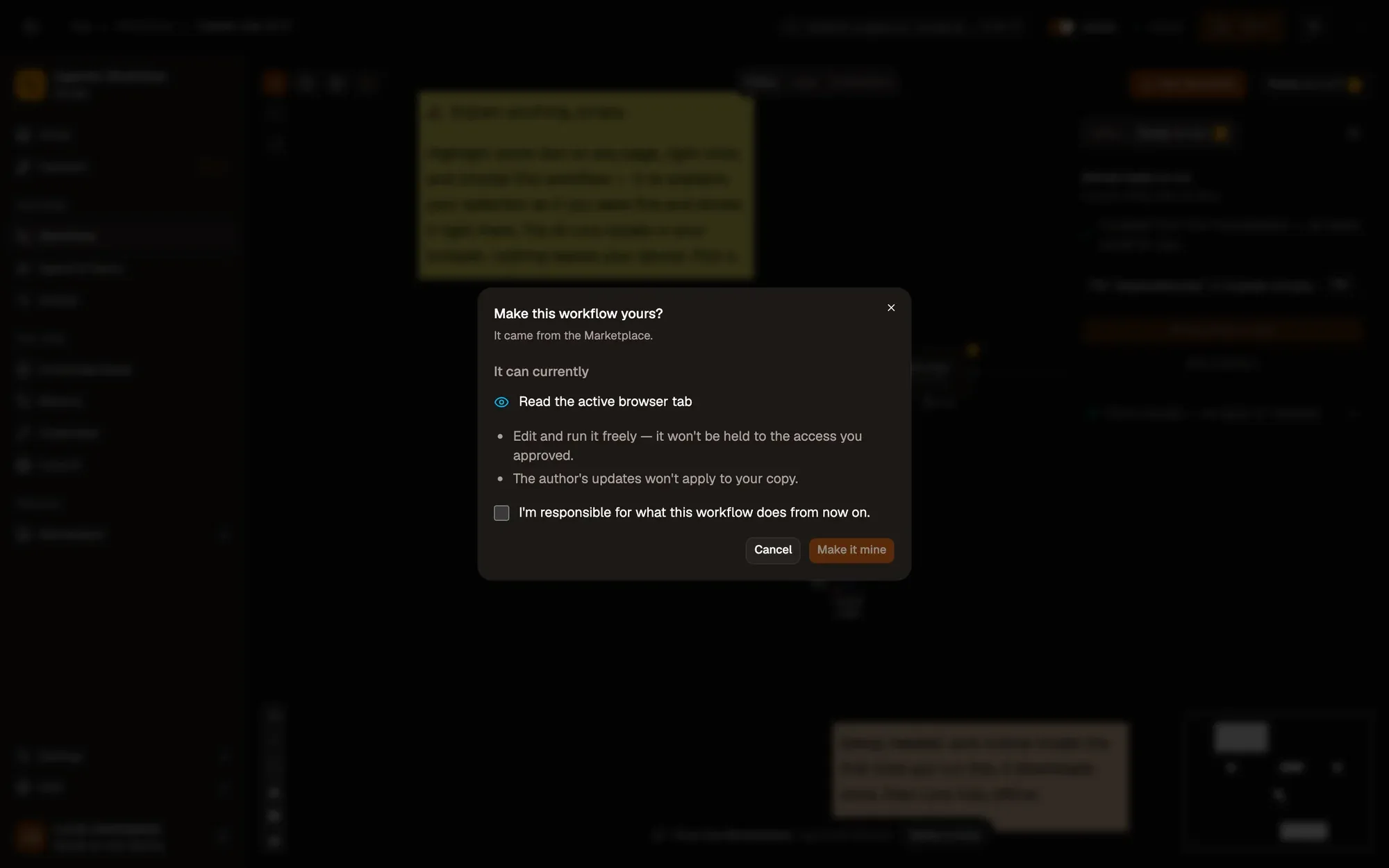
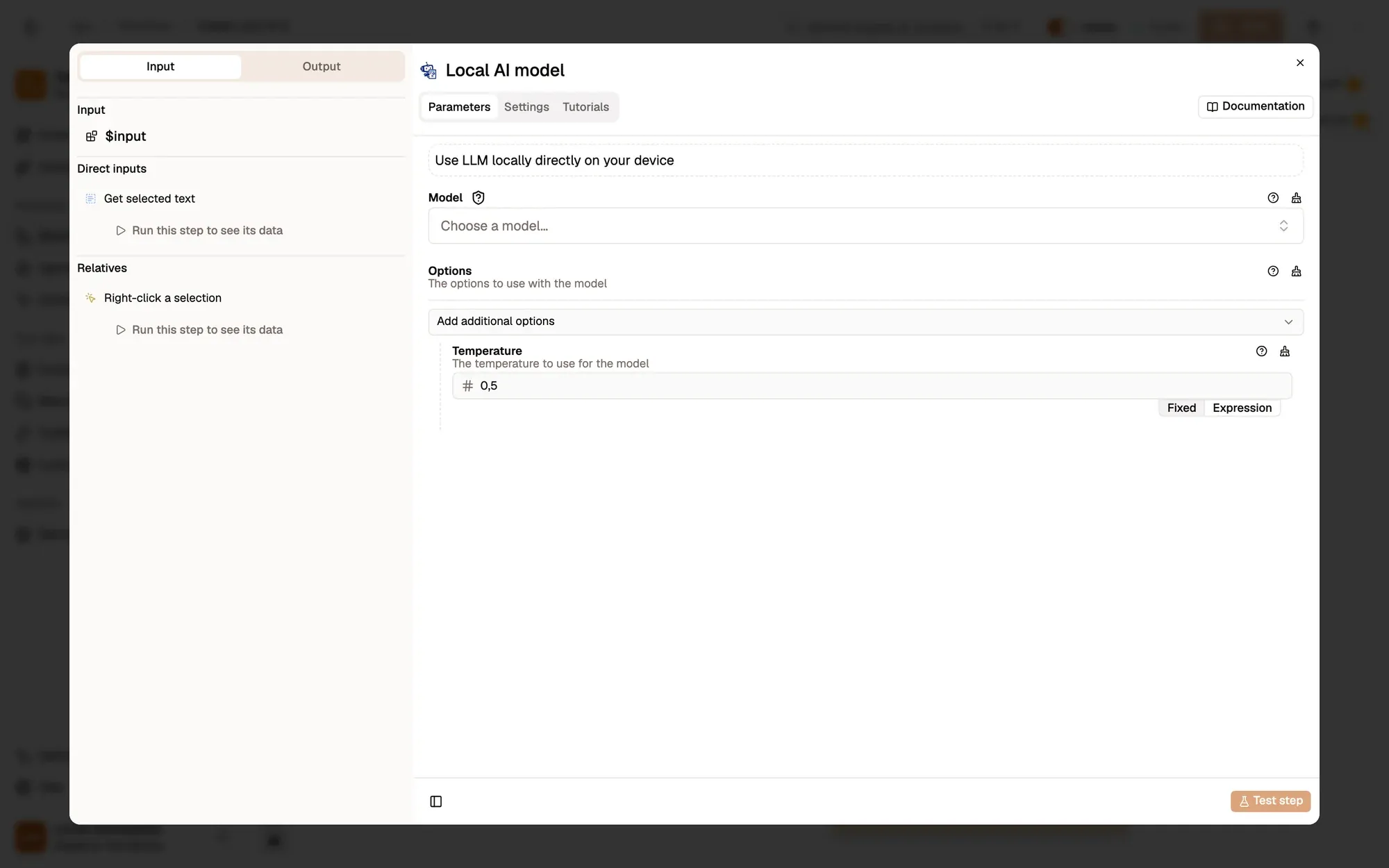
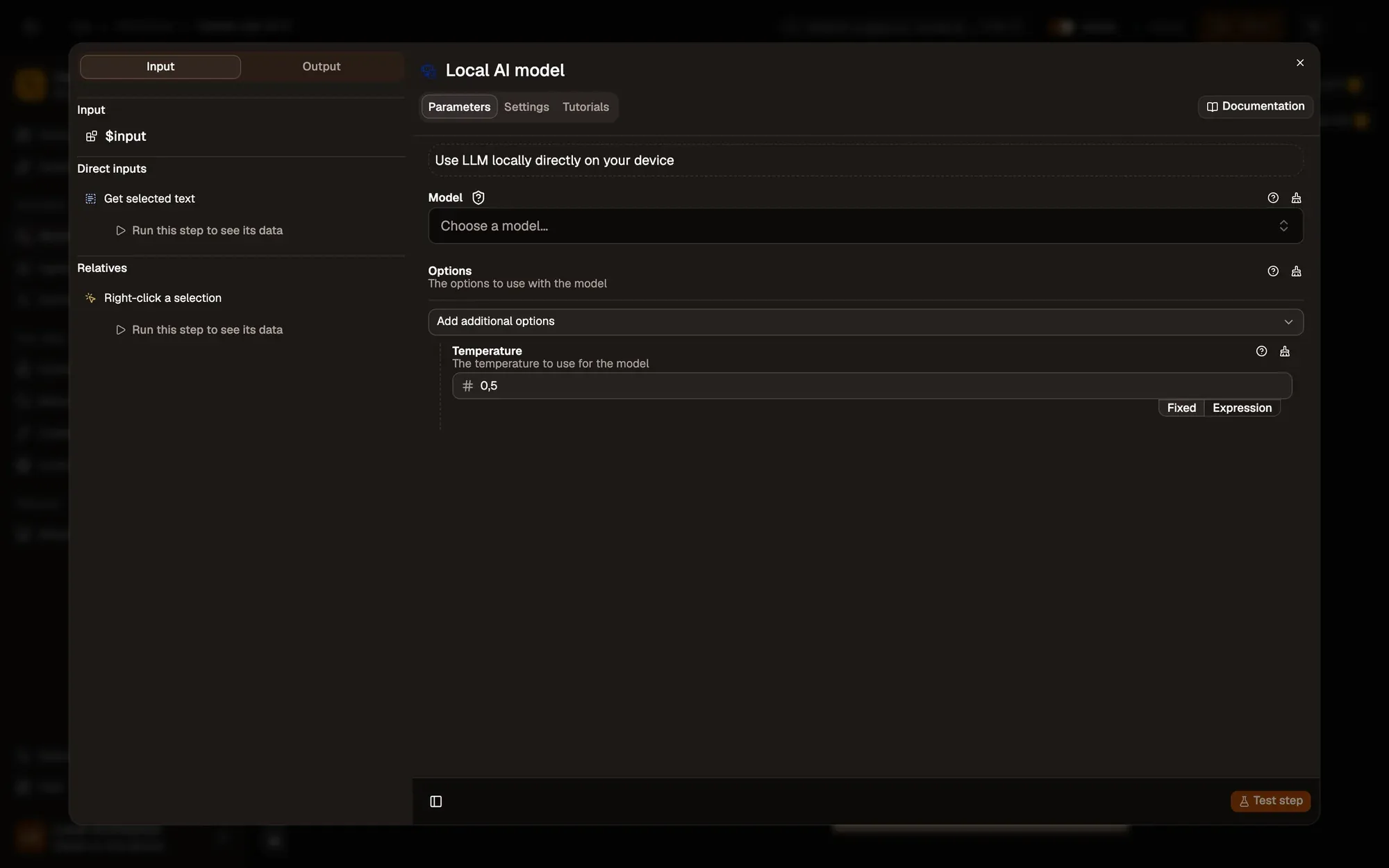
Install the recipe and pick a model in Local AI model (it downloads once; see Local models). To import the file yourself, use Add Workflow › Import, choose the
.awfand click Create & open. Then click Make it mine at the bottom of the canvas, tick the box and confirm, so you can edit it. -
Save and activate the workflow.
-
On any page, highlight a sentence, right-click it and choose Agentic Workflow › Personal Workflows › Explain Like I’m 5.
-
An Explanation panel opens with a plain-words version.
Variations
Section titled “Variations”| Variation | What to change | Level |
|---|---|---|
| Translate instead | Replace Basic LLM Chain with Translate, which needs no chat model. | Beginner |
| Explain code | Change Prompt to Explain what this code does, step by step: and select a code block. |
Beginner |
| Keep the answers | Branch Notion off Basic LLM Chain to save each term and its explanation. | Intermediate |
Troubleshoot
Section titled “Troubleshoot”- The menu entry is missing. Activate the workflow, then right-click and choose Get / Refresh Workflows. It only shows on selected text.
- The explanation is cut short or vague. Small models struggle with long selections. Select a shorter passage or pick a larger model.
- Nothing happens for a while. The first run downloads the model. Watch the progress in the run log on the canvas.