此内容尚不支持你的语言。
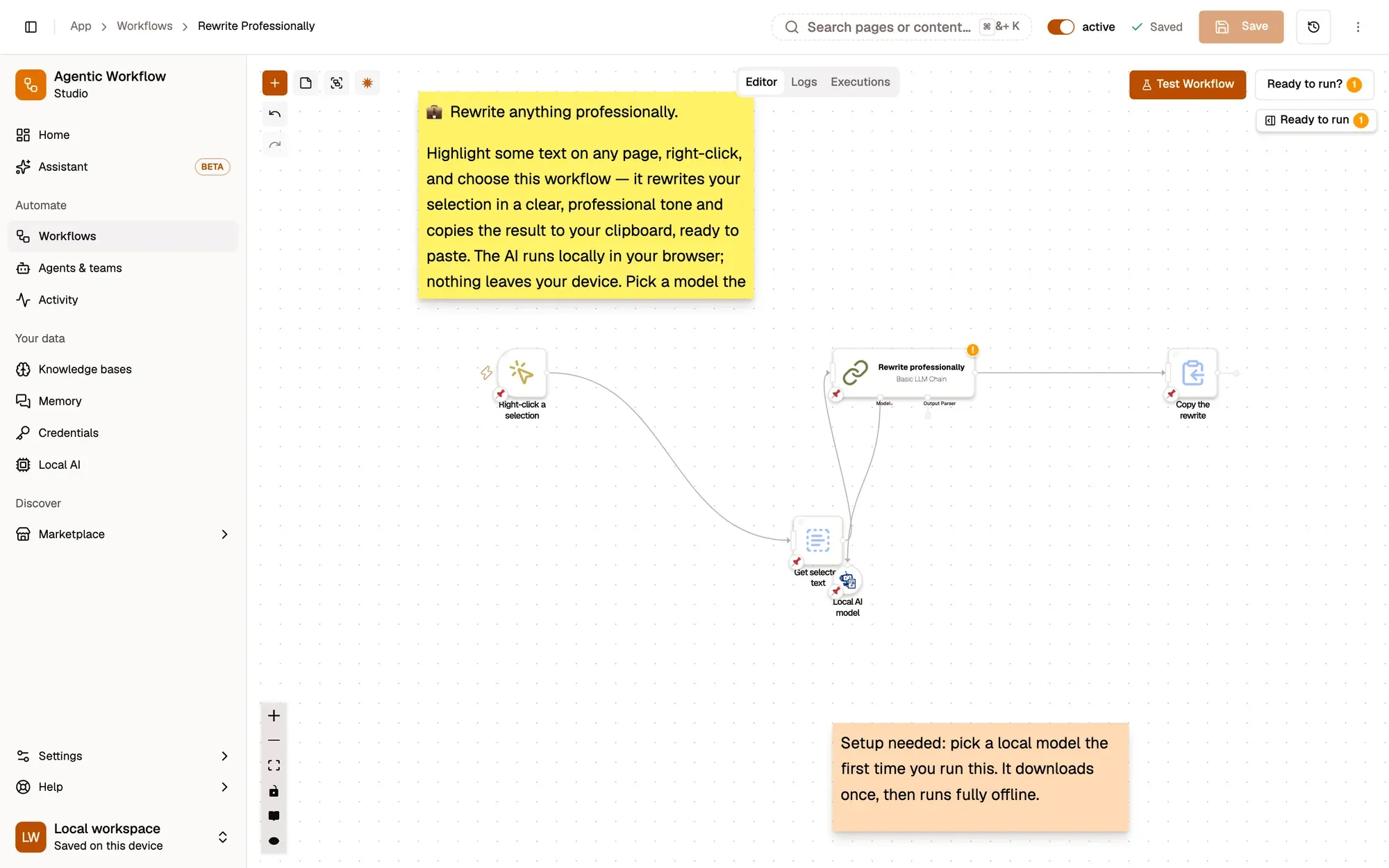
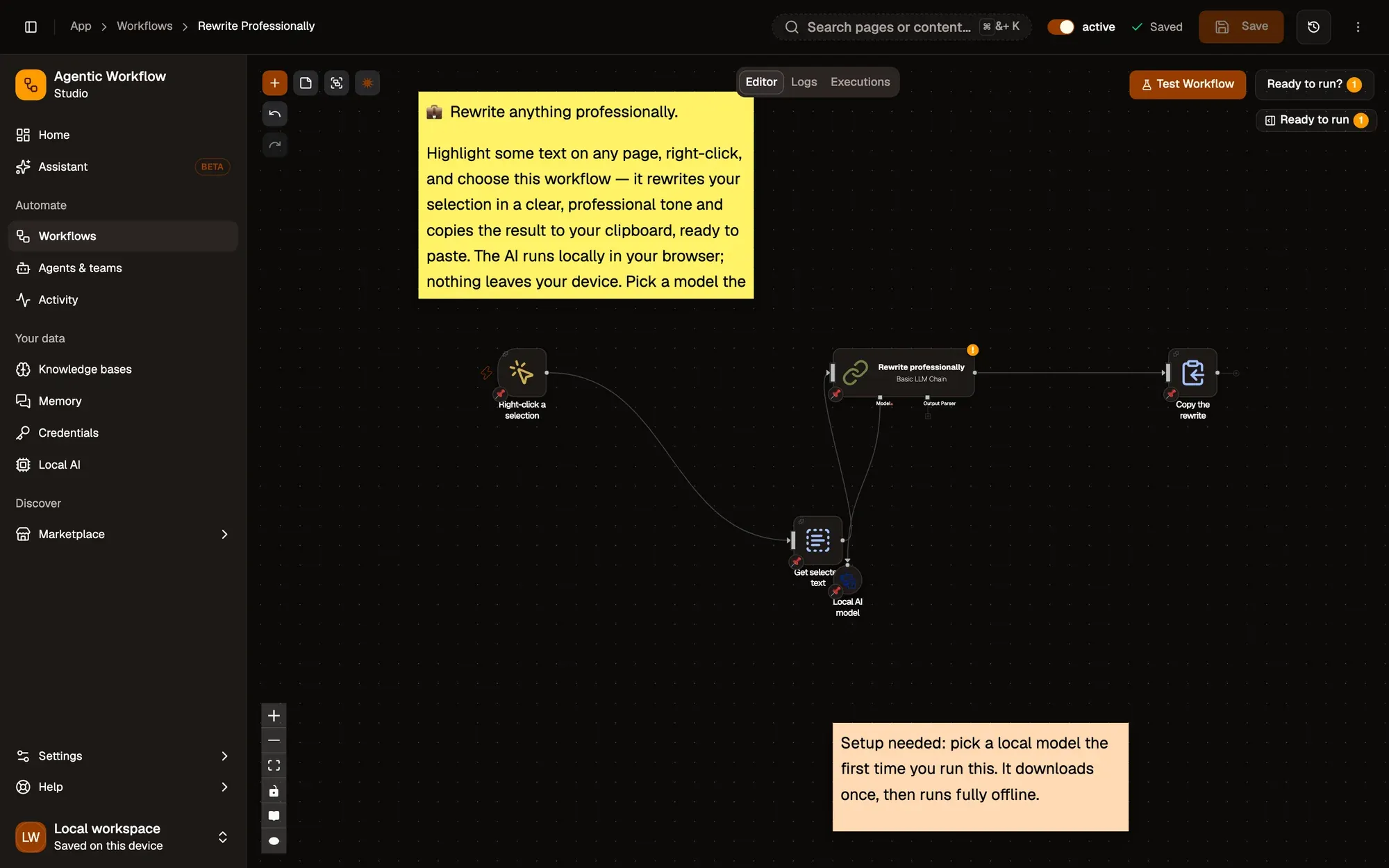
Rewrite Professionally:包含 4 个步骤的工作流,从 Right-click a selection 开始,到 Copy the rewrite 结束。
How it works
Section titled “How it works”-
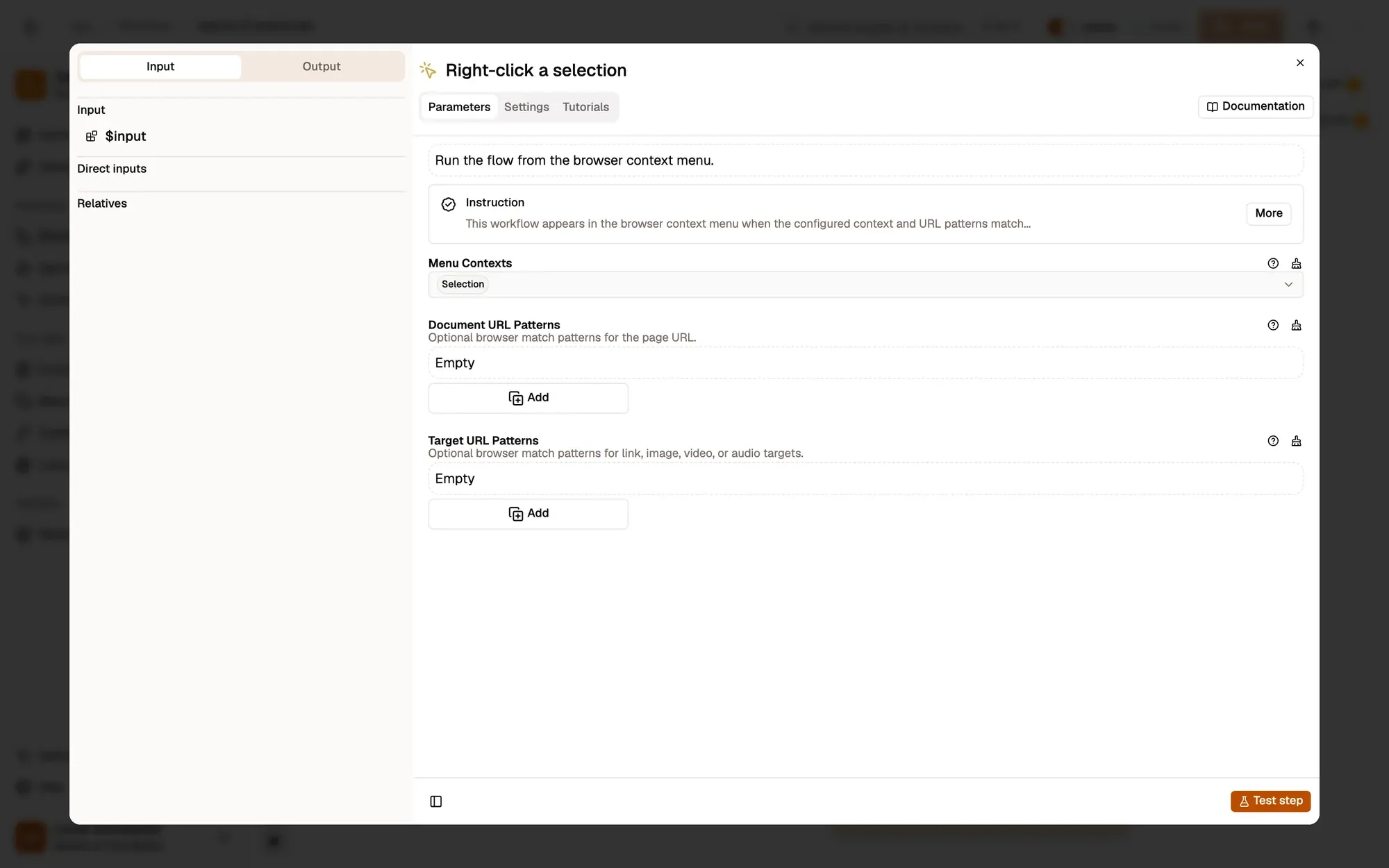
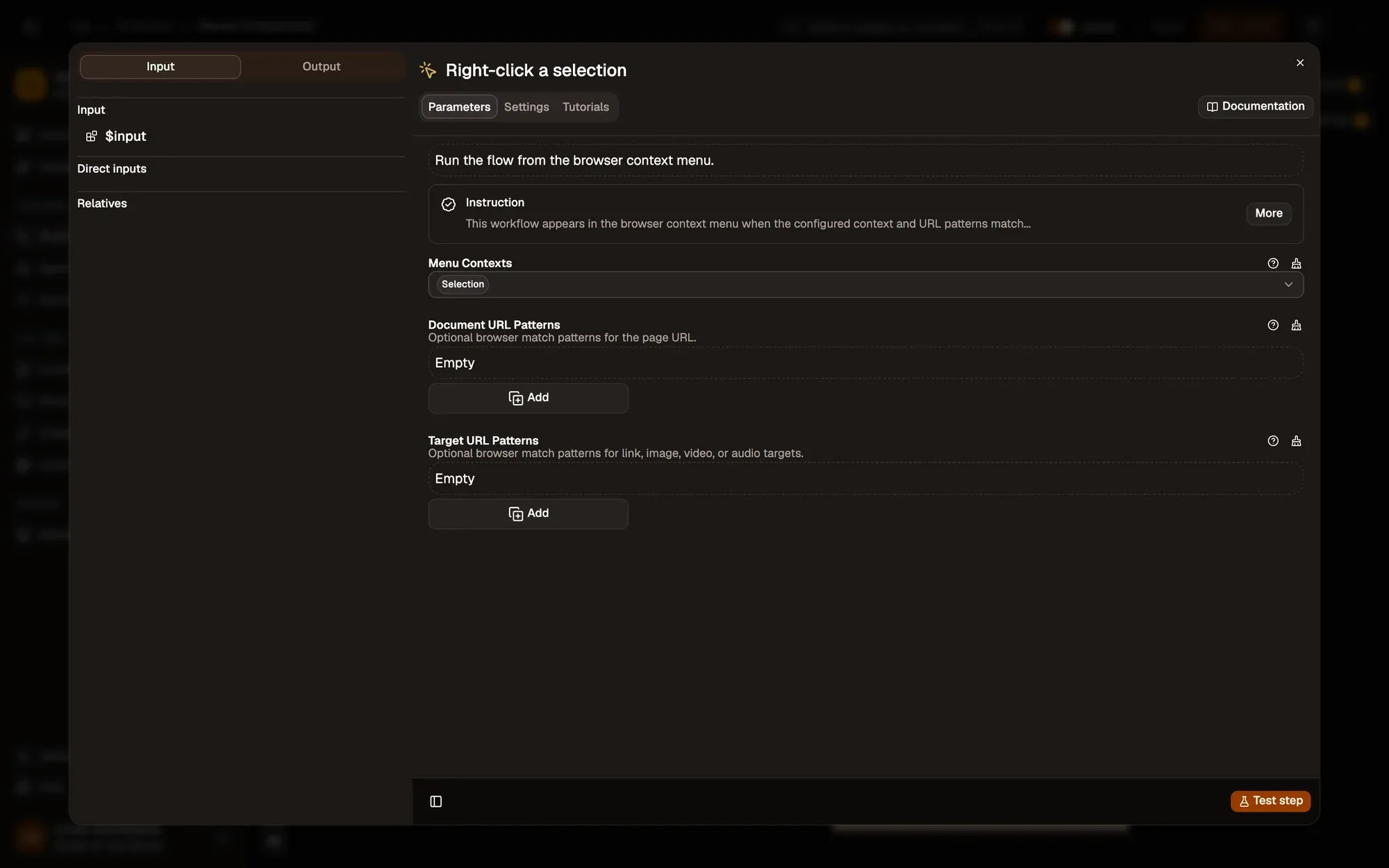
Right-click your draft
With Menu Contexts set to Selection, the workflow appears when you right-click highlighted text, including in a text box.
按需调整 — add Editable Field to Menu Contexts to offer it inside any text box.
-
Rewrite it
Basic LLM Chain 节点参考 Web LLM 节点参考
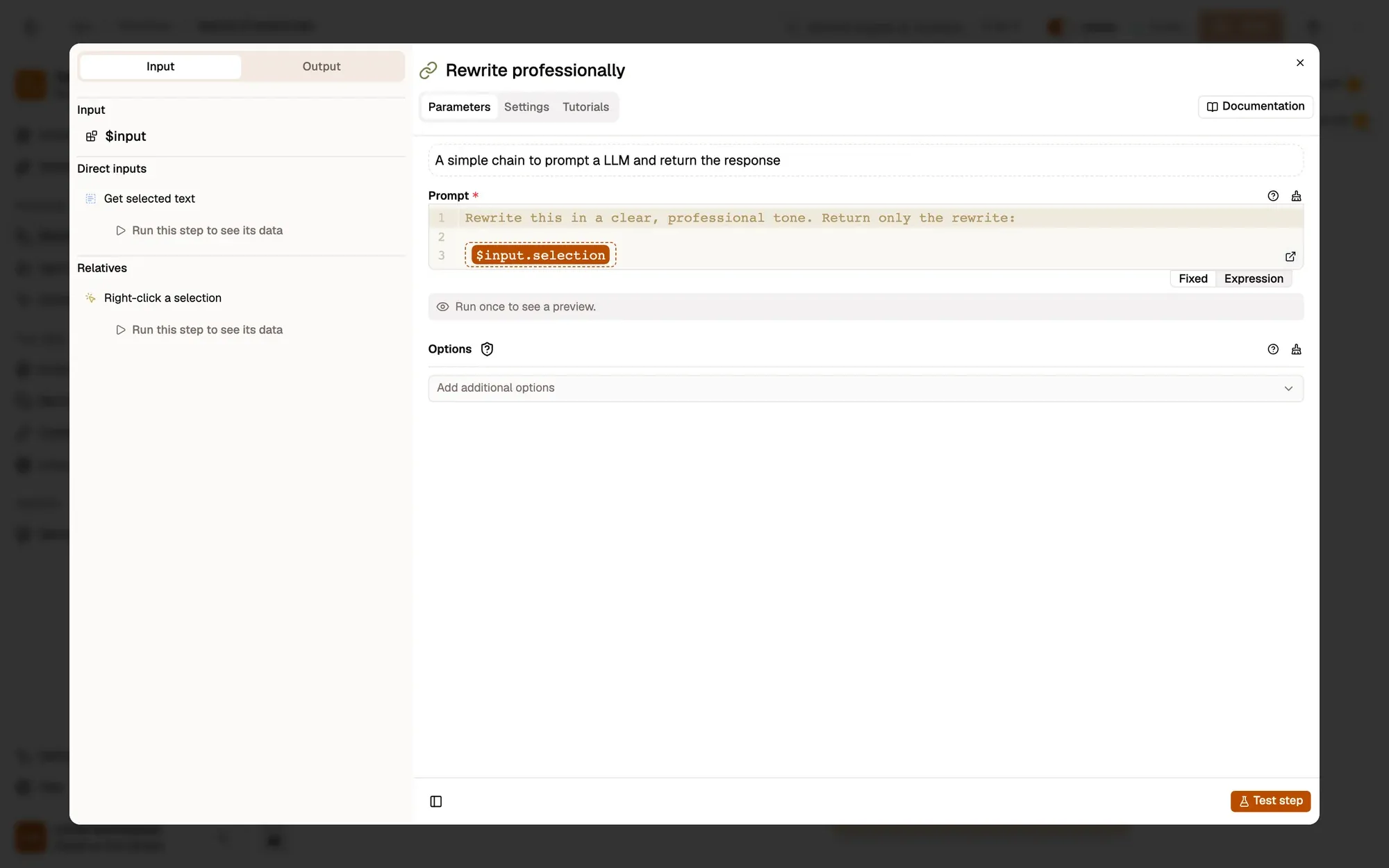
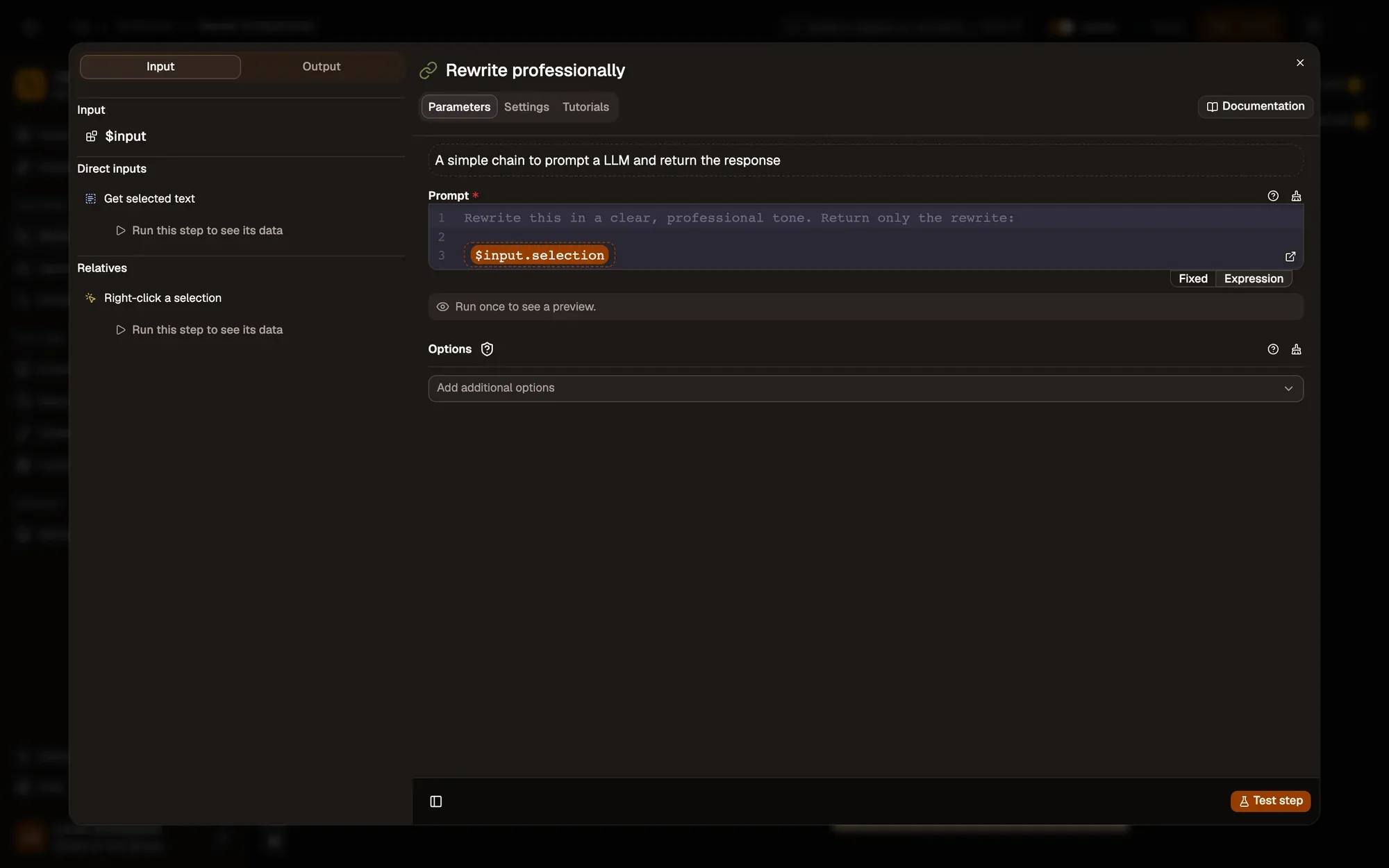
Basic LLM Chain asks the Web LLM model to
Rewrite this in a clear, professional tone. Return only the rewrite.按需调整 — change the tone in Prompt: friendly, shorter, or in another language. Set a house style in System message.
-
Copy the rewrite
Clipboard Write copies the new text. Paste it over your draft.
按需调整 — show it first with Display Markdown if you want to compare before pasting.
Test it
Section titled “Test it”-
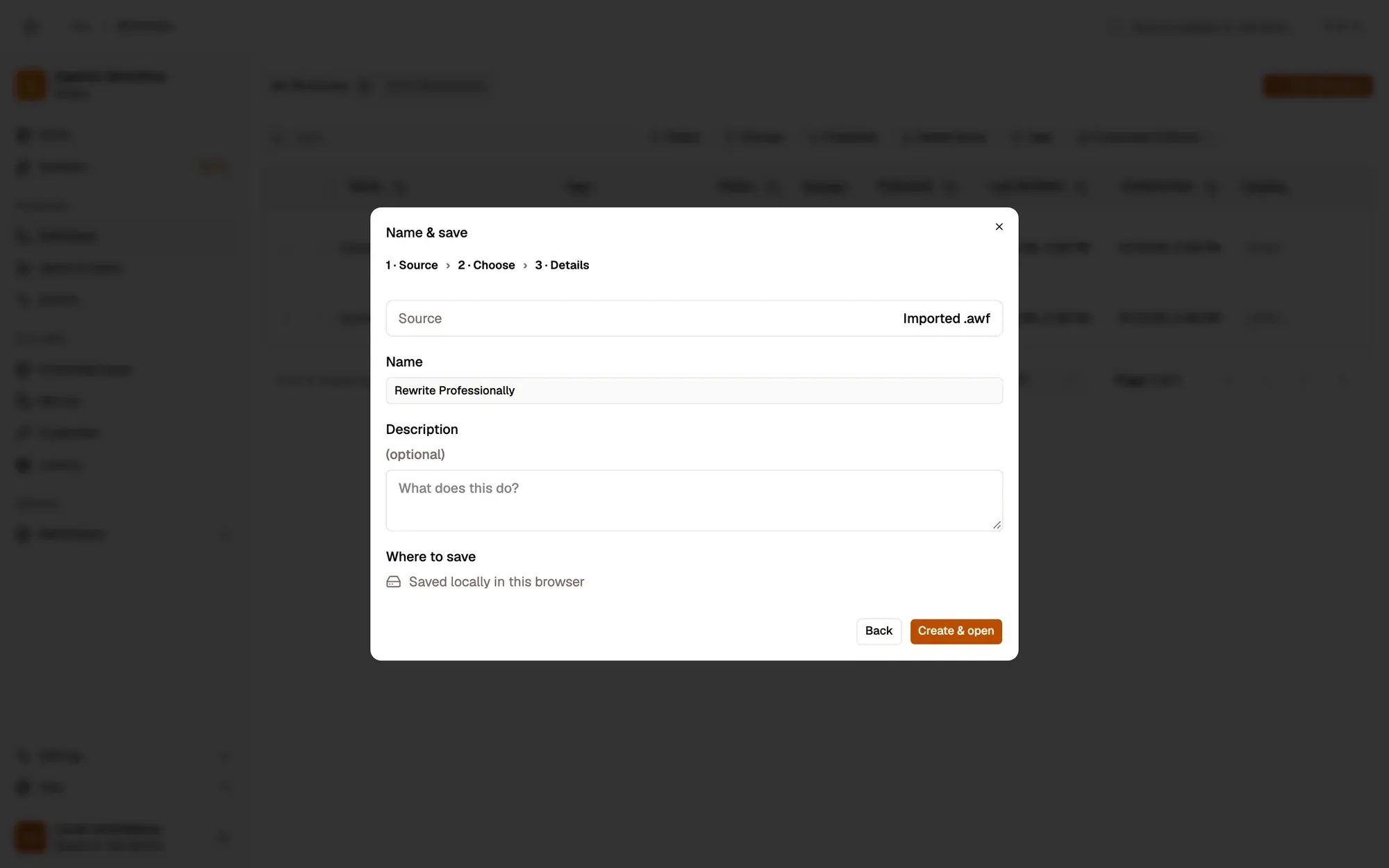
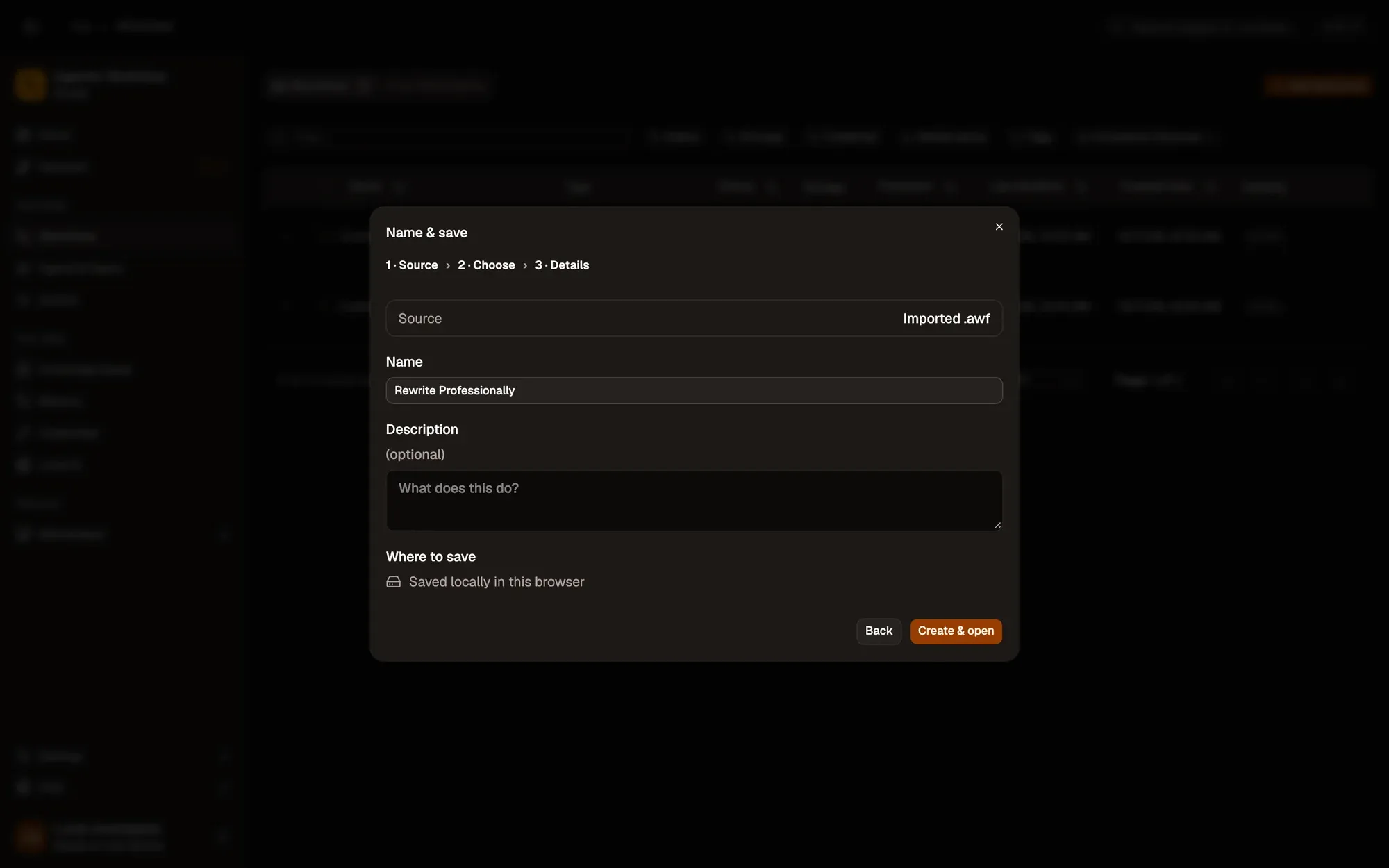
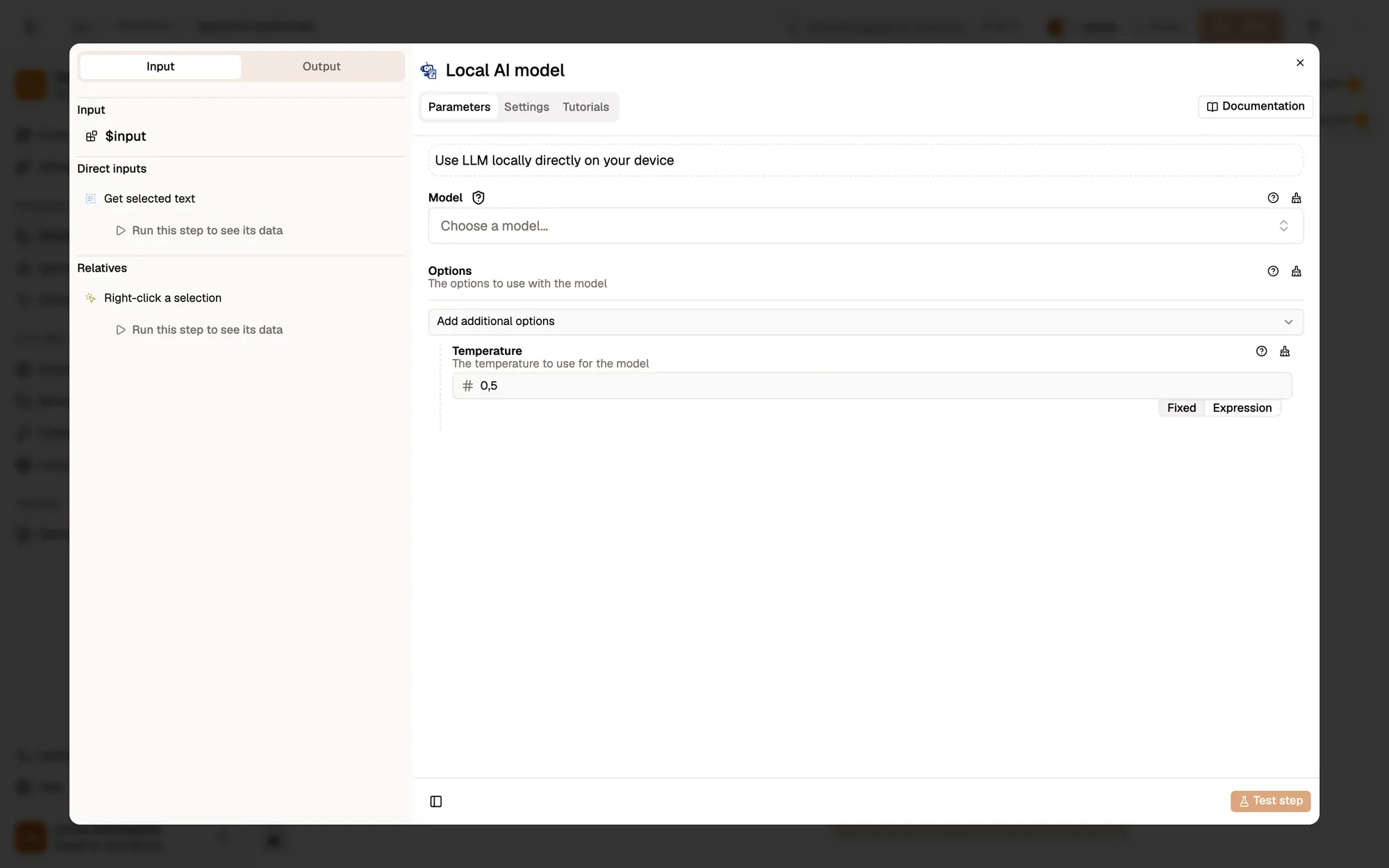
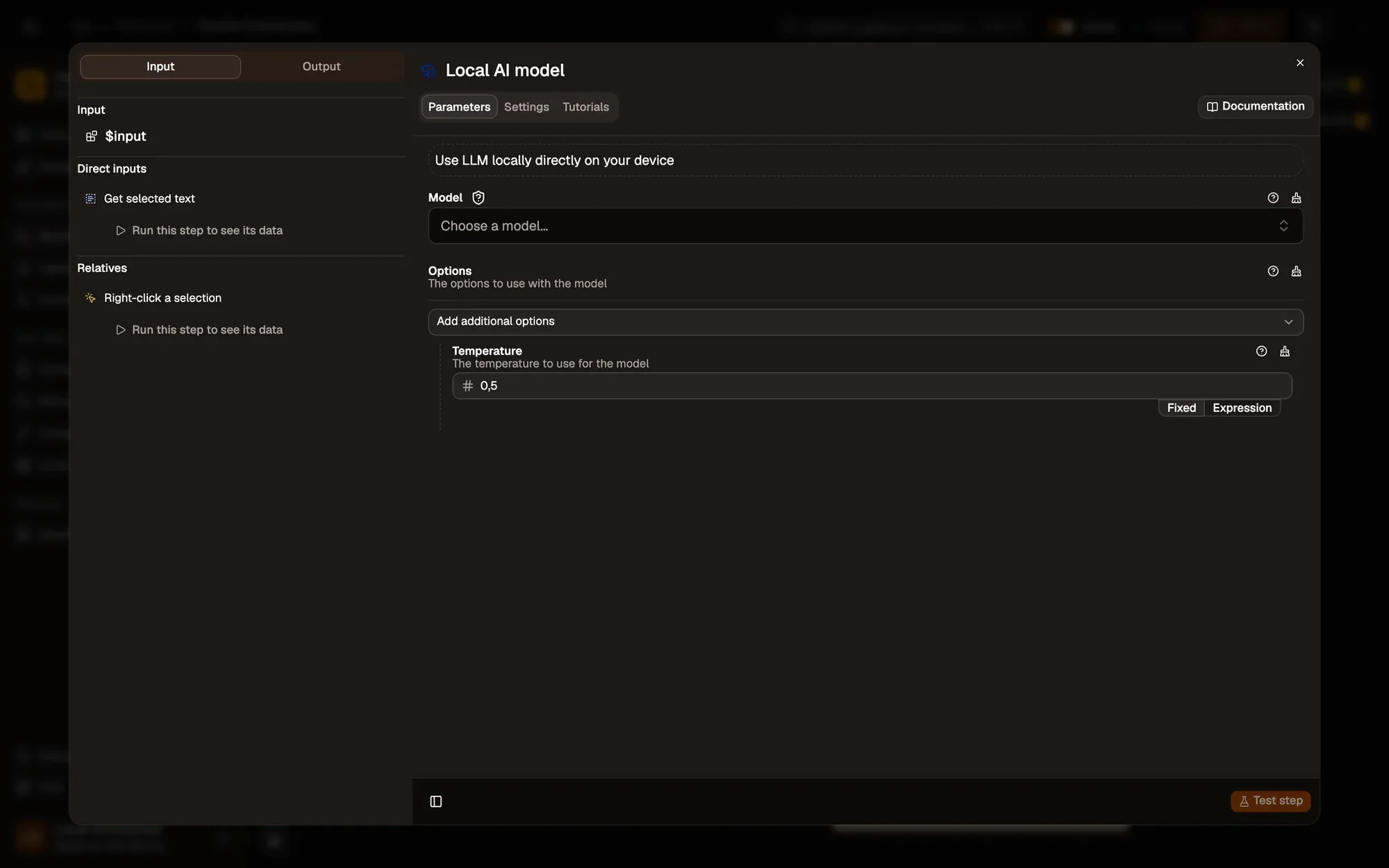
Install the recipe and pick a model in Local AI model (it downloads once; see Local models). To import the file yourself, use Add Workflow › Import, choose the
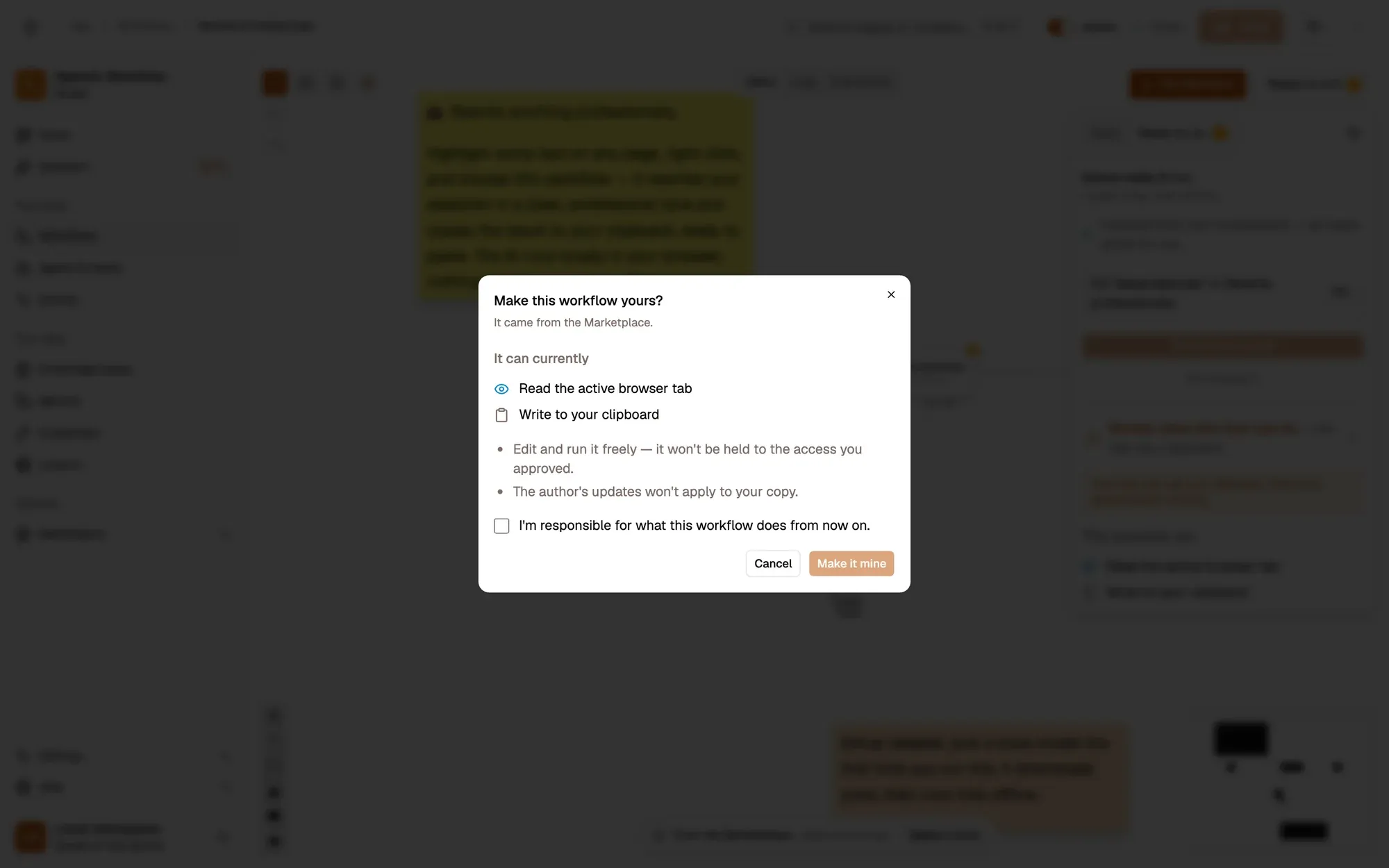
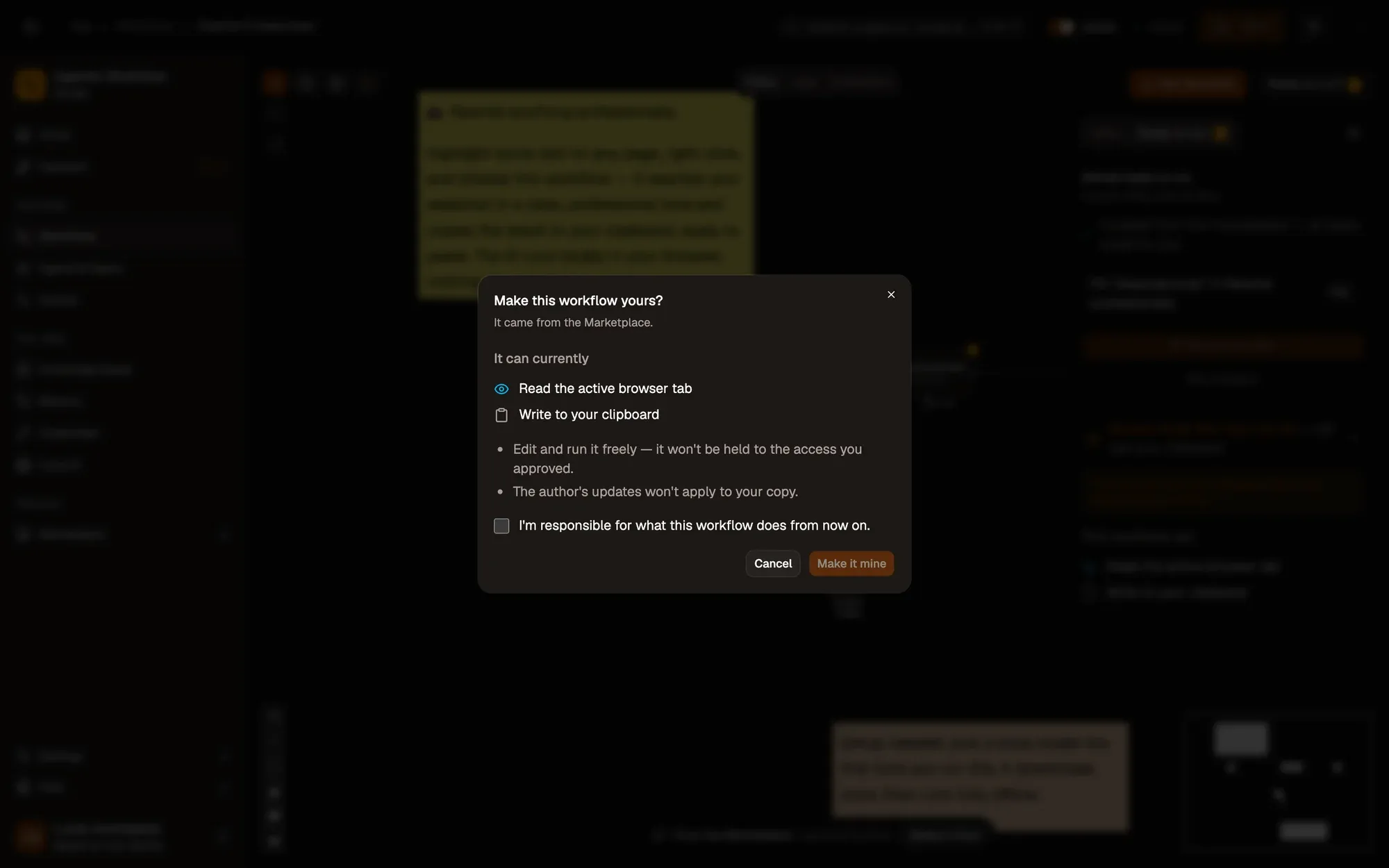
.awfand click Create & open. Then click Make it mine at the bottom of the canvas, tick the box and confirm, so you can edit it. -
Save and activate the workflow.
-
Type “hey can u send the report asap thx” in any text box, highlight it, right-click and choose Agentic Workflow › Personal Workflows › Rewrite Professionally.
-
Paste: you get something like “Hello, could you please send the report as soon as possible? Thank you.”
Variations
Section titled “Variations”| Variation | What to change | Level |
|---|---|---|
| Fix grammar only | Change Prompt to Fix spelling and grammar. Keep my wording. Return only the text:. |
Beginner |
| Draft a reply | Select a message and prompt Write a short, polite reply to this:. |
Beginner |
| Better writing, hosted model | Plug OpenAI into the Model slot. Your text then goes to that provider. | Beginner |
Troubleshoot
Section titled “Troubleshoot”- The rewrite adds “Here is the rewrite:”. Small models chat. Add
Do not add any introduction.to the prompt, or pick a larger model. - Nothing to paste. The model is still downloading on the first run. Wait for the run to finish (see the run log), then paste.
- The menu entry is missing. Activate the workflow, then right-click and choose Get / Refresh Workflows.