- Read a whole page with Get All Text
- Connect a chat model to a Basic LLM Chain
- Write a prompt that uses the page text
- Show the result
AI in a workflow takes two nodes: a chain that holds the prompt, and a model plugged into the chain’s Model slot. The model can run on your device (free, private, offline after the download), through a provider with your API key, or through Ollama on your computer.
Summarise this page in 3 bullets: a workflow with 4 steps, starting with When Started and ending with Display Markdown.
Step 1:Start a workflow that reads the page
Create a new Blank canvas workflow named Summarise this page, as in lesson 2. Add the When Started trigger, then click its + and add Get All Text. Set Output field name to text.
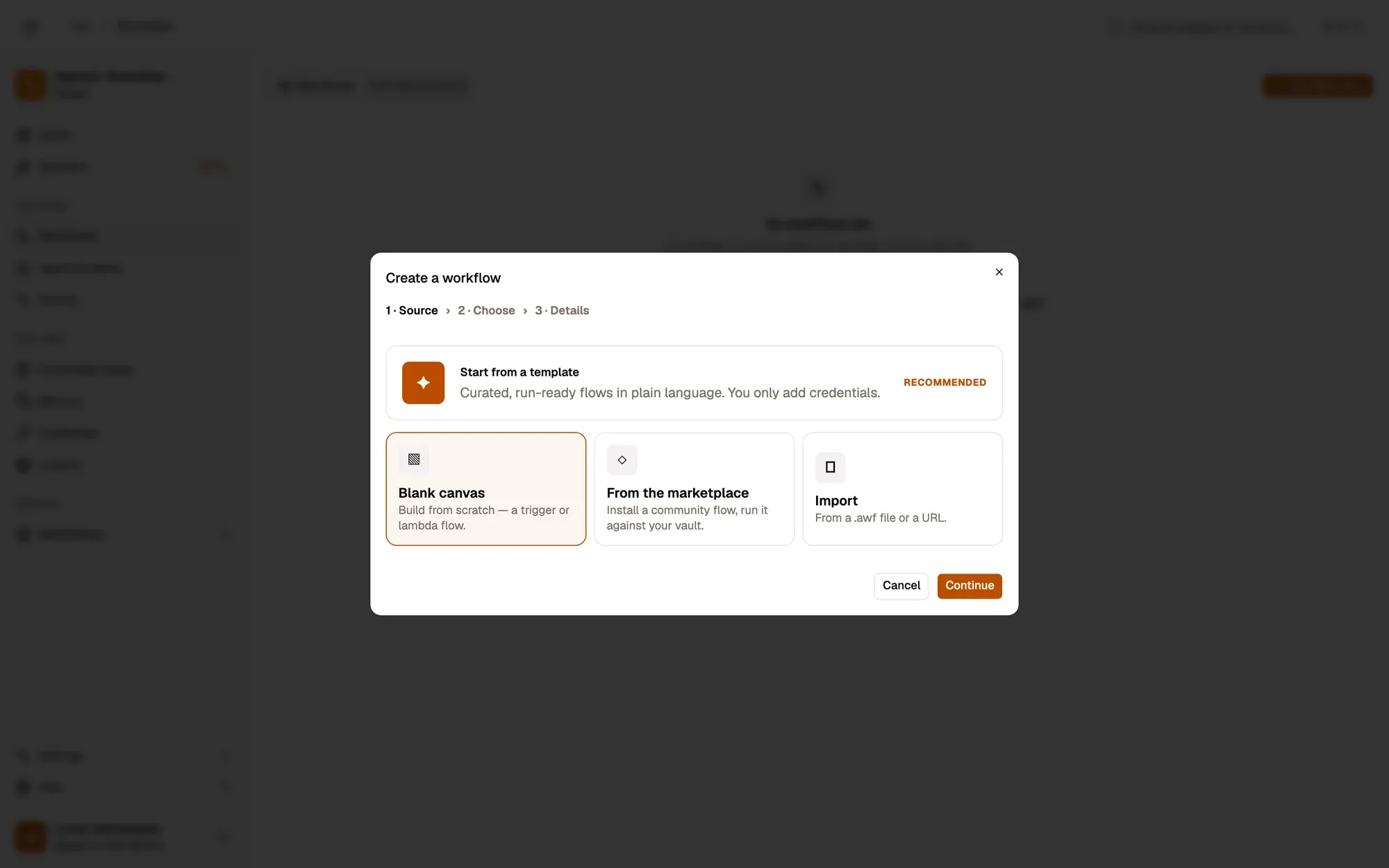
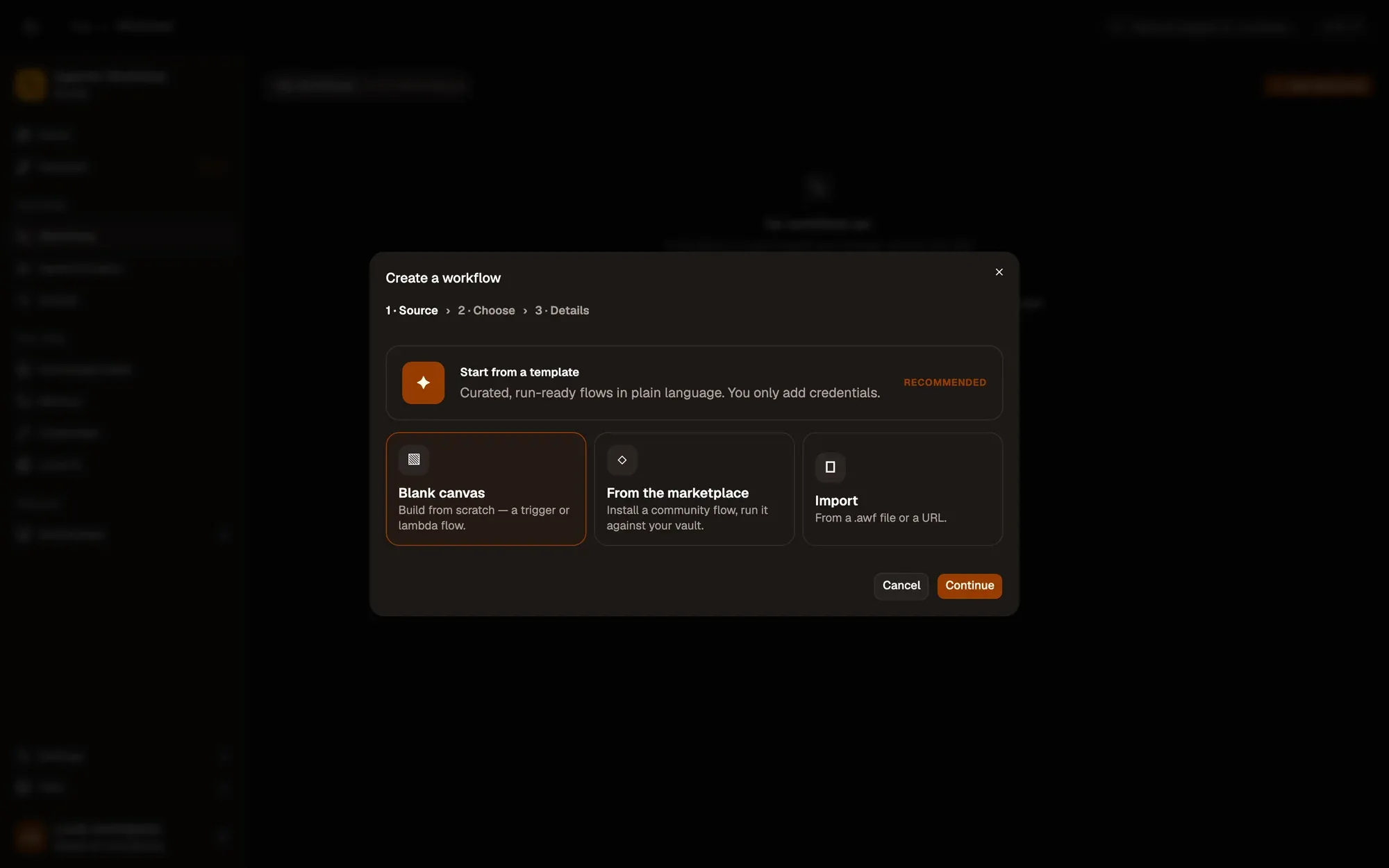
Check: When Started → Get All Text is on a new canvas.
Step 2:Add a Basic LLM Chain
Click the + on the right of Get All Text, type LLM and pick Basic LLM Chain. Its Model slot sits under the node, with its own +.
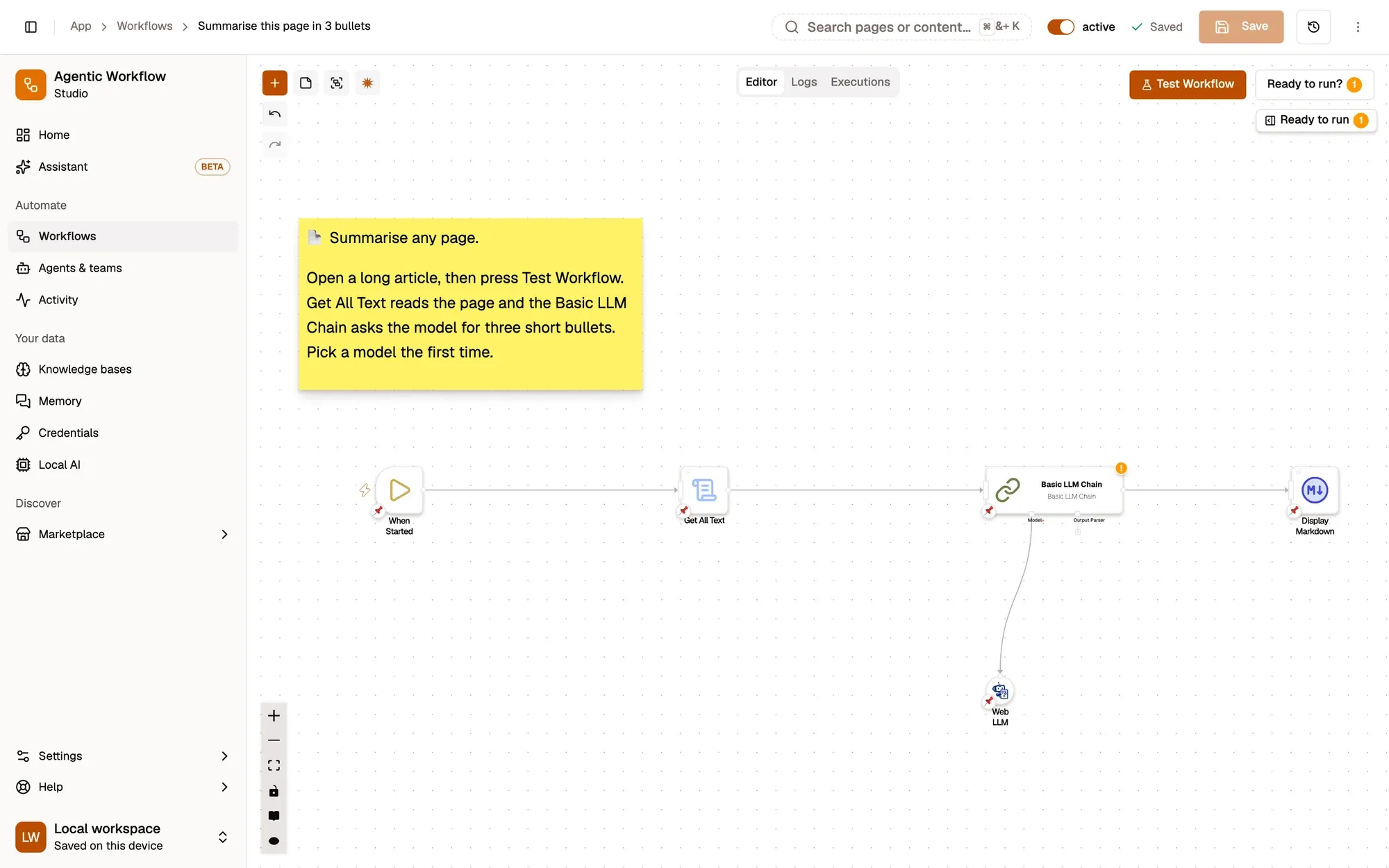
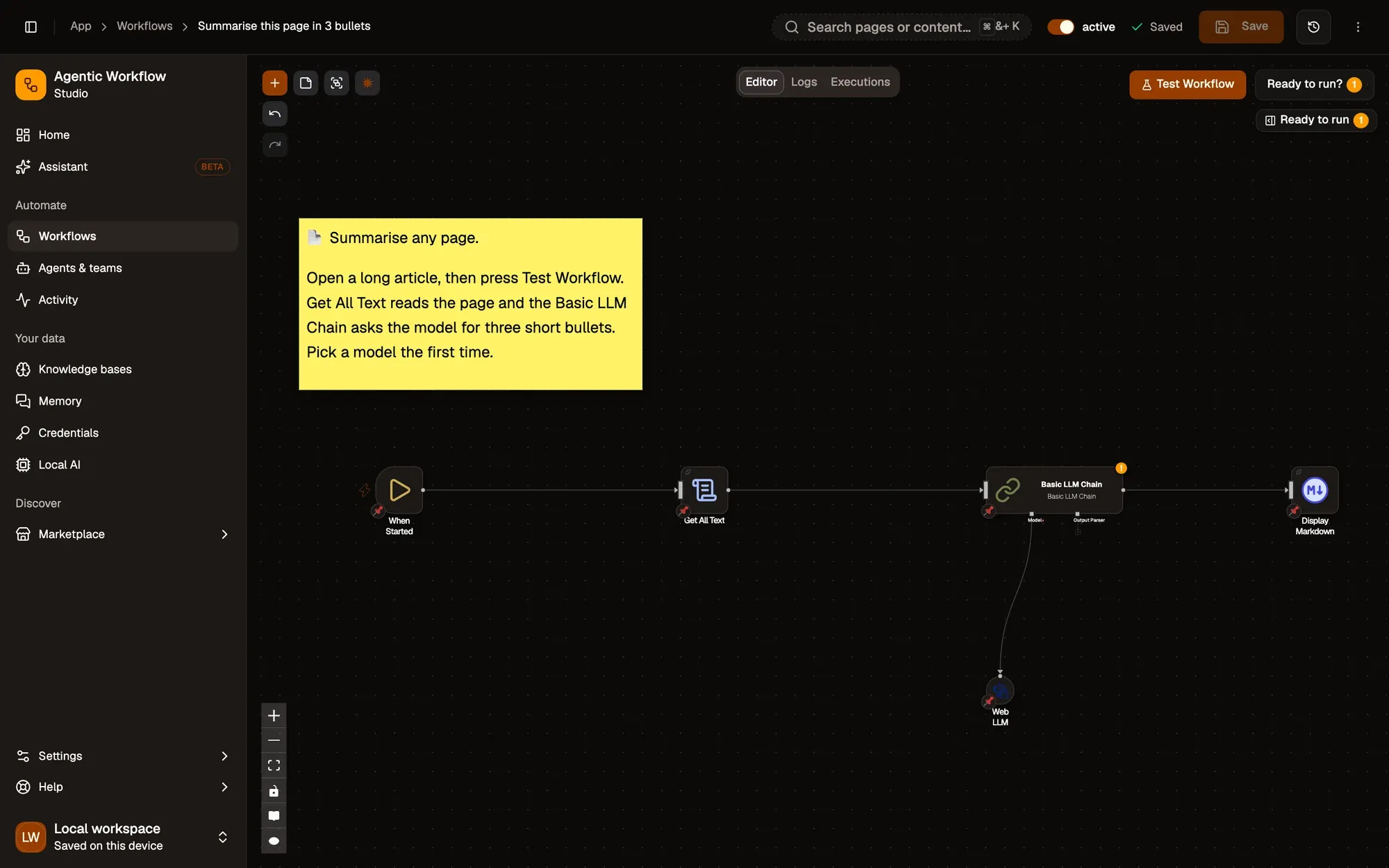
Check: a Basic LLM Chain is linked to Get All Text, with an empty Model slot underneath.
Step 3:Connect a model
Click the + under Model and pick one of these:
Pick Web LLM. In Model, open the list and choose a model under Available to download. Llama 3.2 1B Instruct is the smallest and fastest to download; a 3B model writes better summaries. It downloads the first time it runs, then works offline and nothing leaves your device. See Local AI to install models ahead of time.
In Firefox, some graphics setups can’t run Web LLM; the model then shows Not supported here. Use Transformers Chat instead.
Pick Chat OpenAI, Chat Anthropic or Chat Google. In Authentication, click + Add Credential, paste your API key from the provider’s website, and click Create Credential. Then choose a model. The key is stored in AWFlow and sent only to that provider. See Create credentials.
This path costs a little per run, billed by the provider, and the page text is sent to them.
Install Ollama on your computer and pull a model, for example ollama pull llama3.2. Start it so the extension may call it:
OLLAMA_ORIGINS=chrome-extension://linlkeaipfpnhddjkpcbmldionajfifa ollama serveIn Firefox, use OLLAMA_ORIGINS=moz-extension://*. Then pick the Ollama node and choose your model in Model (click Refresh models if the list is empty). Nothing leaves your computer. See Ollama.
Check: a model node hangs under the chain's Model slot and shows the model you picked.
Step 4:Write the prompt
Open Basic LLM Chain and paste this into Prompt:
Summarise this page in 3 short bullets for a busy reader.
{{ $input.text }}
{{ $input.text }} is replaced by the page text from Get All Text when the workflow runs.
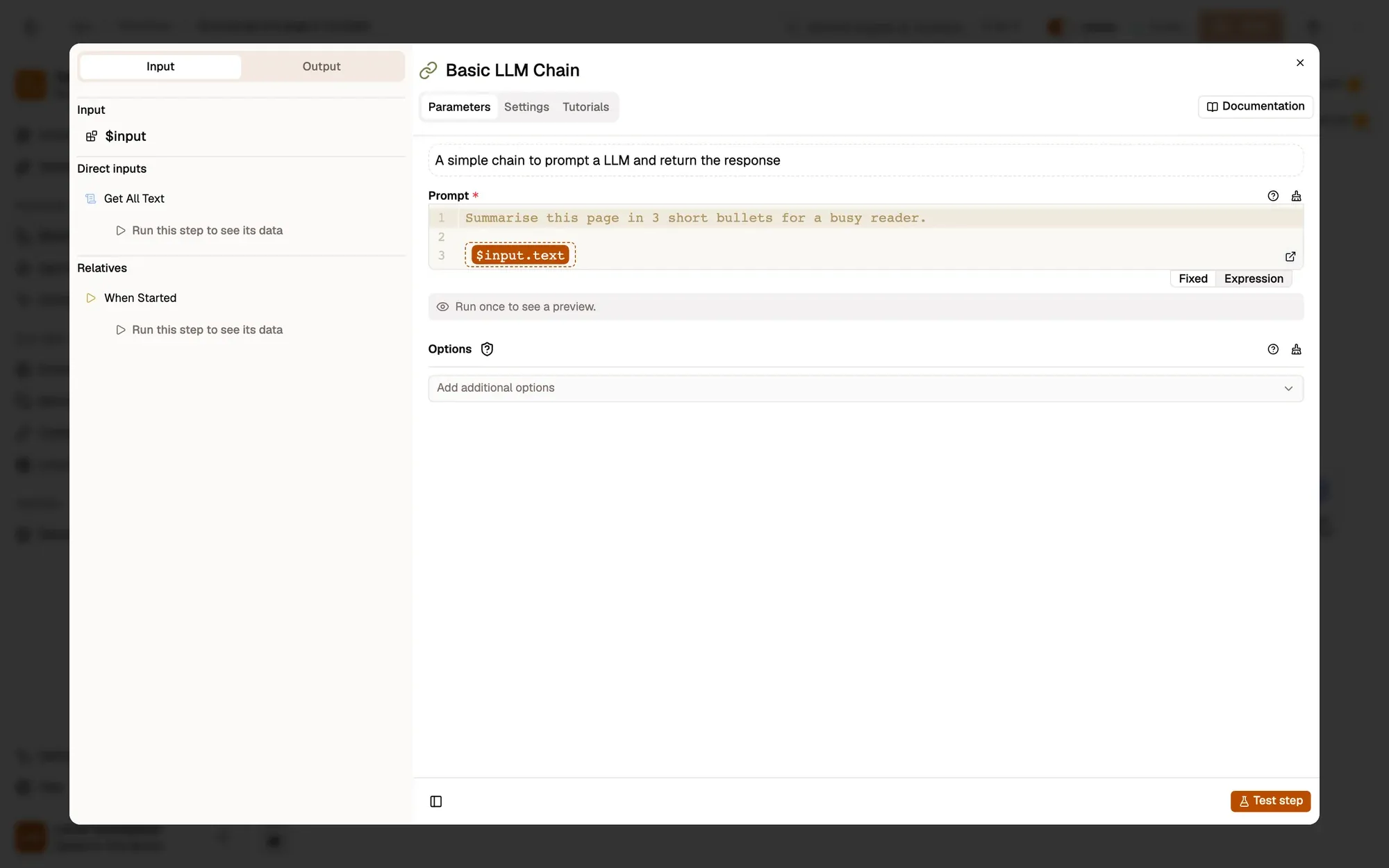
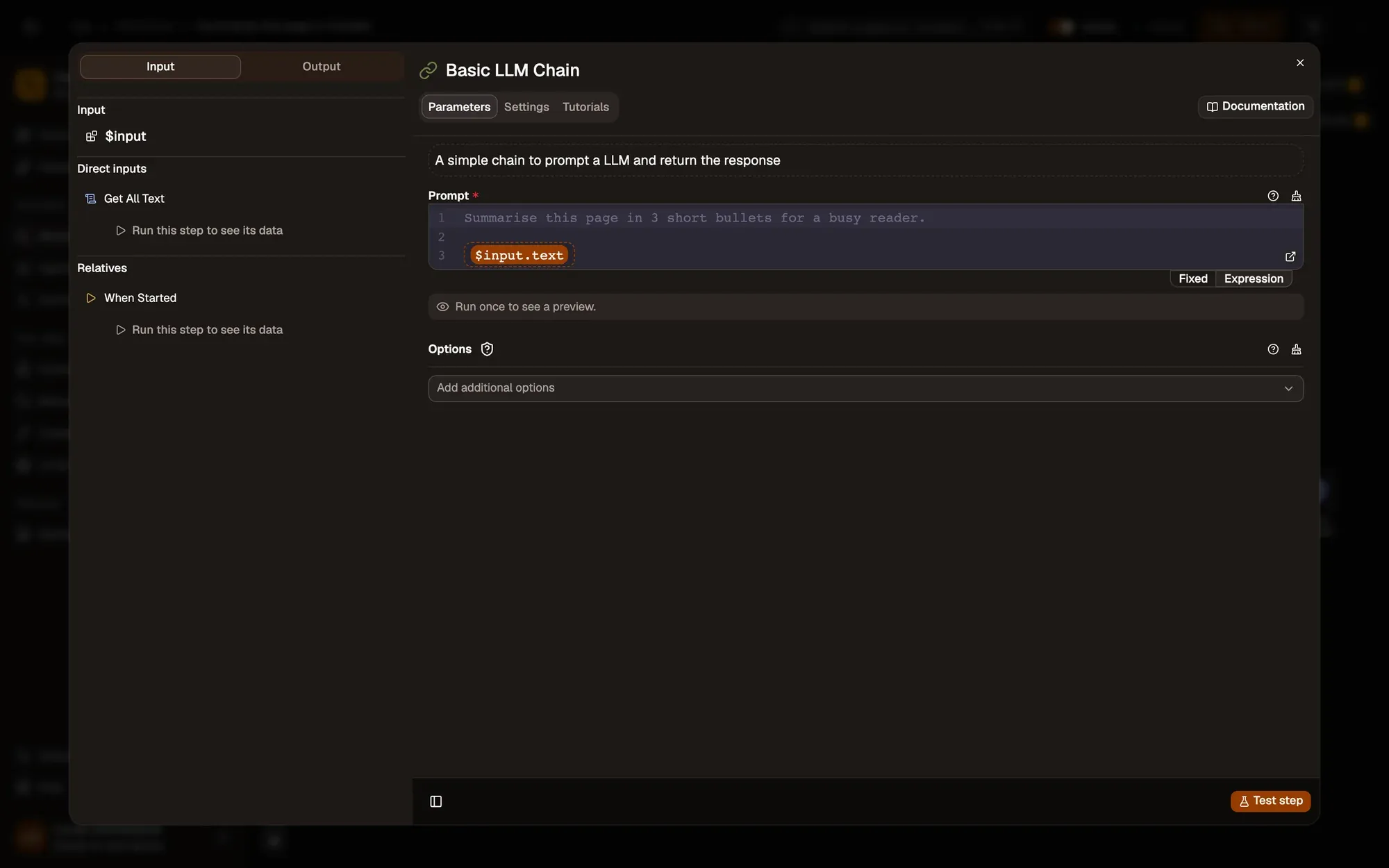
Check: the Prompt field shows your text, with {{ $input.text }} at the end.
Step 5:Show the result
Click the + on the right of Basic LLM Chain and add Display Markdown. Set Title to Page summary and Content to {{ $input.response }}: the chain puts the model’s answer in a field called response.
Check: Display Markdown is linked after the chain, with Content set to {{ $input.response }}.
Step 6:Run it on an article
Switch to the tab with the article, then back to the panel, and click Test Workflow. The first on-device run waits for the model download (progress shows in the node’s run log); later runs take a few seconds. Click Save when it works.
Check: Basic LLM Chain → Output → Actual shows a response with three bullets about the article.
The nodes in this lesson: Get All Text, Basic LLM Chain, Display Markdown. How models plug into nodes: Model dependencies.