nodes / builtin / trigger
When a form is submitted
Start the workflow when someone fills in and sends a form
Build a form in the workflow. When it is filled in and sent, the answers start a run.
What it does
Section titled “What it does”This trigger is page 1 of a form. Press Run on the workflow and the form opens in a sheet of the side panel; Open in a window shows it as a centred card in its own window. Sending it starts a run, and the answers become this trigger’s output, one field per answer.
Need more than one page?
- Add Pages to the trigger: each page has its own fields, with Back and Next. Everything is sent once, at the end.
- Or put In-Page Form steps later in the workflow. They show in the same window, one after the other, while the run continues. The person sees “Earlier answers are already sent” when they can’t go back.
- End with a Form ending step to show a thank-you message, open a page, or close the form. Without one, the form says Done (or Something went wrong when the run fails).
Answers are checked before the run starts: required fields, emails, links, numbers within their min and max. A wrong answer is marked at its field and nothing is sent.
When to use it
Section titled “When to use it”- A request form you fill in yourself or at a colleague’s desk: a bug report, an expense, a content brief.
- A guided checklist: page 1 asks the basics, later steps ask follow-ups based on the answers.
- Collecting the inputs of a workflow in a friendly way instead of editing step settings each time.
Inputs and settings
Section titled “Inputs and settings”| Setting | Type | What it does |
|---|---|---|
| Form title | Text | Default: Request |
| Description | Text | |
| Page 1 fields | List of entries | |
| Page 1 fields (each entry) › Field name (required) | Text | Key the entered value is stored under, referenced downstream. |
| Page 1 fields (each entry) › Label | Text | Shown above the control. |
| Page 1 fields (each entry) › Type | Choice | Options: Short text, Long text, Number, Email, Link, Date, Yes / no, Dropdown, Choice, Checkboxes, Hidden (from an expression). Default: Short text |
| Page 1 fields (each entry) › Choices | List | For a dropdown, choice or checkboxes field. |
| Page 1 fields (each entry) › Required | Toggle | |
| Page 1 fields (each entry) › Placeholder | Text | |
| Page 1 fields (each entry) › Help text | Text | |
| Page 1 fields (each entry) › Default | Text | Prefill, e.g. an answer from an earlier page. |
| Page 1 fields (each entry) › Min length | Number | |
| Page 1 fields (each entry) › Max length | Number | |
| Page 1 fields (each entry) › Min | Number | |
| Page 1 fields (each entry) › Max | Number | |
| Pages | List of entries | Pages with Back and Next, sent once at the end. |
| Pages (each entry) › Page title (required) | Text | |
| Pages (each entry) › Description | Text | |
| Pages (each entry) › Fields (required) | List of entries | |
| Pages (each entry) › Fields (each entry) › Field name (required) | Text | Key the entered value is stored under, referenced downstream. |
| Pages (each entry) › Fields (each entry) › Label | Text | Shown above the control. |
| Pages (each entry) › Fields (each entry) › Type | Choice | Options: Short text, Long text, Number, Email, Link, Date, Yes / no, Dropdown, Choice, Checkboxes, Hidden (from an expression). Default: Short text |
| Pages (each entry) › Fields (each entry) › Choices | List | For a dropdown, choice or checkboxes field. |
| Pages (each entry) › Fields (each entry) › Required | Toggle | |
| Pages (each entry) › Fields (each entry) › Placeholder | Text | |
| Pages (each entry) › Fields (each entry) › Help text | Text | |
| Pages (each entry) › Fields (each entry) › Default | Text | Prefill, e.g. an answer from an earlier page. |
| Pages (each entry) › Fields (each entry) › Min length | Number | |
| Pages (each entry) › Fields (each entry) › Max length | Number | |
| Pages (each entry) › Fields (each entry) › Min | Number | |
| Pages (each entry) › Fields (each entry) › Max | Number | |
| Give up after | Number | If someone stops on a later page, the run ends as “Form not completed” after this. Never: it waits until you cancel it. |
Each field has a name (the key in the output), a label, a type and options such as required, placeholder, help, a default and min/max. Types: Short text, Long text, Number, Email, Link, Date, Yes / no, Dropdown, Choice, Checkboxes (several options) and Hidden (a value from an expression, sent with the answers). Dropdown, Choice and Checkboxes take a list of Choices.
Give up after ends a form run that nobody finishes. It shows once the form has 2 or more pages (a one-page form never waits): pick Never (it waits until you cancel it), 1 hour, 1 day, 1 week or Custom… (in hours, at most 30 days). New form triggers start at 1 day. The deadline counts from the start of the run and covers every page; when it passes, the run ends as Canceled with Form not completed · gave up after 1 day.
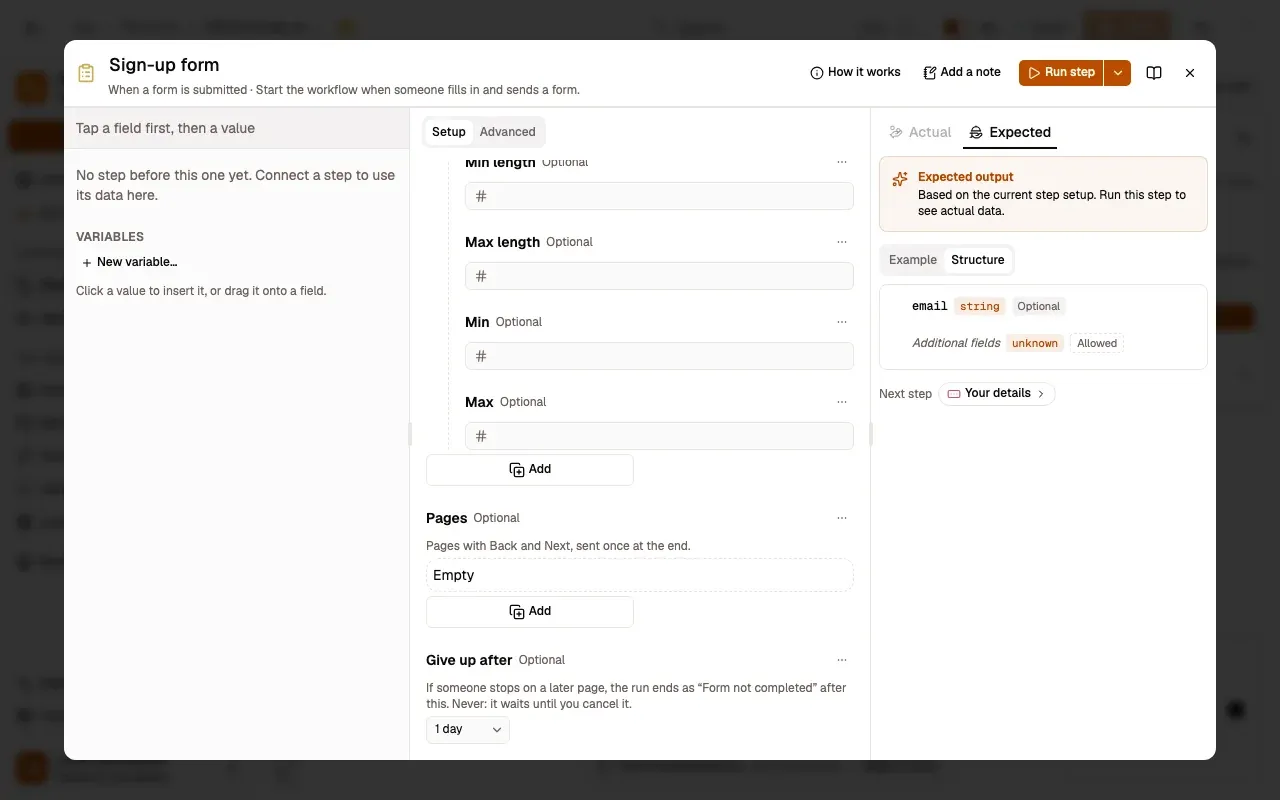
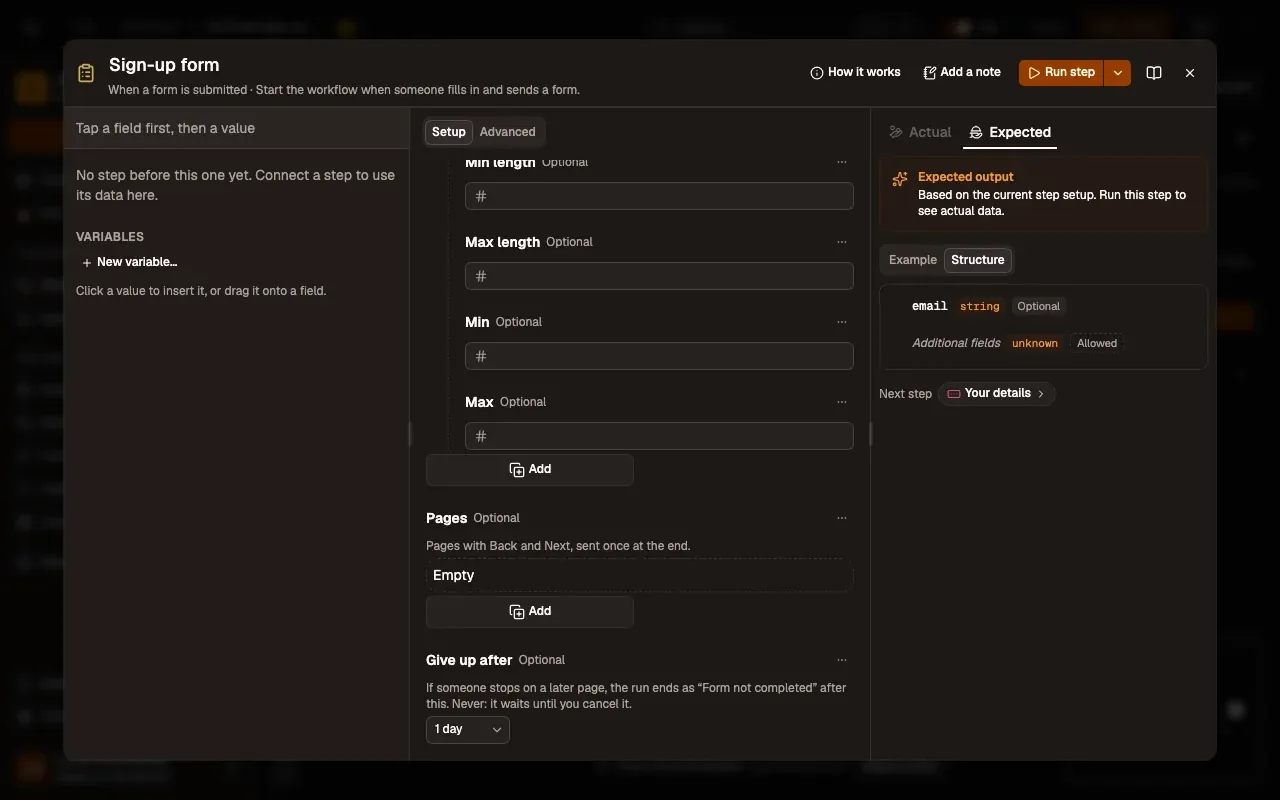
Numbered areas in the screenshot: 1. Give up after; 2. 1 day.
While a form run waits on a later page, its row in Runs says where it is and when it gives up (Form · on page 2 of 3 · gives up in 22 h), with Cancel.
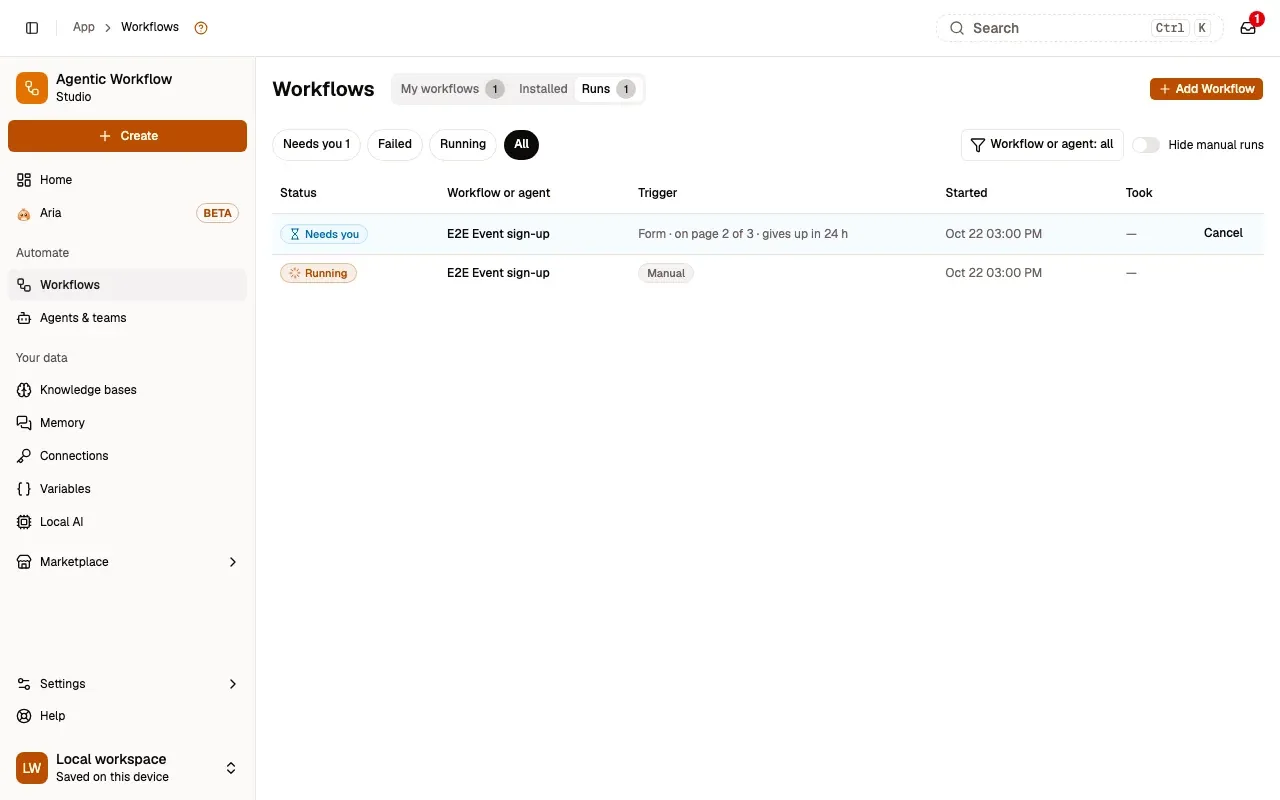
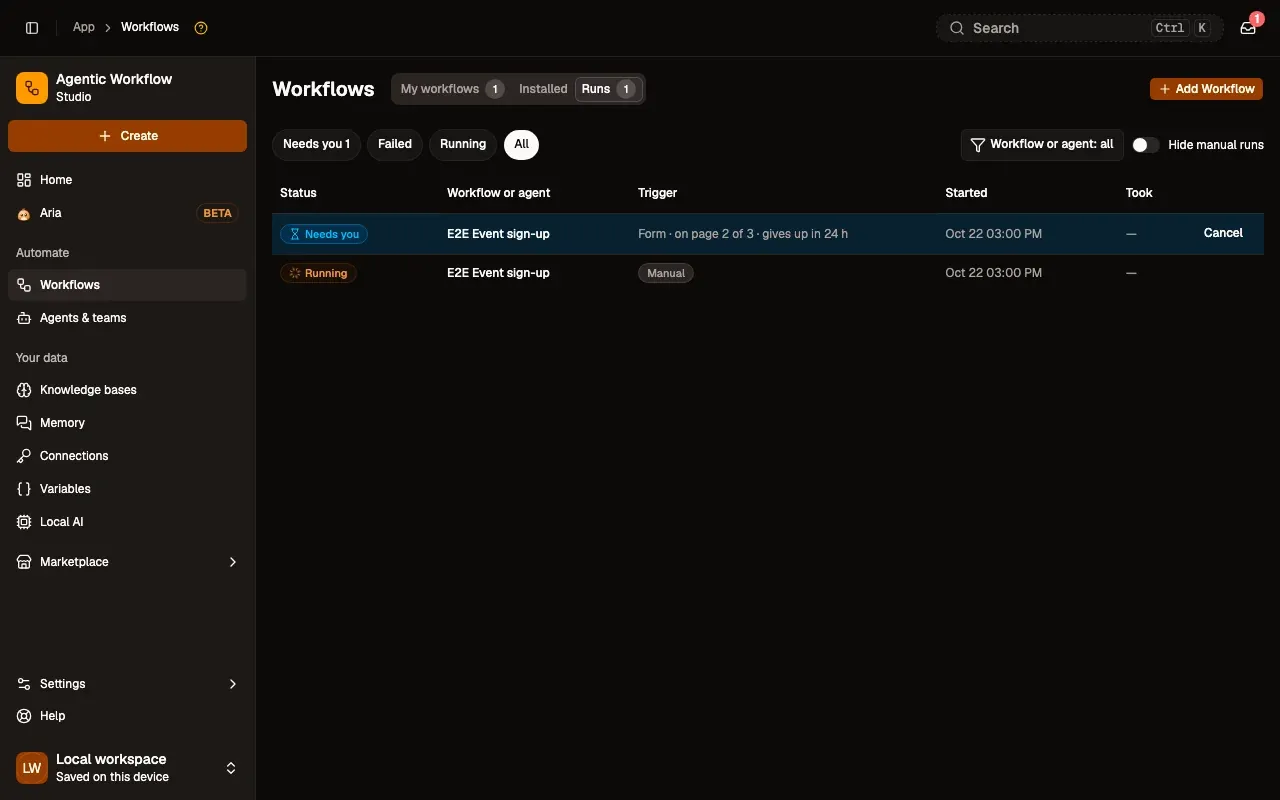
Numbered areas in the screenshot: 1. Form · on page 2 of 3 · gives up in 24 h; 2. Cancel.
You can also open a form without the editor: in the right-click menu, form workflows end with … and open their form instead of running at once, and the notch has a Forms block. The form opens in the side panel when it is open, else in a small window.
When you press Run step in the editor, the form’s default values stand in for answers, so you can build the rest of the workflow without filling it in each time.
Outputs
Section titled “Outputs”-
Output
One item with a field per form field, for example:
{ "email": "sam@example.com", "topic": "Billing", "urgent": true }Yes / no gives true or false, Checkboxes a list of the ticked options, Number a number.
Dependencies and credentials
Section titled “Dependencies and credentials”None. This node needs no connection and has no slots for other nodes.
Example workflow
Section titled “Example workflow”- When a form is submitted with fields email (email, required), topic (choice) and details (long text).
- Switch routes by
{{ $input.topic }}. - Slack posts the request to the right channel.
- Form ending: “Thanks, it’s filed”.
Common issues
Section titled “Common issues”- “Add at least one field to the form.”: the trigger has no fields yet.
- The form doesn’t open: open the workflow and press Run. The form opens from the workflow, not from a link.
- Nothing happens after Send: check Runs for a failed run; the form shows Something went wrong when the run fails.
Related nodes
Section titled “Related nodes”- In-Page Form: later pages, or a form on the web page you are on.
- Form ending: what the person sees at the end.
- Wait For Approval: ask for a yes or no instead of a form.