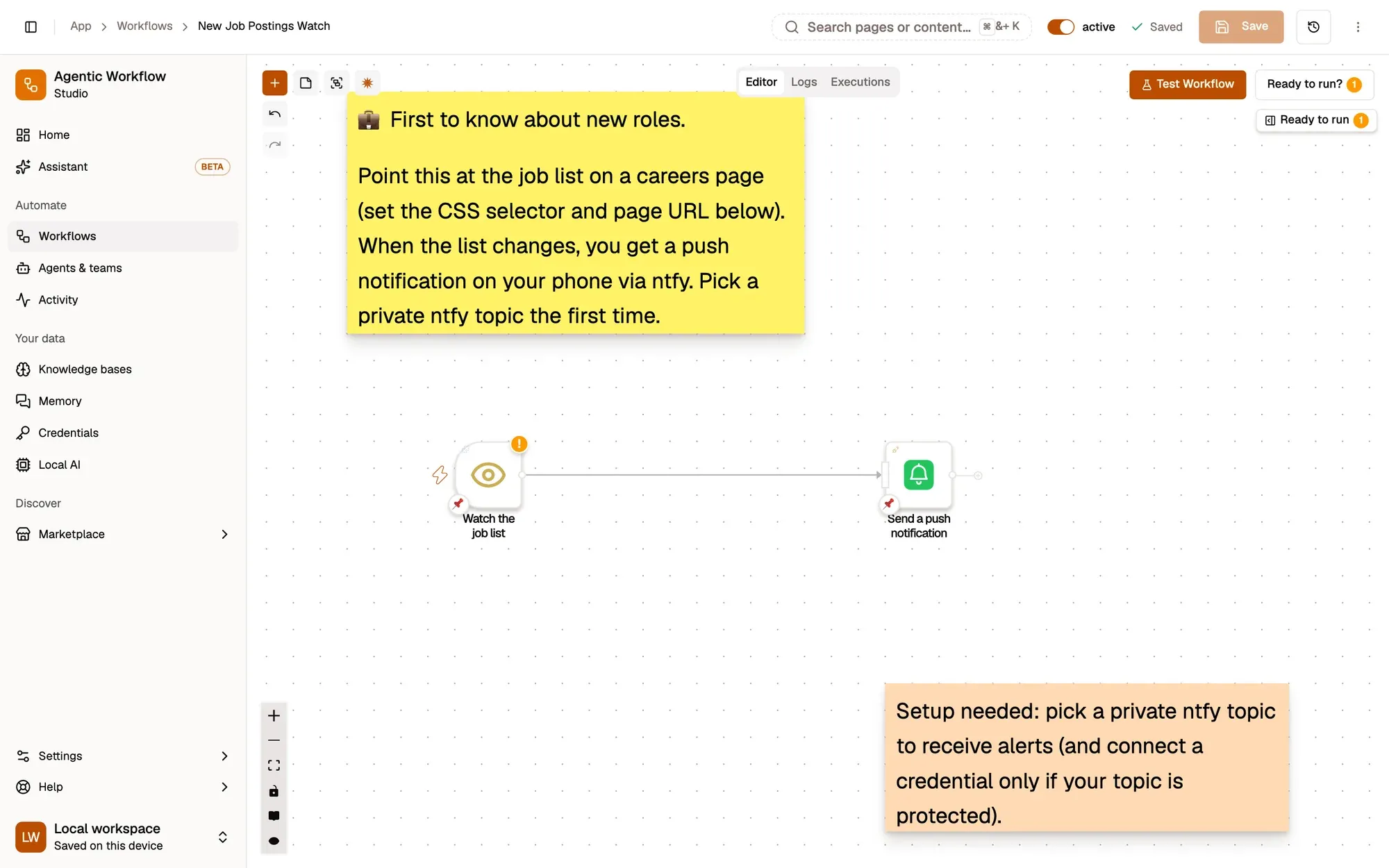
New Job Postings Watch: a workflow with 2 steps, starting with Watch the job list and ending with Send a push notification.
How it works
Section titled “How it works”-
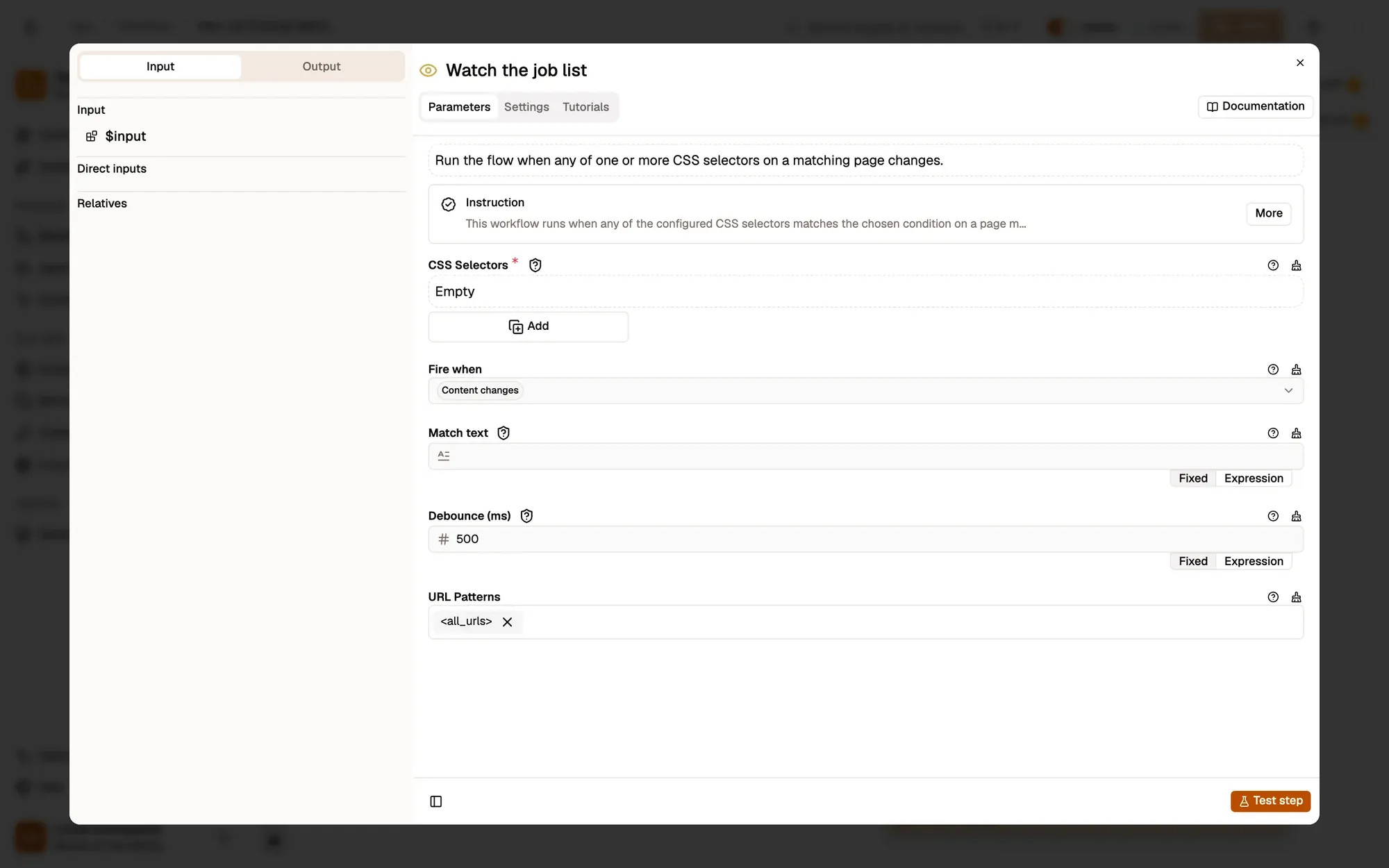
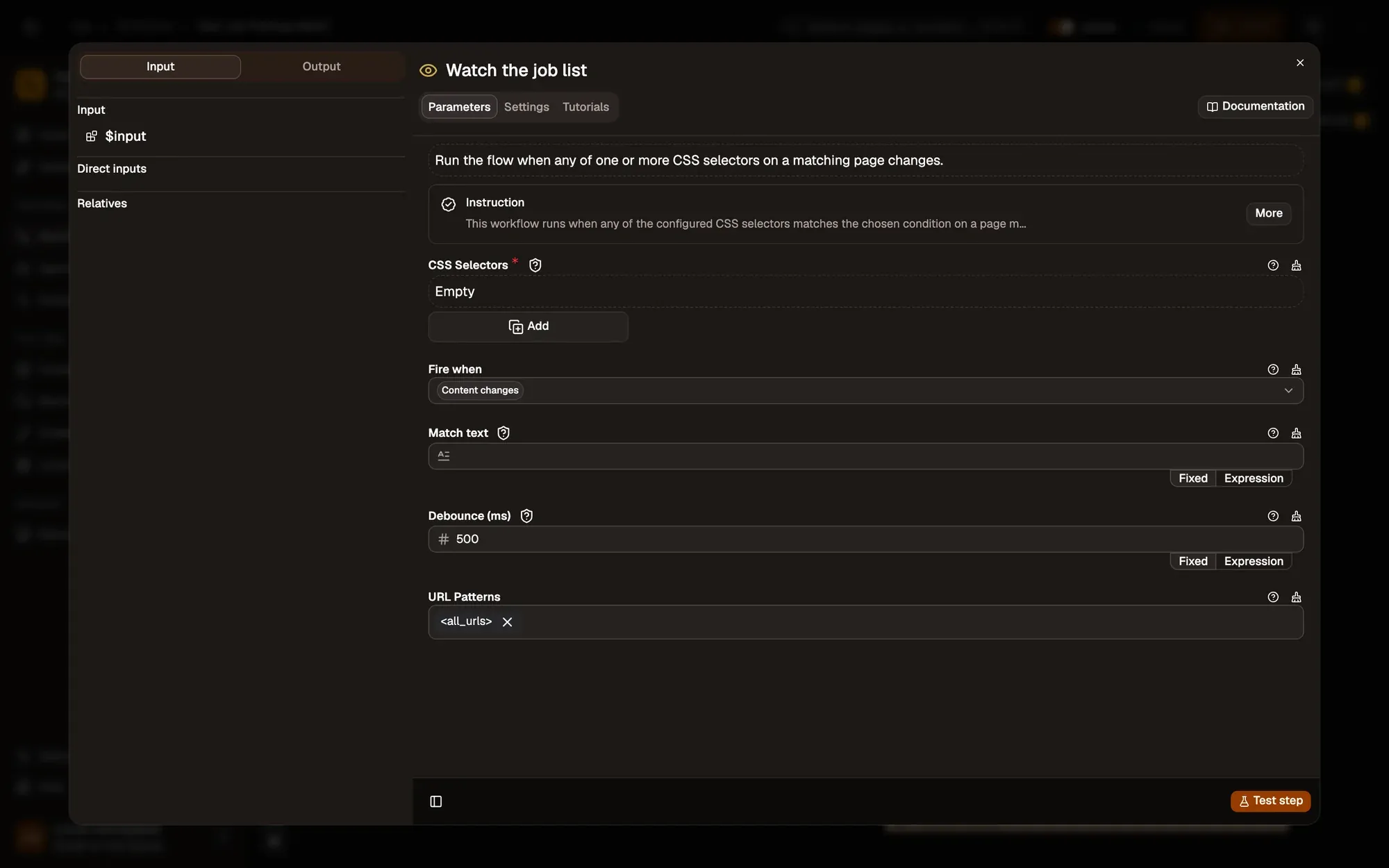
Watch the job list
Element Change watches the element matching
.jobs-listand fires when its content changes, after 500 ms of quiet.Make it yours — pick the list on your careers page with the crosshair in CSS Selectors, and set URL Patterns to that page, for example
https://jobs.example.com/*. -
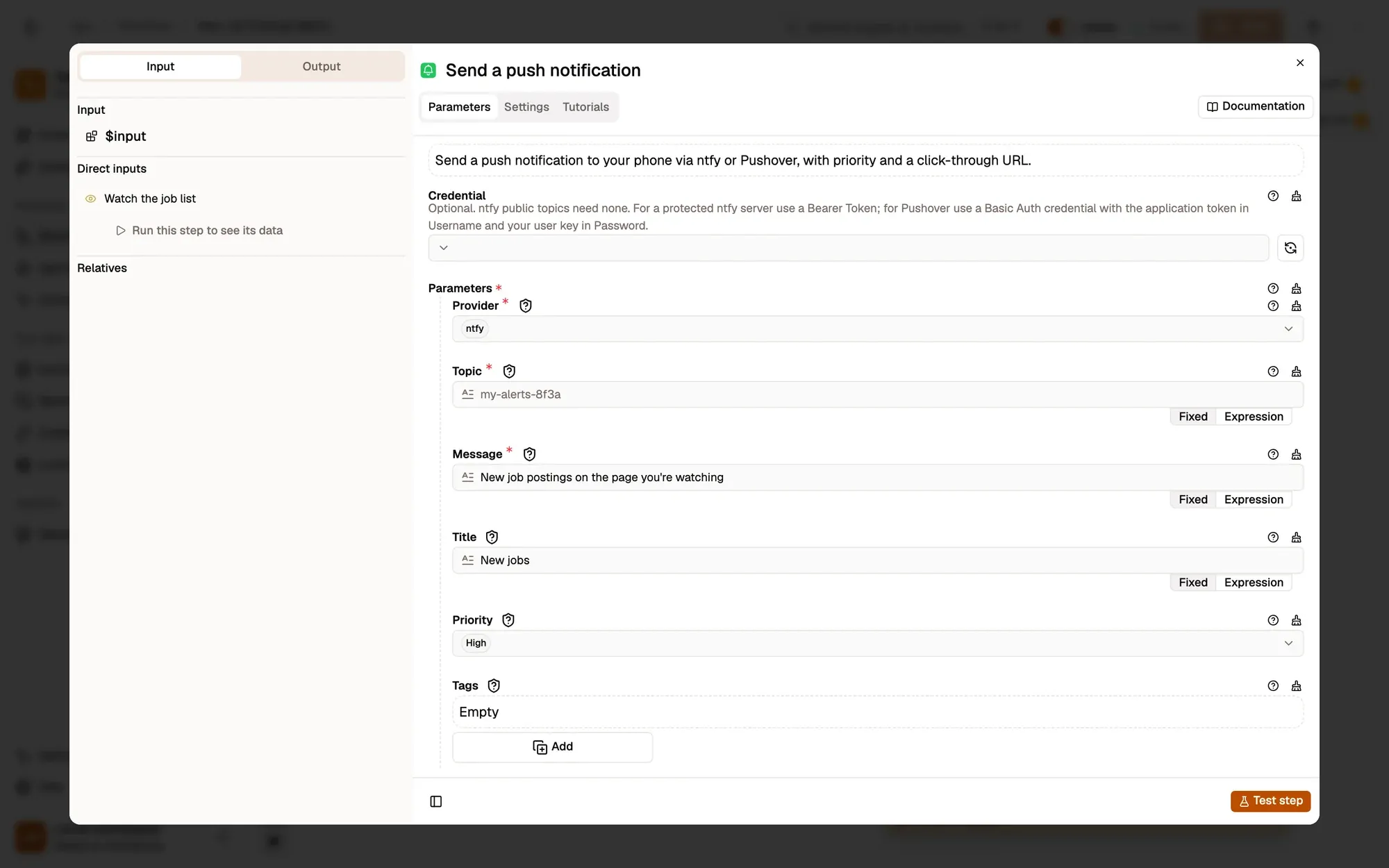
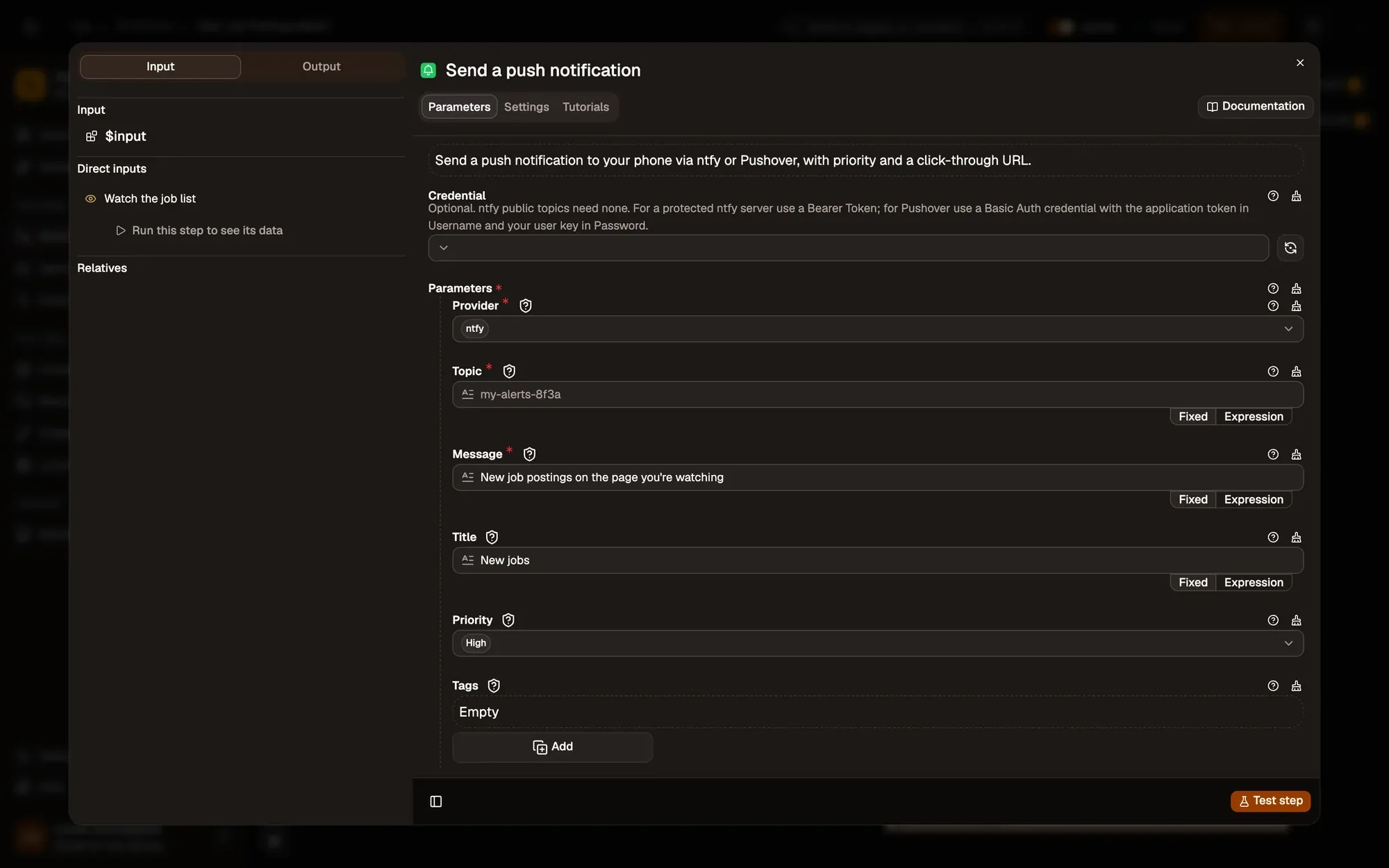
Send a push notification
Push Notificationnode reference
Push Notification sends New jobs with high priority through ntfy to the topic you choose. Install the ntfy app on your phone and subscribe to the same topic.
Make it yours — put the page in the message with
{{ $input.url }}, or use Fire when Text matches with a keyword such asDesignerto be told only about roles you want.
Test it
Section titled “Test it”-
Install the recipe. In Send a push notification, pick a connection and set Topic to a hard-to-guess name such as
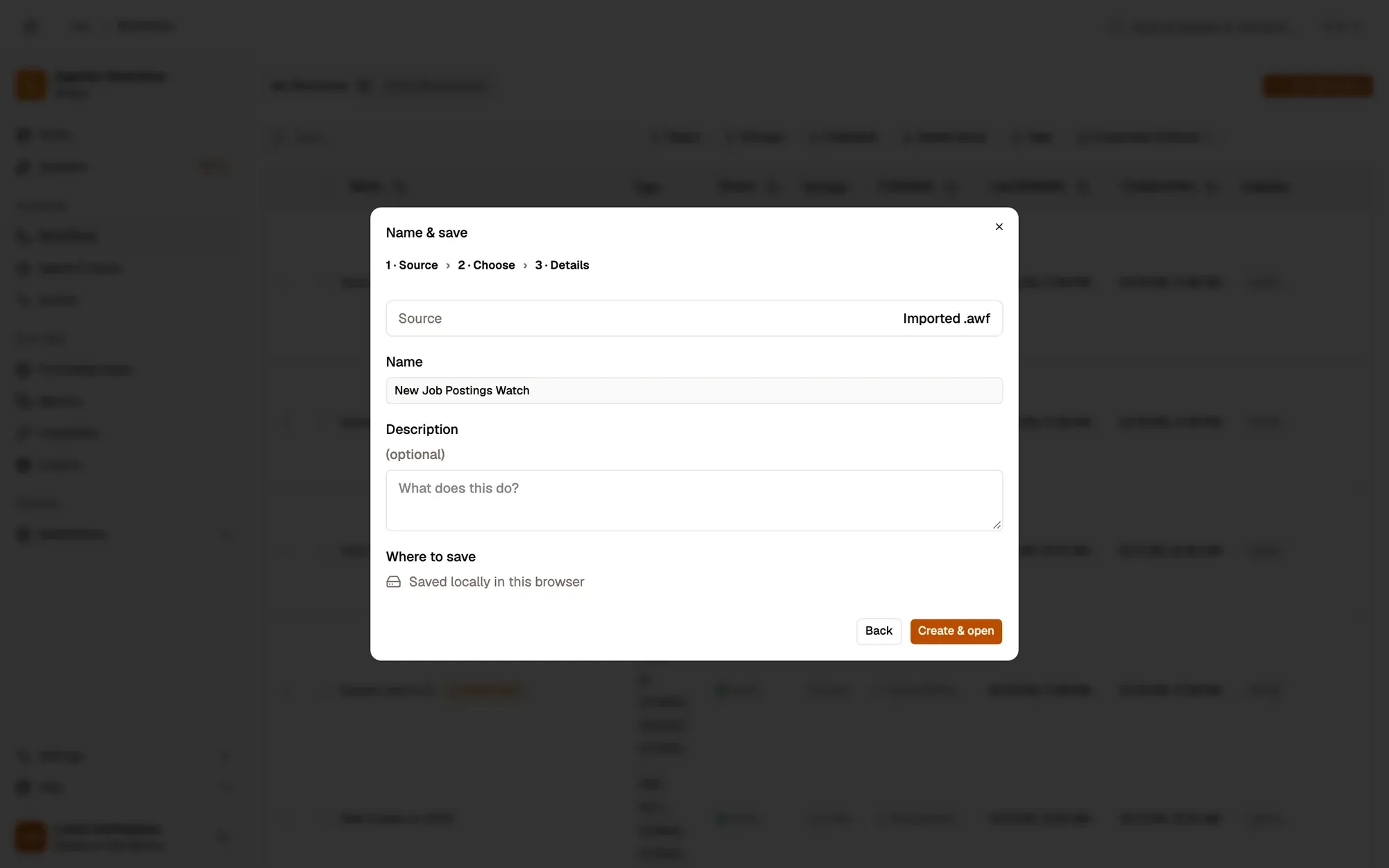
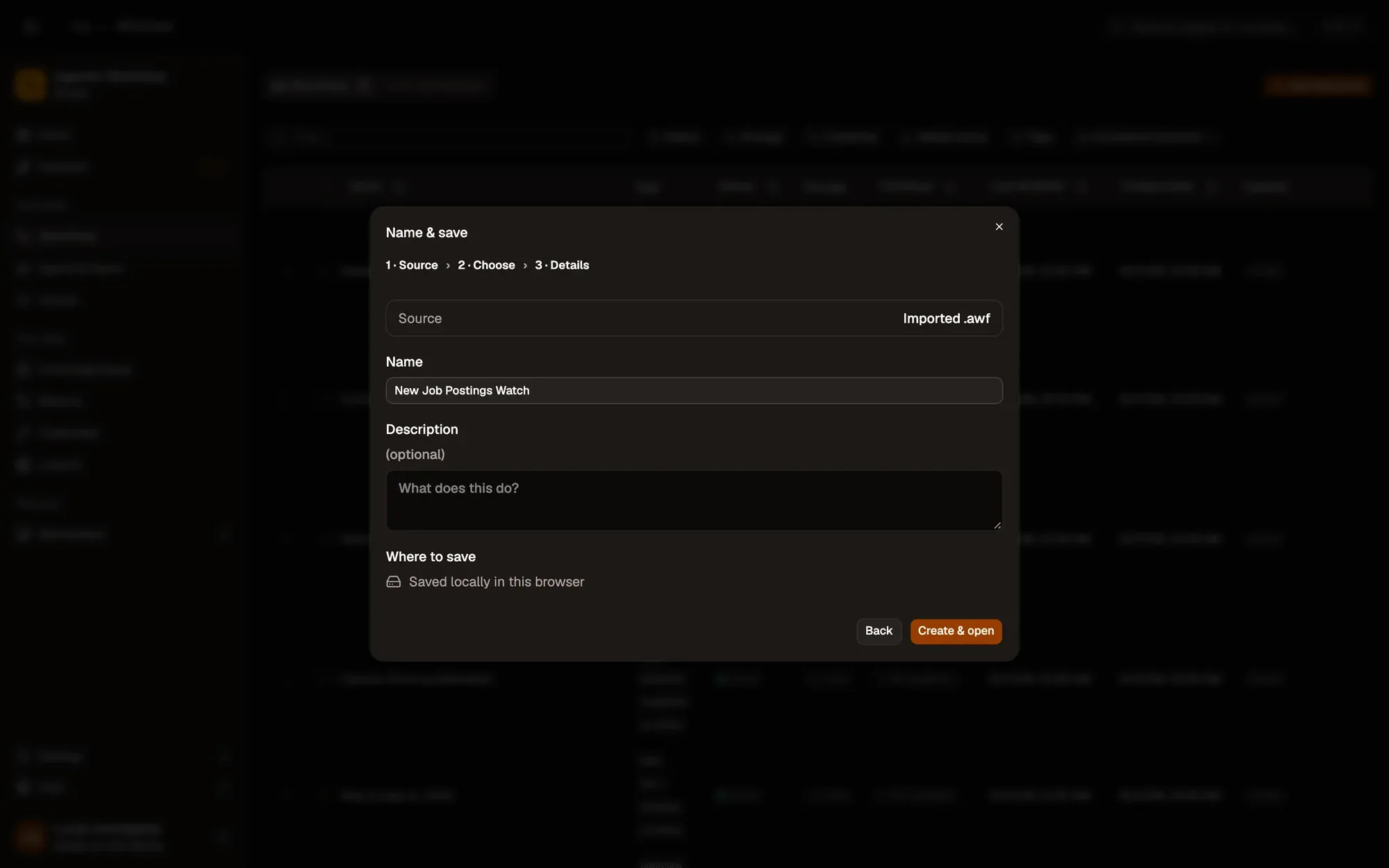
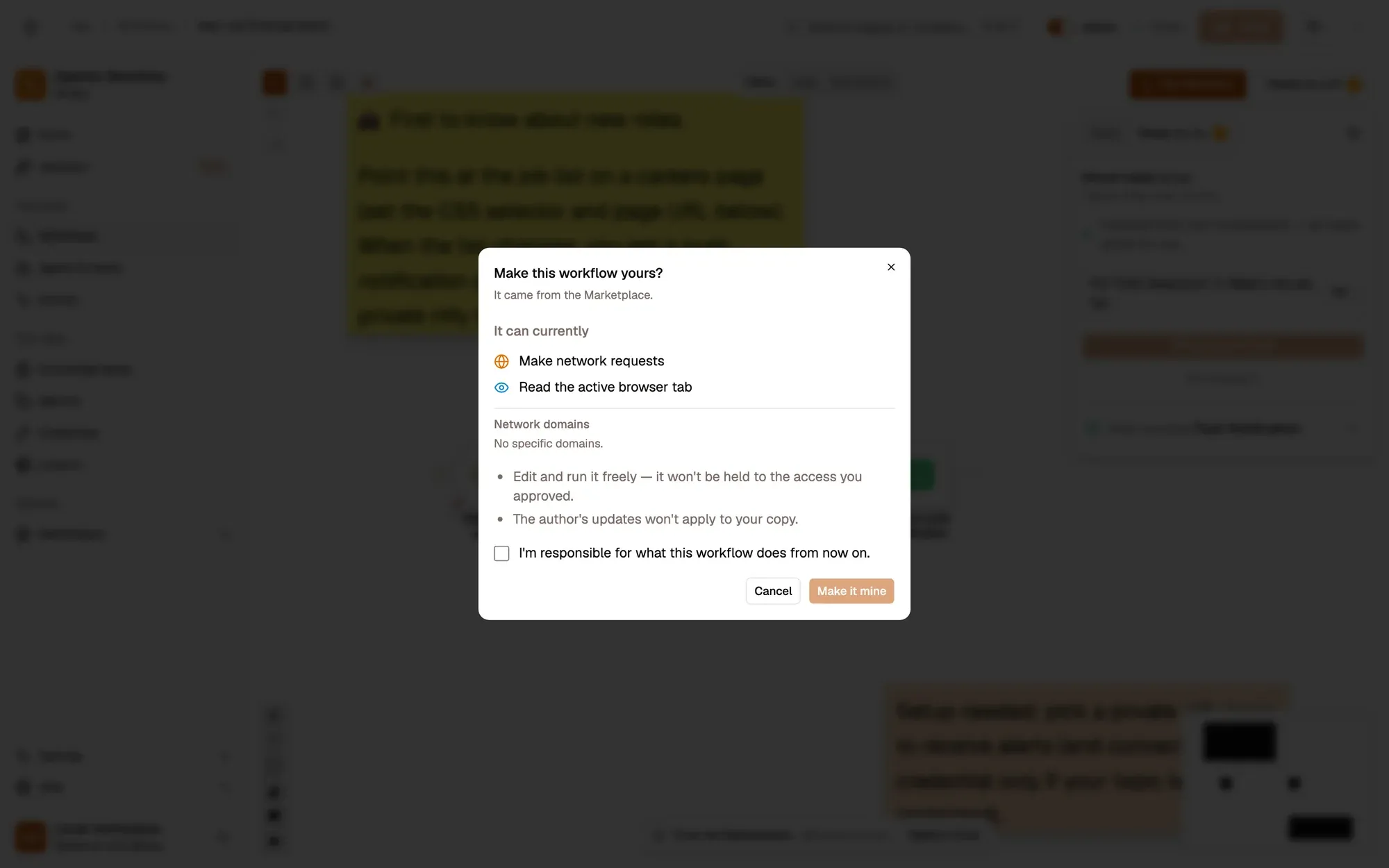
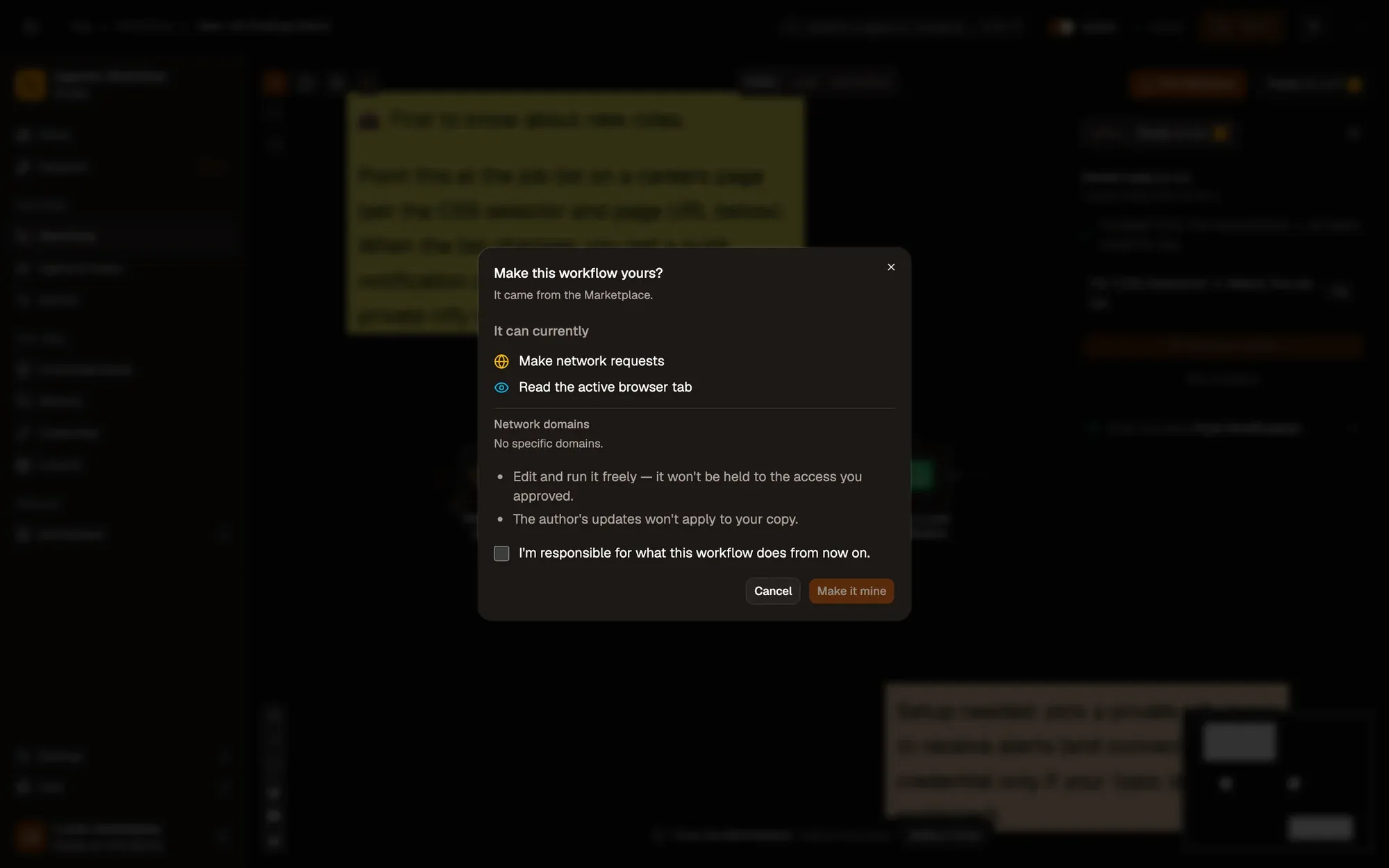
jobs-k7f3q. See Push Notification. To import the file yourself, use Add Workflow › Import, choose the.awfand click Create & open. Then click Make it mine at the bottom of the canvas, tick the box and confirm, so you can edit it. To add the connection itself, see Create a connection. -
Subscribe to the same topic in the ntfy app on your phone.
-
In Watch the job list, pick the job list on the careers page with the crosshair, then save and activate the workflow.
-
Keep the page open. To test right away, edit the list’s text in the browser’s developer tools: your phone shows New jobs.
Variations
Section titled “Variations”| Variation | What to change | Level |
|---|---|---|
| Alert in Slack or Discord | Replace Push Notification with Slack or Discord. | Beginner |
| Alert on the computer only | Replace it with Browser Notification; no connection needed. | Beginner |
| Watch headlines or reviews | Point CSS Selectors at a news list or a reviews section instead. Several selectors can share one workflow. | Beginner |
Troubleshoot
Section titled “Troubleshoot”- No alert. Element Change only watches pages that are open. Keep the careers page in a tab, and check that the selector still matches after the site changes its layout.
- Too many alerts. Some pages rewrite the list on every scroll. Raise Debounce (ms), or watch a more specific element such as the job count.
- The phone gets nothing. The topic on your phone differs from the one in the node; topics are case-sensitive.