Settings › Plan shows the plan you’re on and compares all plans side by side.
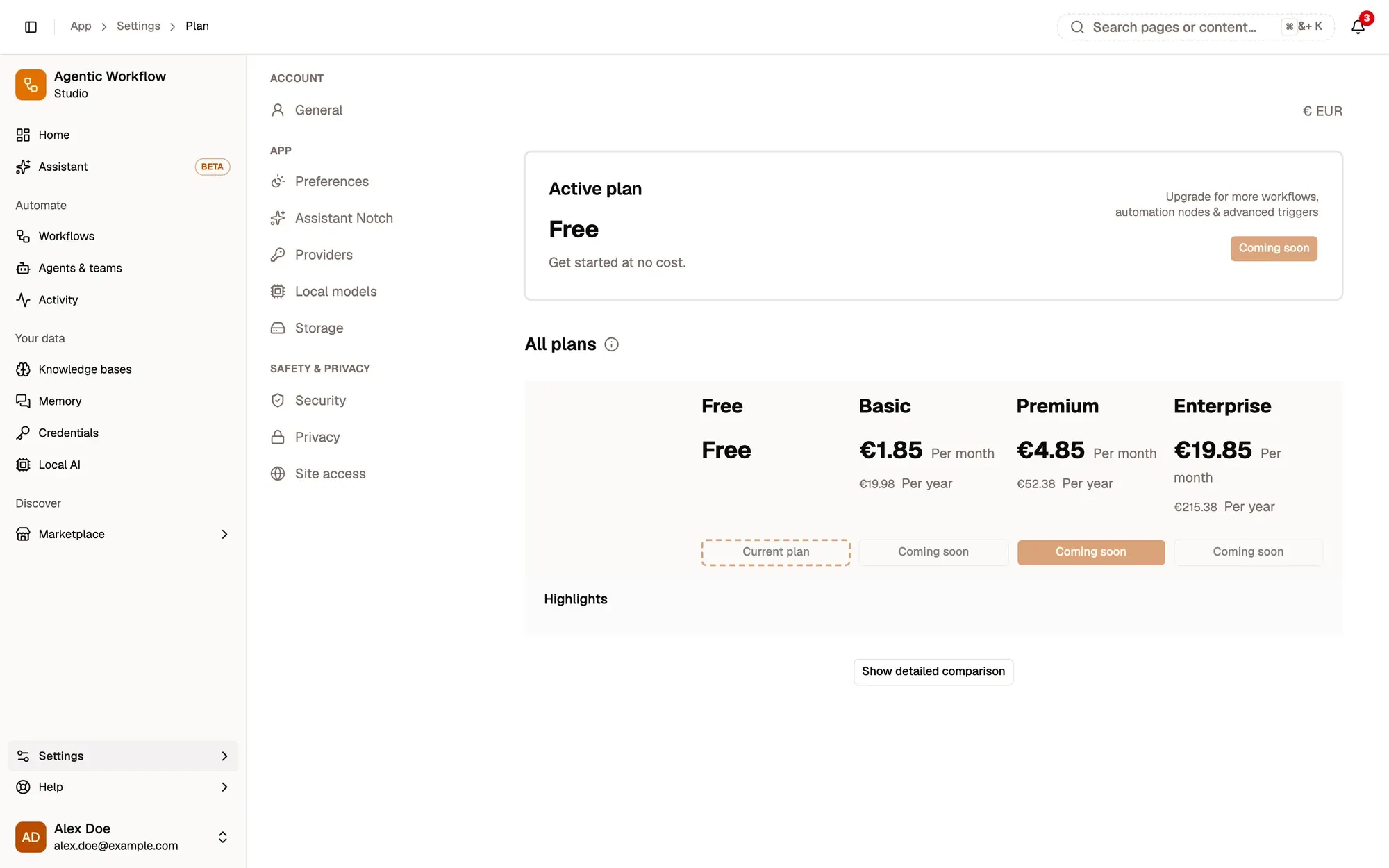
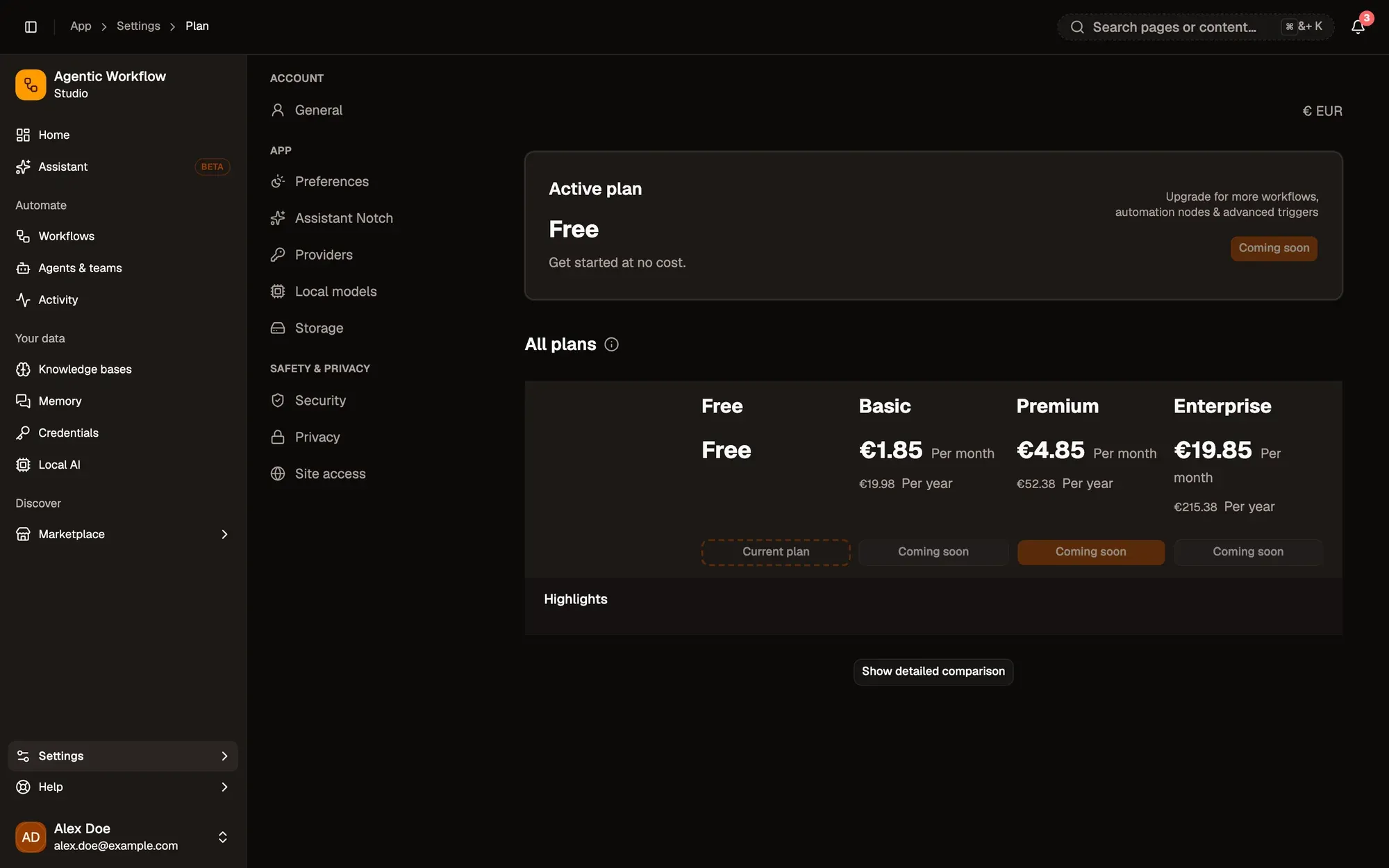
Numbered areas in the screenshot: 1. Active plan; 2. Current plan; 3. Coming soon; 4. Show detailed comparison.
What plans limit
Section titled “What plans limit”Plans only limit what you store in the cloud. A local workspace is free and has no limits on workflows, credentials or memories, apart from the space your browser allows.
The comparison lists, for each plan:
- Usage limits: number of workflows, saved versions per workflow, steps per workflow, runs kept, and saved credentials.
- Storage & integrations: cloud sync, export and import, HTTP requests and pre-built integrations.
- Page interaction & automation nodes, Triggers & workflow automation, and Support & service.
Prices are shown in euros, per month or per year. On a narrow screen, switch plans with the tabs and click Show all features; on a wide screen, click Show detailed comparison.
What happens at a limit
Section titled “What happens at a limit”- When you reach the workflow or credential limit, you can’t create more in the cloud. You can still create them locally, or move some to local storage. See Manage your workflows list.
- When you reach the limit on kept runs, the oldest cloud runs are removed to make room. See Run history.
Switch plan
Section titled “Switch plan”The free plan shows Switch to … and applies at once. Your current plan shows Current plan.
In a local workspace this page asks you to sign in first.