Settings › Assistant Notch controls the floating bubble that the extension pins to the edge of web pages. It gives you quick actions (the same as the right-click menu) and the chat workflows available on the current page. Read Assistant Notch for how to use it.
Turn it on and customise it
Section titled “Turn it on and customise it”Open Settings at the bottom of the sidebar and click Assistant Notch. Everything happens on that page: hover or tap a step to find it on the screen.
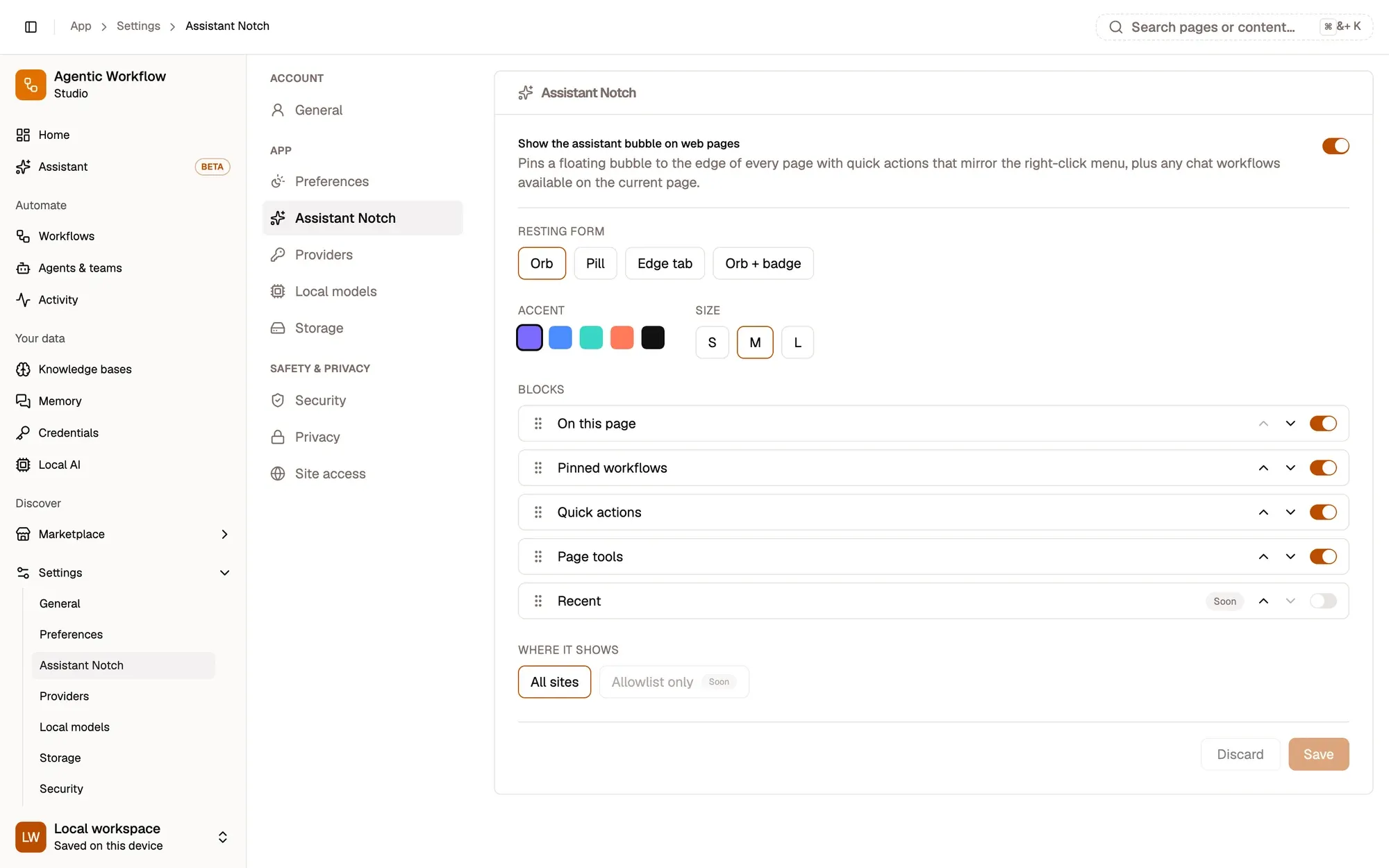
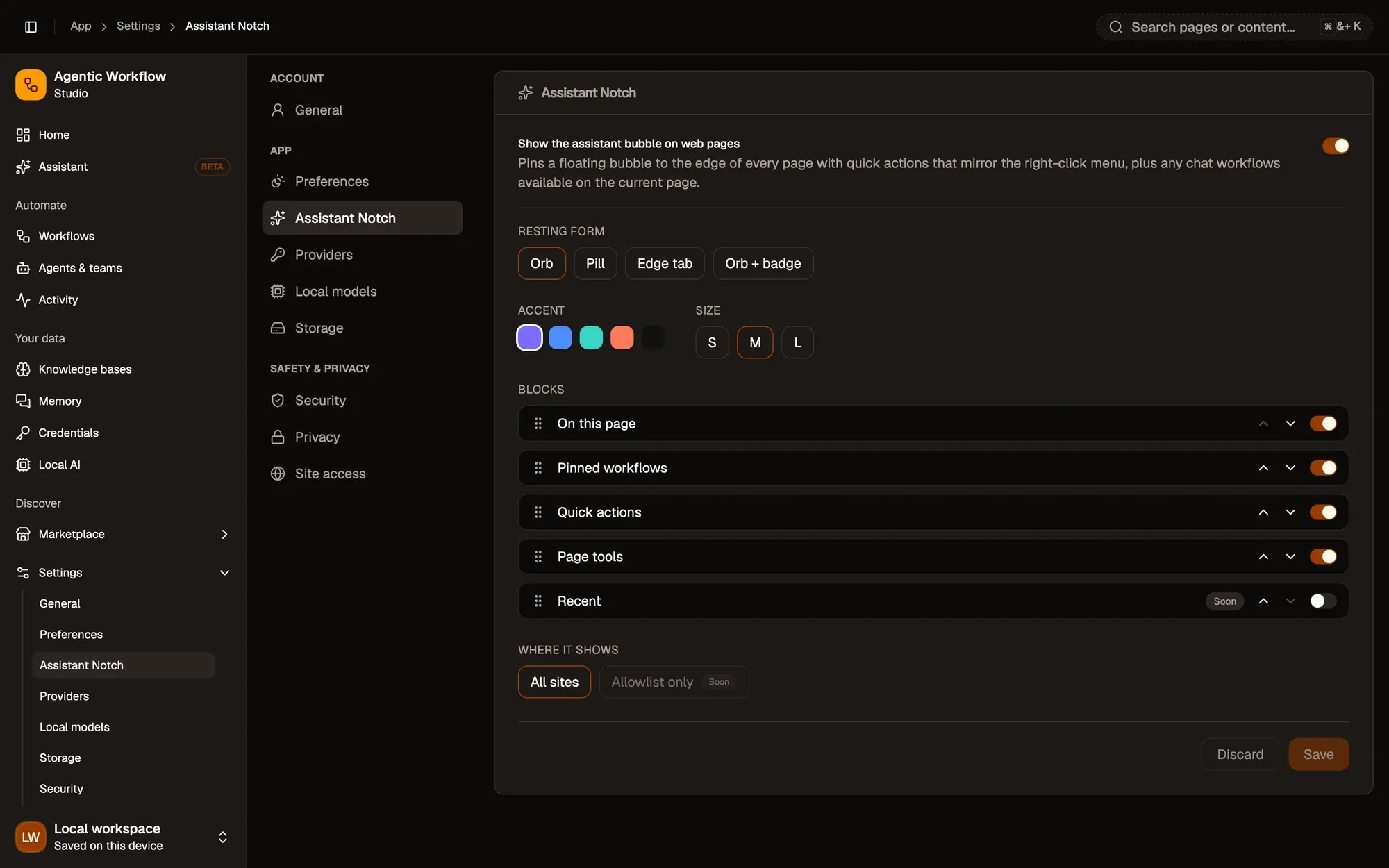
Numbered areas in the screenshot: 1. Show the bubble on web pages; 2. Resting form, accent and size; 3. Accent colours; 4. Size: S, M or L; 5. Move a block, or switch it on or off; 6. Where it shows: All sites; 7. Save or Discard.