Settings › Security has one setting: Safe mode for my workflows. It decides how strictly your own workflows are checked before they reach the internet.
Installed workflows always ask
Section titled “Installed workflows always ask”Workflows you install from the Marketplace or import always ask before they contact a website for the first time, use a connected app, or do something sensitive such as running code. Safe mode doesn’t change that.
Your own workflows: Trusted or Safe mode
Section titled “Your own workflows: Trusted or Safe mode”For the workflows you created, you choose:
- Off (Trusted), the default. Your workflows run without asking. You built the graph and typed the URLs yourself.
- On. Your workflows get the same check as installed ones: before a step contacts a website, that website must be allowed for this workflow.
To change it, open Settings at the bottom of the sidebar and click Security.
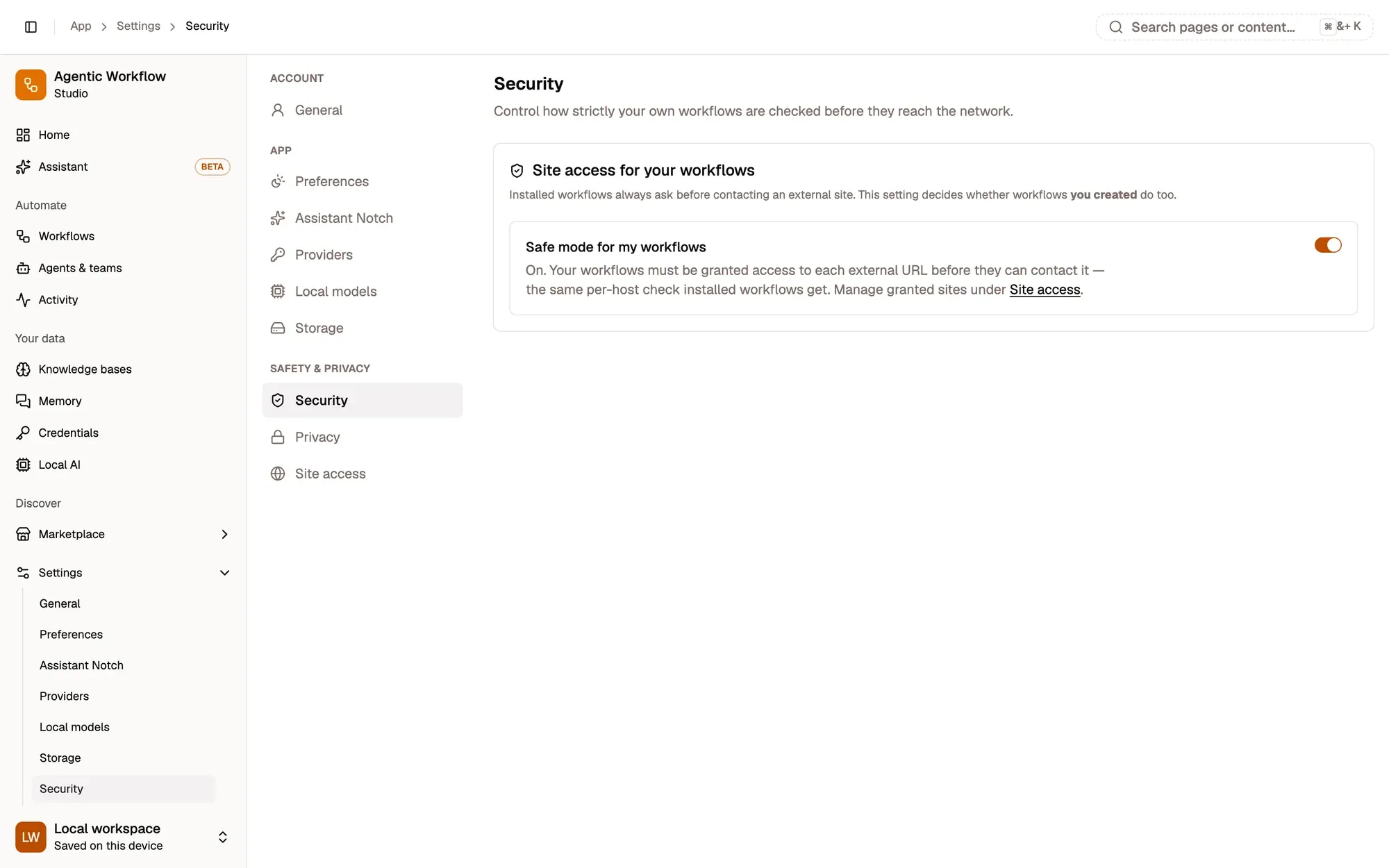
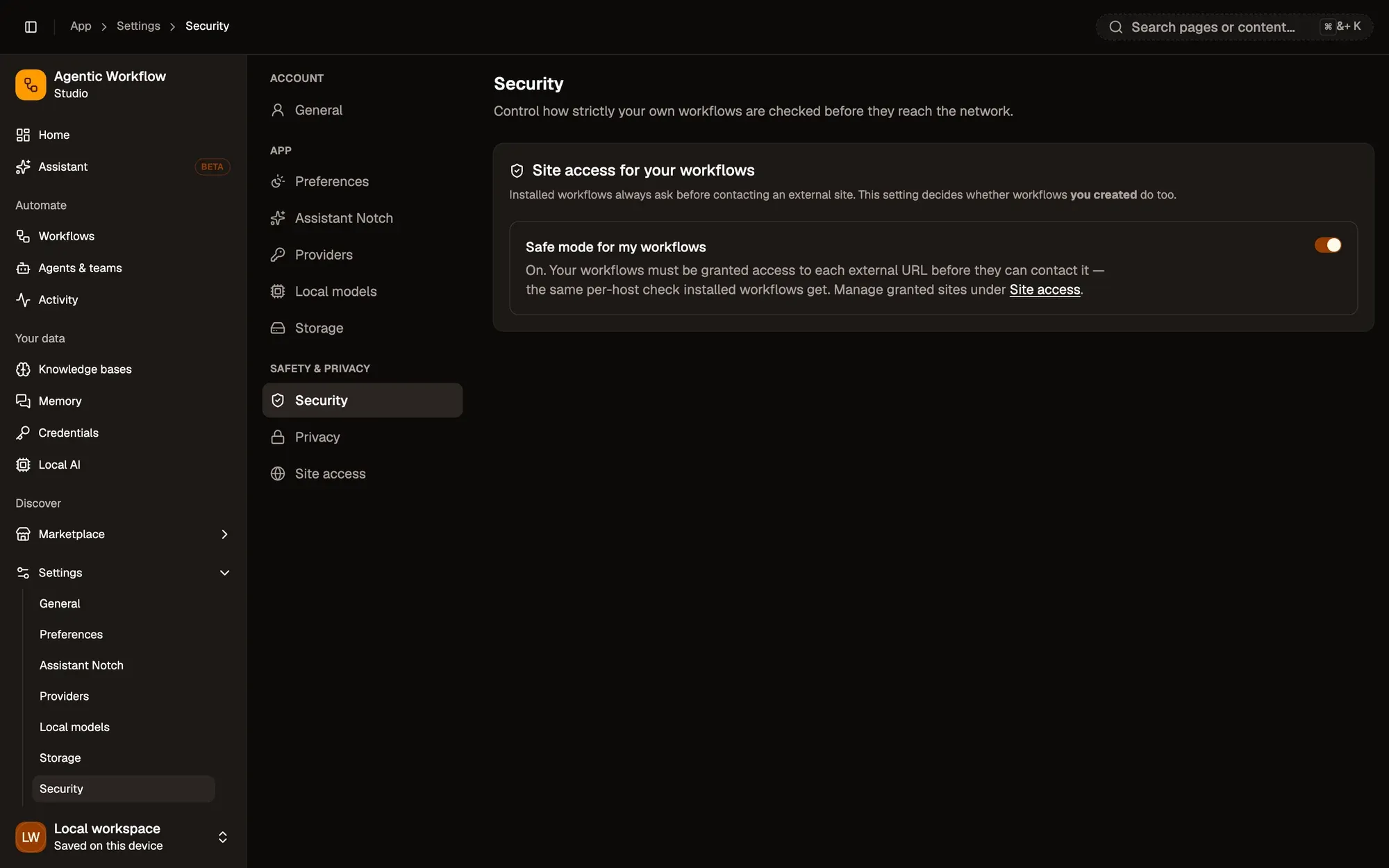
Numbered areas in the screenshot: 1. Safe mode for my workflows: On; 2. Manage granted sites in Site access.
What Safe mode checks
Section titled “What Safe mode checks”Safe mode applies to steps with a URL field that needs permission, such as HTTP Request or Custom API. Before such a step runs:
- AWFlow reads the website (host) from the URL. If the URL is built from an expression, it counts as Any host (dynamic URL).
- If that host is already allowed for this workflow, the step runs.
- If not, you are asked to approve contacting it. When you approve, the host is saved as allowed for this workflow, so it won’t ask again.
- If you reject, or nobody is there to answer (for example a scheduled run with the app closed), the step fails with a message telling you it needs permission. You can grant it in Site access.
Next to a permissioned URL field you can also click Grant access while you build.
Good to know
Section titled “Good to know”- Safe mode is saved on this device only. Turn it on again on each browser you use.
- With Safe mode off, the grants in Site access aren’t applied to your own workflows, so turning a site off there won’t stop them.
- When an approval is needed and the app isn’t open, you get a desktop notification asking you to open it.