Settings › Preferences controls how the app looks and behaves on this device. Open Settings at the bottom of the sidebar and click Preferences. Hover or tap a step to find it on the screen.
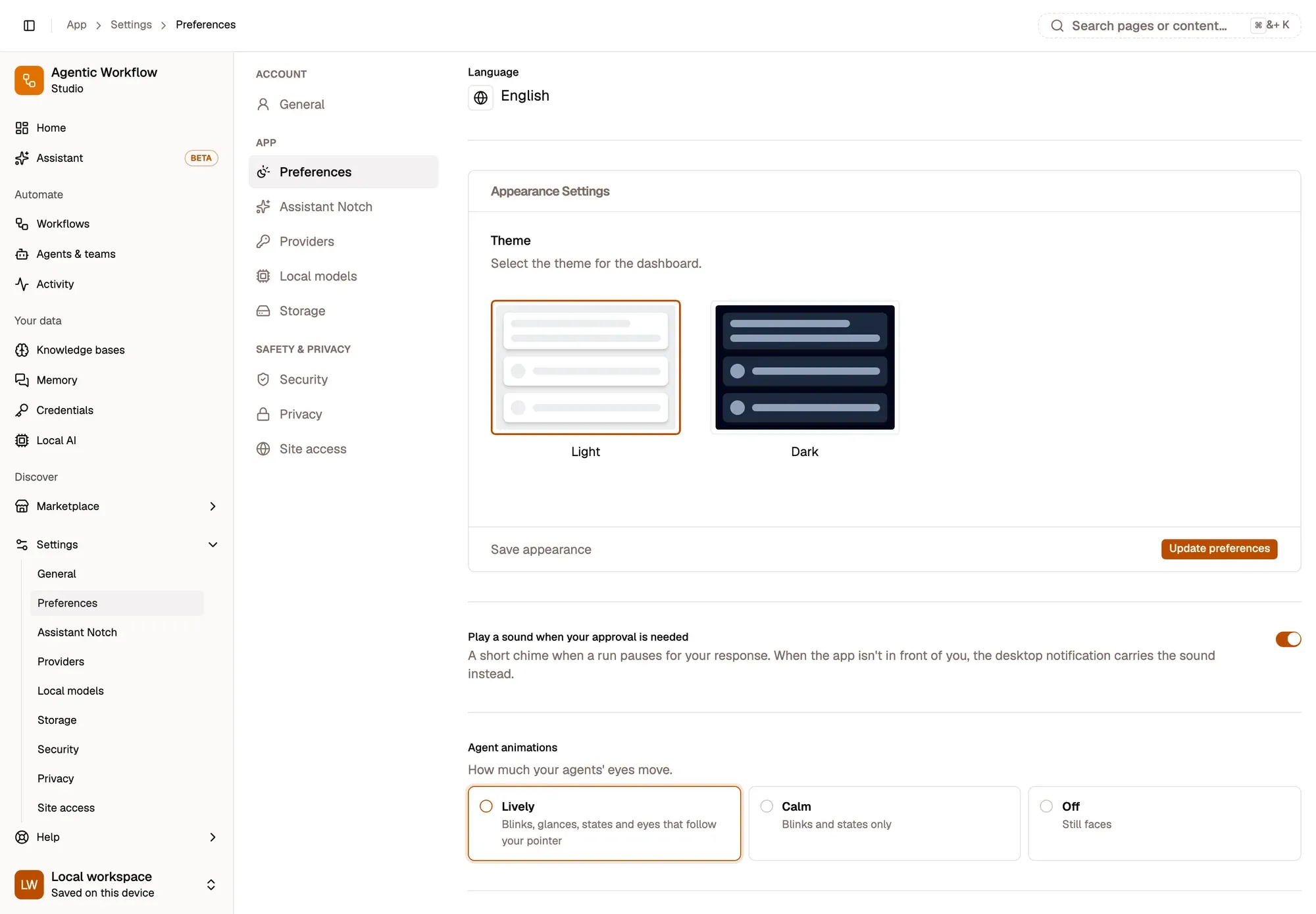
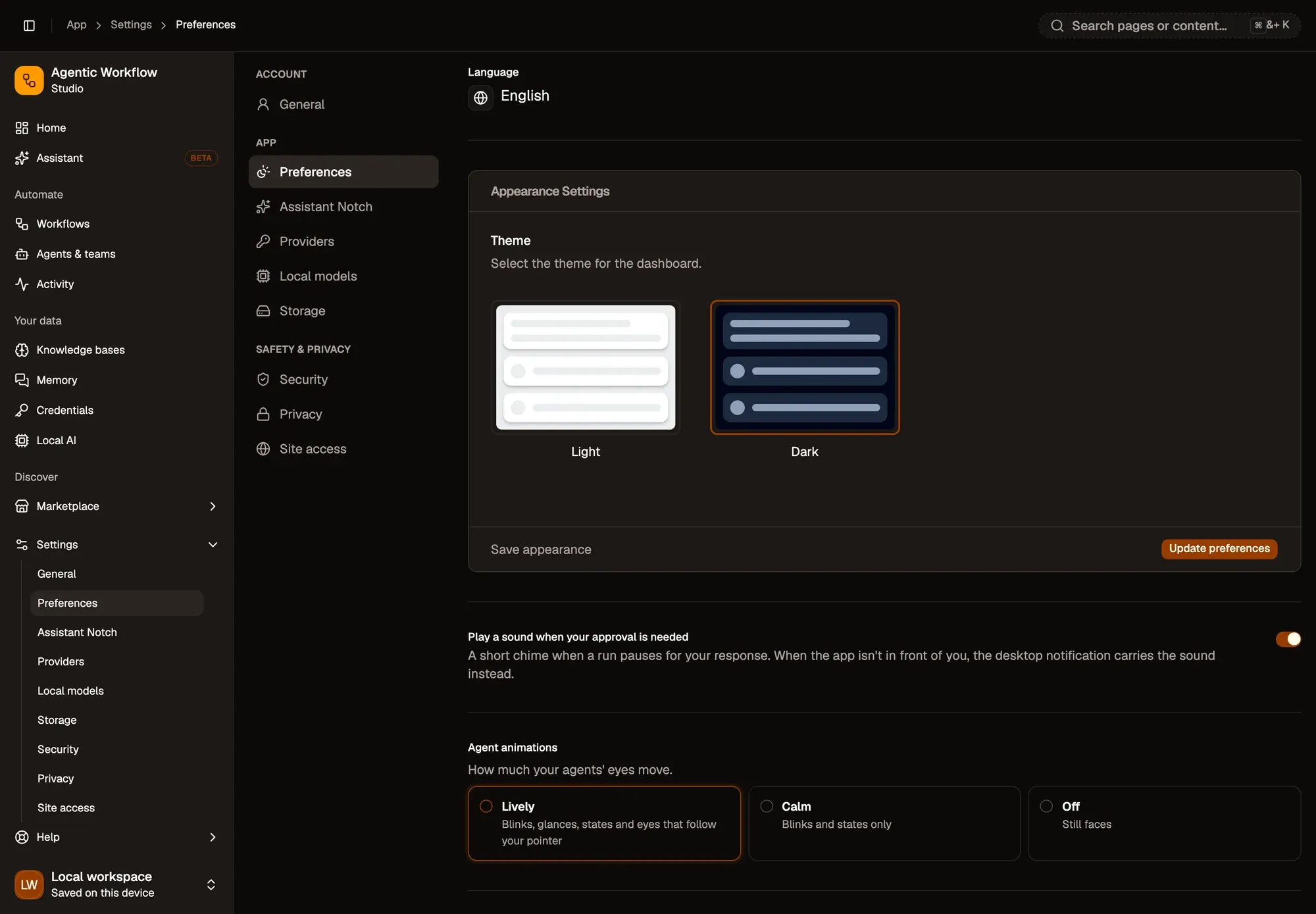
Numbered areas in the screenshot: 1. Change language; 2. Theme: Light or Dark; 3. Update preferences; 4. Play a sound when your approval is needed; 5. Agent animations: Lively, Calm or Off.
Language
Section titled “Language”Pick English, French, German or Chinese. The app switches straight away.
Appearance
Section titled “Appearance”Under Appearance Settings, choose Light or Dark and click Update preferences.
Approval sound
Section titled “Approval sound”Play a sound when your approval is needed plays a short chime when a run pauses for you. When the app isn’t in front of you, the desktop notification carries the sound instead. It is on by default. See Notifications.
Agent animations
Section titled “Agent animations”How much your agents’ faces move:
- Lively: blinks, glances, and eyes that follow your pointer.
- Calm: blinks and states only.
- Off: still faces.
If your system asks to reduce motion, faces stay still whatever you pick.
Default storage location
Section titled “Default storage location”Signed-in users choose where new workflows and credentials are saved: Cloud (synced to your account) or Local (this browser only). Cloud is the default. You can still choose each time you create something. This option is hidden in a local workspace, where everything is local.
Local secret protection
Section titled “Local secret protection”Protect the credentials stored in this browser with a passphrase. See Local secret vault.
Data store
Section titled “Data store”Lists the values your workflows remember between runs with the Data Store node, grouped by workflow. Delete one value, or Clear all for a group. These values live in this browser only.