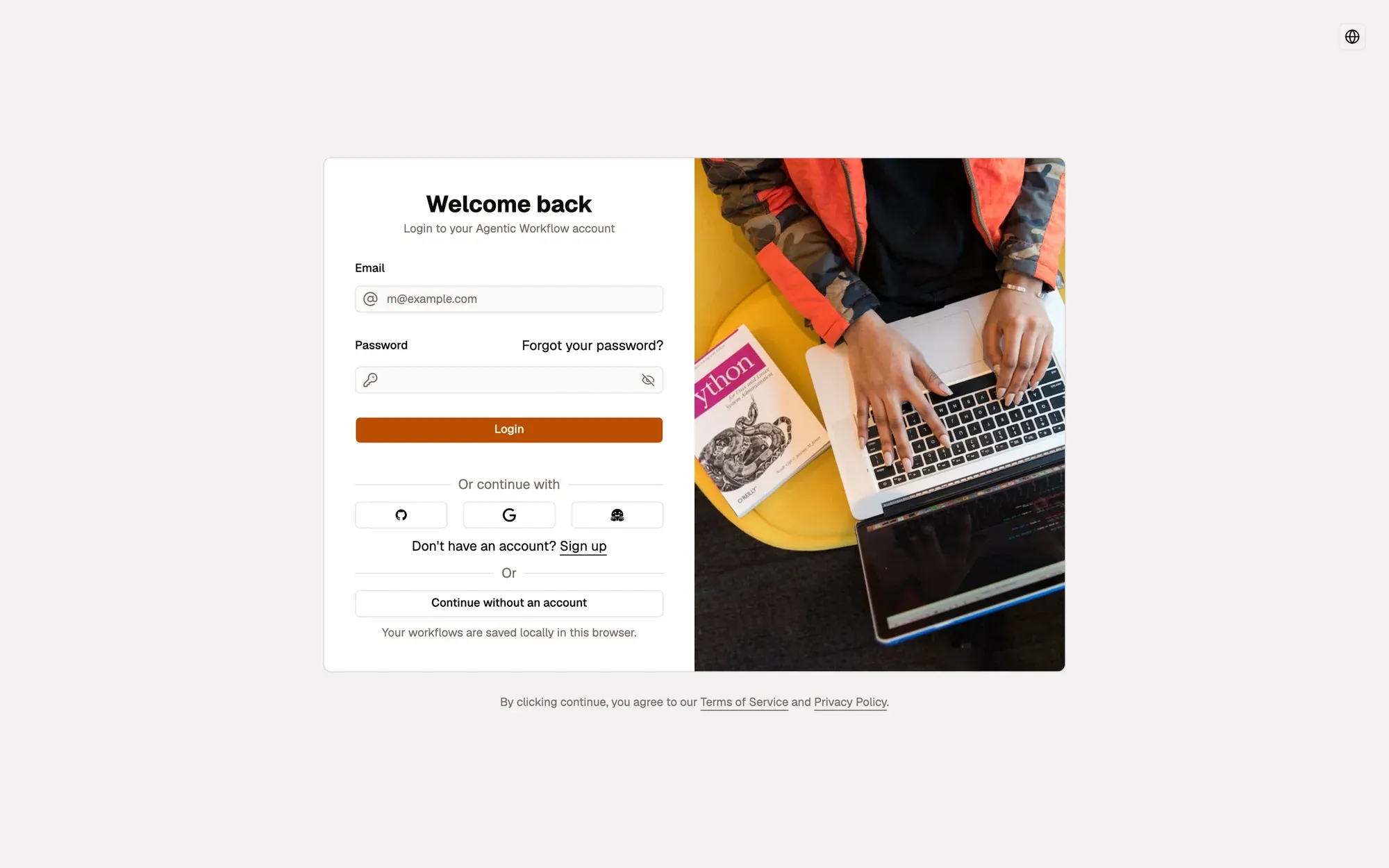
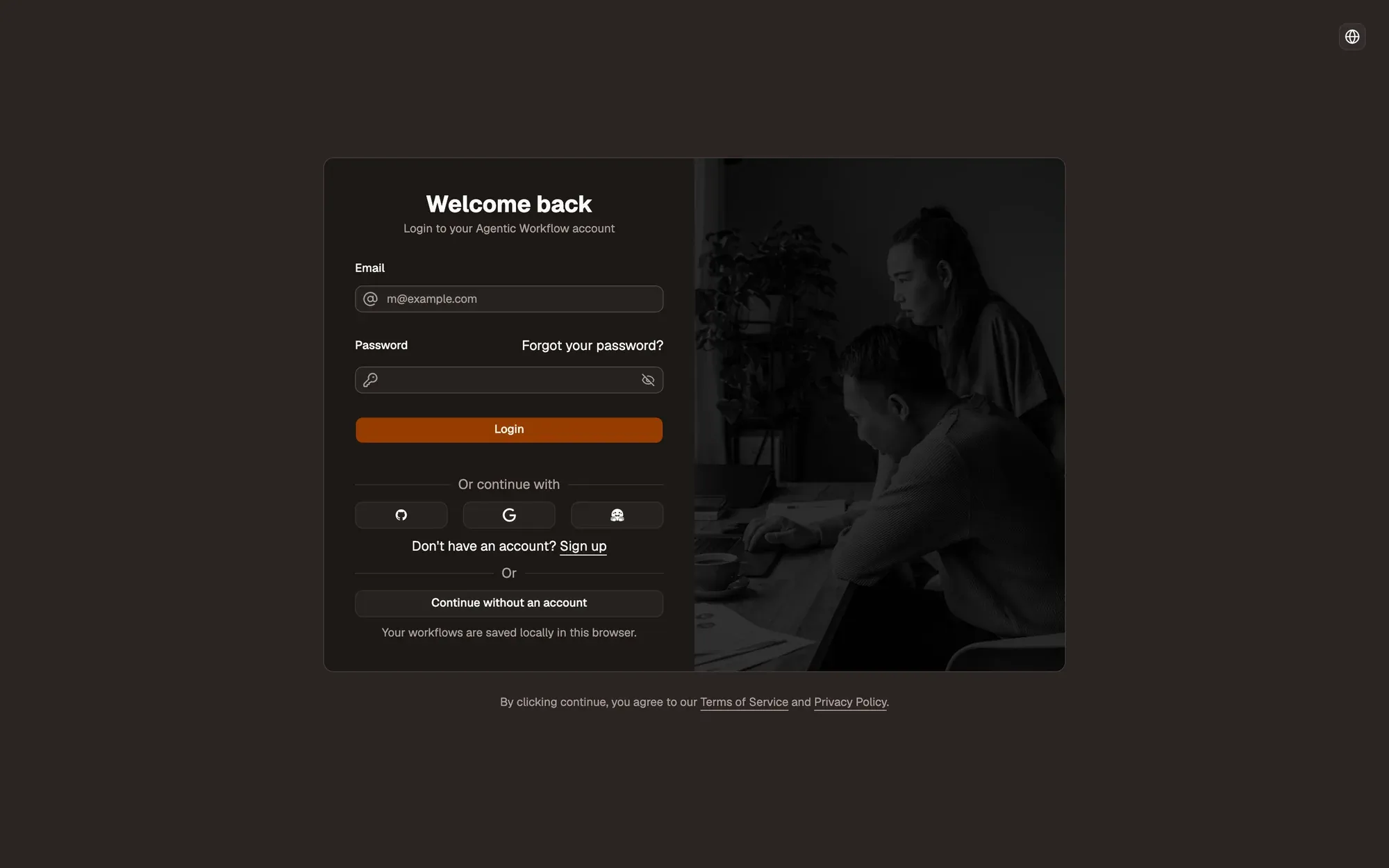
Step 1:Click Forgot your password?
It sits under the Password field of the login screen.
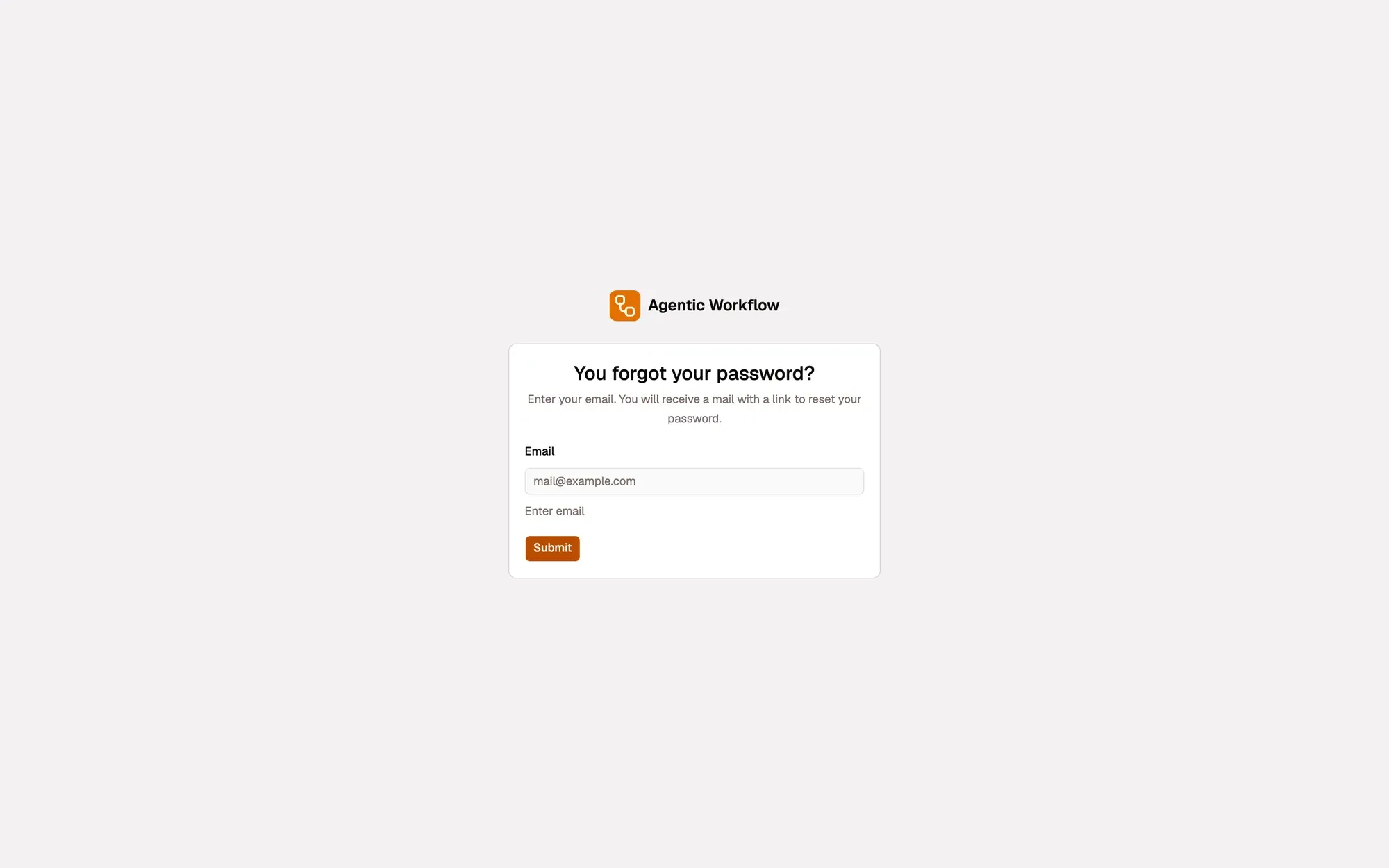
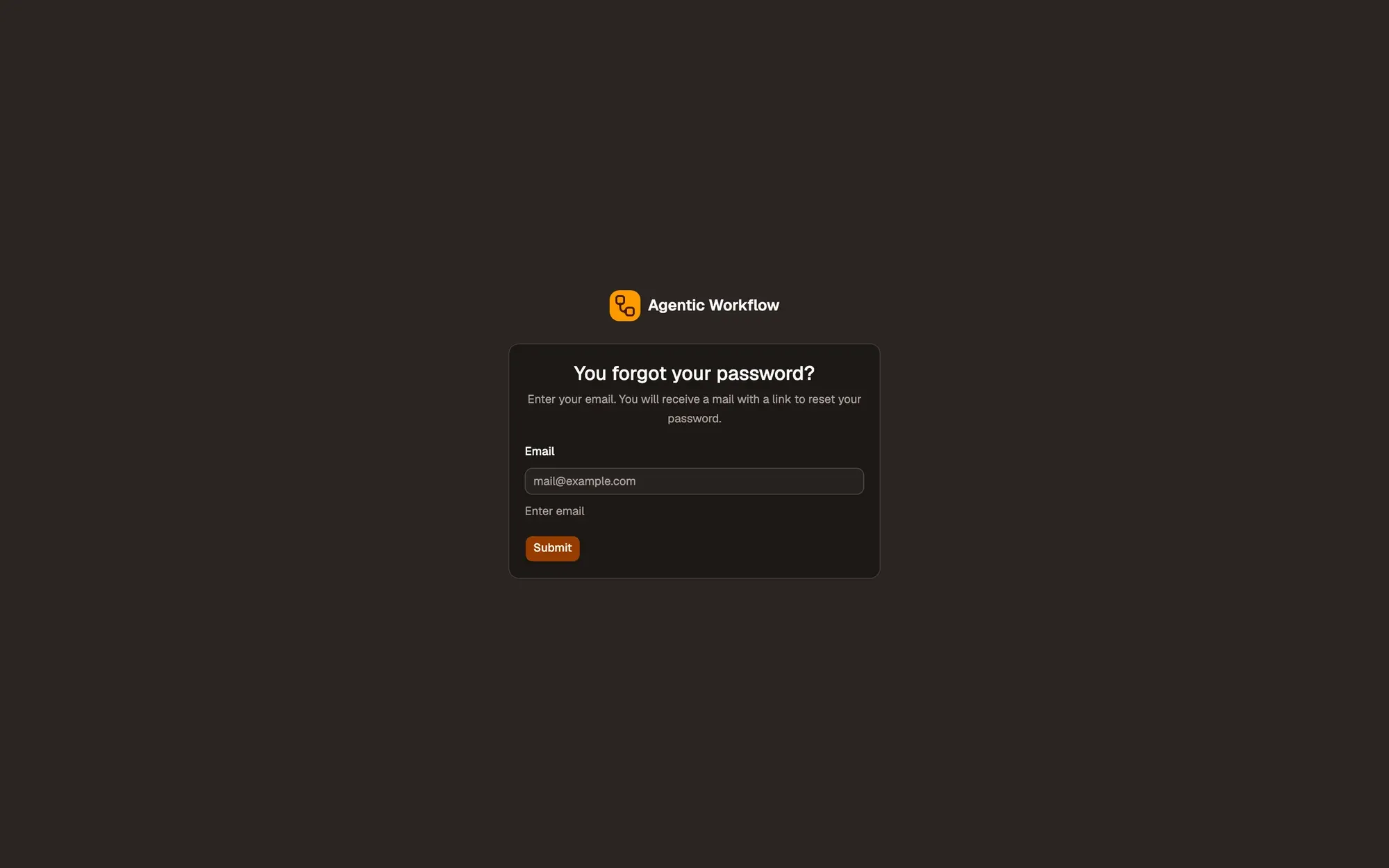
Step 2:Enter your email and click Submit
Use the email address of your account.
Check: you see Password reset link sent.
Step 3:Open the email and click the reset link
The link opens the reset page in AWFlow.
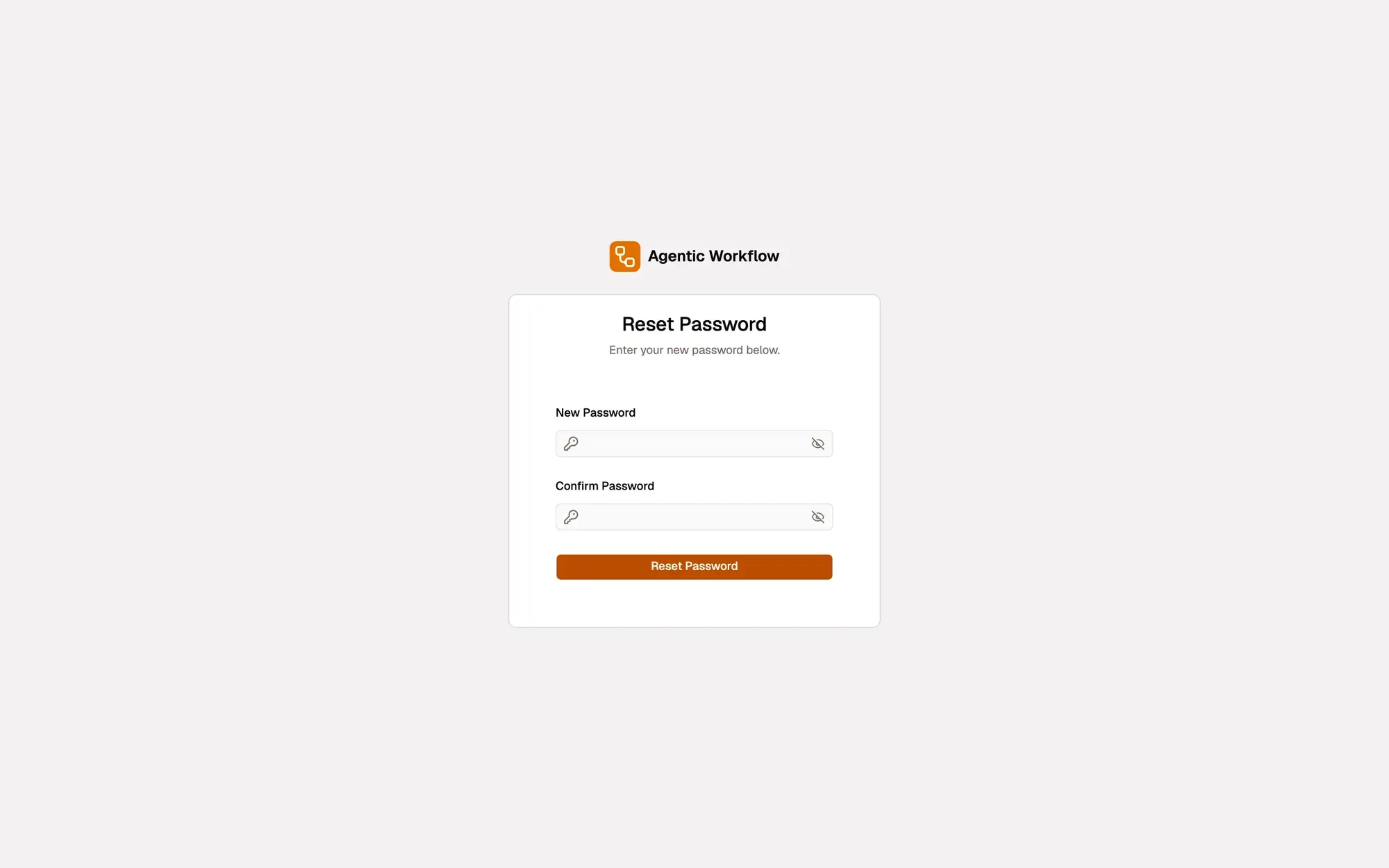
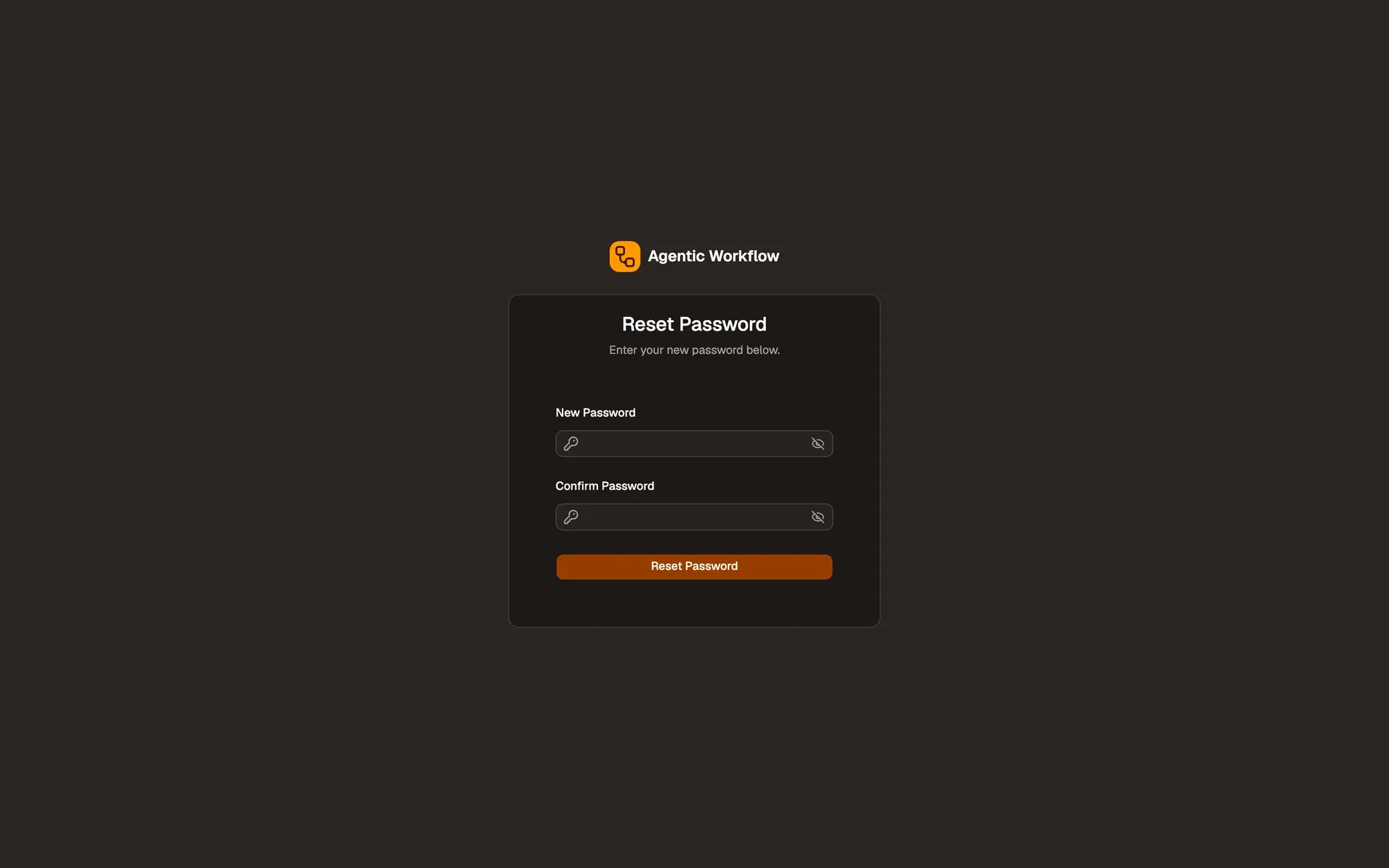
Step 4:Choose a new password
Enter a New Password and Confirm Password, then click Reset Password.
Check: you see Password has been reset.
Step 5:Log in
Click Login to your account and log in with the new password.
If the reset page says Unexpected Error, the link is incomplete or out of date. Ask for a new one.
To change a password you still know, use Settings › General instead.