Before you start
Section titled “Before you start”- The Telegram app (phone or desktop).
Used by
Section titled “Used by”Set it up
Section titled “Set it up”-
Create the bot. In Telegram, open a chat with @BotFather and send
/newbot. Choose a name and a username ending inbot. -
Copy the token BotFather replies with, like
123456789:ABCdefGhIJKlmNoPQRstuVWxyz. -
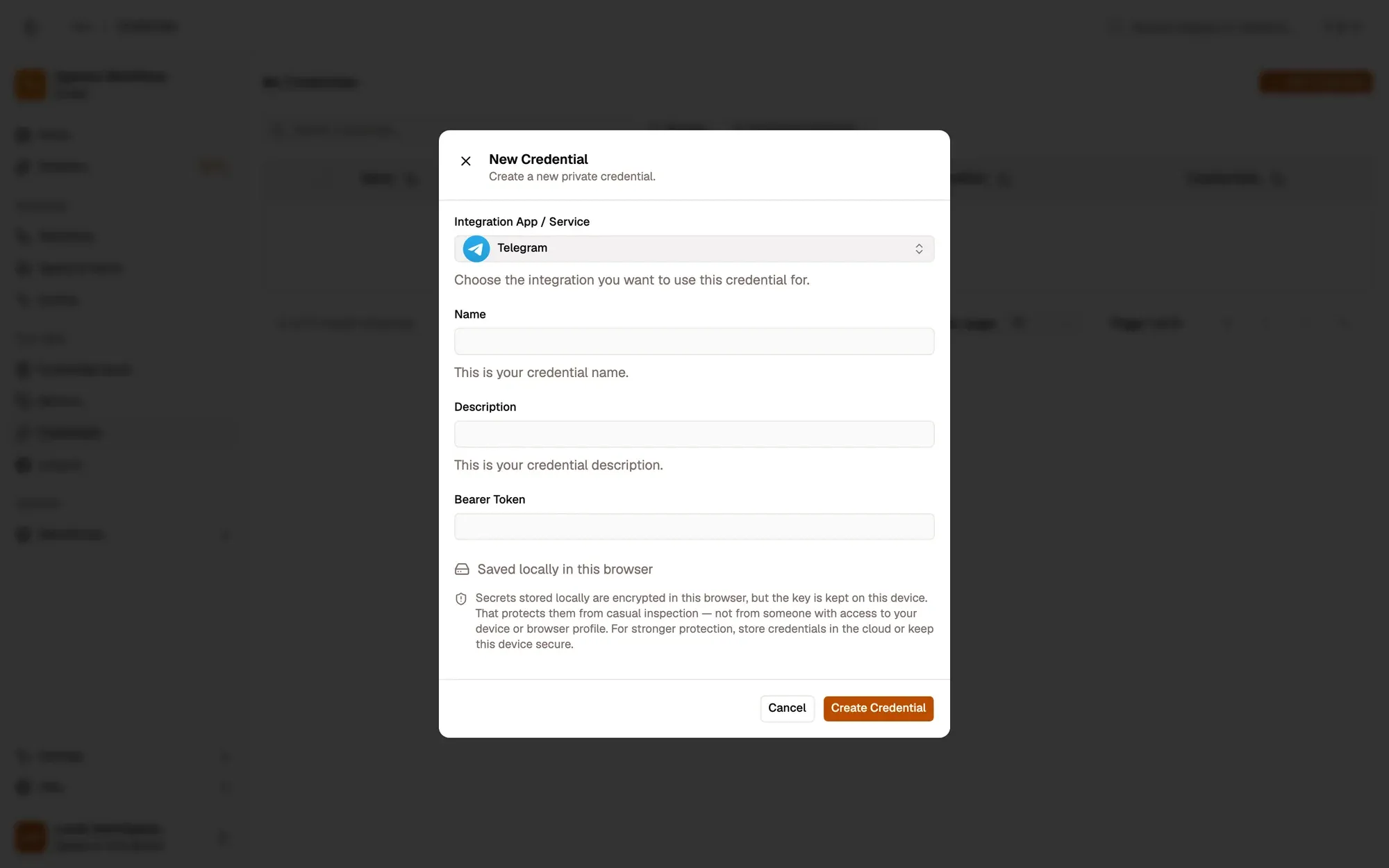
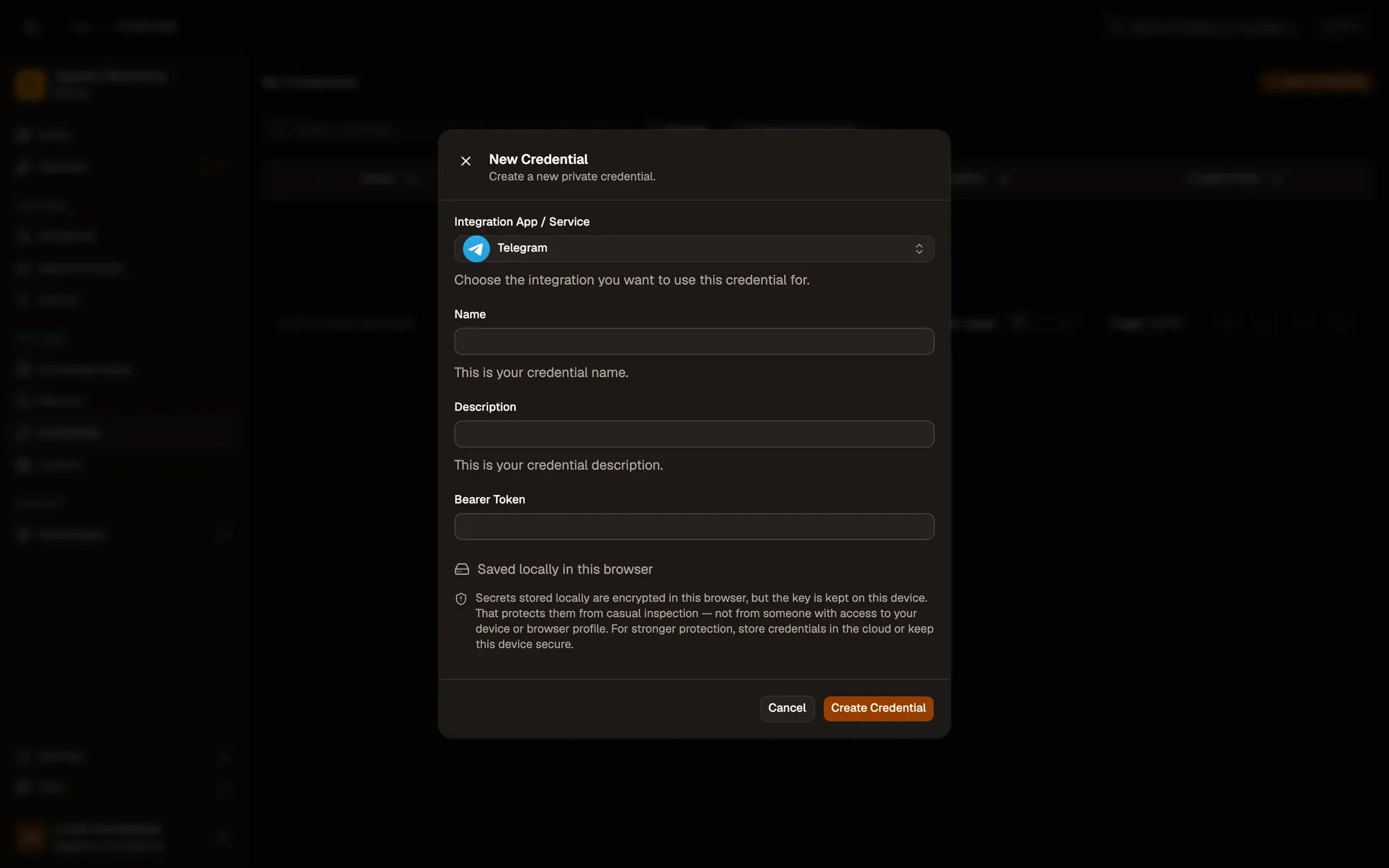
Save it in AWFlow. Open Credentials and click Add Credential (or + Add Credential in a node’s Credential field), then fill the New Credential form. In the browser side panel the form comes in two steps: tap Telegram in the list, then fill the rest.
Numbered areas in the screenshot: 1. Integration App / Service: Telegram; 2. Name; 3. Bearer Token; 4. Where the secret is stored (here, locally in this browser); 5. Create Credential.
-
Start the bot. Open a chat with your bot and press Start, or add it to the group or channel it should post in. A bot can’t message someone who never started it.
Where your token lives
Section titled “Where your token lives”Common issues
Section titled “Common issues”- “Unauthorized”. The token is wrong or was revoked. Get the current one from @BotFather (
/token) and update the credential. - “Bad Request: chat not found”. The Chat ID is wrong, or the bot was never started in that chat or added to the group.
- “Forbidden: bot was blocked by the user”. The person blocked the bot. They need to unblock it and press Start.
- The token leaked. Send
/revoketo @BotFather and update the credential with the new token.