Before you start
Section titled “Before you start”- A GitHub account with access to the repositories.
Used by
Section titled “Used by”Pick a method
Section titled “Pick a method”| Method | Use it when |
|---|---|
| Fine-grained token Recommended | Limited to chosen repositories and permissions. The safest choice. |
| Classic token | Older tokens that open your whole account. Use only if fine-grained tokens are blocked in your organization. |
Set it up
Section titled “Set it up”-
Create the token. On GitHub, open Settings › Developer settings › Personal access tokens › Fine-grained tokens and click Generate new token.
-
Limit it. Pick the Resource owner, choose Only select repositories, set an expiration, and grant the permissions in the table below. Click Generate token and copy it (it starts with
github_pat_). -
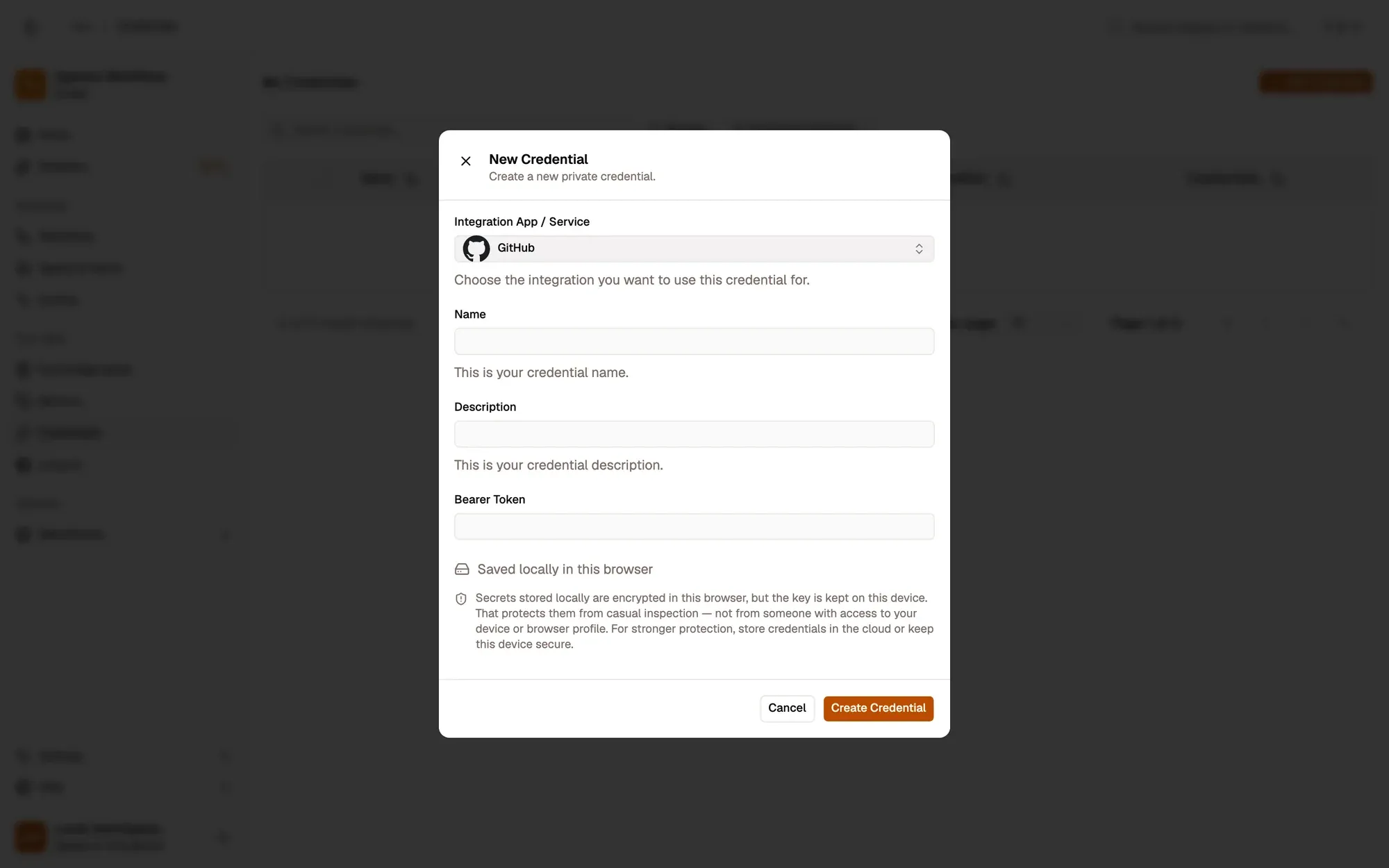
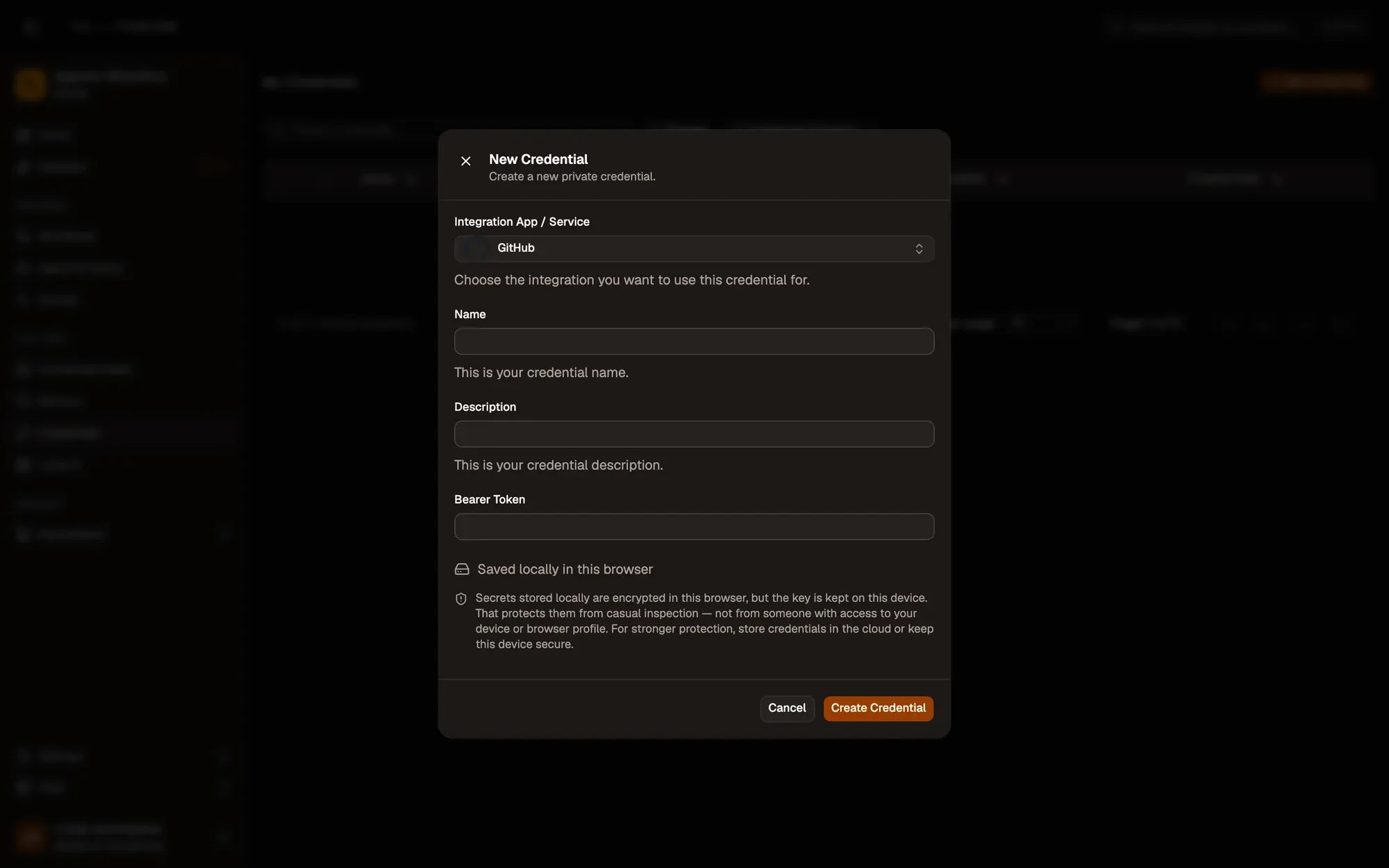
Save it in AWFlow. Open Credentials and click Add Credential (or + Add Credential in a node’s Credential field), then fill the New Credential form. In the browser side panel the form comes in two steps: tap GitHub in the list, then fill the rest.
Numbered areas in the screenshot: 1. Integration App / Service: GitHub; 2. Name; 3. Bearer Token; 4. Where the secret is stored (here, locally in this browser); 5. Create Credential.
-
Create the token under Personal access tokens › Tokens (classic), with the
reposcope (orpublic_repofor public repositories only). Copy it (it starts withghp_). -
Save it in AWFlow. Open Credentials and click Add Credential (or + Add Credential in a node’s Credential field), then fill the New Credential form. In the browser side panel the form comes in two steps: tap GitHub in the list, then fill the rest.
Numbered areas in the screenshot: 1. Integration App / Service: GitHub; 2. Name; 3. Bearer Token; 4. Where the secret is stored (here, locally in this browser); 5. Create Credential.
Where your token lives
Section titled “Where your token lives”Permissions each operation needs
Section titled “Permissions each operation needs”| Operation | Fine-grained permission |
|---|---|
| Issue · Get, List | Issues: Read |
| Issue · Create, Update, Comment, Close | Issues: Read and write |
| Pull request · Get, List, List files | Pull requests: Read |
| Pull request · Review | Pull requests: Read and write |
| Pull request · Comment | Pull requests: Read and write (or Issues: Read and write) |
| Release · Get latest, List | Contents: Read |
| Repository · Get, List | Metadata: Read (always included) |
| Repository · Search | None: searches public repositories |
Common issues
Section titled “Common issues”- “Bad credentials”. The token is wrong, expired or revoked. Generate a new one and update the credential.
- “Not Found” on a repository you can see. The token doesn’t include that repository, or lacks the permission. Edit the token on GitHub.
- “Resource not accessible by personal access token”. The organization requires approval for fine-grained tokens, or the permission is missing.
- “API rate limit exceeded”. Too many requests in the last hour. Wait, or run the workflow less often.