Memory › Storage shows how much space memory takes in this browser and helps you free it. Sizes are AWFlow’s own measures; Can free is an estimate.
The Storage tab
Section titled “The Storage tab”- A bar splits memory by content: text, tool results, reasoning, regenerated answers, build snapshots, attachments, search index.
- Four tiles: Aria & quick chats (size, number of chats, share taken by tool results), Workflow conversations (they grow with every run), Facts (and how many have no owner), and Easy to free (what slimming and clearing orphans would free now).
- Filters: Largest first, Easy to free, Not opened in 90 days, No owner and Workflow deleted.
- A table lists each conversation with its size, what’s in it, when it was last opened and what it can free.
Free space
Section titled “Free space”Open Memory › Storage, then:
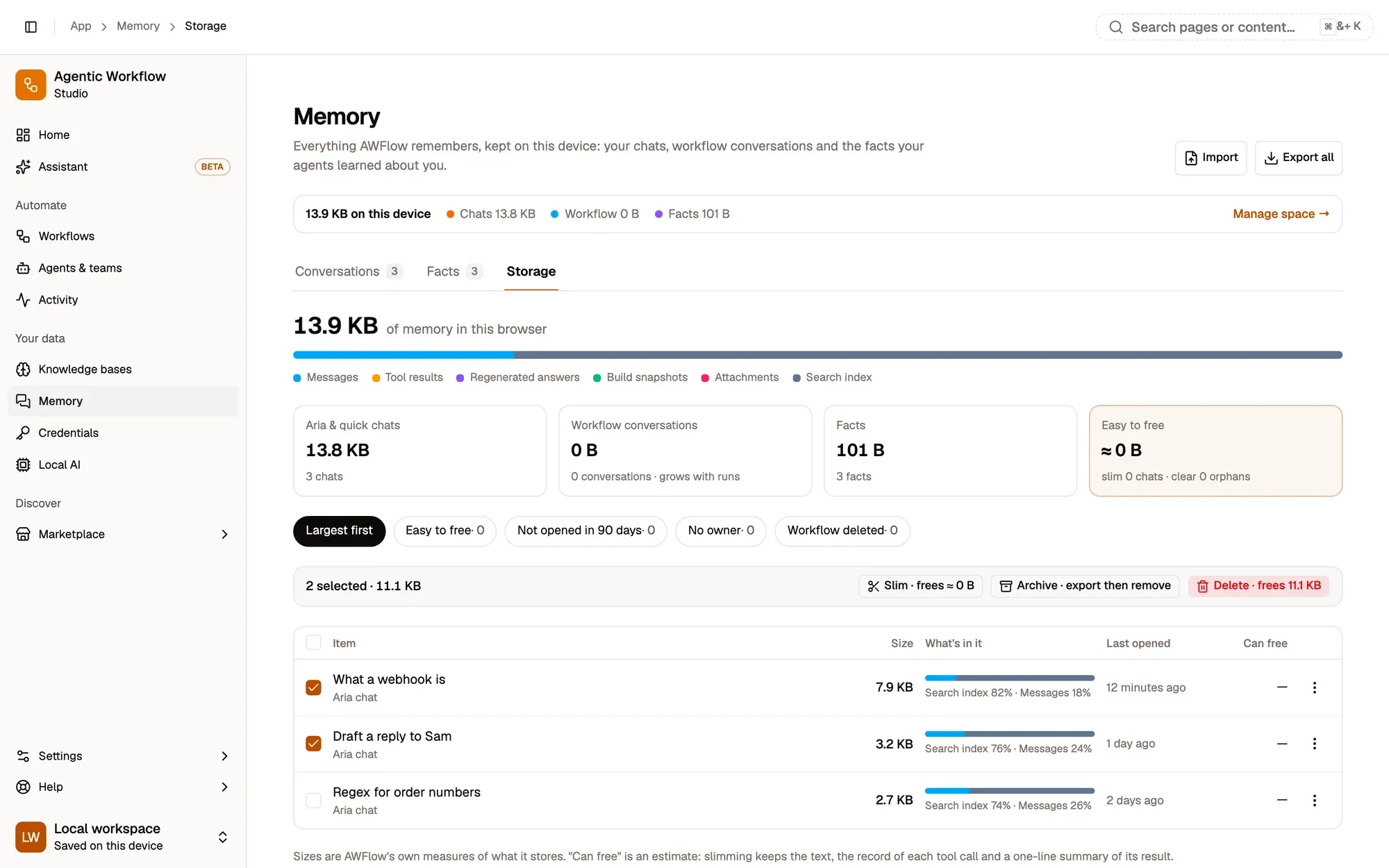
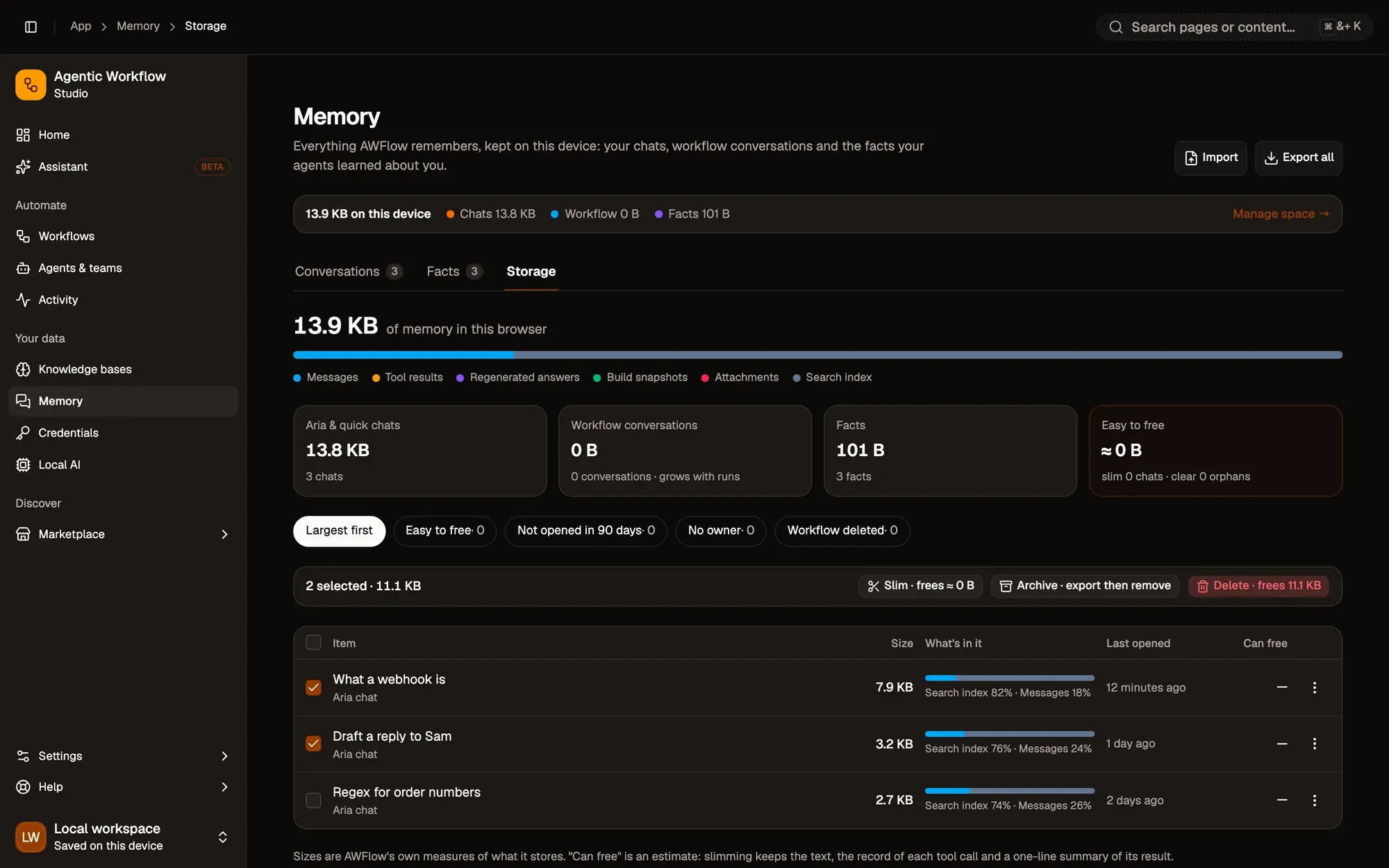
Numbered areas in the screenshot: 1. Filters, such as Easy to free; 2. Select a conversation; 3. Slim; 4. Archive; 5. Delete.
Clear orphans appears when conversations or facts are left without an owner.
Slim, archive and delete
Section titled “Slim, archive and delete”| Action | What it does | What you keep |
|---|---|---|
| Slim | Removes heavy data the agent no longer needs: tool result payloads (a one-line summary is kept), build snapshots except the last 3, and regenerated answers you didn’t pick. You can Export a full copy first. | Every message, which tools ran, the summary. The conversation stays readable. |
| Archive | Saves the conversations to an .awmem file (optionally with a passphrase), then removes them from this browser. |
A file you can import again. |
| Delete | Removes the conversations. Workflows that use them start with an empty memory. Can’t be undone. | Nothing. |
| Clear orphans | Removes conversations and facts whose agent, team or workflow was deleted. | Shared memory keys and anything a workflow still uses. |
To let AWFlow suggest or apply these on its own, see Storage & clean-up.