Before you start
Section titled “Before you start”- The ntfy or Pushover app on your phone.
- The AWFlow browser extension. These steps run in the extension (the web app hands them to it).
Used by
Section titled “Used by”Pick a method
Section titled “Pick a method”| Method | Use it when |
|---|---|
| ntfy.sh public topic Recommended | No account and no credential. Anyone who knows the topic name can read it, so pick a hard-to-guess one. |
| ntfy with access control | Your own ntfy server, or reserved topics. |
| Pushover | A paid, reliable push service with priorities and sounds. |
Set it up
Section titled “Set it up”- Subscribe on your phone. In the ntfy app, subscribe to a topic with a long, random name.
- In the node, leave Credential empty and type the same Topic.
-
Create an access token on your ntfy server (
ntfy token add <user>) or in your ntfy.sh account settings. Copy it (it starts withtk_). -
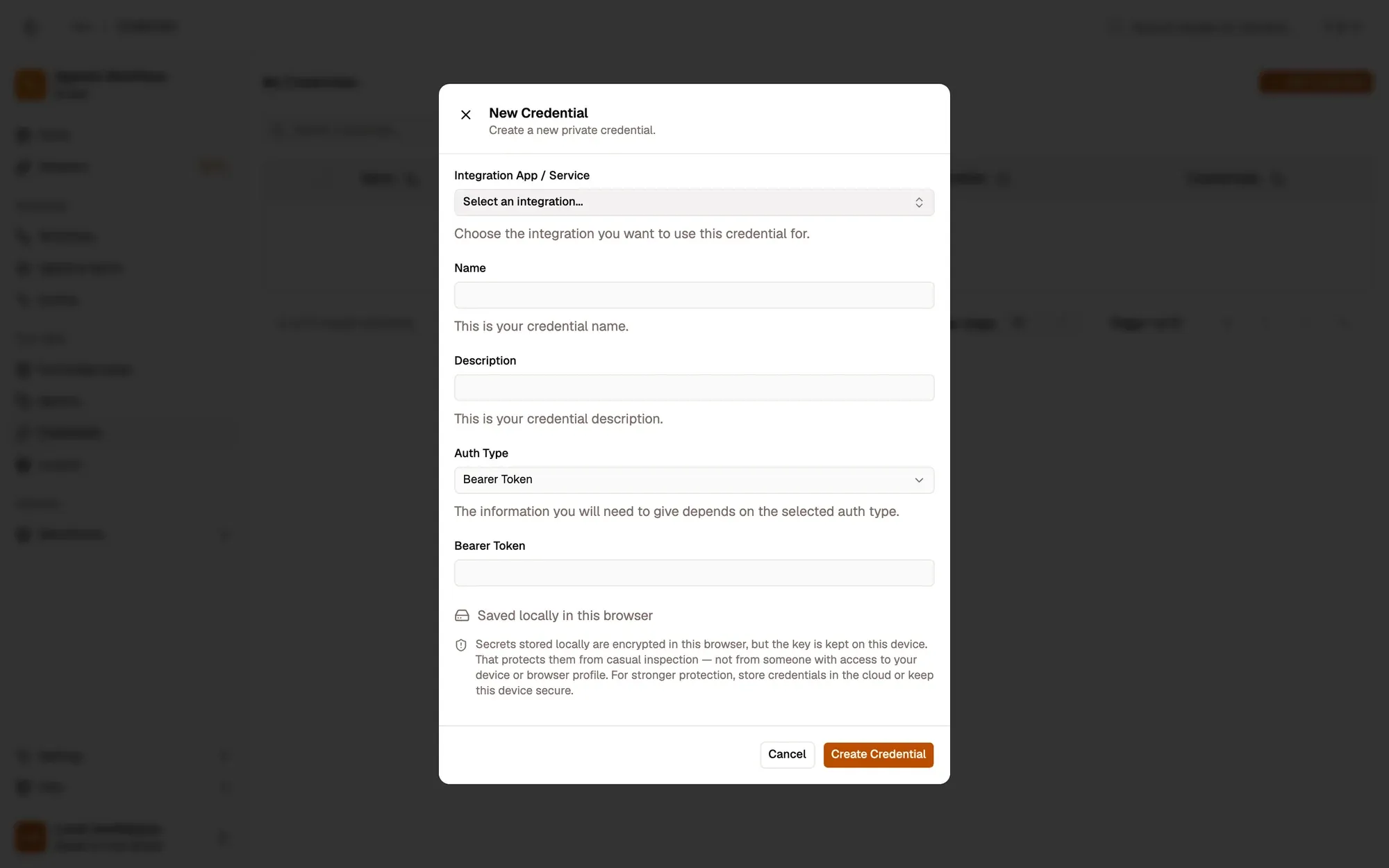
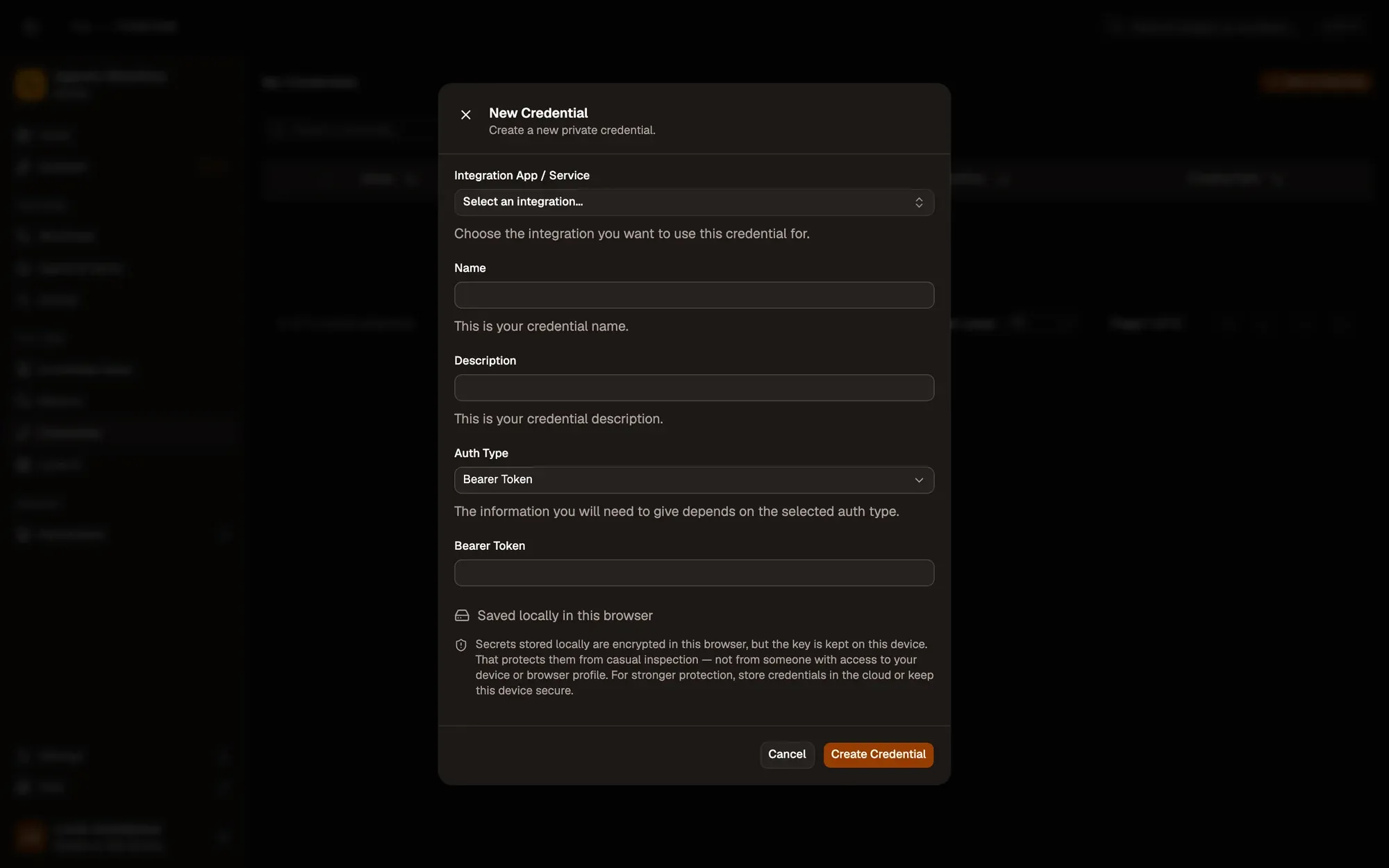
Save it in AWFlow. Open Credentials and click Add Credential (or + Add Credential in the node’s Credential field), then fill the New Credential form. In the browser side panel the form comes in two steps: tap Simple Credential (or click Continue), then fill the rest.
Numbered areas in the screenshot: 1. Integration App / Service: none (Simple Credential); 2. Name; 3. Auth Type: Bearer Token; 4. Bearer Token; 5. Where the secret is stored (here, locally in this browser); 6. Create Credential.
-
In the node, pick the credential and set Server to your server’s address.
-
Create an application at pushover.net to get an API Token/Key, and copy your User Key from your dashboard.
-
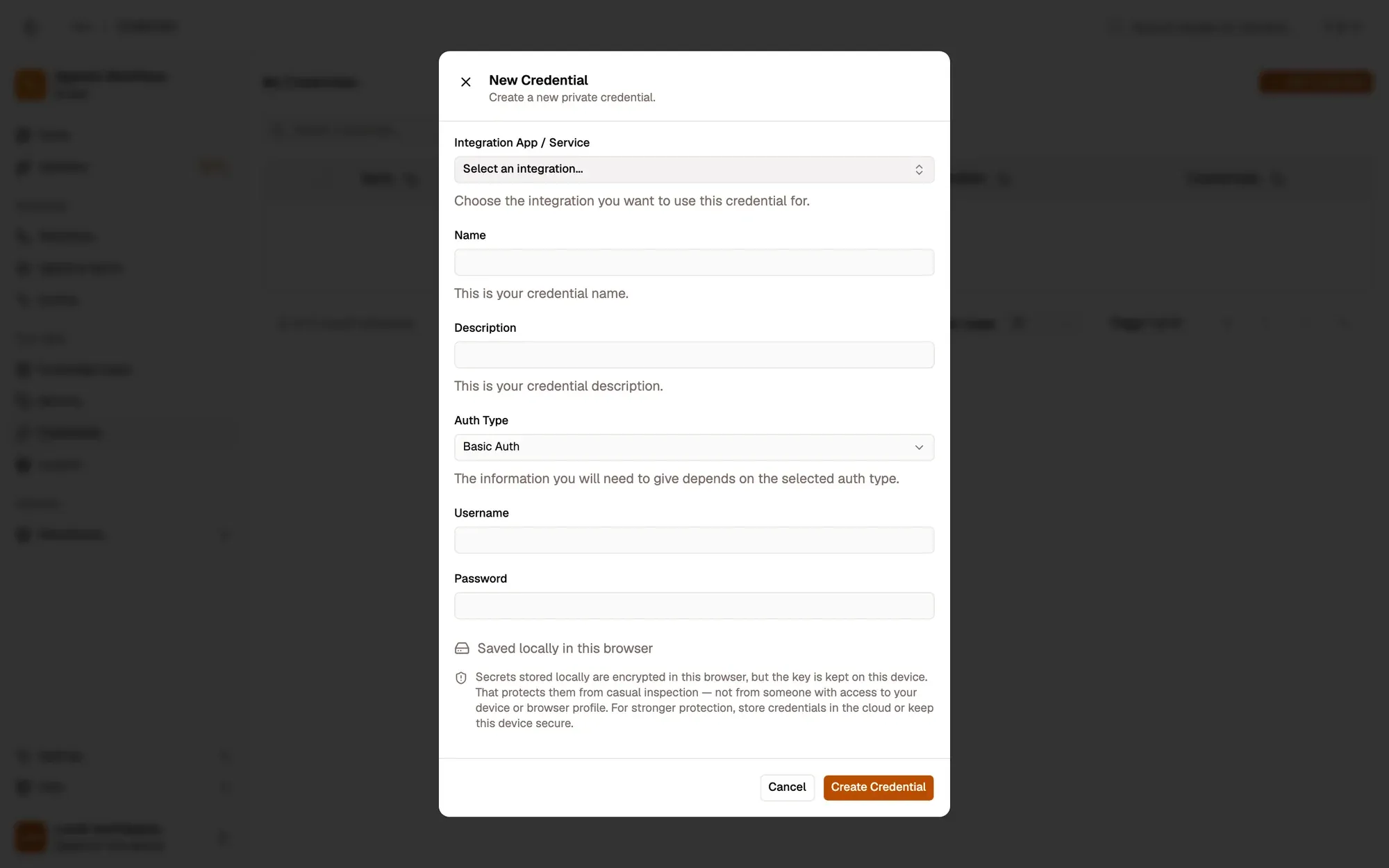
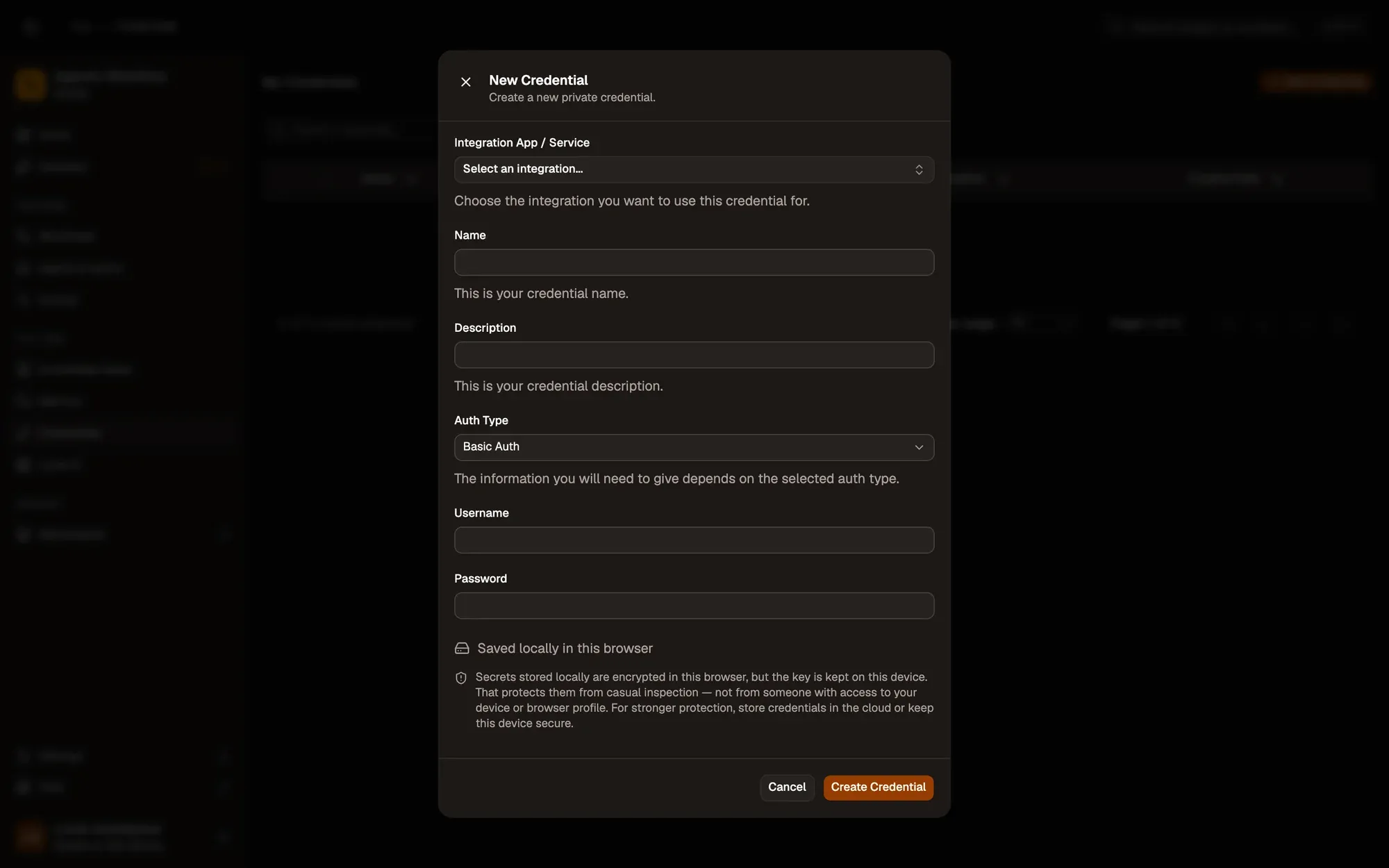
Save it in AWFlow. Open Credentials and click Add Credential (or + Add Credential in the node’s Credential field), then fill the New Credential form. In the browser side panel the form comes in two steps: tap Simple Credential (or click Continue), then fill the rest.
Numbered areas in the screenshot: 1. Integration App / Service: none (Simple Credential); 2. Name; 3. Auth Type: Basic Auth; 4. Username; 5. Password; 6. Where the secret is stored (here, locally in this browser); 7. Create Credential.
Where your token lives
Section titled “Where your token lives”Common issues
Section titled “Common issues”- The ntfy notification never arrives. The phone is subscribed to another topic or server. Check the exact Topic and Server.
- “ntfy Error: 403 Forbidden” or 401. The server needs an access token. Add a Bearer Token credential.
- “Pushover needs a Basic Auth credential…”. The credential isn’t Basic Auth, or a field is empty. The application token goes in Username, the user key in Password.
- The run is blocked in the web app. Push Notification runs through the browser extension. With the extension installed, the web app can use ntfy.sh and Pushover, but not your own ntfy server.