When you install the extension, AWFlow opens a welcome page once. You don’t need an account; in a local workspace it shows Local · no account needed.
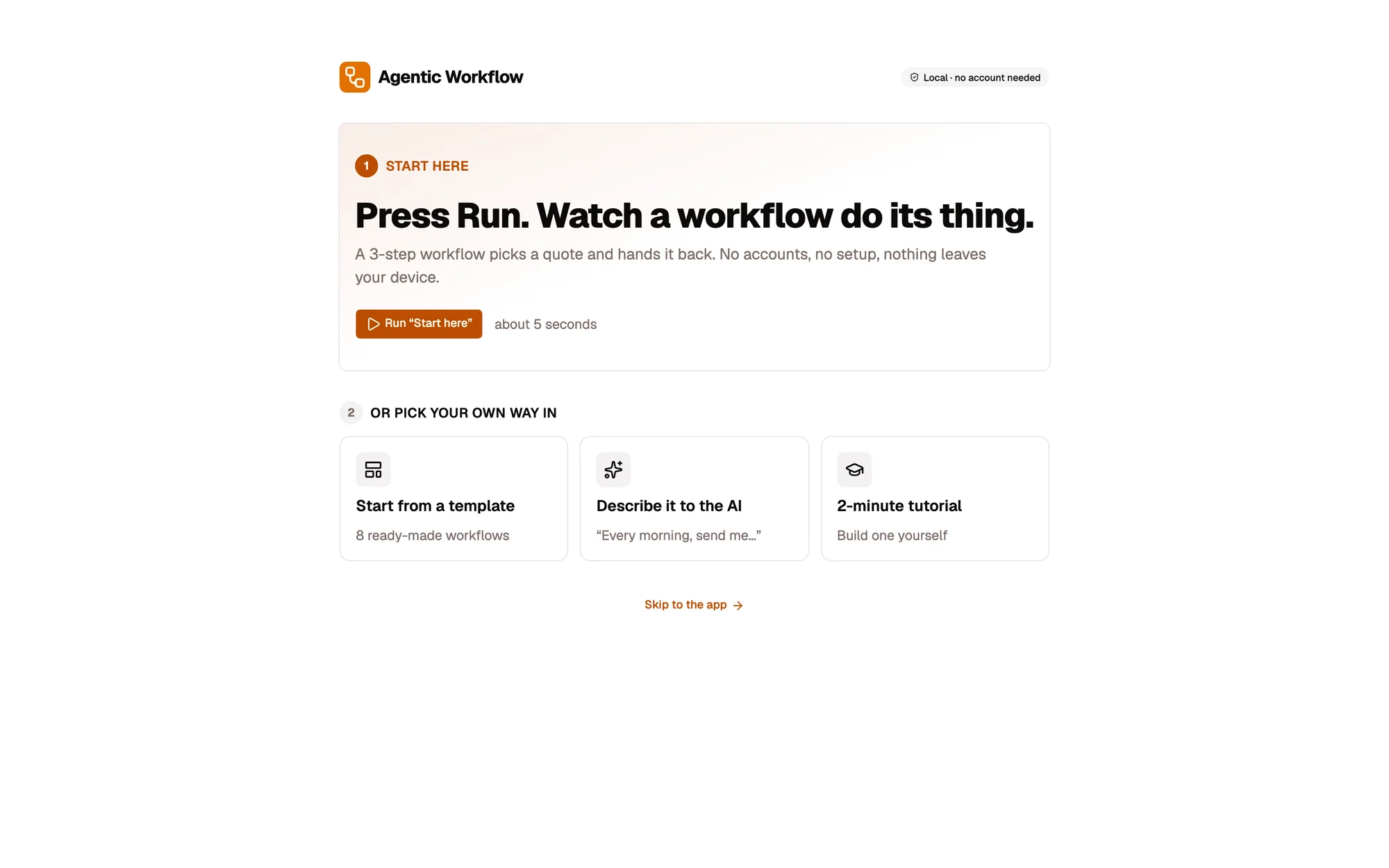
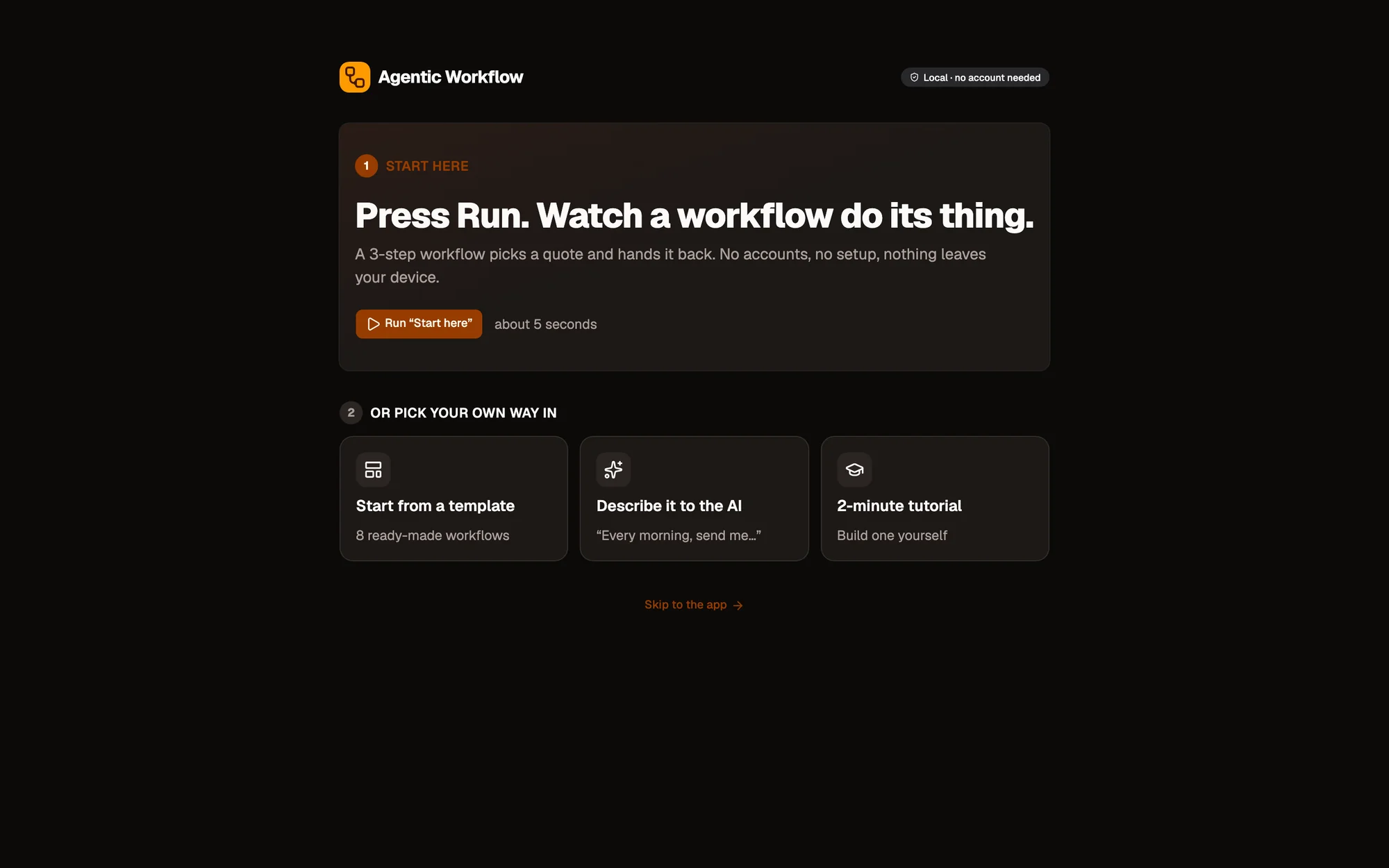
- Local workspace: no account needed
- Run “Start here”
- Other ways in: template, describe it, tutorial
- Skip to the app
Start here
Section titled “Start here”Click Run “Start here”. A three-step workflow picks a quote and hands it back in about five seconds. Nothing leaves your device.
Or pick your own way in
Section titled “Or pick your own way in”- Start from a template: choose one of the ready-made workflows.
- Describe it to the AI: tell Aria what you want, for example “Every morning, send me…”. See Building workflows in chat.
- 2-minute tutorial: build one yourself, step by step.
Skip to the app → takes you to the dashboard.
Next: Local or cloud explains when an account helps.