You can run a workflow without opening it. Open Workflows in the sidebar and find the workflow (type its name in the Filter… box if the list is long):
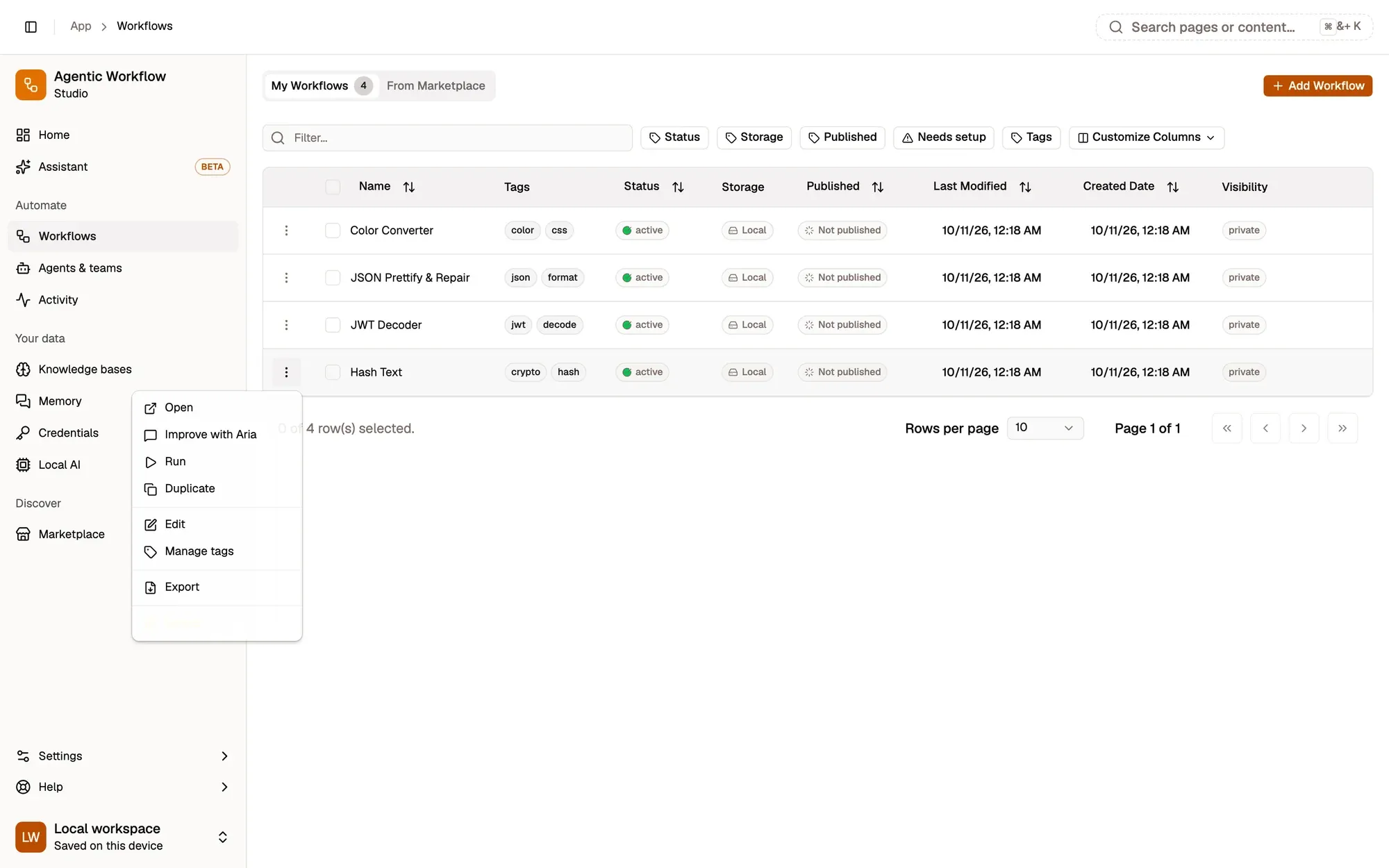
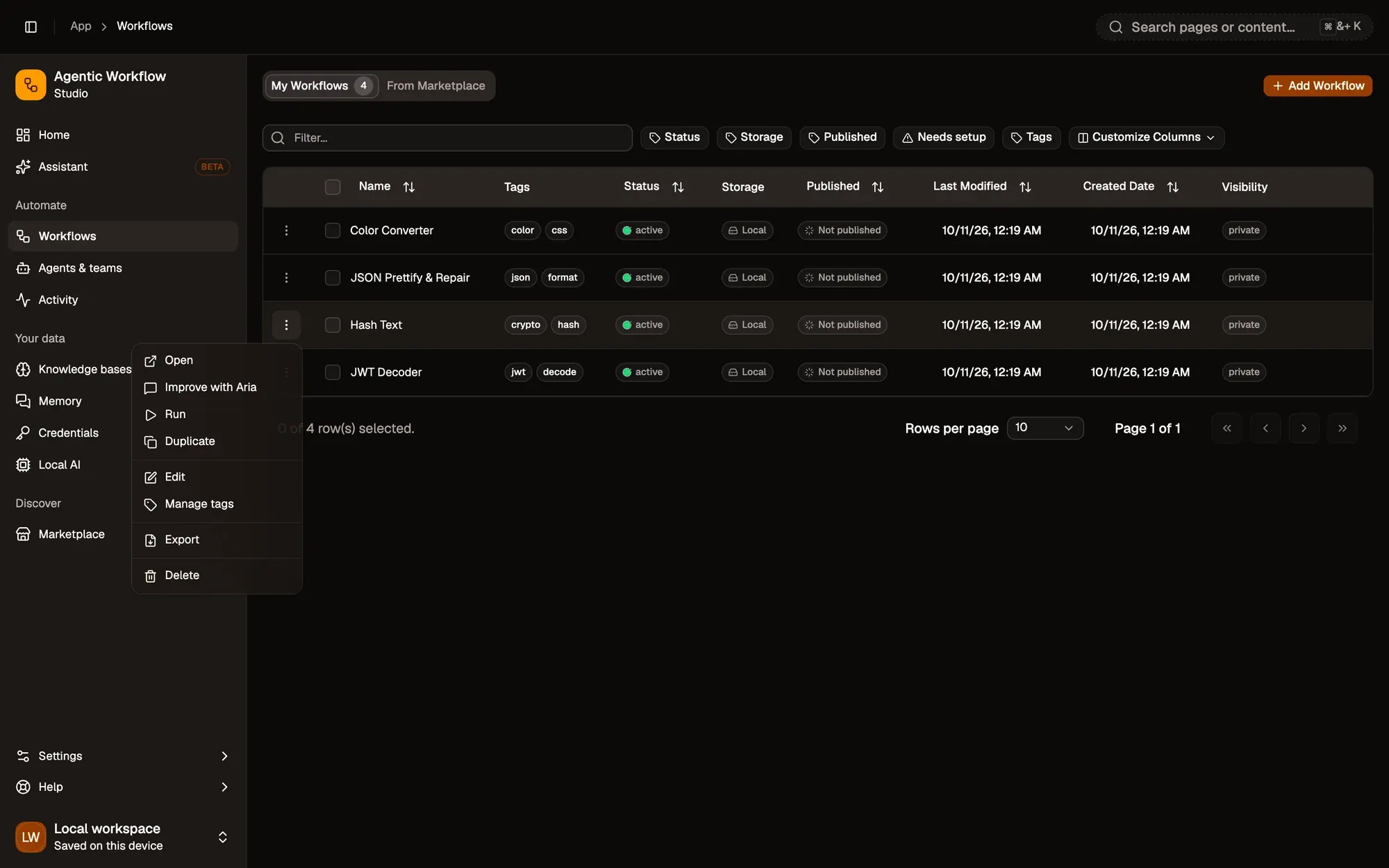
Numbered areas in the screenshot: 1. The row menu (⋮); 2. Run.
The workflow runs on the page you’re on, when it works with page content.
Good to know
Section titled “Good to know”- This is a manual run, like clicking Test Workflow on the canvas.
- If the workflow expects something on the page (a button, selected text), open the right page first.
- When a run fails and the canvas isn’t open, you get a notification. Open the workflow to see what happened in the Last run tab.
To test single steps while building, see Run from the canvas.
When this is useful
Section titled “When this is useful”- To run a workflow you’ve already built and tested.
- To check that it still works after a change.
To start a workflow automatically (when a page loads, on a schedule, with a keyboard shortcut), add a trigger and activate the workflow. See Automatic runs with triggers.