The secret depends on the Resource you use. Create one credential for each and pick the right one on the node.
Before you start
Section titled “Before you start”- Manage Webhooks permission on the channel (webhook), or Manage Server to add a bot.
- The AWFlow browser extension. These steps run in the extension (the web app hands them to it).
Used by
Section titled “Used by”Pick a method
Section titled “Pick a method”| Method | Use it when |
|---|---|
| Webhook URL Recommended | Webhook › Send: post messages and embeds to one channel. Nothing to install. |
| Bot token | Channel and Message operations: get or list channels, read messages, react. |
Set it up
Section titled “Set it up”-
Create the webhook. In Discord, open the channel’s Edit Channel › Integrations › Webhooks, click New Webhook and Copy Webhook URL.
-
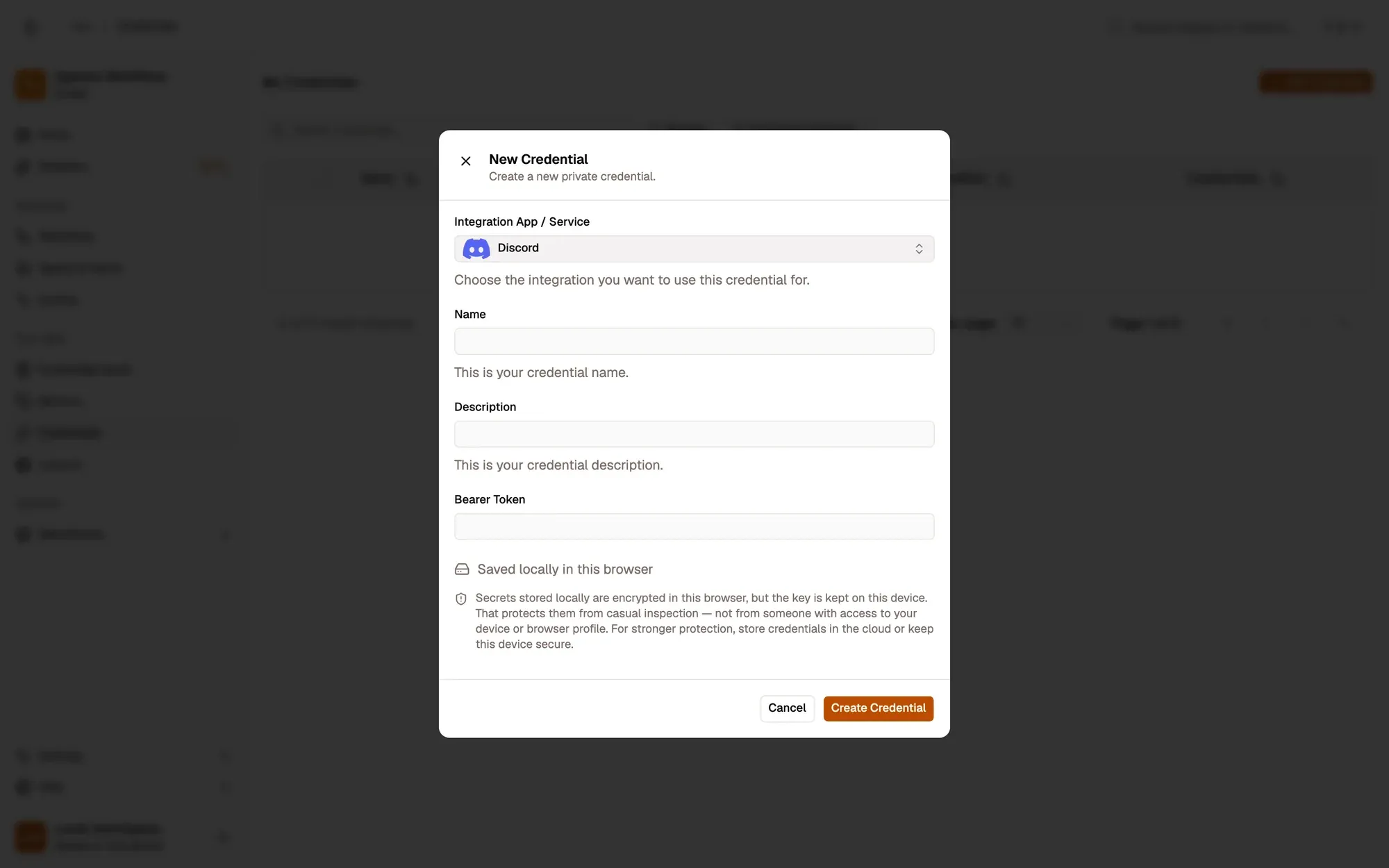
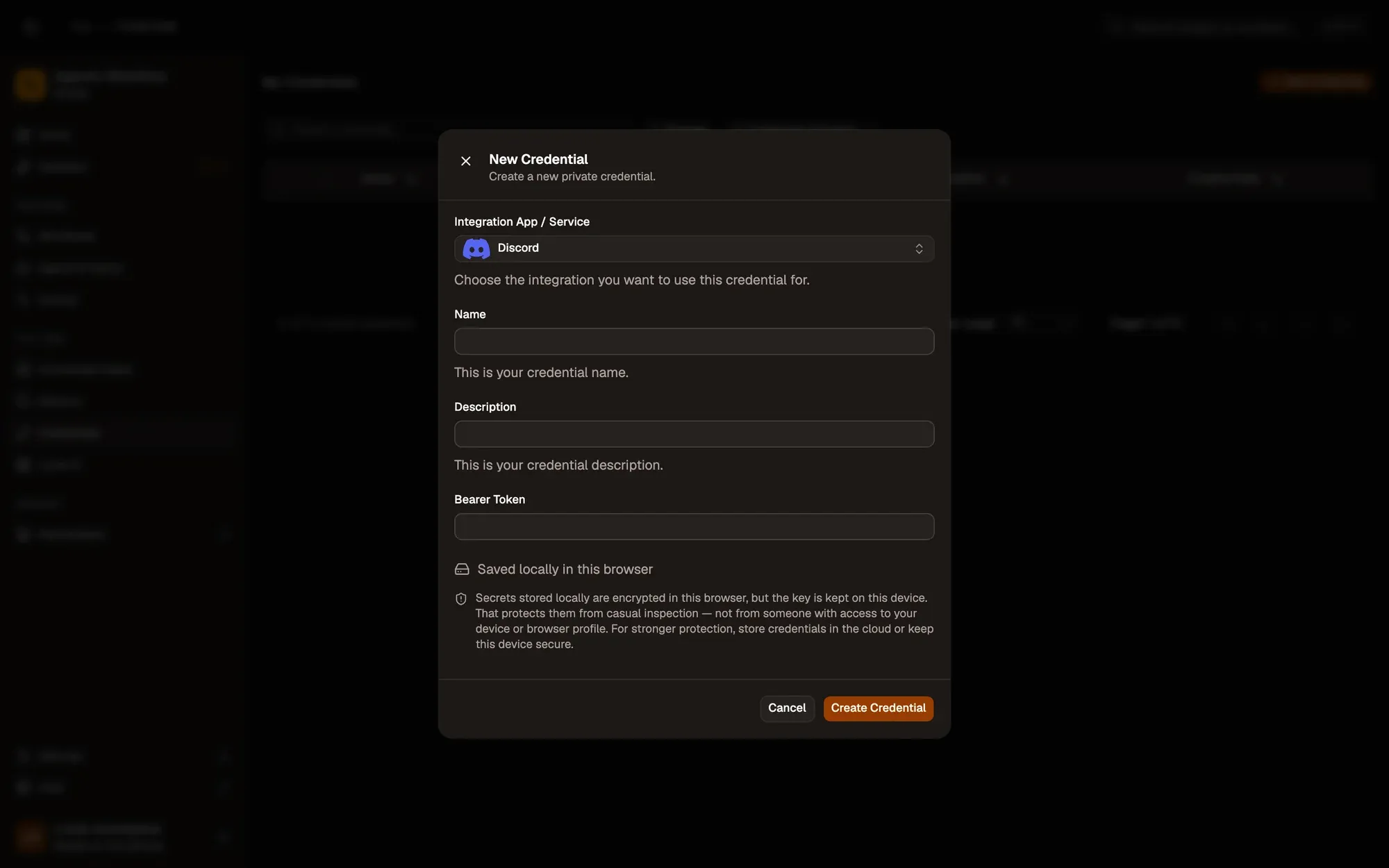
Save it in AWFlow. Open Credentials and click Add Credential (or + Add Credential in a node’s Credential field), then fill the New Credential form. In the browser side panel the form comes in two steps: tap Discord in the list, then fill the rest.
Numbered areas in the screenshot: 1. Integration App / Service: Discord; 2. Name; 3. Bearer Token; 4. Where the secret is stored (here, locally in this browser); 5. Create Credential.
-
Create a bot. In the Discord Developer Portal, click New Application, open Bot and click Reset Token. Copy the token.
-
Allow message text if you read messages: on the Bot page, turn on Message Content Intent.
-
Invite the bot. In OAuth2 › URL Generator, tick
bot, then View Channels, Read Message History and Add Reactions. Open the generated URL and add the bot to your server. -
Save it in AWFlow. Open Credentials and click Add Credential (or + Add Credential in a node’s Credential field), then fill the New Credential form. In the browser side panel the form comes in two steps: tap Discord in the list, then fill the rest.
Numbered areas in the screenshot: 1. Integration App / Service: Discord; 2. Name; 3. Bearer Token; 4. Where the secret is stored (here, locally in this browser); 5. Create Credential.
Where your token lives
Section titled “Where your token lives”Common issues
Section titled “Common issues”- “Unknown Webhook”. The webhook URL is wrong or the webhook was deleted. Create a new one and update the credential.
- “401: Unauthorized” on Channel or Message. The credential holds a webhook URL, or the bot token was reset. Use a bot token credential.
- “Missing Access”. The bot isn’t in that server, or its role can’t see the channel.
- Messages come back with empty text. Turn on Message Content Intent for the bot.
- The run is blocked in the web app. Discord runs through the browser extension. Install the extension and allow Discord for this workflow when asked, or run the workflow from the extension. See Extension-only integrations in the web app.