A connection (a credential in the app) is a saved key, token or sign-in that lets a node or an agent act in another service. You create it once in Credentials, then pick it in any node that needs it. Each page below takes you from zero to a working connection.
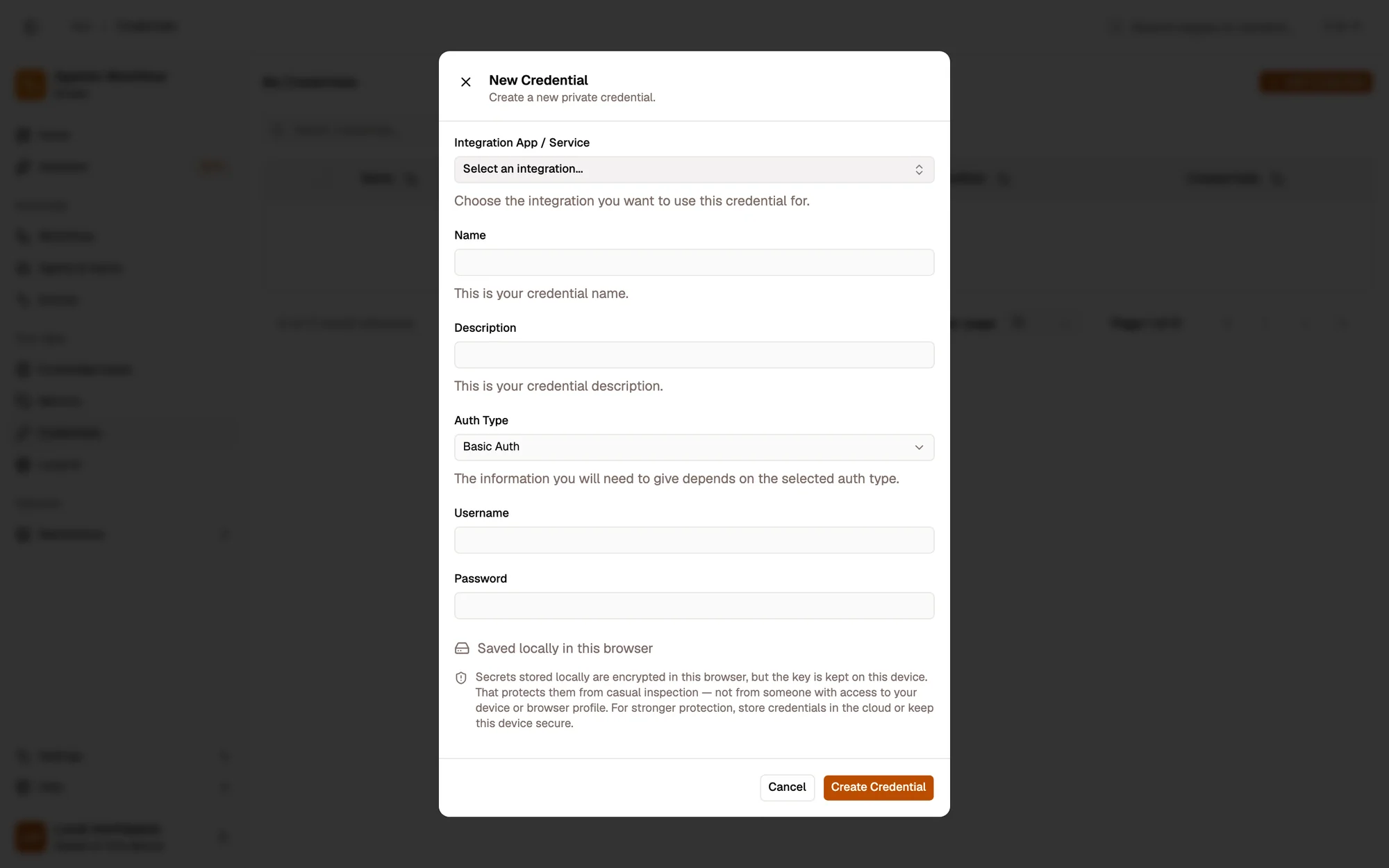
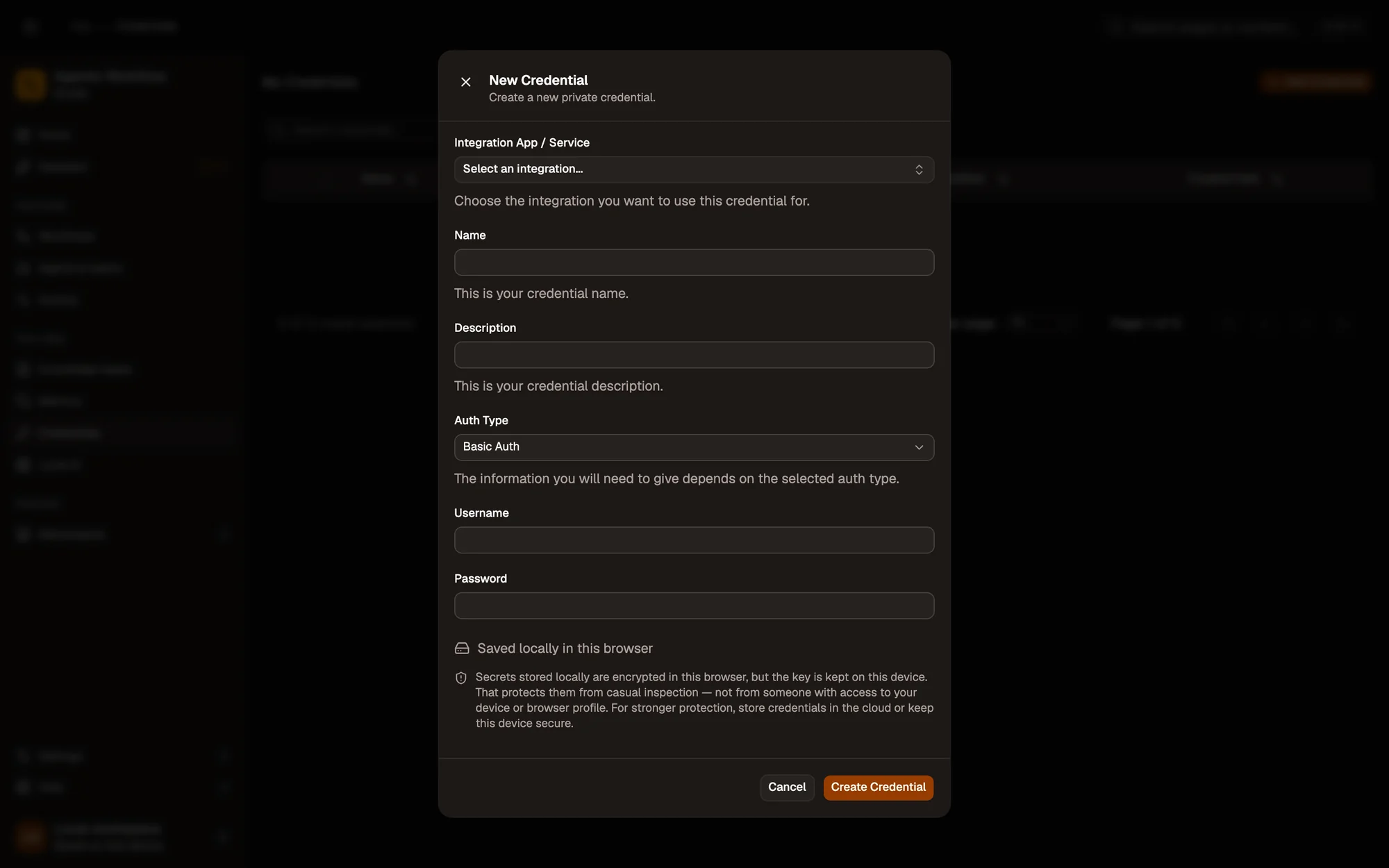
- Pick the app or service
- Name it so you can find it in nodes
- Auth type decides which fields you fill
- Where the secret is stored
AI models
Section titled “AI models”API keys for cloud AI providers: for Aria and agents, and for the model nodes in your workflows.
| Service | Used by | Method | Time |
|---|---|---|---|
| OpenAI | Chat OpenAI, OpenAI Embeddings, Aria and agents (Settings › Providers) | JWT | ≈ 3 min |
| Anthropic | Chat Anthropic, Aria and agents (Settings › Providers) | JWT | ≈ 3 min |
| Google Gemini | Chat Google, Google Embeddings, Aria and agents (Settings › Providers) | JWT | ≈ 2 min |
| Azure OpenAI | Chat Azure OpenAI, Aria and agents (Settings › Providers) | JWT | ≈ 5 min |
| Mistral | Chat Mistral | JWT | ≈ 2 min |
| Groq | Chat Groq, Aria and agents (Settings › Providers) | JWT | ≈ 2 min |
| DeepSeek | Chat DeepSeek, Aria and agents (Settings › Providers) | JWT | ≈ 2 min |
| xAI | Chat xAI (Grok), Aria and agents (Settings › Providers) | JWT | ≈ 2 min |
| OpenRouter | Chat OpenRouter, Aria and agents (Settings › Providers) | JWT | ≈ 2 min |
| Cohere | Cohere Embeddings | JWT | ≈ 2 min |
| Voyage AI | Voyage Embeddings | JWT | ≈ 2 min |
| Hugging Face | Hugging Face Embeddings | JWT | ≈ 3 min |
Google & Microsoft
Section titled “Google & Microsoft”Sign in with your own OAuth client. Tokens go straight from Google or Microsoft to your browser.
| Service | Used by | Method | Time |
|---|---|---|---|
| Gmail, Google Drive, Google Sheets, Google Calendar | OAuth2 | ≈ 6 min | |
| Microsoft 365 | Microsoft 365 | OAuth2 | ≈ 6 min |
A token or key from the app, pasted once into a credential.
| Service | Used by | Method | Time |
|---|---|---|---|
| Airtable | Airtable | Bearer Token | ≈ 3 min |
| Attio | Attio | Bearer Token | ≈ 2 min |
| Baserow / NocoDB | Baserow / NocoDB | Bearer Token | ≈ 2 min |
| Discord | Discord | Bearer Token | ≈ 4 min |
| GitHub | GitHub | Bearer Token | ≈ 3 min |
| HubSpot | HubSpot | Bearer Token | ≈ 4 min |
| Linear | Linear | Bearer Token | ≈ 2 min |
| Notion | Notion | Bearer Token | ≈ 3 min |
| ntfy / Pushover | Push Notification | Bearer Token, Basic Auth | ≈ 3 min |
| Obsidian | Obsidian | Bearer Token | ≈ 3 min |
| Pipedrive | Pipedrive | Bearer Token | ≈ 1 min |
| Raindrop | Raindrop | Bearer Token | ≈ 2 min |
| Readwise / Reader | Readwise / Reader | Bearer Token | ≈ 1 min |
| Slack | Slack | Bearer Token | ≈ 3 min |
| Supabase | Supabase | Bearer Token | ≈ 3 min |
| Telegram | Telegram | Bearer Token | ≈ 2 min |
| Todoist | Todoist | Bearer Token | ≈ 1 min |
| Trello | Trello | Basic Auth | ≈ 3 min |
Any other API
Section titled “Any other API”For APIs without a dedicated node.
| Service | Used by | Method | Time |
|---|---|---|---|
| Any API (HTTP, MCP) | Http Request, HTTP Request Tool, Custom API, RSS Feed Read and more | Bearer Token, Basic Auth, JWT | ≈ 2 min |
No connection needed
Section titled “No connection needed”- On-device AI: models from Local AI, Chrome’s built-in AI and the Local AI nodes run in your browser with no key.
- Ollama on your computer: Aria and agents find running models by themselves, and the Ollama node only needs its address.
- Browser steps (read a page, click, fill a form, take a screenshot) use the tabs you are already signed in to.
Manage your credentials
Section titled “Manage your credentials”Create a credentialFrom the Credentials page or from a node.
Edit a credentialRotate a token, rename, re-check a sign-in.
Create your OAuth clientOnce, for Google and Microsoft 365.
Find a credentialSearch, filter and sort the list.