Batch import (Admin panel › Marketplace › Batch import) publishes many official workflows at once from a folder on your computer, and keeps that folder and the live Marketplace in sync.
The folder must contain one sub-folder per workflow. Each sub-folder holds the workflow file (.awf) and a listing.json with its Marketplace details.
Import
Section titled “Import”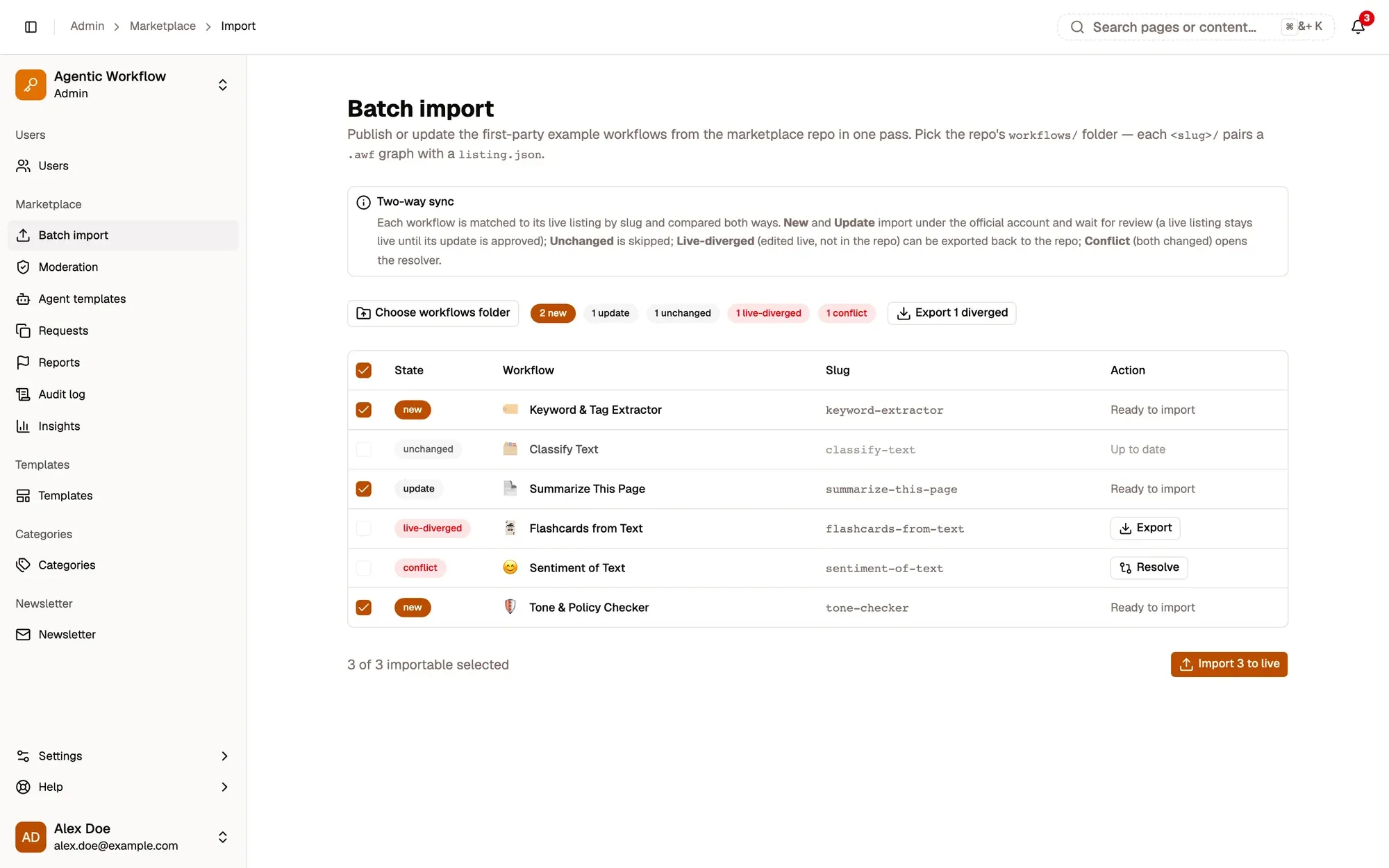
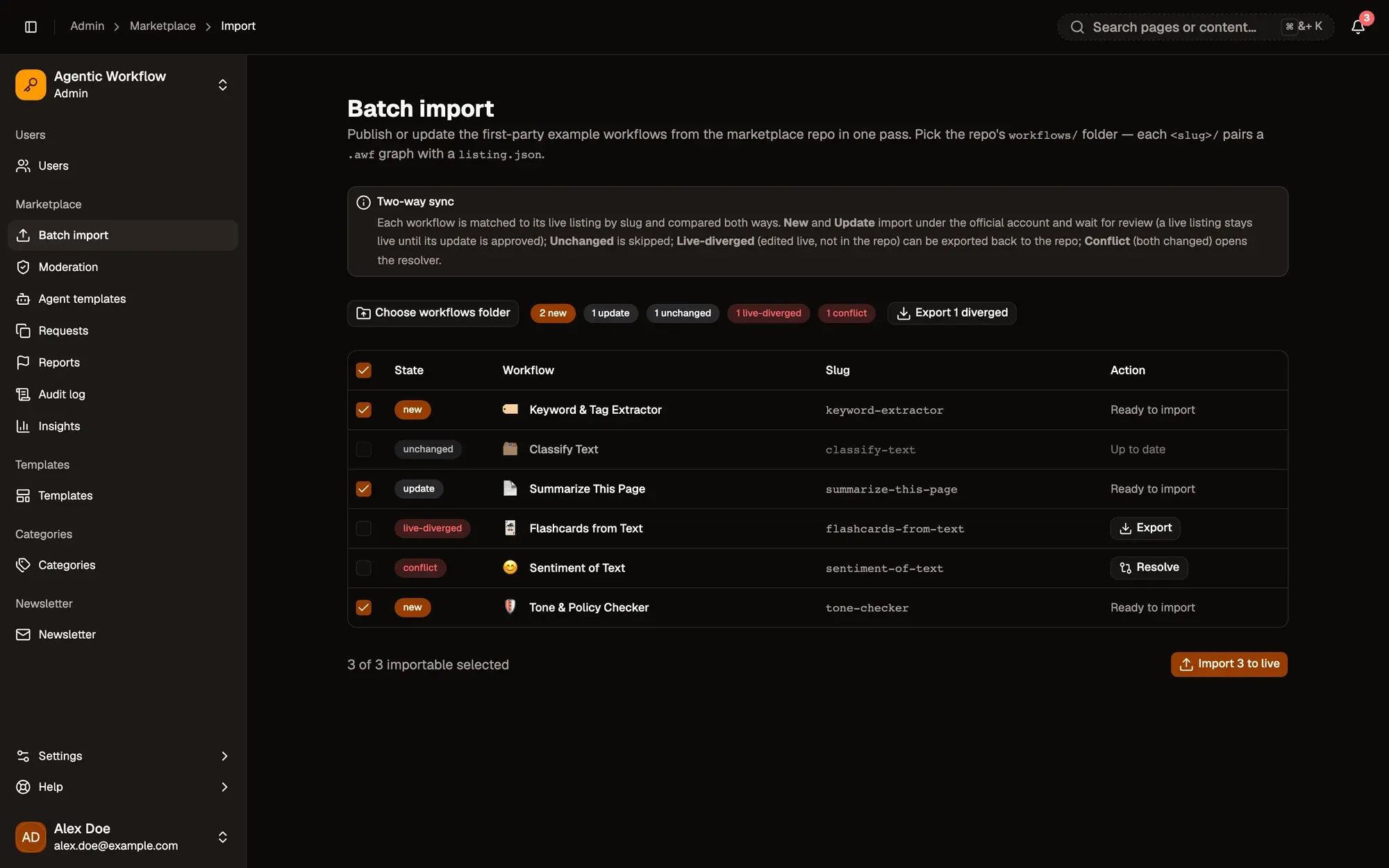
Numbered areas in the screenshot: 1. Choose workflows folder; 2. Ticked for import; 3. Export a live-diverged listing; 4. Resolve a conflict; 5. Import to live.
AWFlow creates a preview image for each workflow, then imports them a few at a time under the official account. Rows that import successfully disappear from the table; failed rows stay so you can try again.
What each state means
Section titled “What each state means”| State | Meaning | What you can do |
|---|---|---|
| new | Not on the Marketplace yet. | Import it. |
| update | The folder version changed since the last import. | Import it. |
| unchanged | Folder and live are the same. | Nothing. |
| live-diverged | The live listing changed, the folder didn’t. | Export it back to the folder. Export N diverged downloads them all. |
| conflict | Both changed. | Resolve it. |
| invalid | The files can’t be read. | Fix the error shown, then choose the folder again. |
If the comparison fails, a red Couldn’t check drift — import is on hold alert appears. Click Retry drift check.
If some categories in listing.json don’t exist, the import goes ahead without them and tells you which ones. Create the categories in Categories or fix the names, then import again.
Resolve a conflict
Section titled “Resolve a conflict”Click Resolve on a conflict row. For each listing field (name, description, icon, tags, categories), pick the Repo or Live value, or edit it. Fields start on the live value.
For the graph, choose Keep live graph, Take repo graph, or Merge nodes… to pick each changed node one by one. Open live in canvas lets you look at the live version first.
Click Resolve & queue import. The row becomes an update, ready to import.