In the app: sidebar › Agents
An agent is an assistant with a job: its own instructions, model, skills, knowledge and rules. Aria is your built-in agent; you can edit it, but not delete it. A persona is simply an agent without skills. Agents live in your browser, use your logins when they browse, and are stored only on this device.
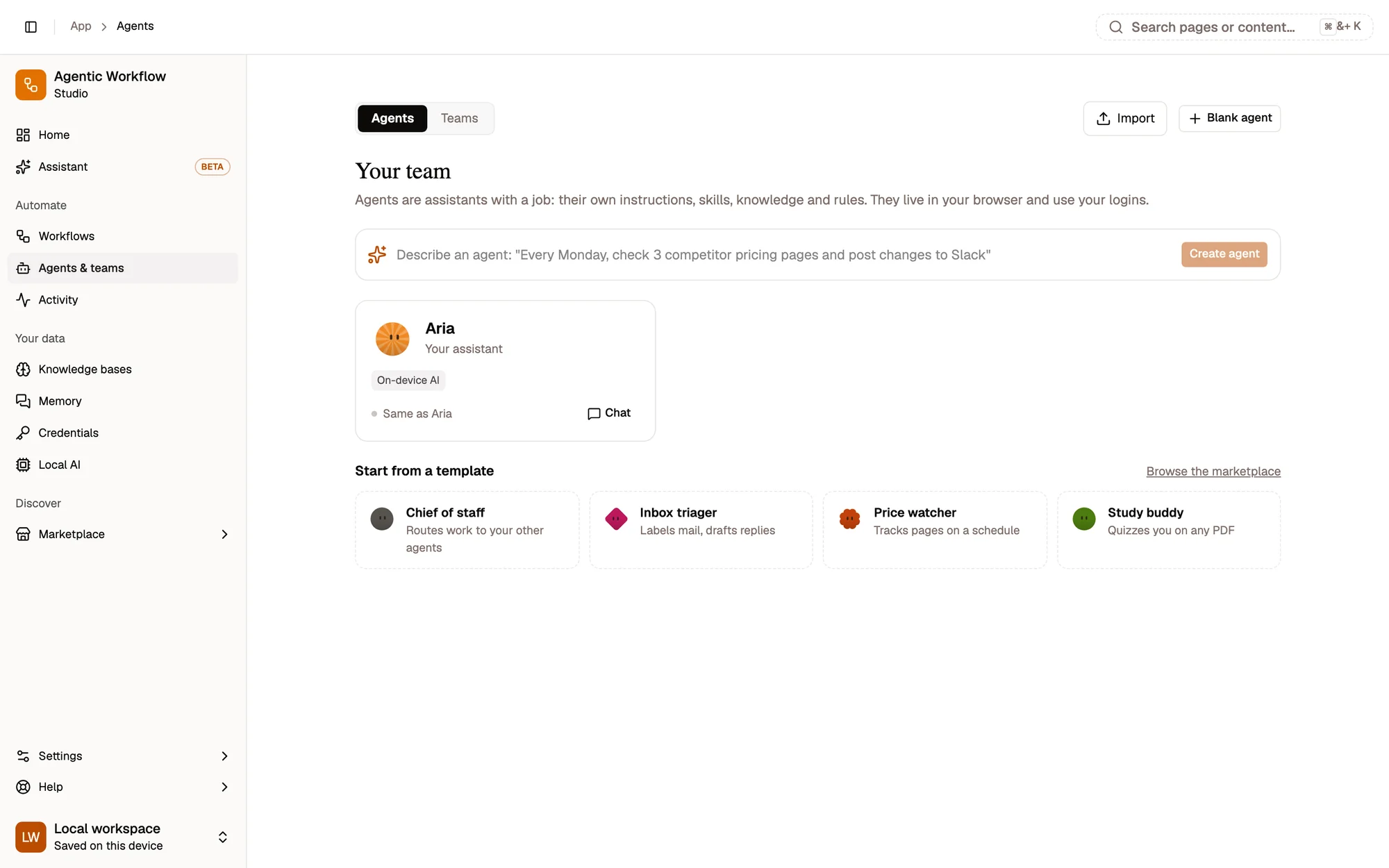
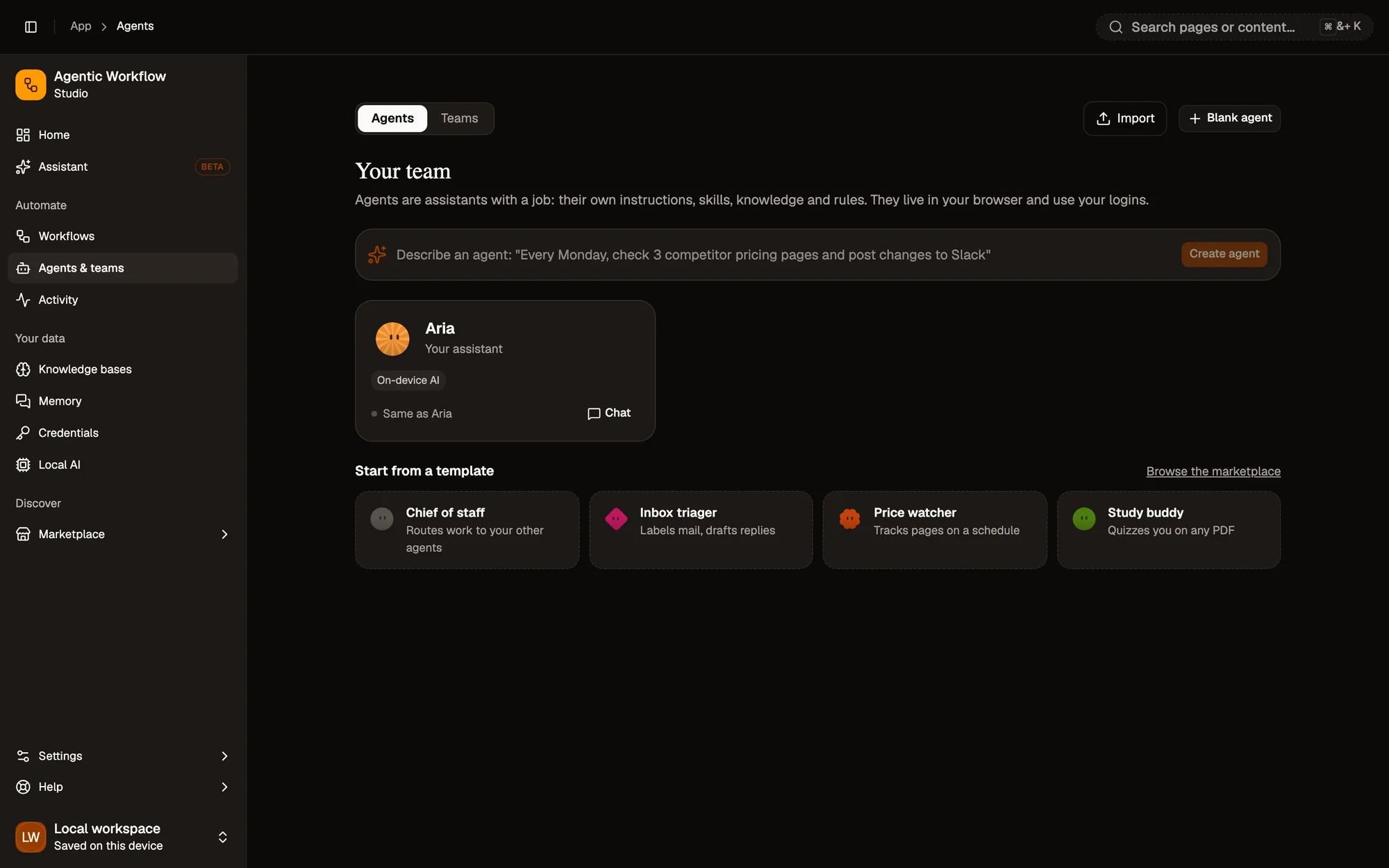
- Agent cards, with Chat
- Describe an agent
- Templates
- Agent cards. One per agent, with Chat to talk to it.
- Describe an agent. One sentence, and Aria drafts it for you.
- Templates. Chief of staff, Inbox triager, Price watcher, Study buddy…
Open an agent to reach its builder tabs: Identity, Instructions, Model, Skills, Knowledge, Memory, Rules and Routines, with Try it on the right.
What you can do
Section titled “What you can do”Create an agent
Section titled “Create an agent”Open Agents in the sidebar:
- Describe an agent: one sentence (“Every Monday, check 3 competitor pricing pages and post changes to Slack”). Aria drafts the agent for you to adjust.
- Start from a template: Chief of staff, Inbox triager, Price watcher, Study buddy…
- Blank agent, or Import an agent or team file.
- Browse community agents and teams in Marketplace › Agents & teams.
Click Chat on a card to talk to that agent. Open it to edit it in the builder; changes save automatically.
Use it everywhere
Section titled “Use it everywhere”| Where | How |
|---|---|
| Chat | Pick the agent in the chat, or type its @handle. It also answers in projects and team threads. |
| Another agent | With the Teammates skill, an agent can hand part of a task to it. |
| A workflow | The Run Agent node runs it as a step. A routine is exactly that: a trigger followed by Run Agent. |
Routines
Section titled “Routines”A routine is an ordinary workflow: a trigger followed by a Run agent node. Create one from the agent’s Routines tab:
- On a schedule: daily, weekly or a custom time.
- When a page opens: match a site or address.
- When a page changes: watch a price or an element.
- Show it once: do it yourself while the agent watches; your steps are recorded as a workflow.
- Or run one of your existing workflows.
Routines run while your browser is open. In the background, actions the agent’s rules mark ask are skipped and listed in Activity for you to review. Each run’s answer is saved as a chat. Open the routine’s workflow in the canvas to change it.
Activity
Section titled “Activity”Activity in the sidebar lists what your agents did: answers, routine runs, approvals waiting for you and skipped actions, grouped by day. Click an entry to open the chat or thread.
Share an agent
Section titled “Share an agent”Share in the builder publishes the agent to the marketplace or downloads it as a file. See Agent & team templates for what is, and isn’t, included.