Each Google app has its own credential, because each one asks Google for different permissions. They can all share one OAuth client: create it once, then reuse its Client ID and Secret.
Before you start
Section titled “Before you start”- A Google account (personal or Google Workspace).
- Access to the Google Cloud Console to create a free OAuth client (once, about 5 minutes).
Used by
Section titled “Used by”Set it up
Section titled “Set it up”This is the only method: Google signs you in and gives the token to your browser, never to AWFlow’s servers.
-
Create your OAuth client in the Google Cloud Console: a project, the API you need enabled (Gmail API, Google Drive API, Google Calendar API, or both Google Sheets API and Google Drive API for Sheets), the consent screen with your account as a test user, and an OAuth client ID of type Web application with AWFlow’s redirect URI. Full steps with links.
-
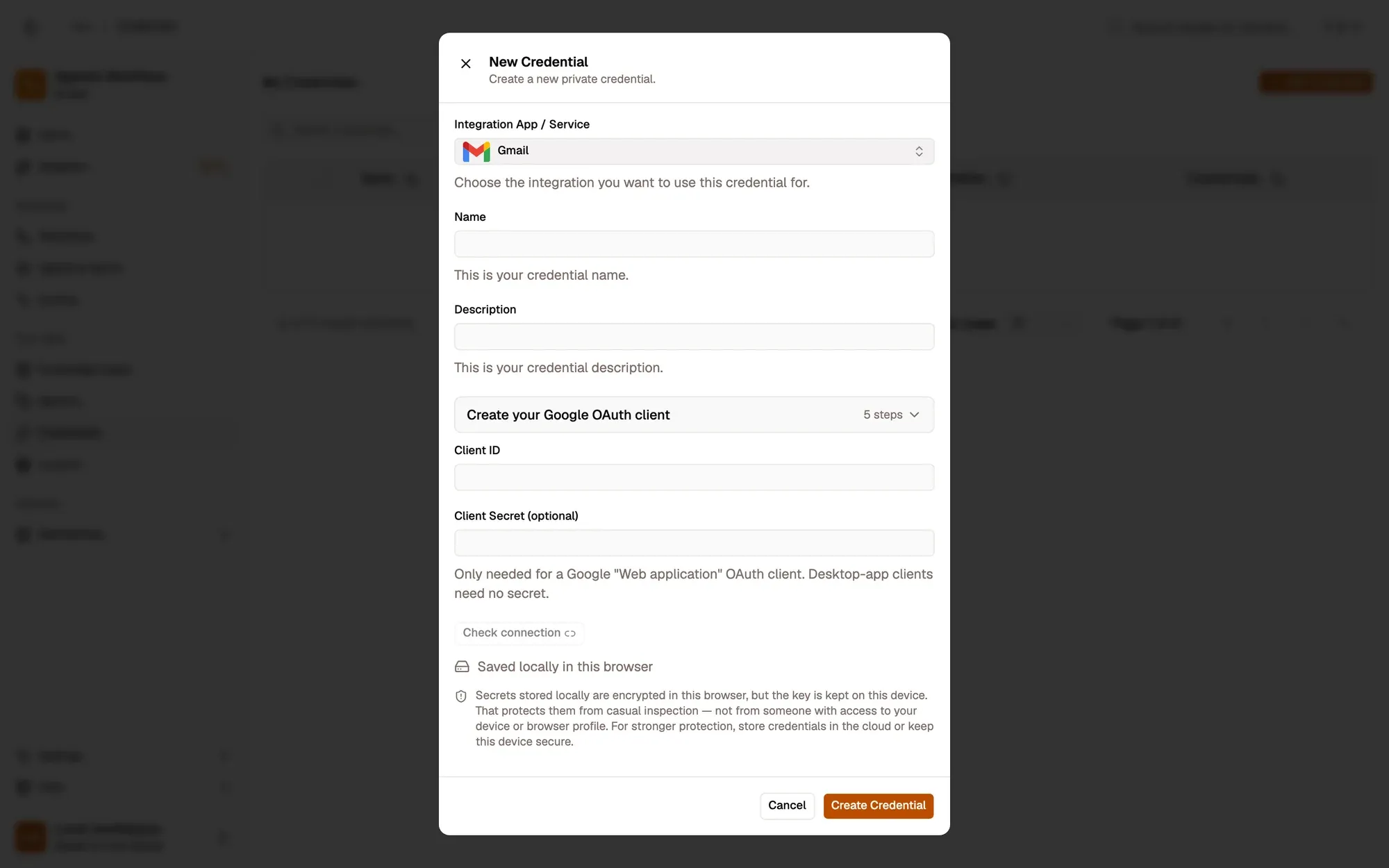
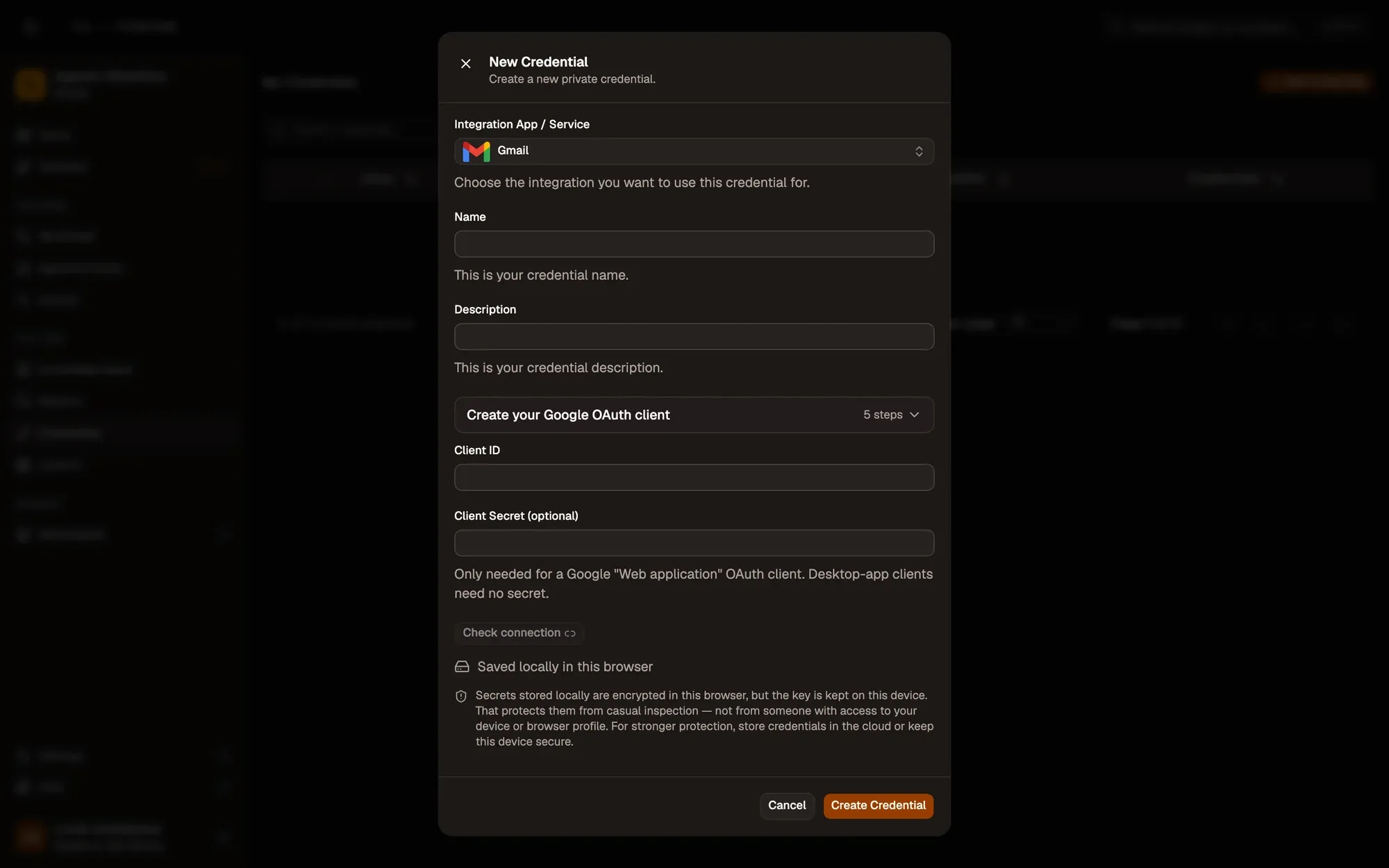
Fill the credential in AWFlow. Open Credentials and click Add Credential, then fill the New Credential form. In the browser side panel the form comes in two steps: tap the Google app in the list, then fill the rest.
Numbered areas in the screenshot: 1. Integration App / Service: Gmail; 2. Name; 3. Create your Google OAuth client guide; 4. Client ID; 5. Client Secret (optional); 6. Check connection (sign in); 7. Where the secret is stored (here, locally in this browser); 8. Create Credential.
-
Repeat for each Google app you use (Gmail, Drive, Sheets, Calendar), with the same Client ID and Secret.
Where your token lives
Section titled “Where your token lives”Permissions each operation needs
Section titled “Permissions each operation needs”| App | Permission (scope) | What it allows |
|---|---|---|
| Gmail | gmail.readonly |
Read messages and drafts (Message · Get, Search; Draft · Get, List) |
| Gmail | gmail.compose |
Create drafts and send (Message · Send; Draft · Create, Update, Delete) |
| Gmail | gmail.modify |
Move a message to the Trash (Message · Delete trashes, it does not erase) |
| Google Calendar | calendar.events |
Create, update and delete events |
| Google Calendar | calendar.readonly |
List calendars, read events and free/busy |
| Google Drive | drive |
List, read, create, copy and delete your files and folders |
| Google Sheets | spreadsheets |
Read and write values, create and clear spreadsheets and worksheets |
| Google Sheets | drive.metadata.readonly |
List your existing spreadsheets in the picker |
AWFlow asks for exactly these scopes, per app. All start with https://www.googleapis.com/auth/.
Common issues
Section titled “Common issues”redirect_uri_mismatch. The redirect URI in your OAuth client doesn’t match this install. Copy it again from the credential form. Using AWFlow in Chrome and Firefox? Add both browsers’ URIs to the same client.access_deniedor “This app is blocked”. Your account isn’t a test user on the consent screen. Add it under OAuth consent screen › Test users.- A node fails with “insufficient scope” or 403. The API for that app isn’t enabled in your Cloud project (Sheets needs the Drive API too). Enable it, then click Check connection again so Google grants the new permissions.
- It worked for a week, then stopped. Google expires sign-ins for consent screens in Testing after 7 days. Click Check connection again, or publish the consent screen to In production.
- “No Client Secret set” warning. A Web application client needs its secret. Paste it, or leave it empty only for a Desktop app client.