≈ 4 min
Extension
Bearer Token
Ask Aria⌘IBefore you start
Section titled “Before you start”- A HubSpot account where you are a Super Admin (needed to create private apps).
- The AWFlow browser extension. These steps run in the extension (the web app hands them to it).
Used by
Section titled “Used by”Set it up
Section titled “Set it up”-
Create a private app. In HubSpot, open Settings › Integrations › Private Apps and click Create a private app.
-
Pick scopes. On the Scopes tab, add the scopes from the table below for the operations you use. Click Create app.
-
Copy the access token (it starts with
pat-). -
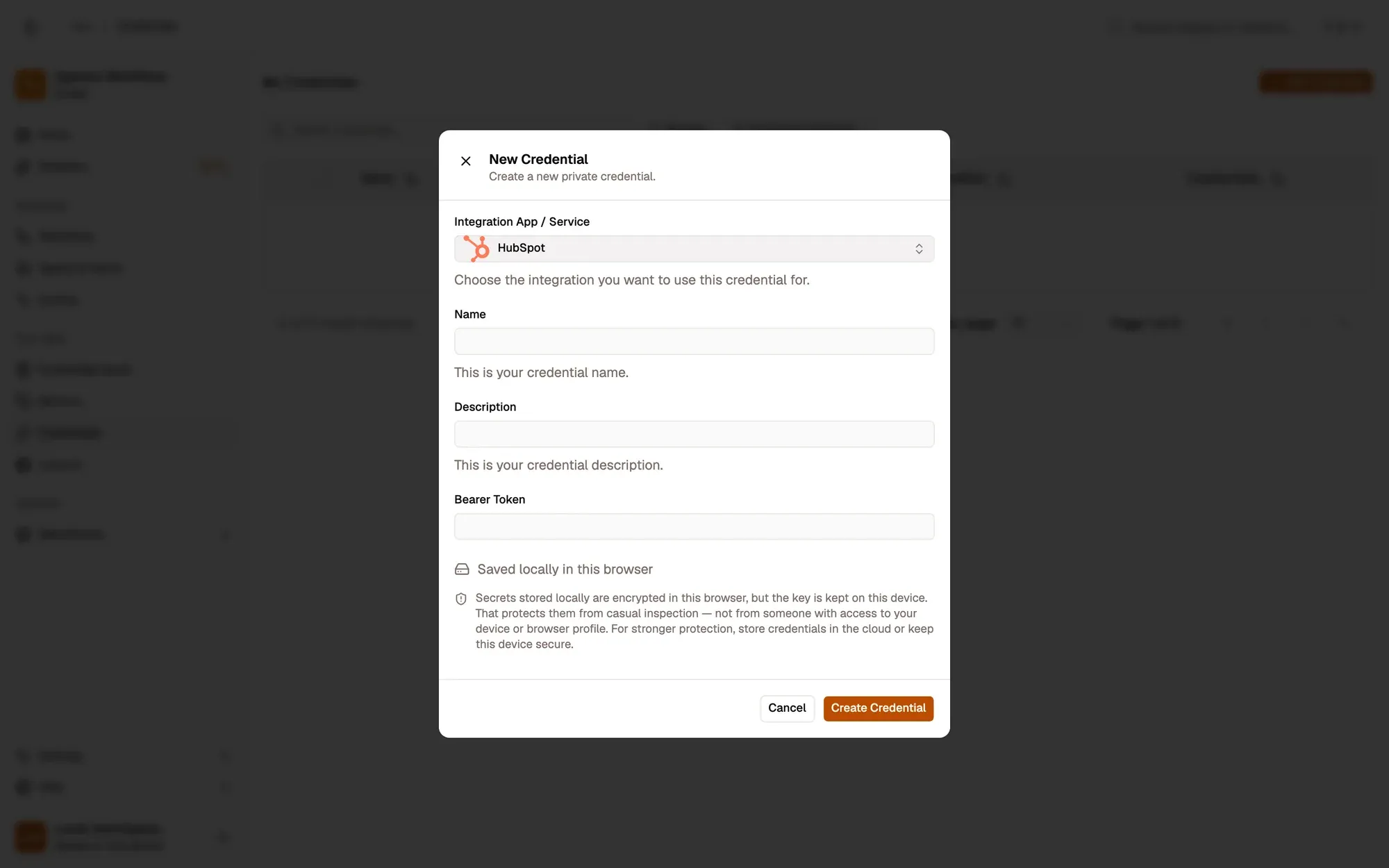
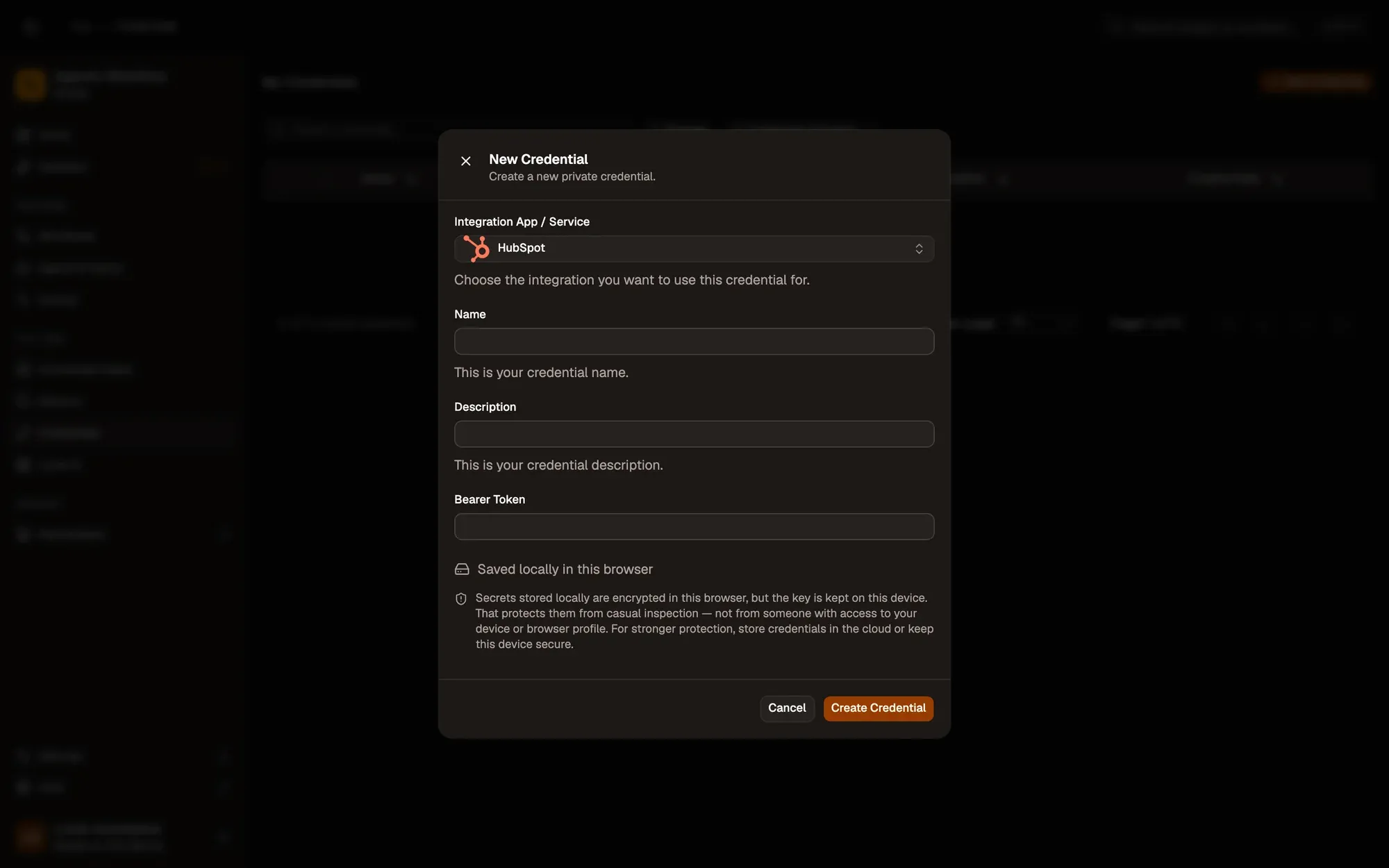
Save it in AWFlow. Open Credentials and click Add Credential (or + Add Credential in a node’s Credential field), then fill the New Credential form. In the browser side panel the form comes in two steps: tap HubSpot in the list, then fill the rest.
Numbered areas in the screenshot: 1. Integration App / Service: HubSpot; 2. Name; 3. Bearer Token; 4. Where the secret is stored (here, locally in this browser); 5. Create Credential.
Where your token lives
Section titled “Where your token lives”Permissions each operation needs
Section titled “Permissions each operation needs”| Operation | Scope |
|---|---|
| Contact · Search | crm.objects.contacts.read |
| Contact · Create or update, Update | crm.objects.contacts.write (and .read) |
| Company · Search | crm.objects.companies.read |
| Company · Create or update | crm.objects.companies.write (and .read) |
| Deal · List | crm.objects.deals.read |
Common issues
Section titled “Common issues”- “403 Forbidden — the private app token is missing a required scope”. Add the scope to the private app, then run again (the token stays the same).
- “401 Unauthorized”. The token is wrong or was rotated. Copy the current one and update the credential.
- The run is blocked in the web app. HubSpot runs through the browser extension. Install the extension and allow HubSpot for this workflow when asked, or run the workflow from the extension. See Extension-only integrations in the web app.