See how people find, install and run Marketplace workflows
Admin
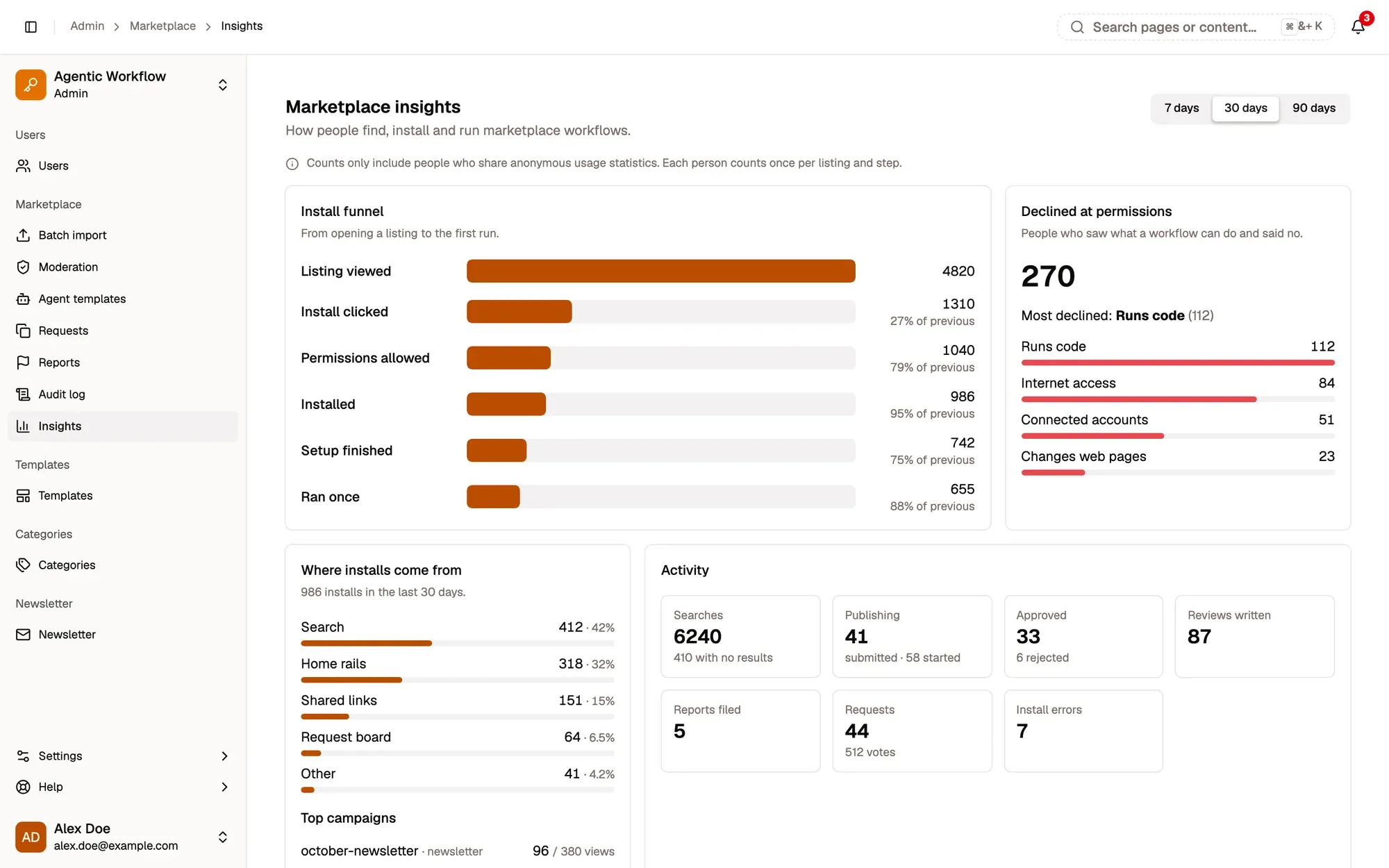
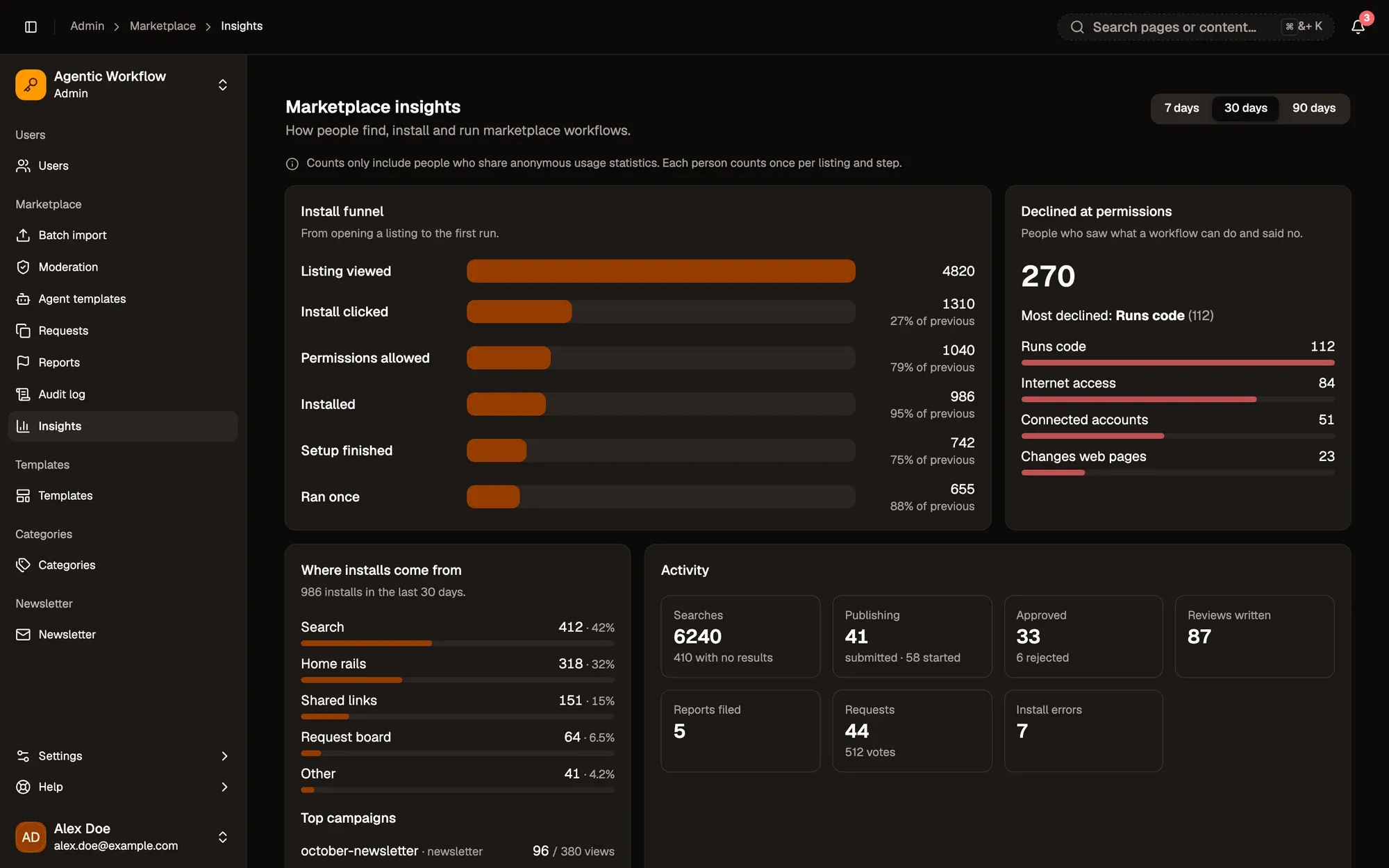
Insights (Admin panel › Marketplace › Insights) shows how people find, install and run Marketplace workflows. Pick 7 days, 30 days or 90 days at the top.
Numbered areas in the screenshot: 1. 7, 30 or 90 days; 2. Install funnel; 3. Declined at permissions; 4. Where installs come from; 5. Activity.
Install funnel: from opening a listing to the first run, through Listing viewed, Install clicked, Permissions allowed, Installed, Setup finished and Ran once. Each step shows what share of the previous step made it.
Declined at permissions: how often people said no after seeing what a workflow can do, broken down by capability such as Runs code, Internet access or Connected accounts.
Where installs come from: Search, Home rails, Shared links, Request board or Other, plus top campaigns when there are any.
Activity: searches (and how many found nothing), publishing, approvals and rejections, reviews, reports, requests and votes, and install errors.
Listings: each listing’s views, install rate, declined permissions, first runs and rating, most viewed first.
Values in red are worth a look. Hover them for the reason: few views turning into installs, many people declining the permissions, or few installs ever running.