AI models that run entirely in your browser (chat, vision, text and audio), installed once and used by Aria, agents and workflows. Nothing leaves your device.
Free · no usage costRuns and stays on this deviceNew in 0.8.0
In the app: sidebar › Local AI (or Settings › Local models)
Local AI is where you find, install and manage the AI models that run entirely in your browser. Once a model is installed it works offline, costs nothing per use, and no image, text or audio leaves your device. You pick a model; AWFlow picks the engine:
WebLLM: chat and text-generation models (Llama, Qwen, Phi and more) on WebGPU.
TensorFlow.js: vision, text and embedding models (MobileNet, COCO-SSD, toxicity, the Universal Sentence Encoder), WebGPU with a WebGL/WASM fallback.
transformers.js: the widest range of tasks (image classification, object detection, segmentation, depth, captioning, sentiment and zero-shot classification, question answering, summarization, translation, embeddings and Whisper speech-to-text) through ONNX on WASM.
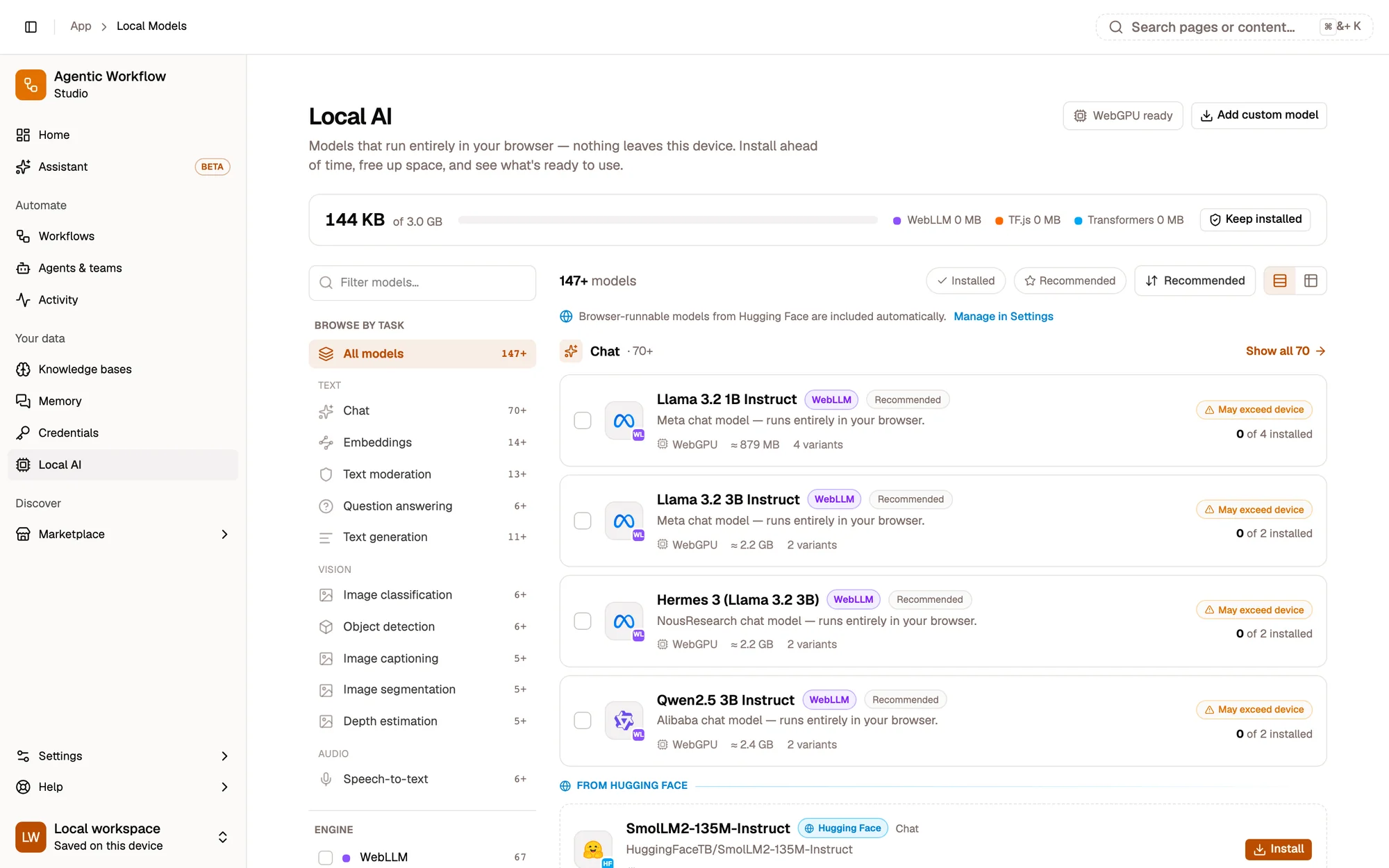
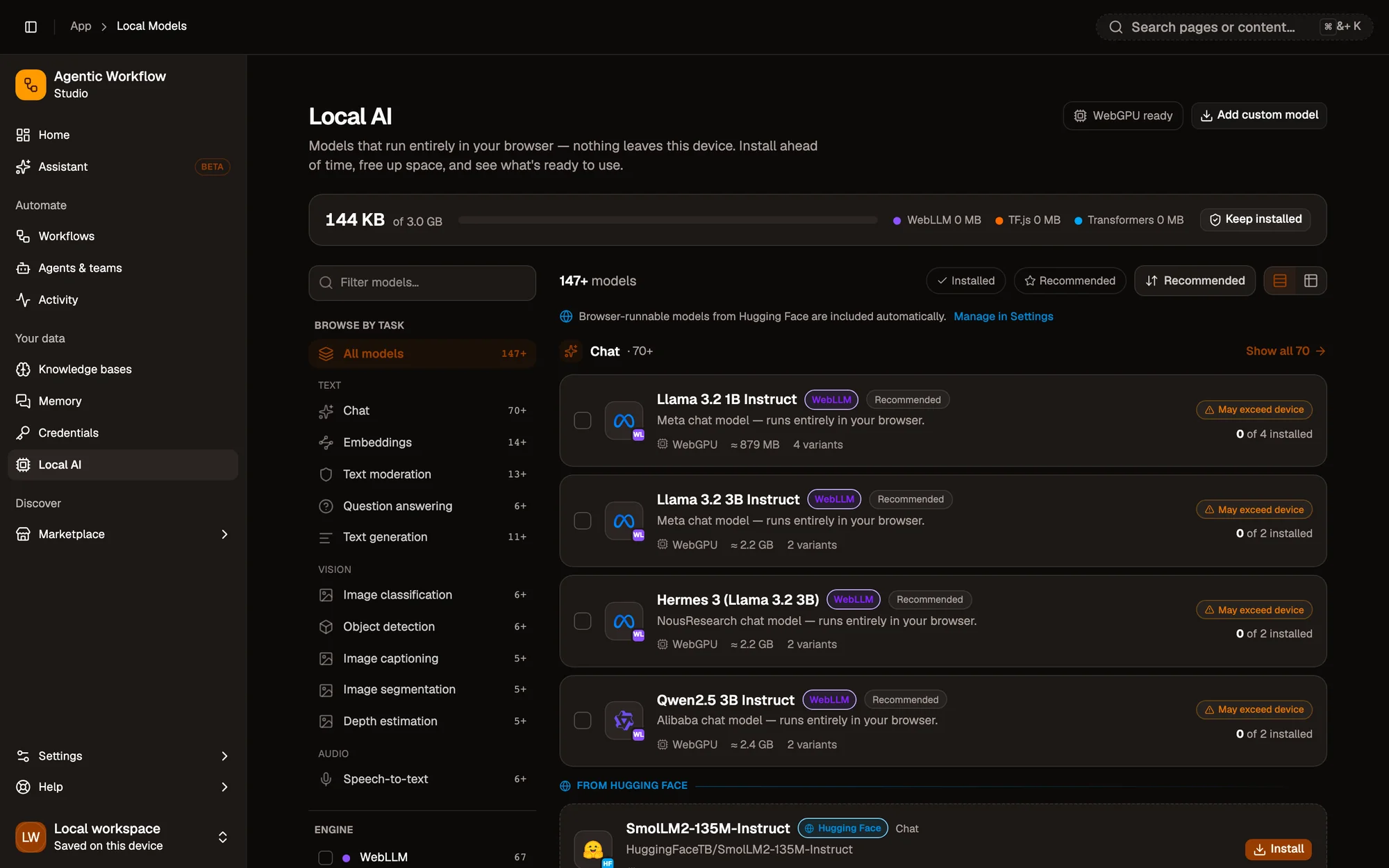
1234
1Storage header: space used, by engine
2Tasks
3Search and engine filter
4A model card: size, device fit and install state
Storage header. How much browser storage your models use, out of what’s available, and Keep models installed.
Tasks. Chat, Image classification, Object detection, Speech-to-text, Embeddings… each with Show all.
Search and engine filter. Narrow to WebLLM, TensorFlow.js or transformers.js.
A model card. Its size, its device fit and whether it’s installed, with Install, Test and the compare checkbox.
Pick an on-device model as Aria’s model, or Set default on a chat variant. In Ask mode, Aria can also classify an image, moderate text or transcribe audio with a local model and answer from the result. If no suitable model is installed, it tells you which kind to add.
An agent
Choose an on-device model on the builder’s Model tab, or turn on the On-device AI skill. See Agent skills.
Beyond the built-in list, Add custom model takes any MLC-compiled WebLLM model, a TensorFlow.jsmodel.json, or a transformers.js model id with an ONNX build. AWFlow detects its task, and you confirm that you trust the source before it downloads. Step by step.