Change the search engine (re-embed)
Section titled “Change the search engine (re-embed)”A knowledge base always searches with the embedding model it was built with, because vectors from different models can’t be compared. To move it to another model, for example from a cloud model to an on-device one:
Open the knowledge base and go to its Settings tab.
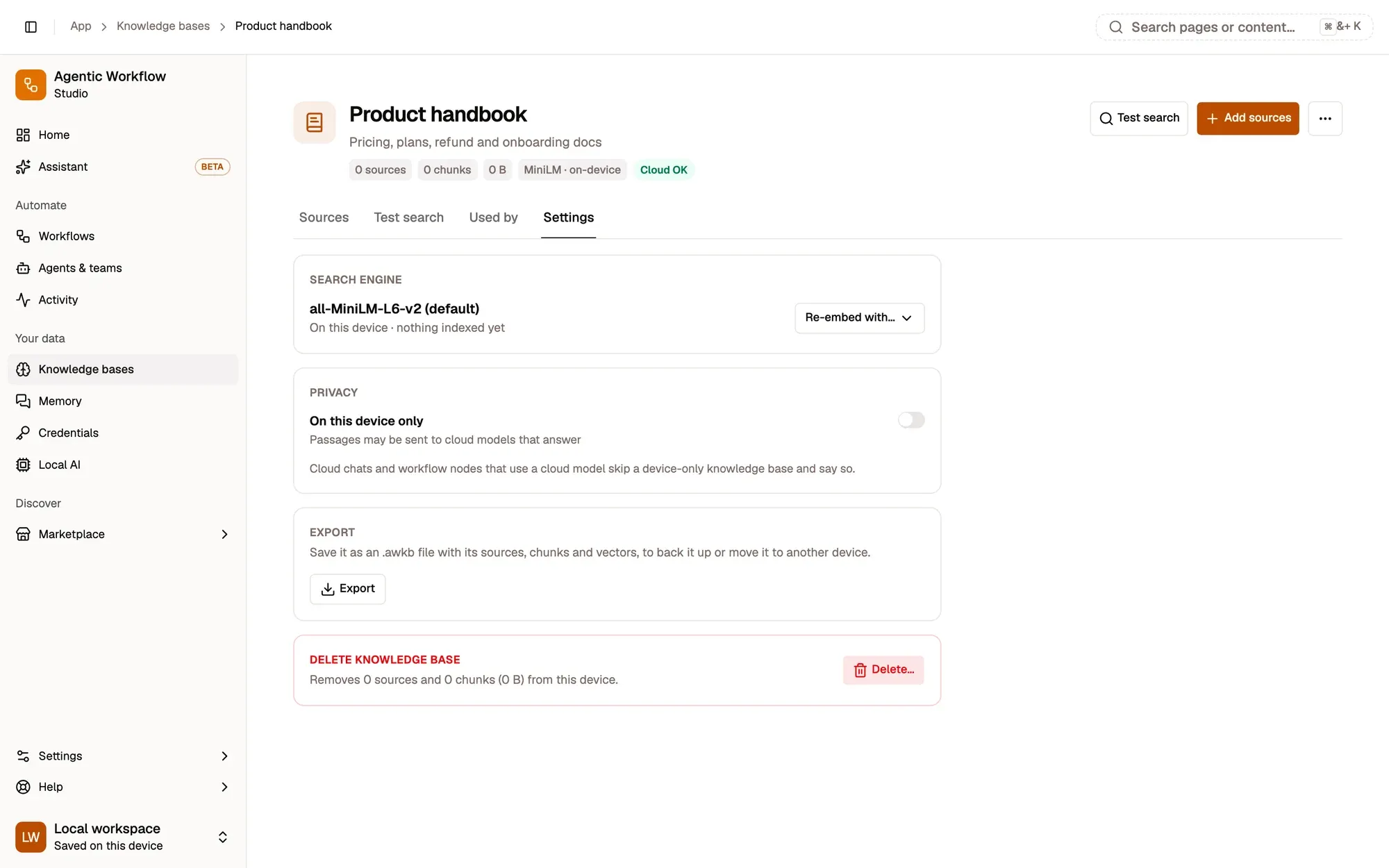
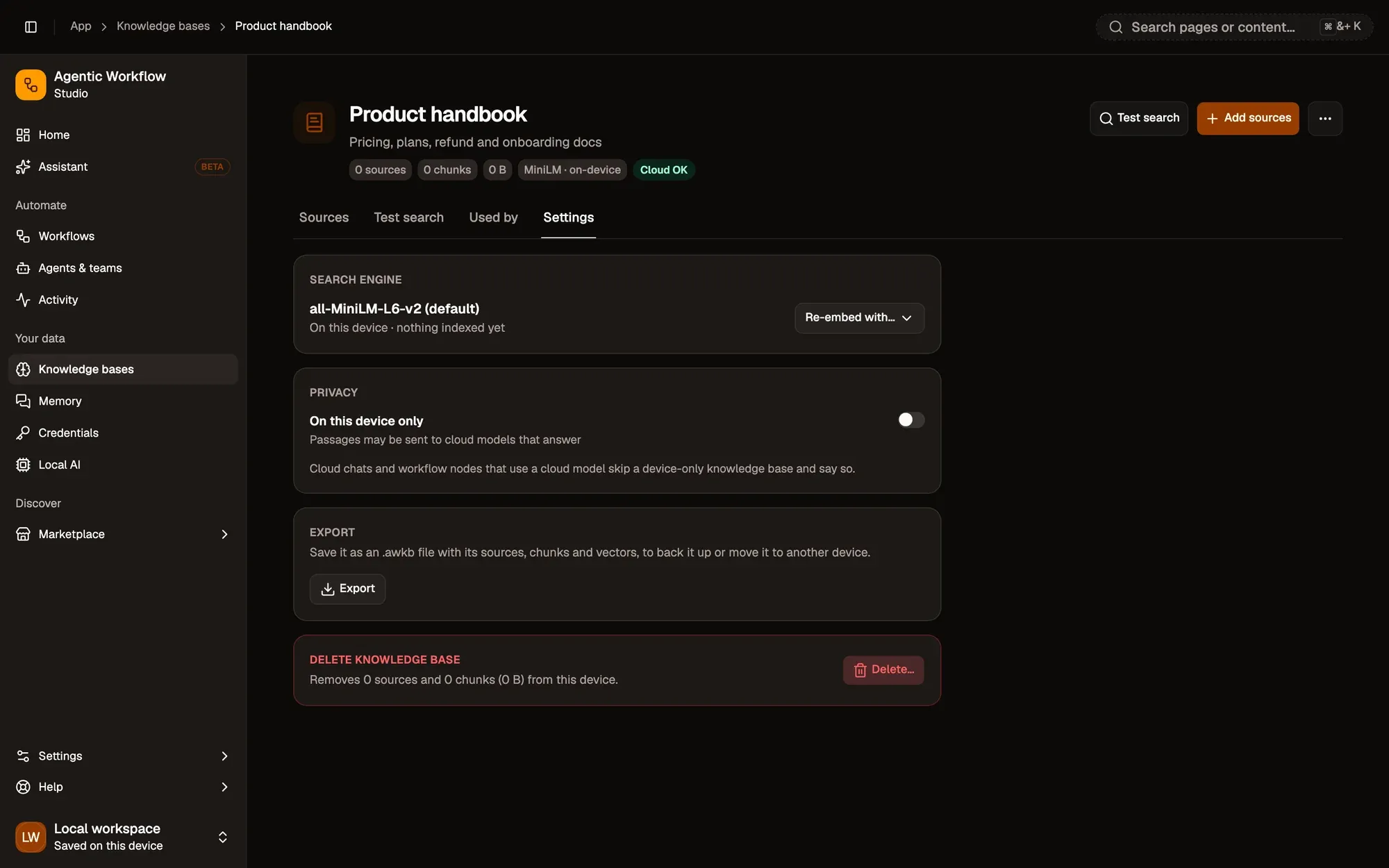
Numbered areas in the screenshot: 1. Settings tab; 2. Re-embed with…; 3. Export.
Wait for the progress to finish. You can leave the page; the job continues.
While it runs, searches keep using the old model. The knowledge base switches only when every passage has been embedded again. If you stop it or it fails, it stays on its old model and the partial copy is removed.
Delete a knowledge base
Section titled “Delete a knowledge base”Choose Delete in the knowledge base’s menu, or Delete… at the bottom of its Settings tab (shown above). The dialog shows the impact before anything happens:
- how many sources and chunks are removed, and how much space is freed on this device;
- who stops finding its passages (Aria, agents, projects, teams, chats);
- which workflows will fail until you pick another knowledge base in their Local Knowledge node.
Type the name to confirm. Export first downloads an .awkb copy before deleting. Deleting removes all its passages from this device and unpins it from every agent, project, team and chat.
Project files use the same engine
Section titled “Project files use the same engine”Files you add to a project are indexed by the same engine, in a hidden knowledge base that belongs to the project. It doesn’t appear on the knowledge bases page and is deleted with the project. Files indexed before this change are moved over the first time you open the project.