In the app: Settings › Health
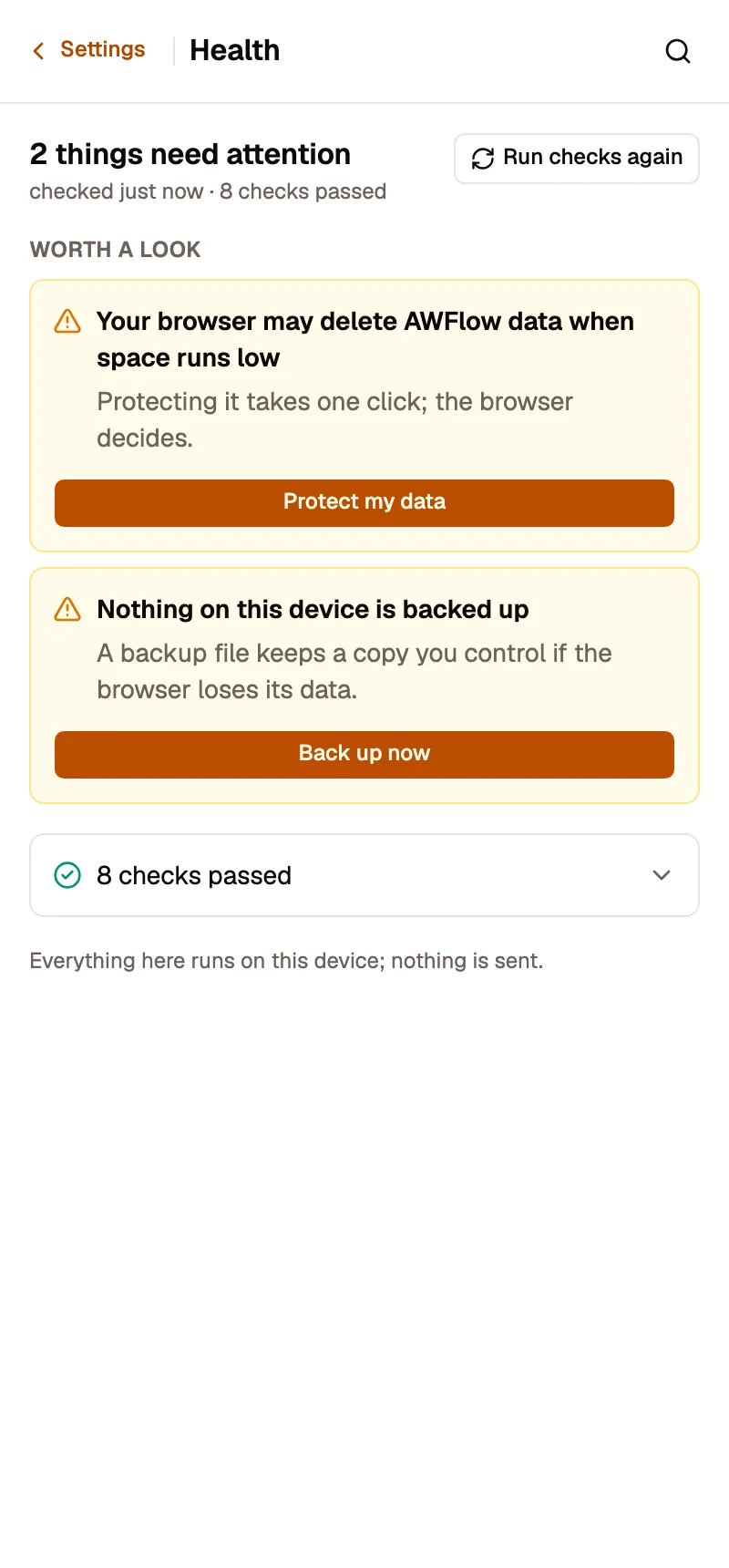
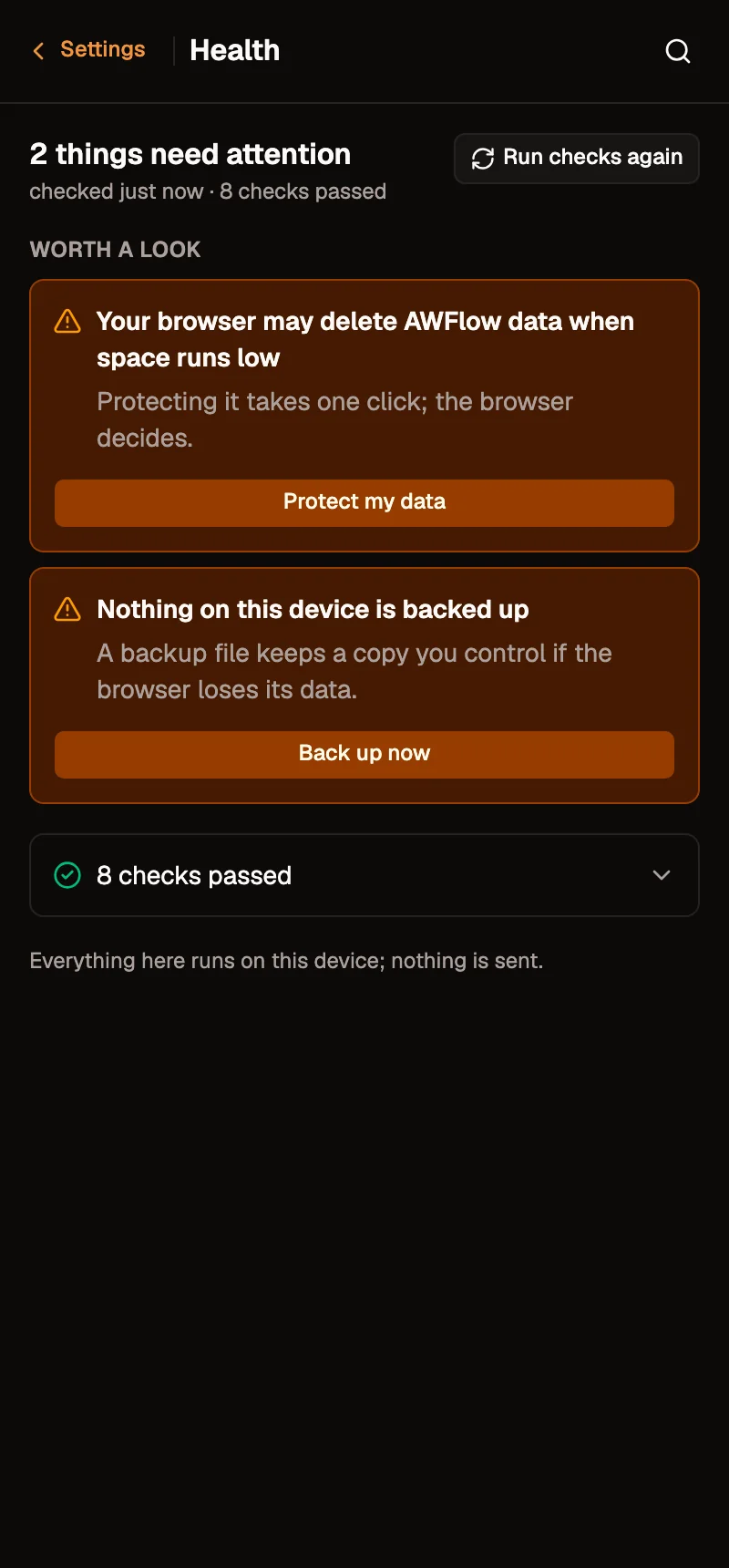
Health answers one question: is my setup safe? Every check runs when you open the page, on this device, in a few seconds. Nothing is sent anywhere.
What it checks
Section titled “What it checks”| Check | What it looks for | The fix it offers |
|---|---|---|
| Connections without a passphrase | Connections kept on this device that aren’t protected by the secret vault | Set up a passphrase |
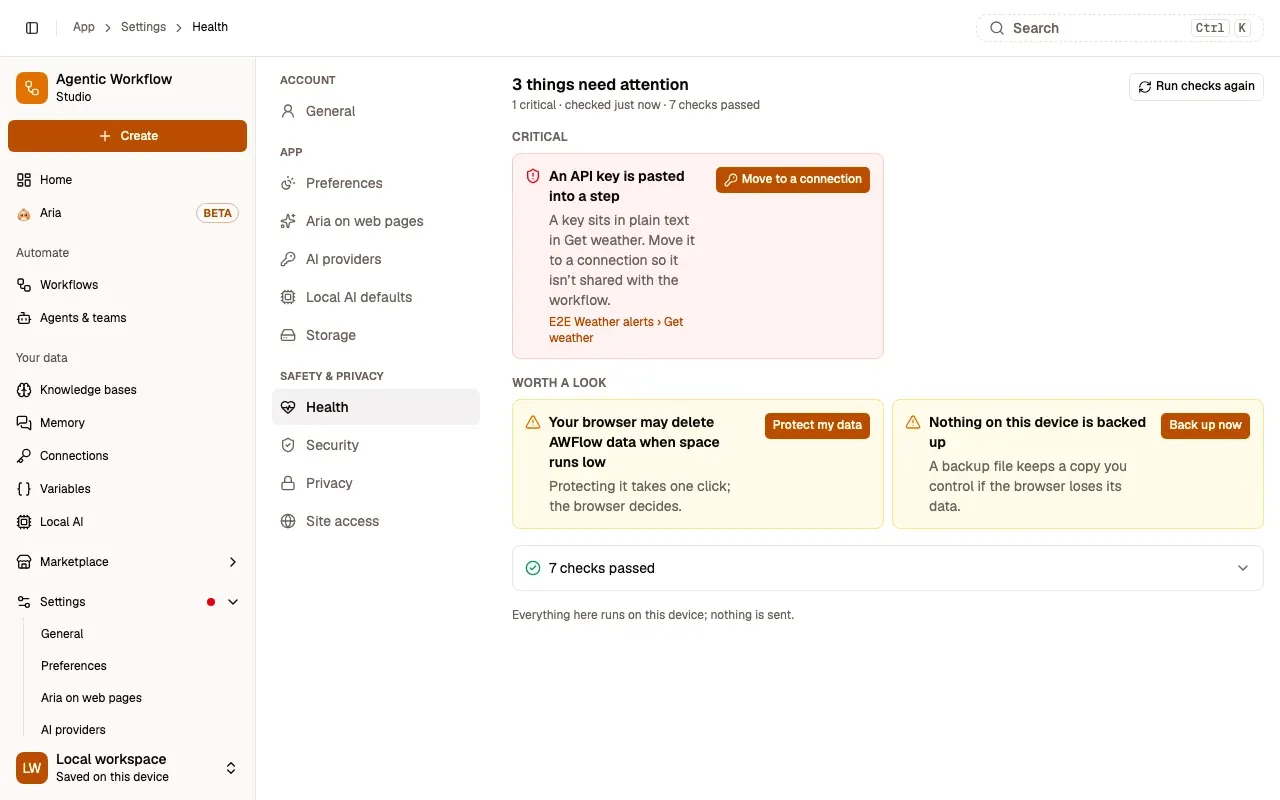
| Keys pasted into steps | An API key typed in plain text into a step’s settings | Move to a connection (see below), or Open the step |
| Browser may delete data | The browser hasn’t promised to keep AWFlow’s data when space runs low | Protect my data |
| No recent backup | No backup in the last 30 days | Back up now |
| Workflows failing on their own | A scheduled workflow that failed its last 5 runs | Open the last failed run, or Turn off |
| Storage almost full | AWFlow uses 85 % or more of the space your browser allows | Open Storage |
| Withdrawn marketplace workflows | A workflow you installed was withdrawn from the marketplace; it no longer runs | Open the workflow |
| Active workflows with disabled steps | A workflow that is On has disabled steps, which background runs skip | Open the workflow |
| Fields that refer to a missing step | A field reading $('Name') of a step that no longer exists |
Open the step |
| Very large workflows | A workflow with so many steps it may open slowly | Open the workflow |
| Site access nothing uses | AWFlow can read pages on a site no workflow needs any more (extension only) | Remove access |
Move a key to a connection
Section titled “Move a key to a connection”Move to a connection (in Health, and in the canvas’s Workflow doctor) does the move in one sheet, Move the key to a connection:
- Found: where the key was (a header, a Bearer token, or a parameter in the address), masked: the key is never shown in full.
- Connection type, guessed from where it sat, and the connection’s name.
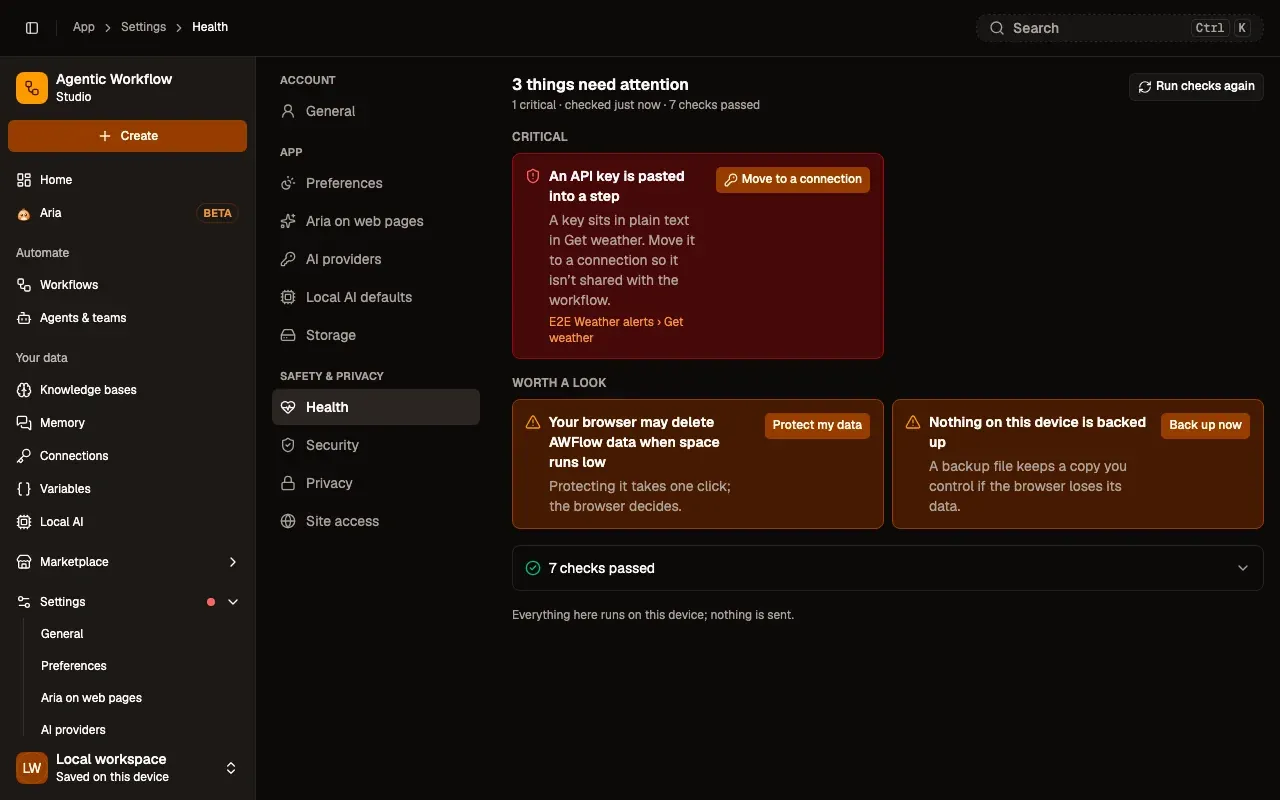
Step 1: Press Move to a connection
On the card An API key is pasted into a step.
Step 2: Check it and press Move
The sheet shows where the key was (masked) and the connection it makes.
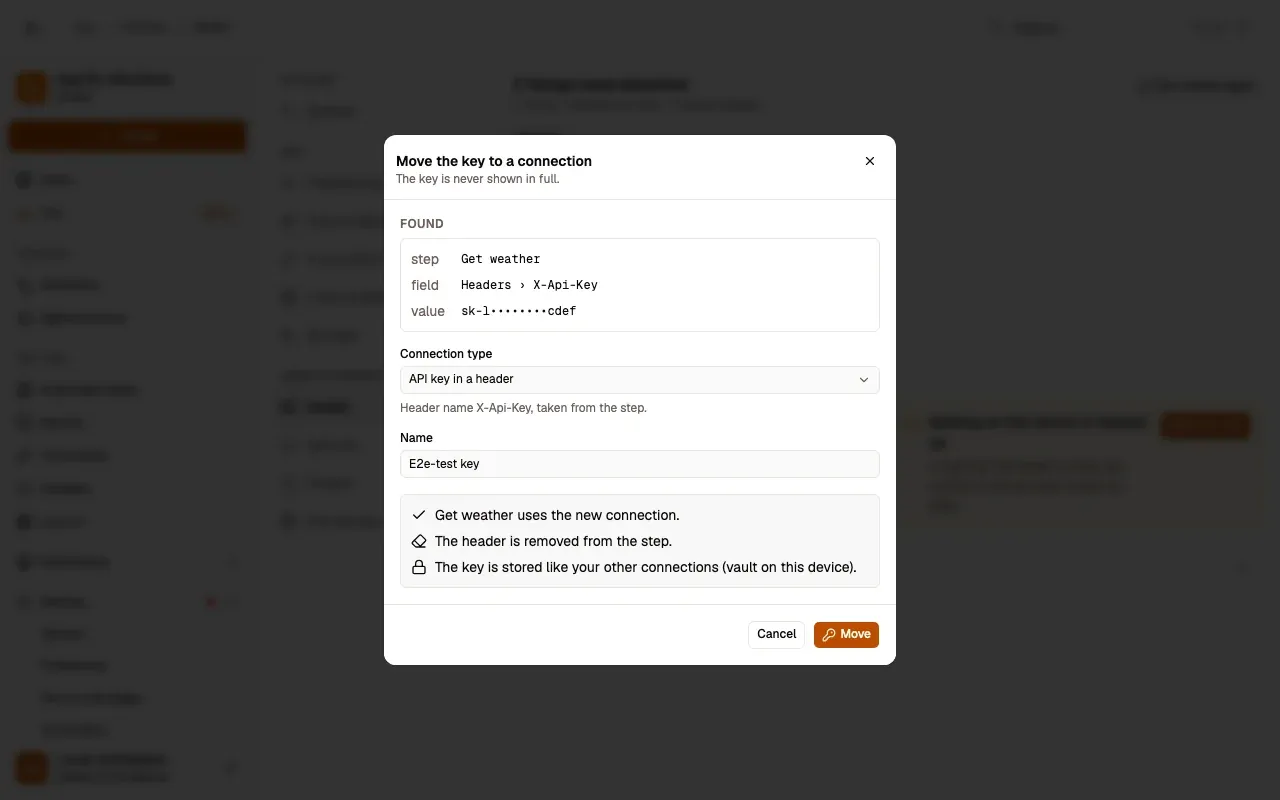
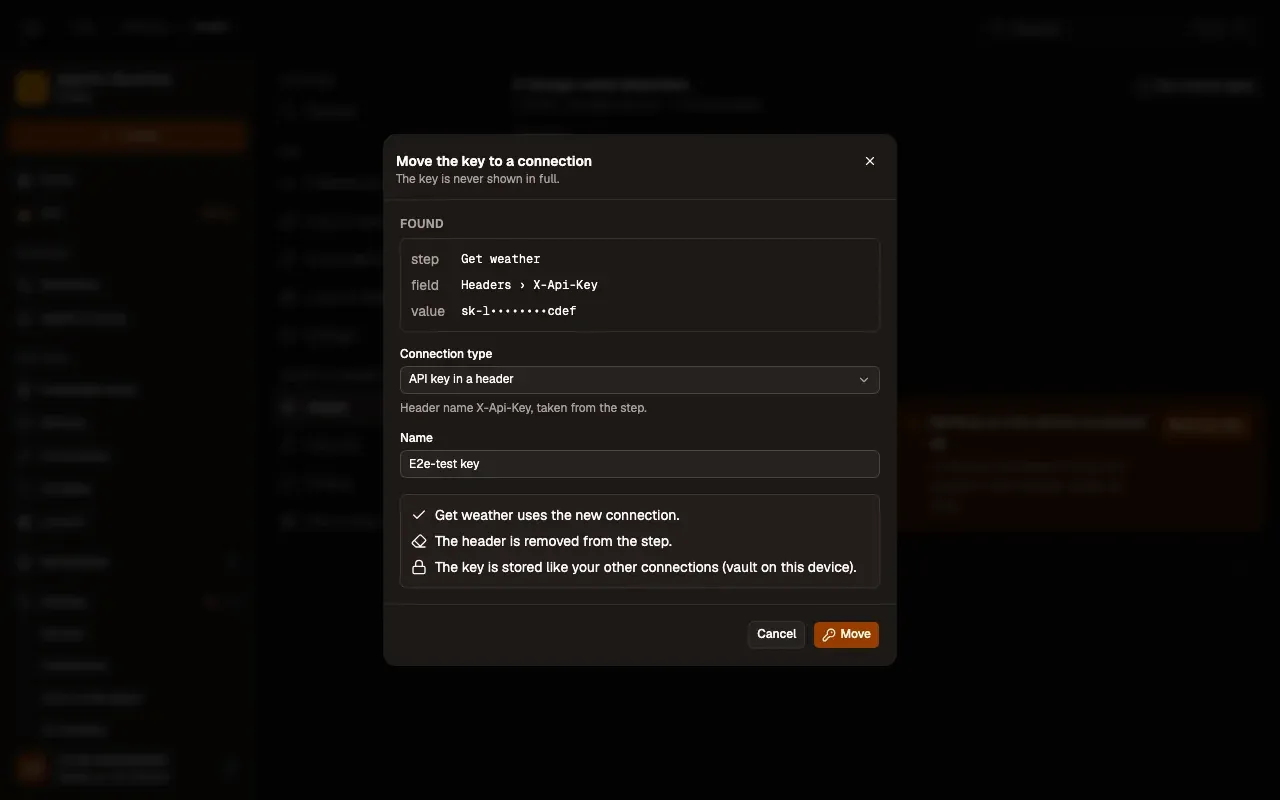
Check: the step uses the new connection, and the key is gone from it.
Move creates the connection (stored like your other connections, in the vault on this device, and limited to the step’s site), points the step at it and removes the field from the step, with Undo. If the workflow was published to the Marketplace with the key inside, an amber note says so (was shared before): create a new key at the service and paste it into the connection.
How results are shown
Section titled “How results are shown”Findings are grouped by importance: Critical, Worth a look and For your information, each with a plain sentence and links to the items concerned. Checks that passed fold into one row at the end. A check that takes too long says Couldn’t check instead of guessing.
Fixes that change something (Turn off, Remove access) ask first and name exactly what they will do. After a fix, the check runs again.
Where you see it
Section titled “Where you see it”When something critical is found, a dot appears on Settings and Home shows a Critical · Health chip with the count. Results are kept for 10 minutes; Run checks again checks at once.
Related
Section titled “Related”- Storage: space used, backups and protection.
- Site access: the sites AWFlow may read.
- Privacy and your data.