While you build, you run the same workflow many times. A step that is slow, costs money (an AI call), or does something you don’t want to repeat (send an email) doesn’t have to run every time: keep its result, and your runs from the editor reuse it.
Keep a result
Section titled “Keep a result”- Run the step once (Run step, or run the workflow).
- In the step’s Output, press Keep this result. You can also use Keep this result in the step’s menu or its right-click menu on the canvas.
- The step gets a violet Kept result badge, and its settings show a banner.
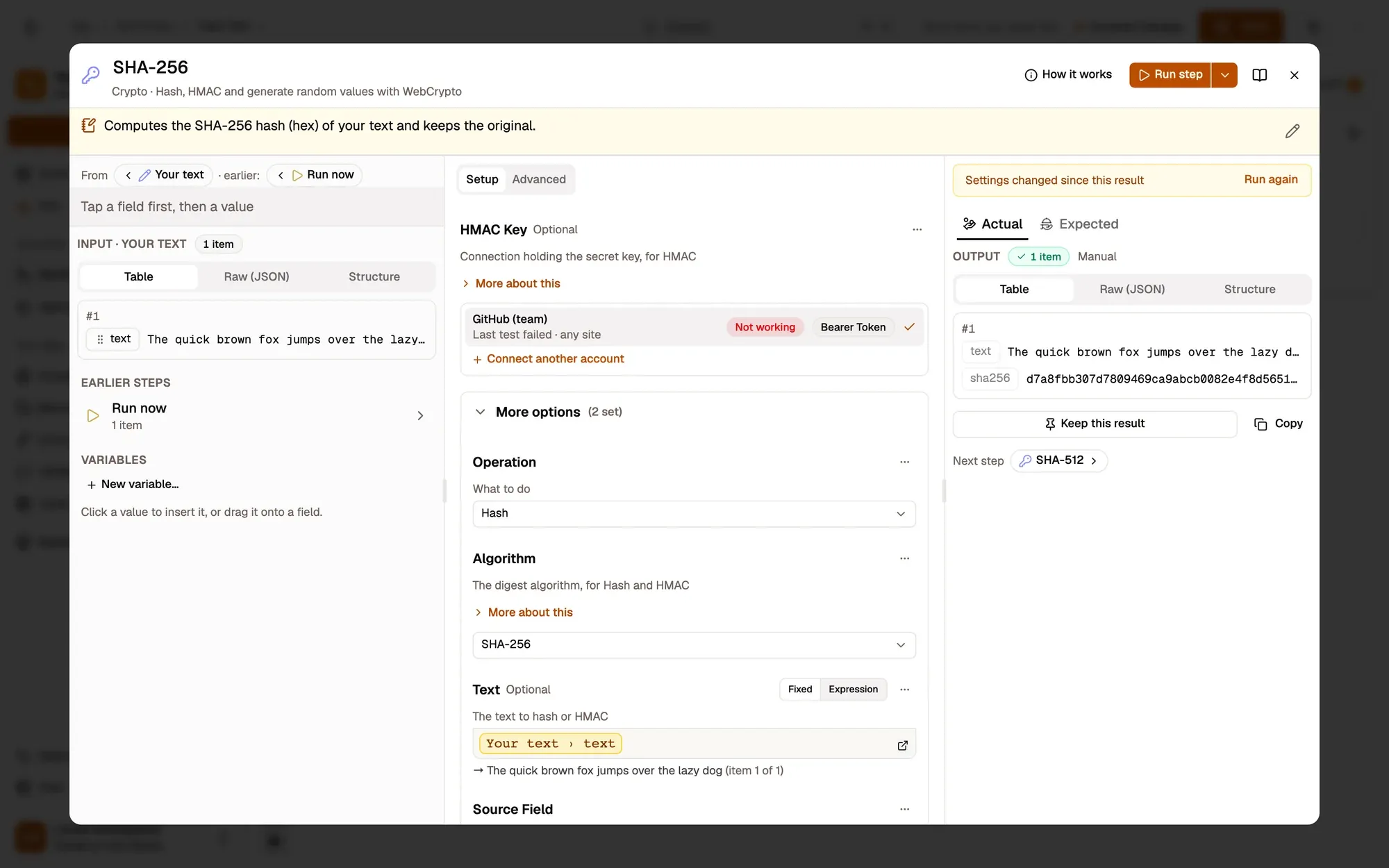
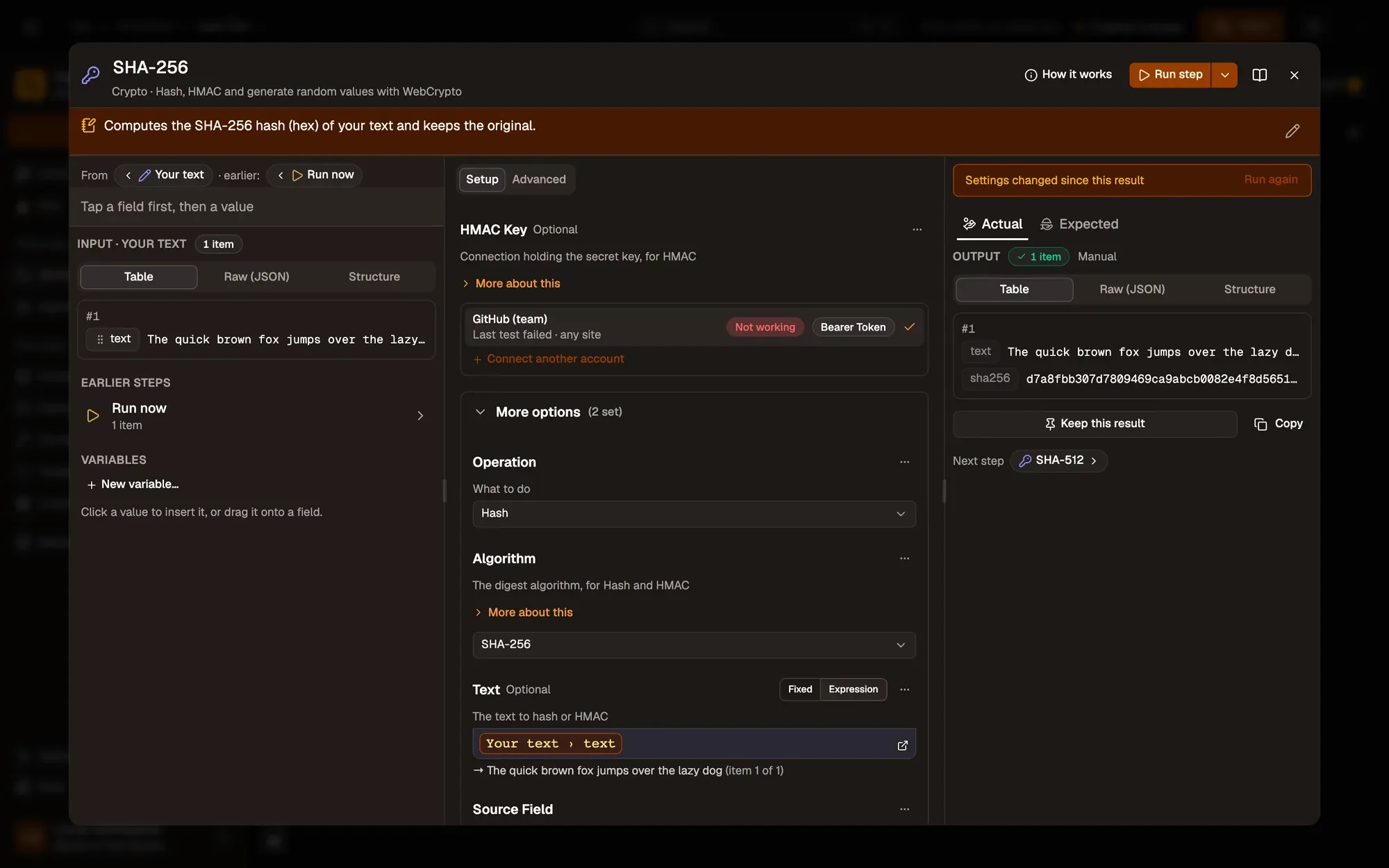
Numbered areas in the screenshot: 1. Keep this result.
From now on, runs you start in the editor (Run, Run step, Run from here) don’t run that step: they hand on its kept result and route on as after a real run. The run log says Used the kept result (24 items).
Change or stop keeping
Section titled “Change or stop keeping”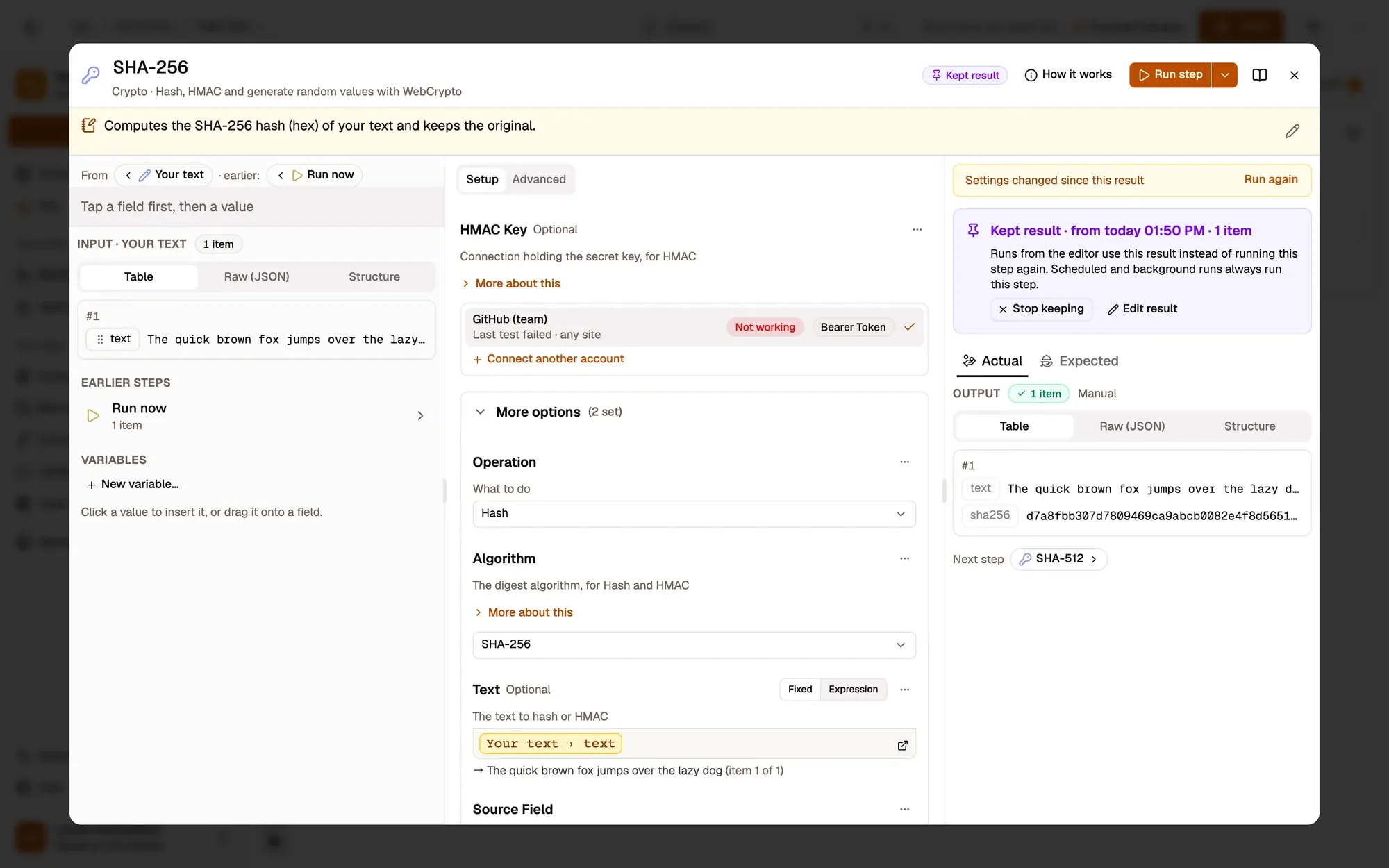
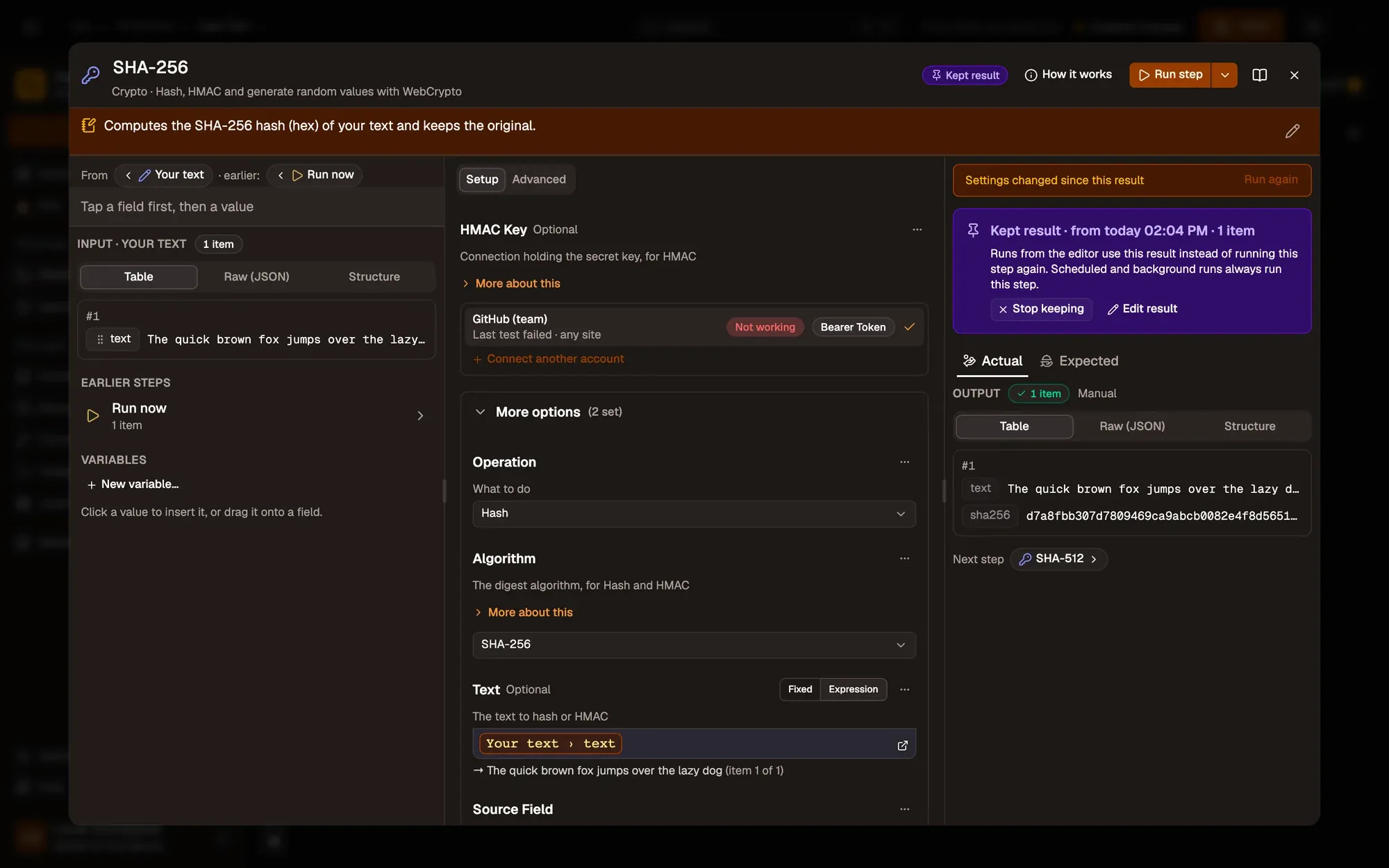
Numbered areas in the screenshot: 1. The Kept result banner; 2. Edit result; 3. Stop keeping.
- Edit result opens the kept result as JSON; it is checked when you save.
- Stop keeping goes back to running the step.
- Run step on a kept step asks Replace the kept result?: Run and replace runs it and keeps the new result.
A kept result can be up to 1 MB per step. A larger output says Too large to keep: 3.4 MB of 1 MB.
Ready to run reminds you, for example 1 step uses a kept result.
Only in the editor, only on this device
Section titled “Only in the editor, only on this device”- Kept results are used only by runs you start in the editor. Scheduled, triggered and background runs, and runs of a workflow called by another, always run every step.
- They are stored on this device, next to the workflow, never in the workflow itself. They are deleted with the workflow, and for a cloud workflow when you sign out.
- They are never shared: publishing, exporting a
.awffile and copying steps leave them out.
Related
Section titled “Related”- Run from here: run a step and what follows on earlier results.
- Run from the canvas.